
Folders
Folders organize your automations into logical groups for easier management and navigation within your account.
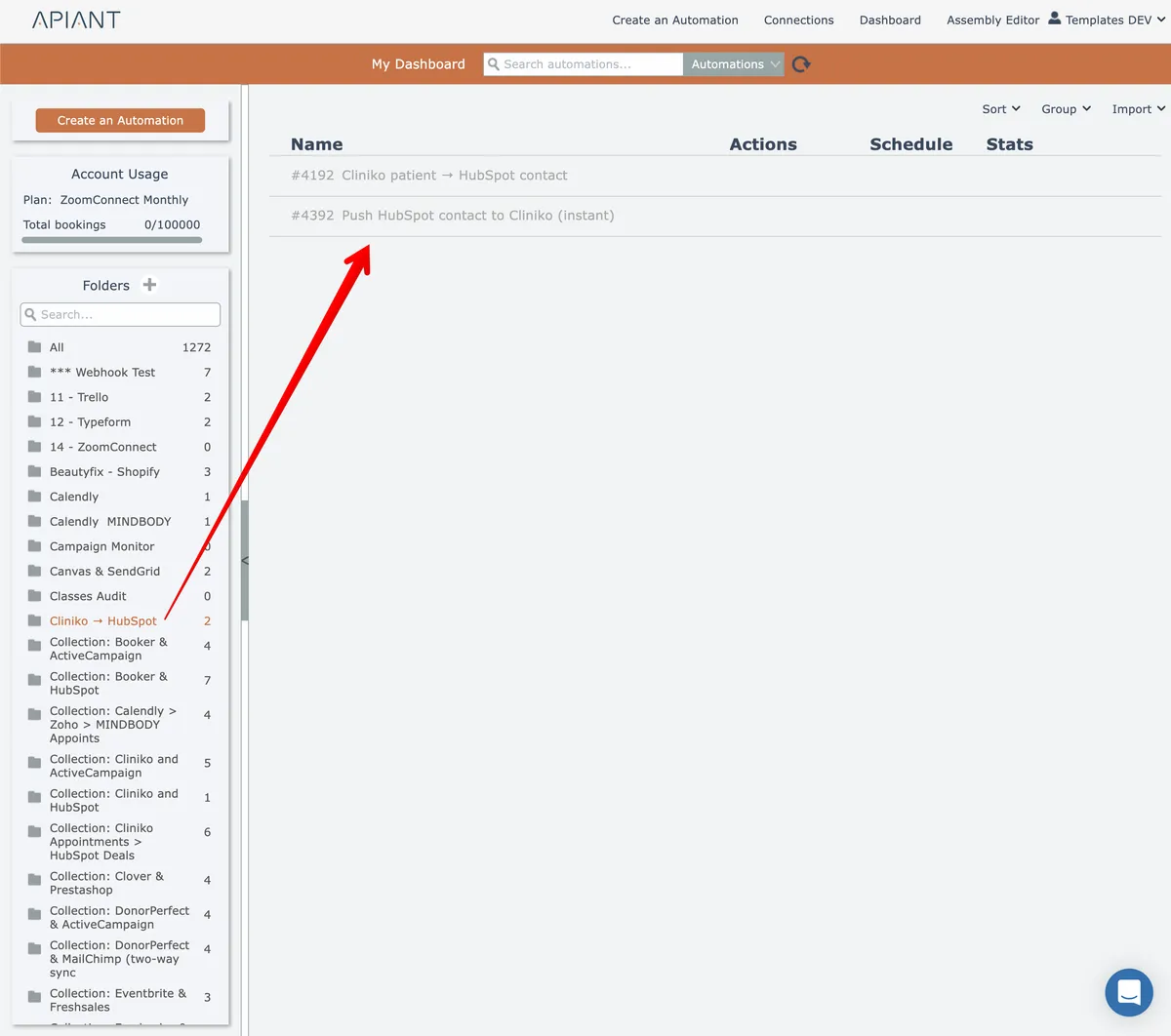
Automations can be grouped into folders:
In this section
Add a folder
Organize your workflows by creating new folders within the platform's file management system using the folder creation interface.
Delete a folder
Remove folders from your workspace using the gear menu. Automations within deleted folders are automatically moved to the All folder.
Determining an automation's folder
Viewing an automation's folder location helps you quickly identify where a specific automation is stored when browsing all automations.
Find a folder
Locate a specific folder quickly by typing into the search field, which filters results in real time as you enter text.
Move automation to a folder
Relocate automations between folders using the gear menu's Manage submenu and Move to Folder option to select a destination.
Rename a folder
Update a folder name by opening its gear menu and selecting rename, then enter the new name.