
Importing an automation
Restore previously exported automation files to your account using the Import menu, choosing between standard import to update existing automations or create new to duplicate them.
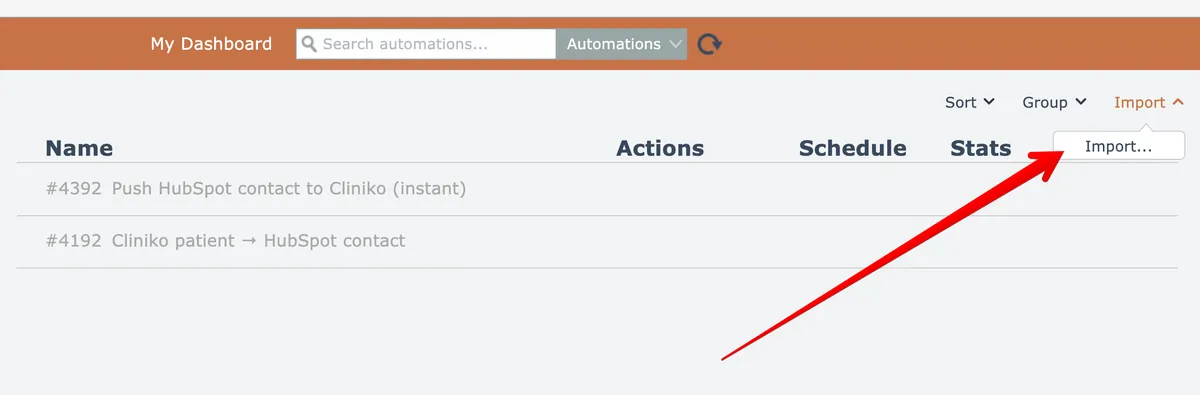
If you have a previously exported automation file and if your account has the "Import" permission, you can import that automation via the Import menu at the top right:
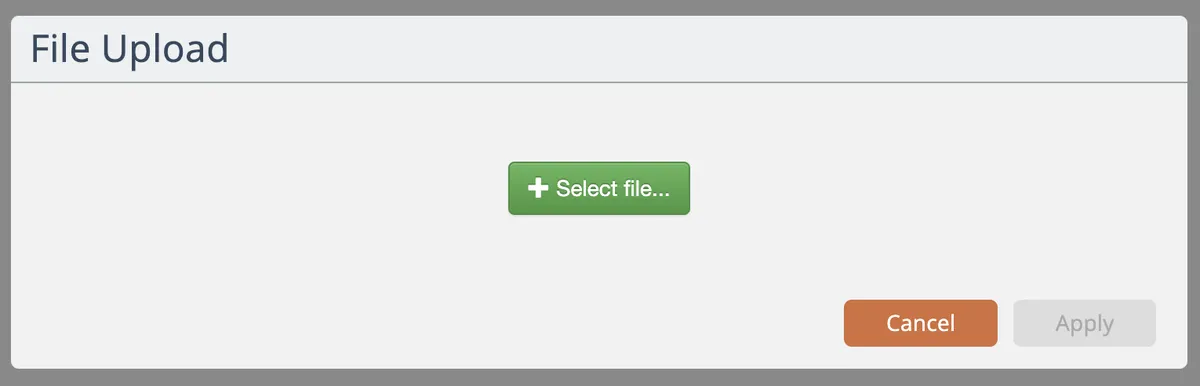
Select the file to upload and click the Apply button to upload it:
Finally, choose the import mode:
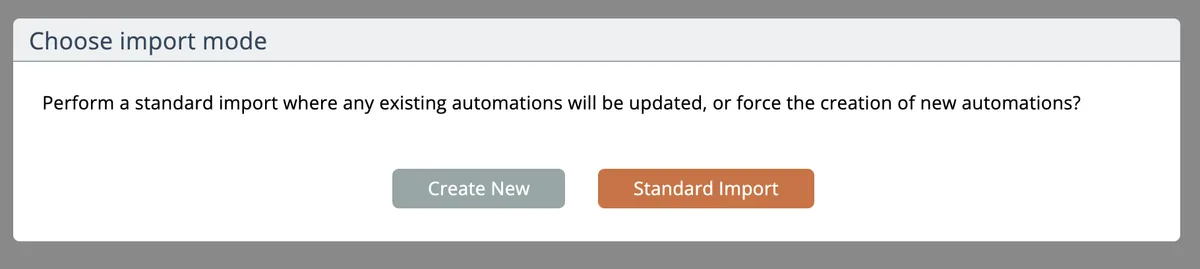
The Standard Import will retain the automation's unique identifiers when possible. If the same automation already exists in your account, it is updated if the export contains a newer version.
Choose the Create New option to force a new copy of the automation to be created.
All of the automation's referenced apps, triggers, actions, assemblies, and modules are included in the import file.
Any content in the system that is older than the imported content will be updated!
Do not use automation exports as an archive mechanism!
New system releases may not support old versions of exported files.