
Dashboard
Central hub for viewing, organizing, and managing all your automation workflows in one place.
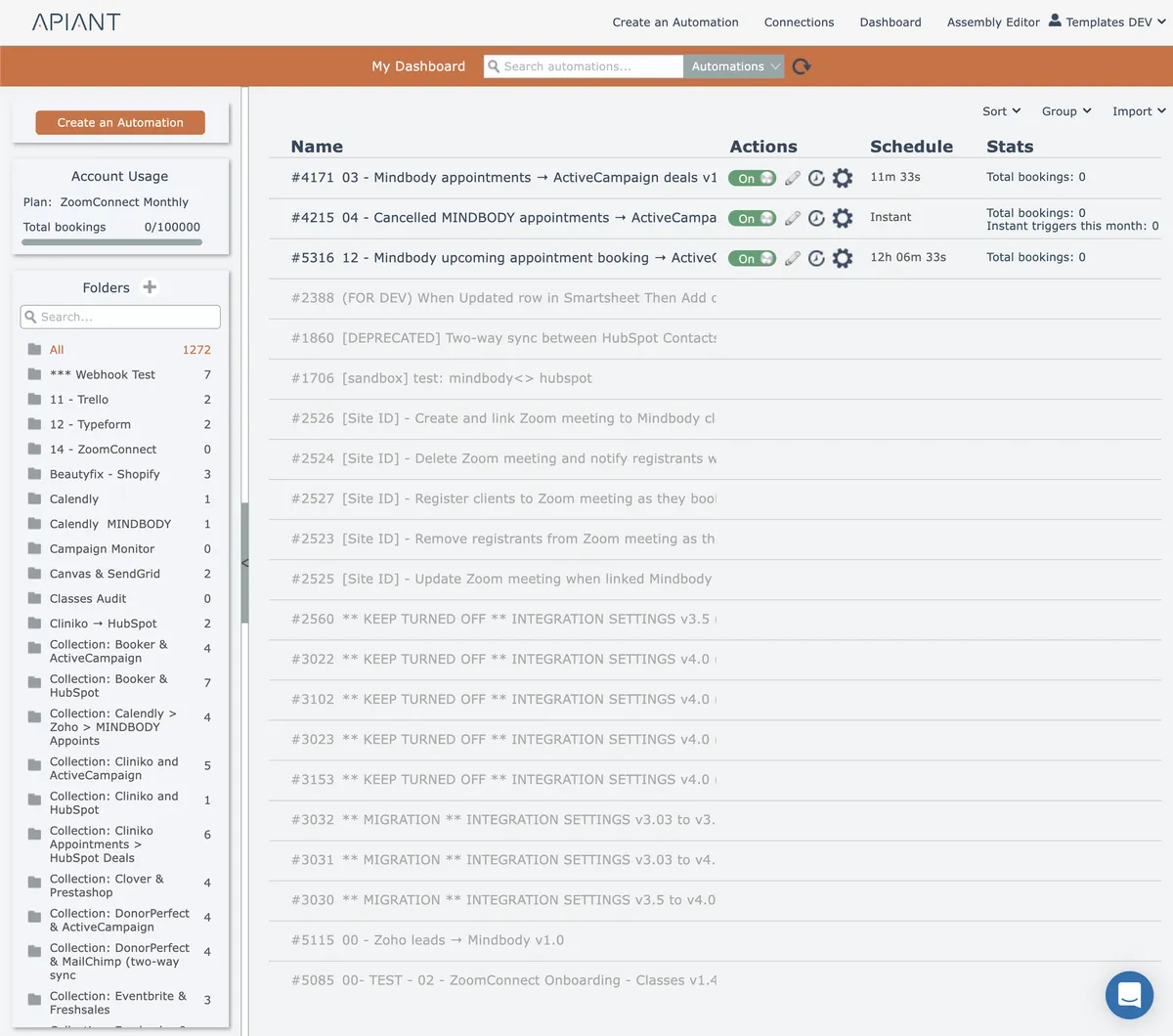
The dashboard is the first screen displayed when the automation editor loads. The dashboard lets you manage all your automations.
In this section
Automation list
Easily navigate automations on your dashboard with a user-friendly scrollable list. Get instant access to active and inactive automations for efficient management.
Folders
Folders organize your automations into logical groups for easier management and navigation within your account.
Group actions
Group menu options enable bulk operations on the currently selected folder and its contents through actions accessible from the top right interface.
Importing an automation
Restore previously exported automation files to your account using the Import menu, choosing between standard import to update existing automations or create new to duplicate them.