
Unlinking deployed automations
Disconnecting deployed automations from their parent instances to prevent automatic updates and preserve account-specific customizations made to child automations.
When automations are deployed to accounts, they can optionally be linked. See Deploying automations
Linked automations appear with a link icon in the dashboard:
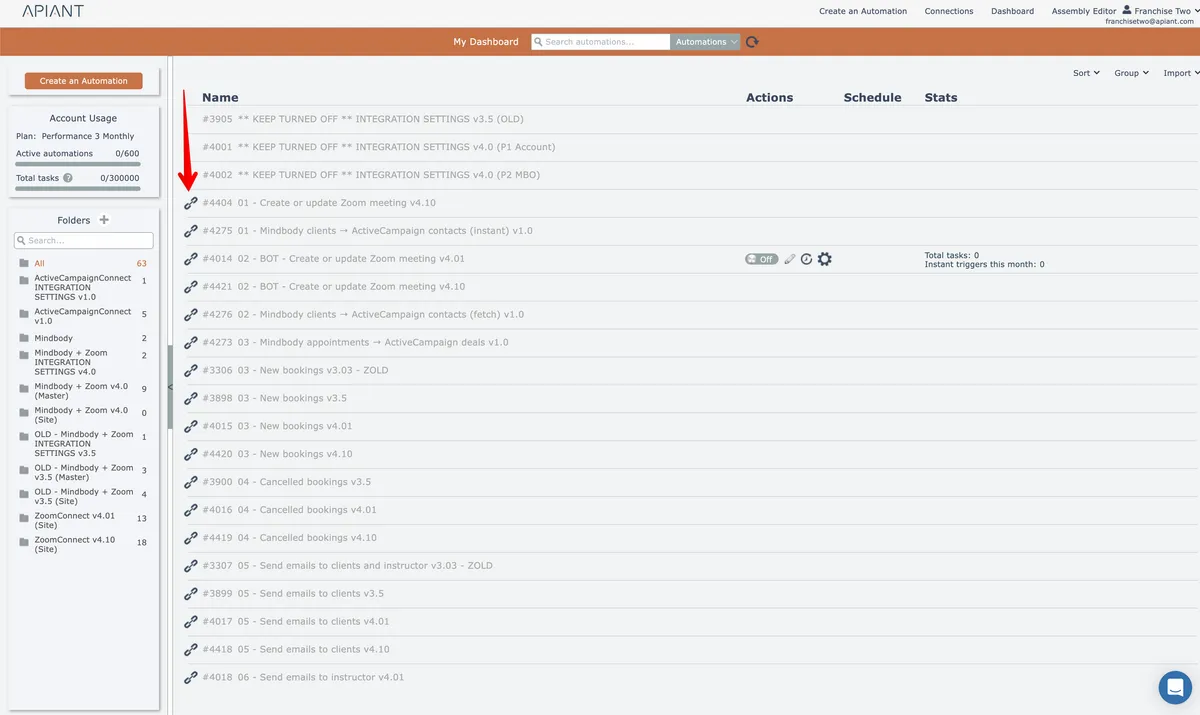
The link icon is only visible to someone who uses switch account functionality to switch into the destination account. This will either be a support person or the account holder who initially deployed and linked the automation.
A linked automation is updated if its parent automation is redeployed to the account.
It may be desirable to unlink the automation, to prevent future redeployments from updating the automation. This may be needed when account-specific customizations are made to the linked child automation and you want it to become its own standalone copy.
To unlink an automation, click its link icon. A confirmation will appear:
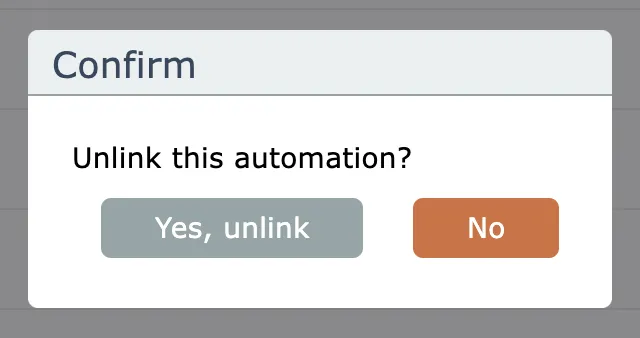
Once unlinked, the automation cannot be re-linked!