
GuidePlatform UI (Fallback)v1
Move automation to a folder
Relocate automations between folders using the gear menu's Manage submenu and Move to Folder option to select a destination.
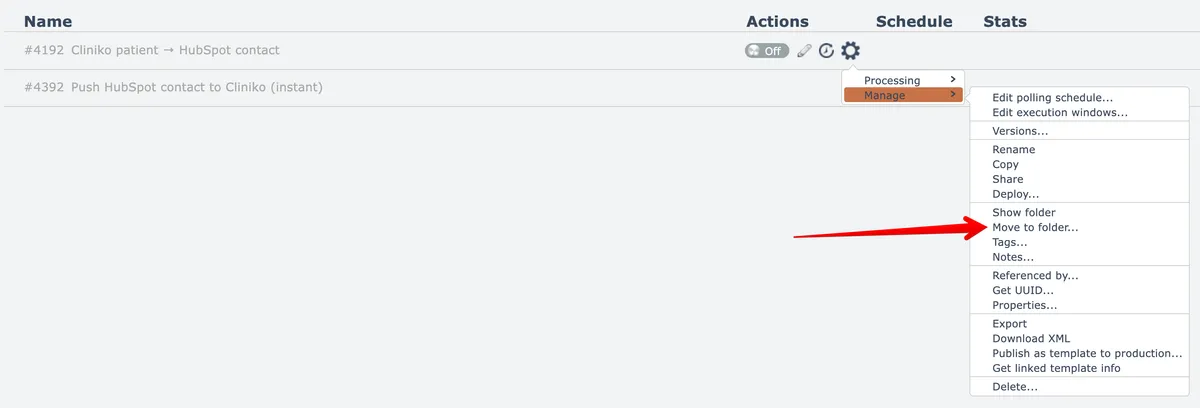
To move an automation to a folder, open the automation's gear menu, open the Manage submenu, then choose the Move to Folder option:
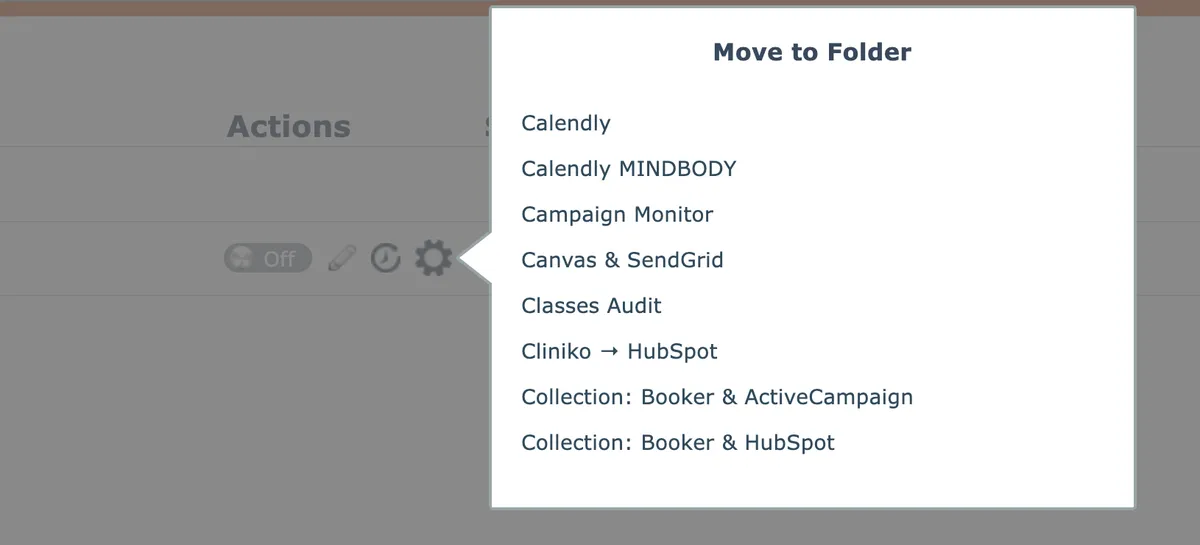
Then select the destination folder from the scrollable list of folders:
Related docs
Last updated May 4, 2026