
GuidePlatform UI (Fallback)v1
Delete a folder
Remove folders from your workspace using the gear menu. Automations within deleted folders are automatically moved to the All folder.
To delete a folder, hover over the desired folder in the list and open its gear menu, then choose the Delete option:
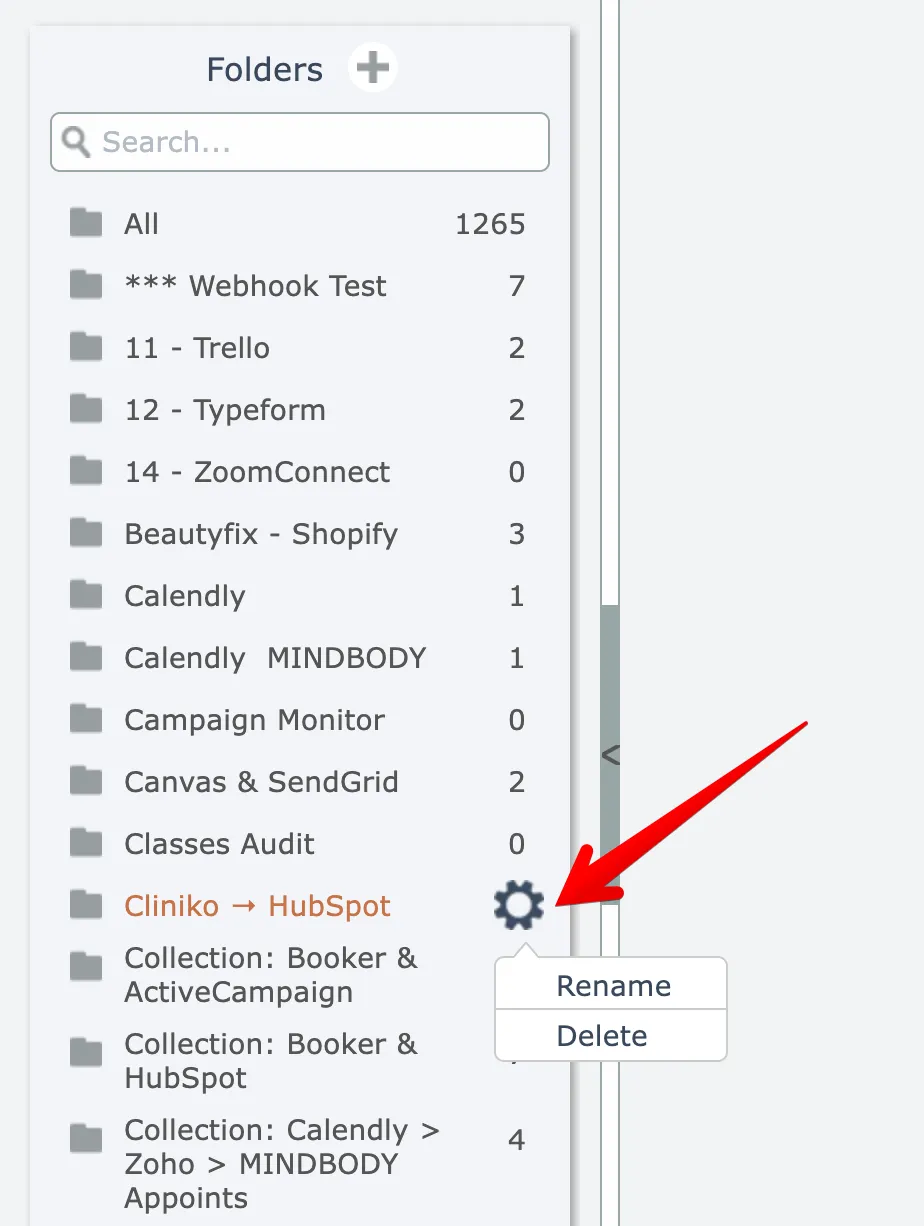
The folder is immediately deleted.
Any automations within the folder are not deleted, they are just moved to the "All" folder.
Related docs
Last updated May 4, 2026