
Searching
Search within automations using the editor's search bar to locate matching content across your automation workflows.
The automation editor lets you search to find matching content within your automations.
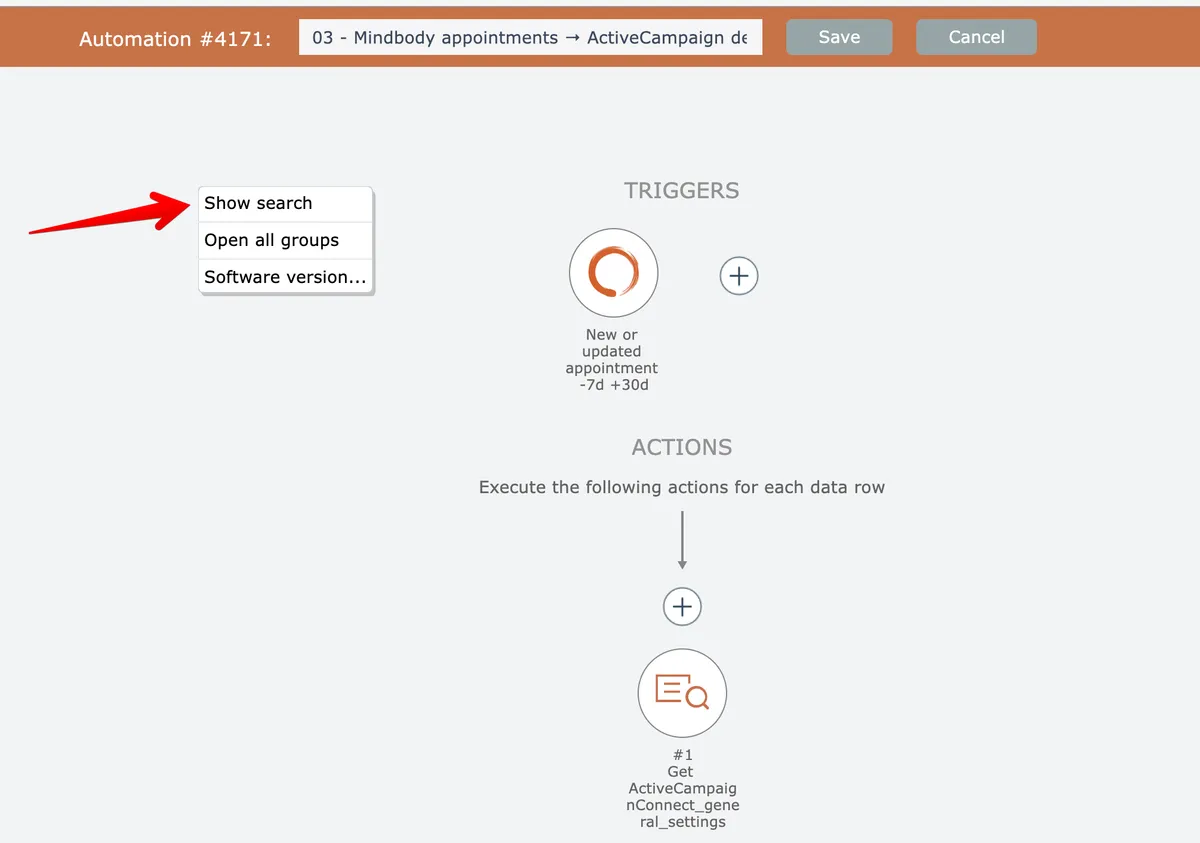
To open search, right-click on the editor's background and choose the "show search" option, or press Control-F:
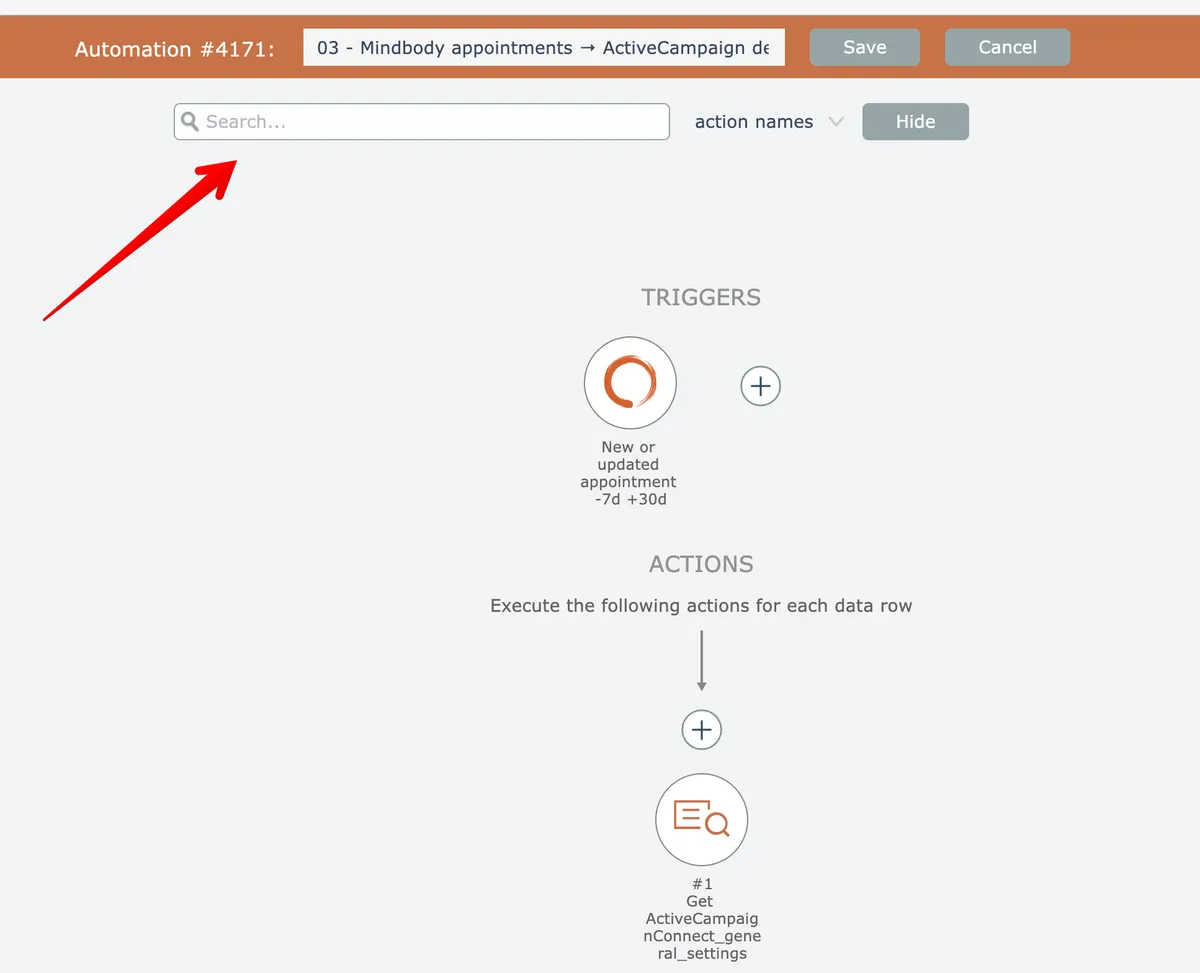
The editor's search bar will appear:
In this section
Replace text in action field mappings
Use the find-and-replace feature to update text across multiple action field mappings simultaneously in your automation workflows.
Replace text in action names
Search for specific text in action names across your automation, then replace all instances with new text in a single operation.
Search by action name
Locate actions within your workflows by searching for their names, with automatic expansion of groups and navigation between matches using arrow buttons or keyboard shortcuts.
Search by action setting
Search automations for actions with specific named settings and values, like finding all actions where scope is set to My account.
Search by field mappings (cloned)
Locate actions containing specific values in their input field mappings by searching across automation configurations.
Search by field names
Locate actions within an automation by searching for specific input field names, with navigation controls to move between matching results.
Search by step number
Use step numbers to quickly locate specific steps in large automation diagrams by entering the number in the search field to highlight and navigate to that step.