
GuidePlatform UI (Fallback)v1
Search by step number
Use step numbers to quickly locate specific steps in large automation diagrams by entering the number in the search field to highlight and navigate to that step.
Each step in an automation has a unique step number. That number can be used to quickly find an item, especially in a large diagram with many steps.
See Copying a step number to obtain a step number.
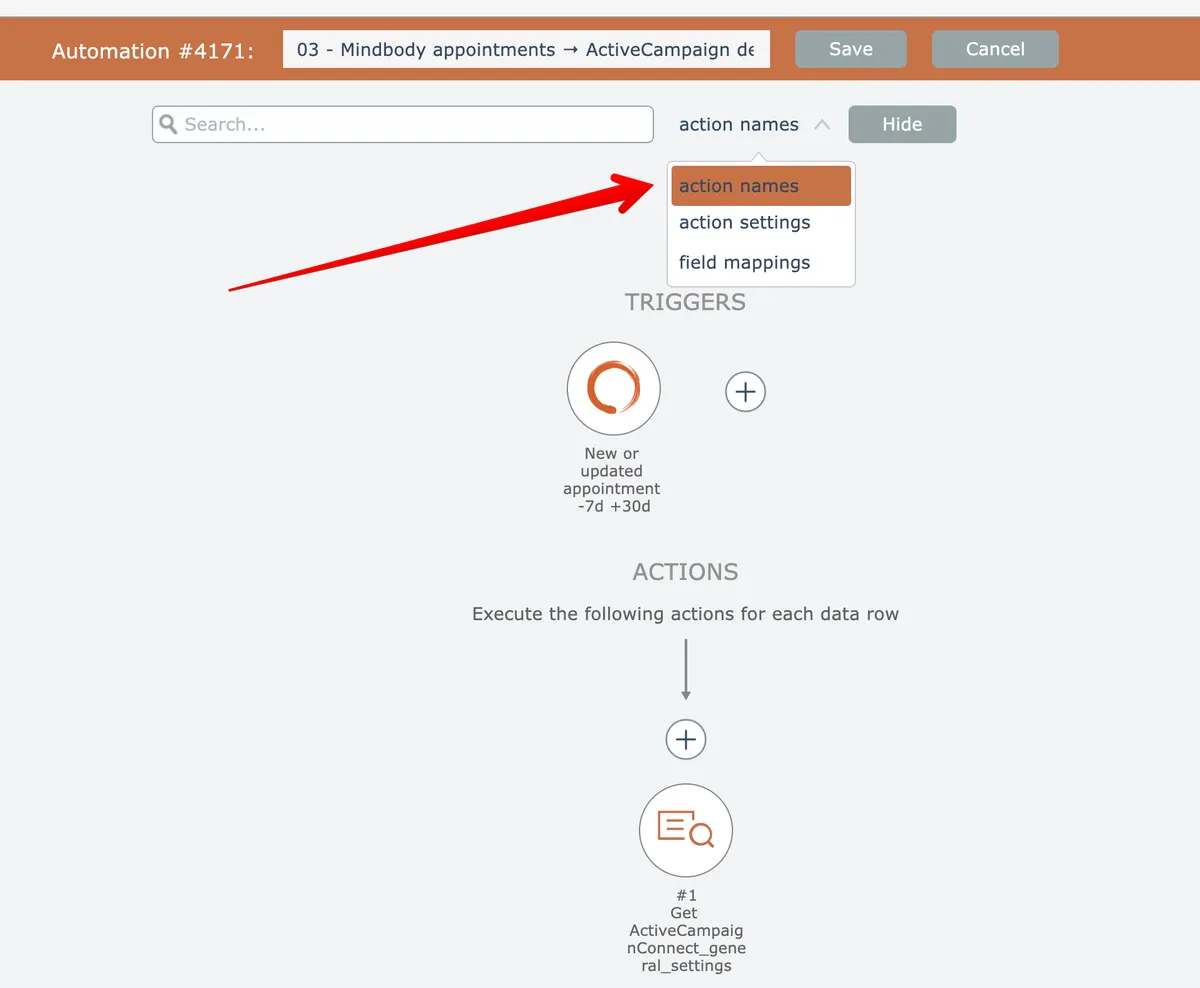
To search by step number, first open the search (see Searching) and select "action names" as the search criteria if needed:
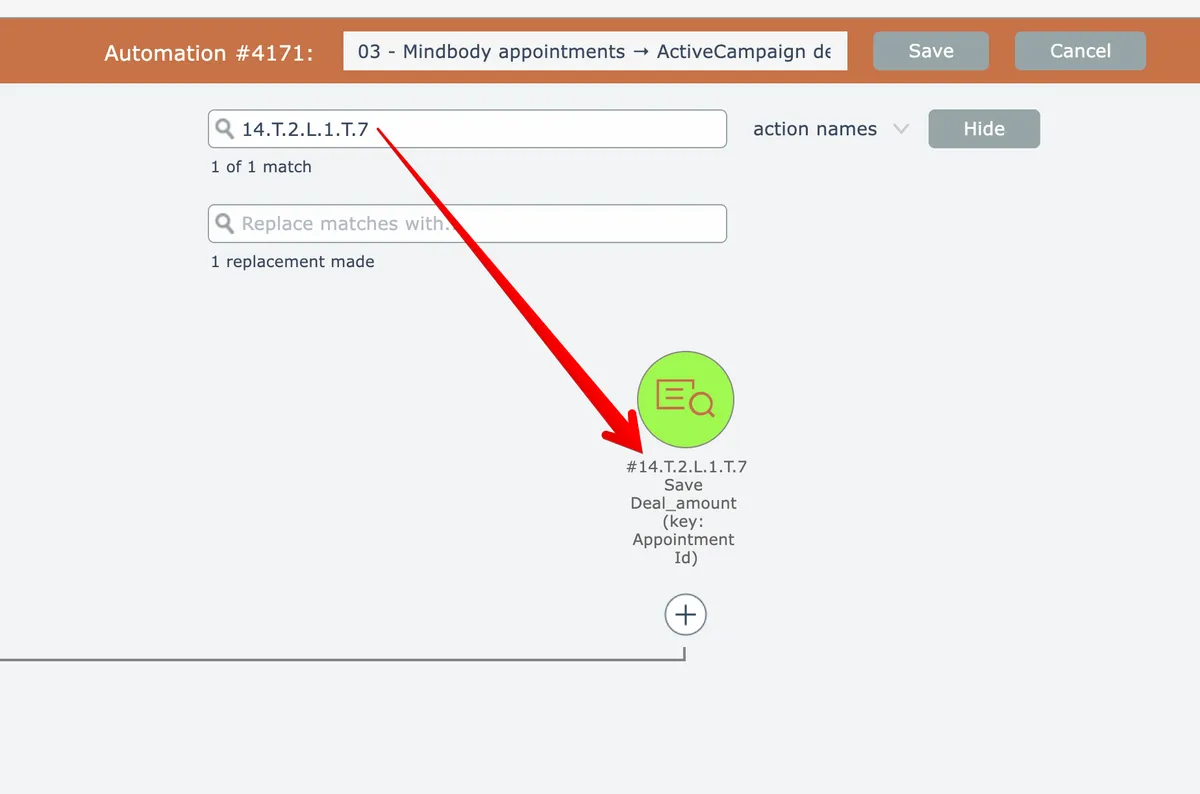
Enter the step number as the search query and press Enter to perform the search. The editor will open all collapsed groups, highlight the matching step if found, and automatically scroll it into view:
Related docs
Last updated May 4, 2026