
GuidePlatform UI (Fallback)v1
Replace text in action names
Search for specific text in action names across your automation, then replace all instances with new text in a single operation.
To replace text in one or more action names, first perform a search with the desired text to be replaced. See Search by action name
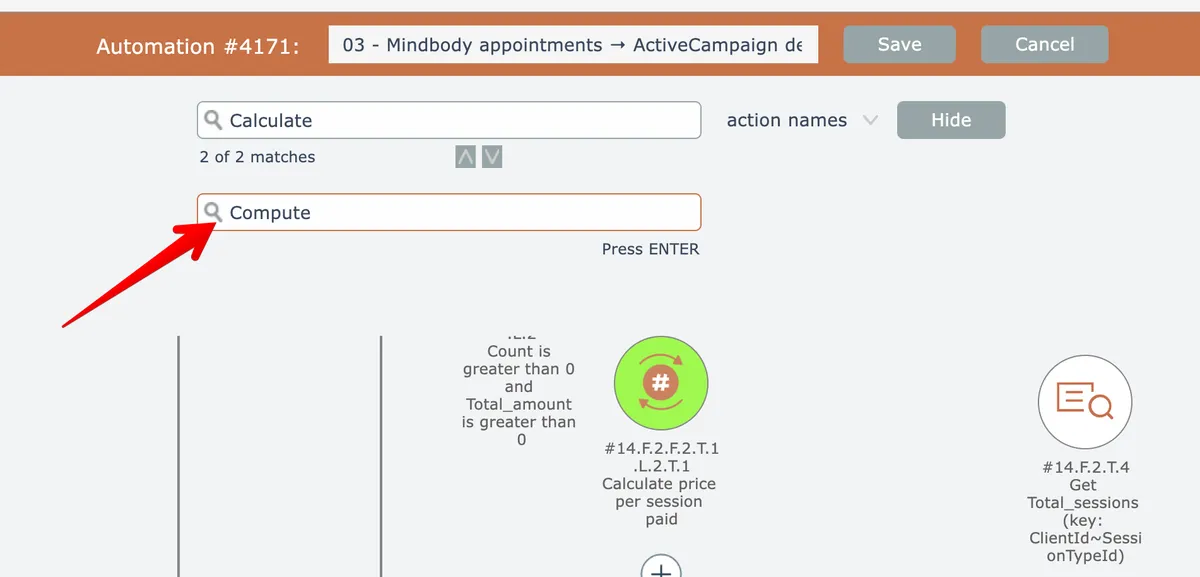
Then enter the replacement text and press Enter:
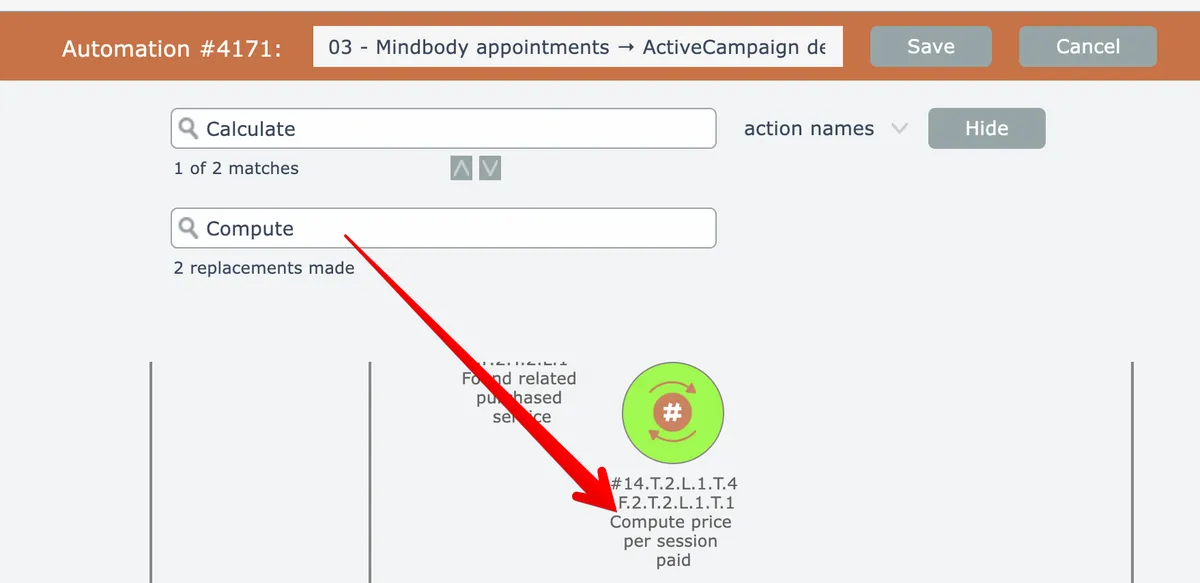
The editor will show how many replacements were made:
Related docs
Last updated May 4, 2026