
GuidePlatform UI (Fallback)v1
Search by action name
Locate actions within your workflows by searching for their names, with automatic expansion of groups and navigation between matches using arrow buttons or keyboard shortcuts.
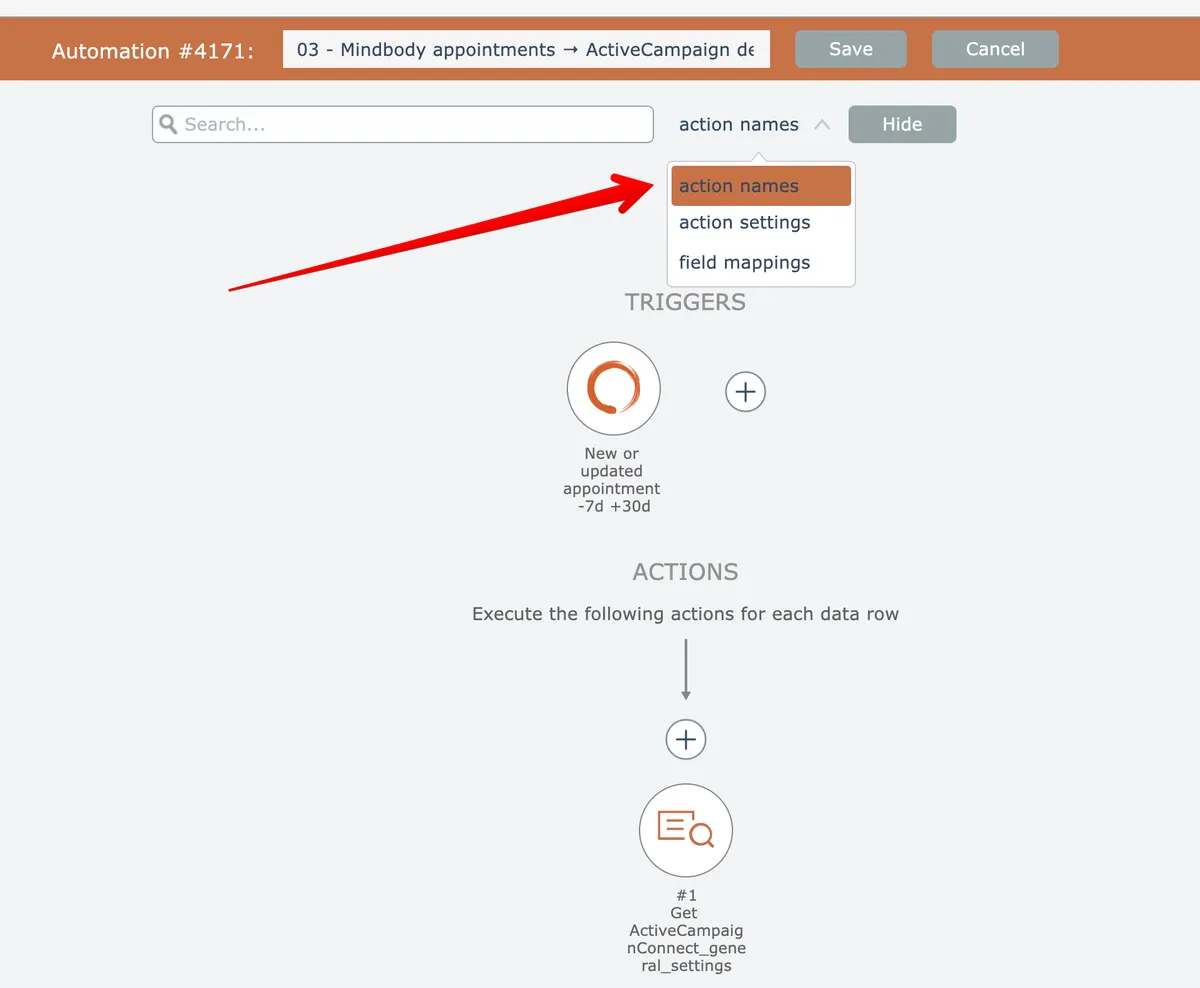
To find actions by their names, first open the search (see Searching) and select "action names" as the search criteria if needed:
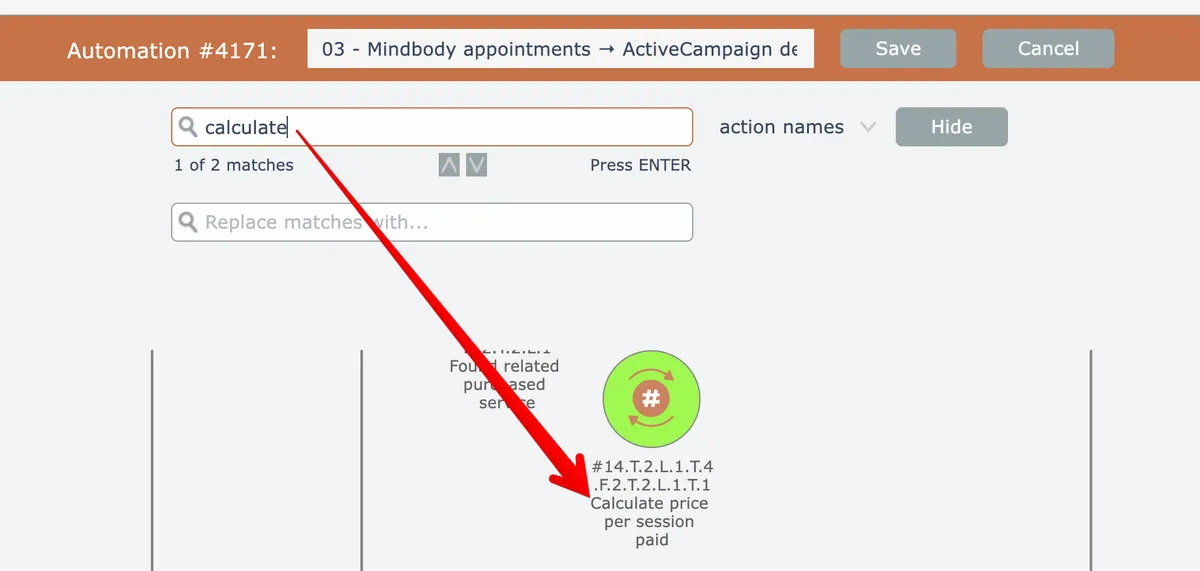
Enter the search query and press Enter to perform the search. The editor will open all collapsed groups, highlight the first matching search result that is found, and automatically scroll it into view:
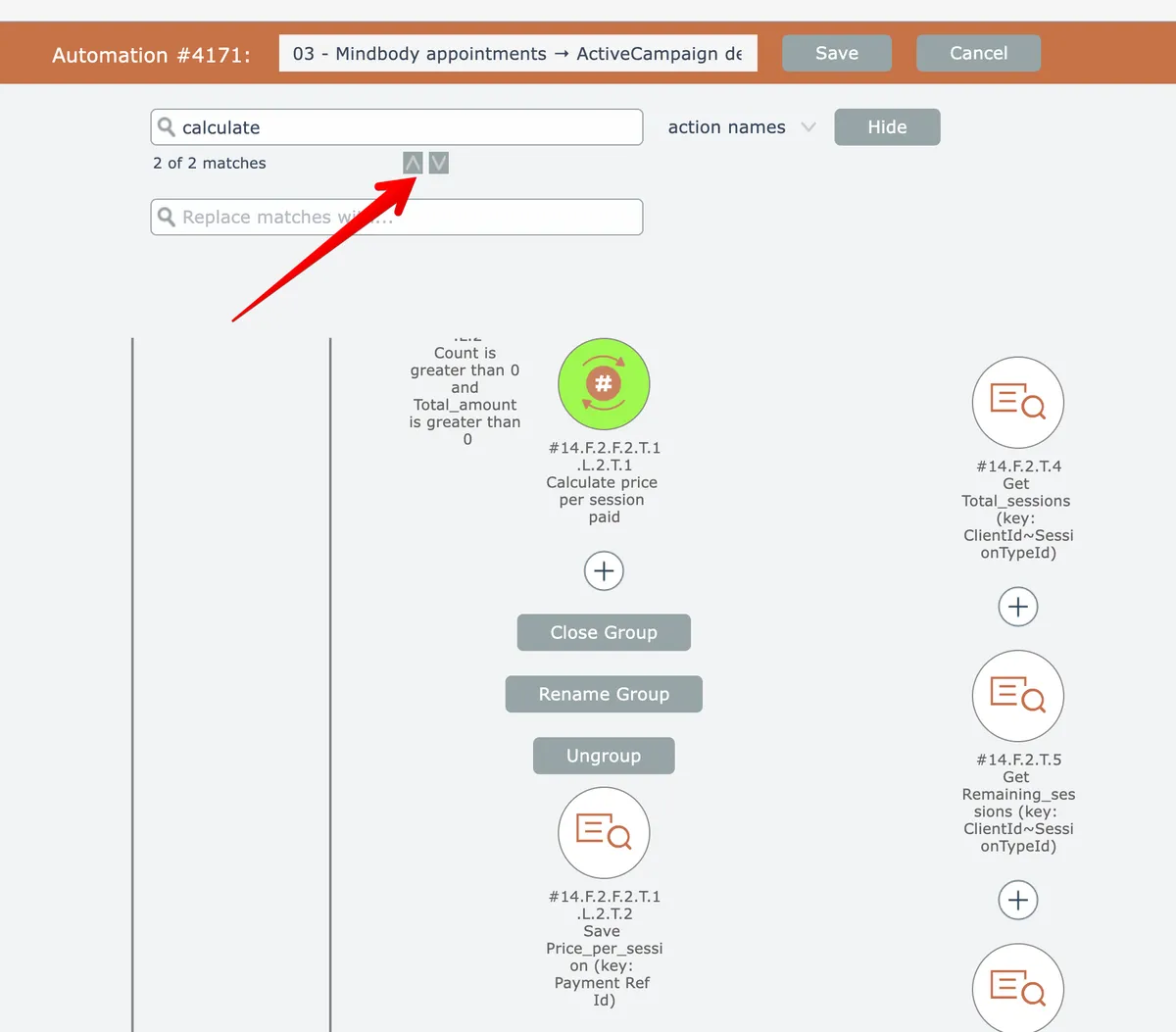
When multiple matches are found, use the up/down arrow buttons to move to the next/previous match, or press Enter or Shift-Enter. The next match will be automatically scrolled into view:
Related docs
Last updated May 4, 2026