
API Integrations
Build apps, triggers, and actions by creating assemblies in the Assembly Editor that control automation execution, configuration, and error handling.
Apps, triggers, and actions that appear in the Automation Editor are all built as assemblies in the Assembly Editor.
AI can now build these assemblies for you via Claude Code + the APIANT plugin. See Get started.
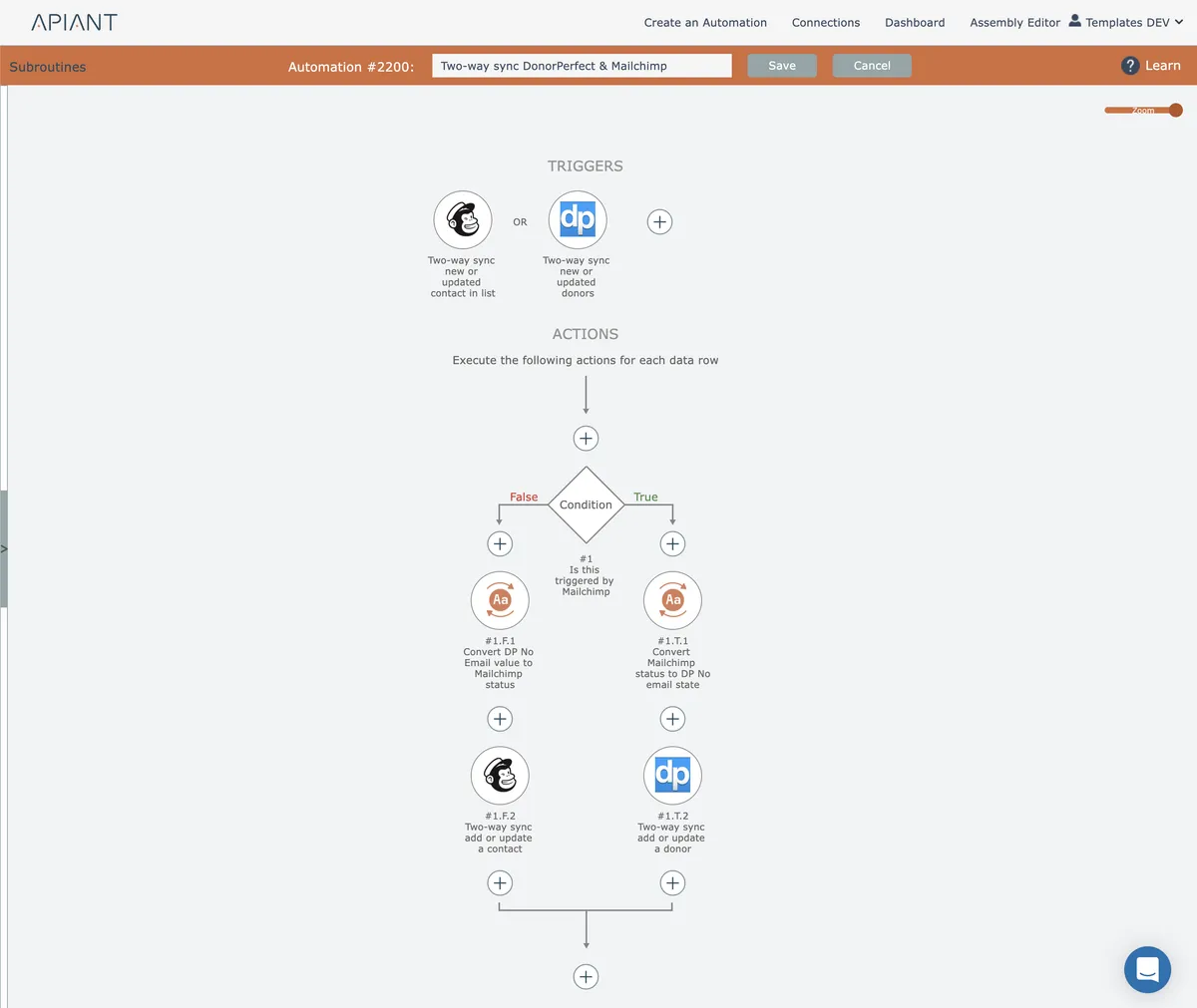
All facets of configuring apps, triggers, and actions in the Automation Editor are controlled by modules within their assemblies.
Automation execution and error handling are also defined via assembly logic.
In this section
Action Assemblies
Structuring actions with input modules, data formatting, API invocation, error handling, and output modules to process external system requests within automations.
App Assemblies
App assemblies handle user credential collection and validation for API integrations, supporting patterns like no authentication, user-entered credentials, and OAuth workflows.
Automatic Error Retries
Configures which errors trigger automatic retries with exponential backoff scheduling up to eight attempts, primarily for transient HTTP and communication failures in transaction modules.
Integration Decision Trees
Visual flowcharts for determining which app, action, and trigger assembly types to use when building APIANT integrations.
Service Accounts
Service accounts in the assembly editor group multiple API connections under a single named context so credentials can be rotated or scoped without touching each module individually.
Trigger Assemblies
Mechanisms that execute automation actions when criteria are met, including polling, webhooks, scheduled time-based triggers, gated threshold triggers, protocol connections, and bulk export options.
Trigger/Action Commonality
Shared capabilities of trigger and action assemblies including API credential handling, error handling behavior, and configuration settings exposed to automation editors.
Two-Way Sync
Bidirectional synchronization between systems using specialized triggers and actions that prevent infinite loops by tracking unique row identifiers and mapping data fields between applications.
Webhook Validation
Implement custom webhook validation logic using Java JSP code in the plugin editor to authenticate incoming webhooks before processing.