
Module IDE
Native modules built with the Module IDE extend assembly functionality with optimized performance, created by copying existing modules and edited through the integrated development environment.
APIANT integrators having their own dedicated system can extend assembly functionality by building new modules with the Module IDE.
Although the system provides extension modules that allow Java, JavaScript, and PHP to be inlined within assemblies, native modules provide the best possible performance.
All new modules are made by copying an existing module.
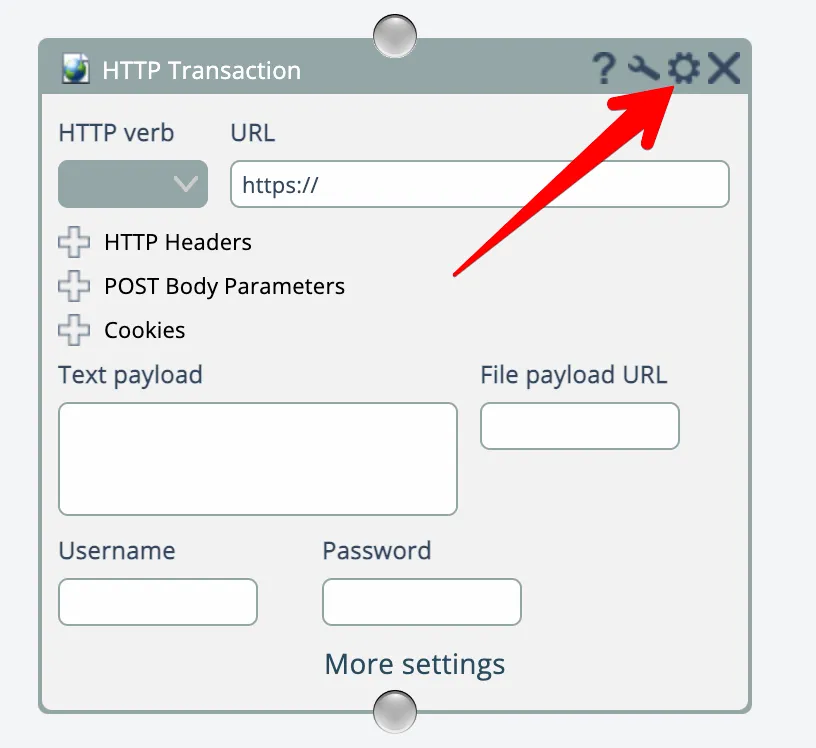
Click the edit gear icon in a module's titlebar to open the Module IDE:
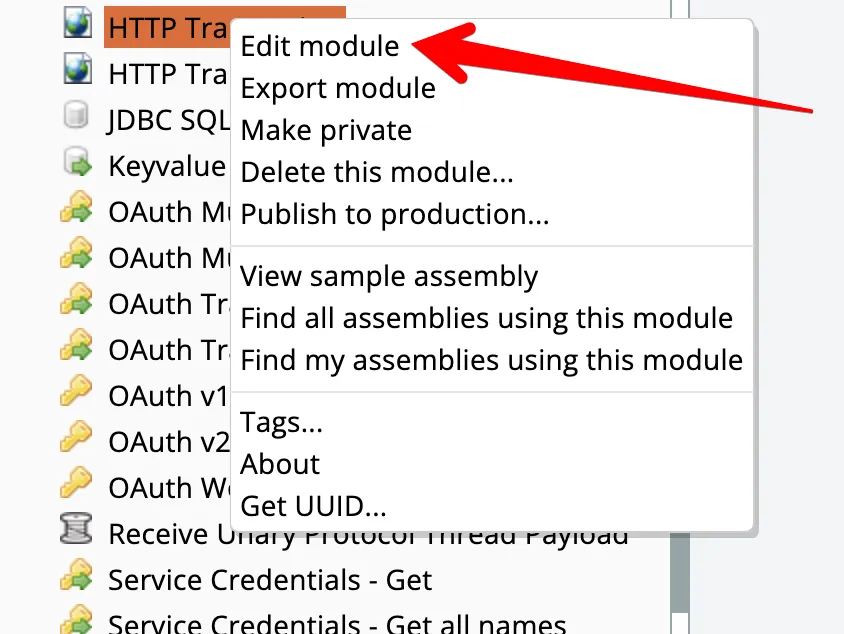
Alternatively, right-click a module in the catalog and choose the Edit option:
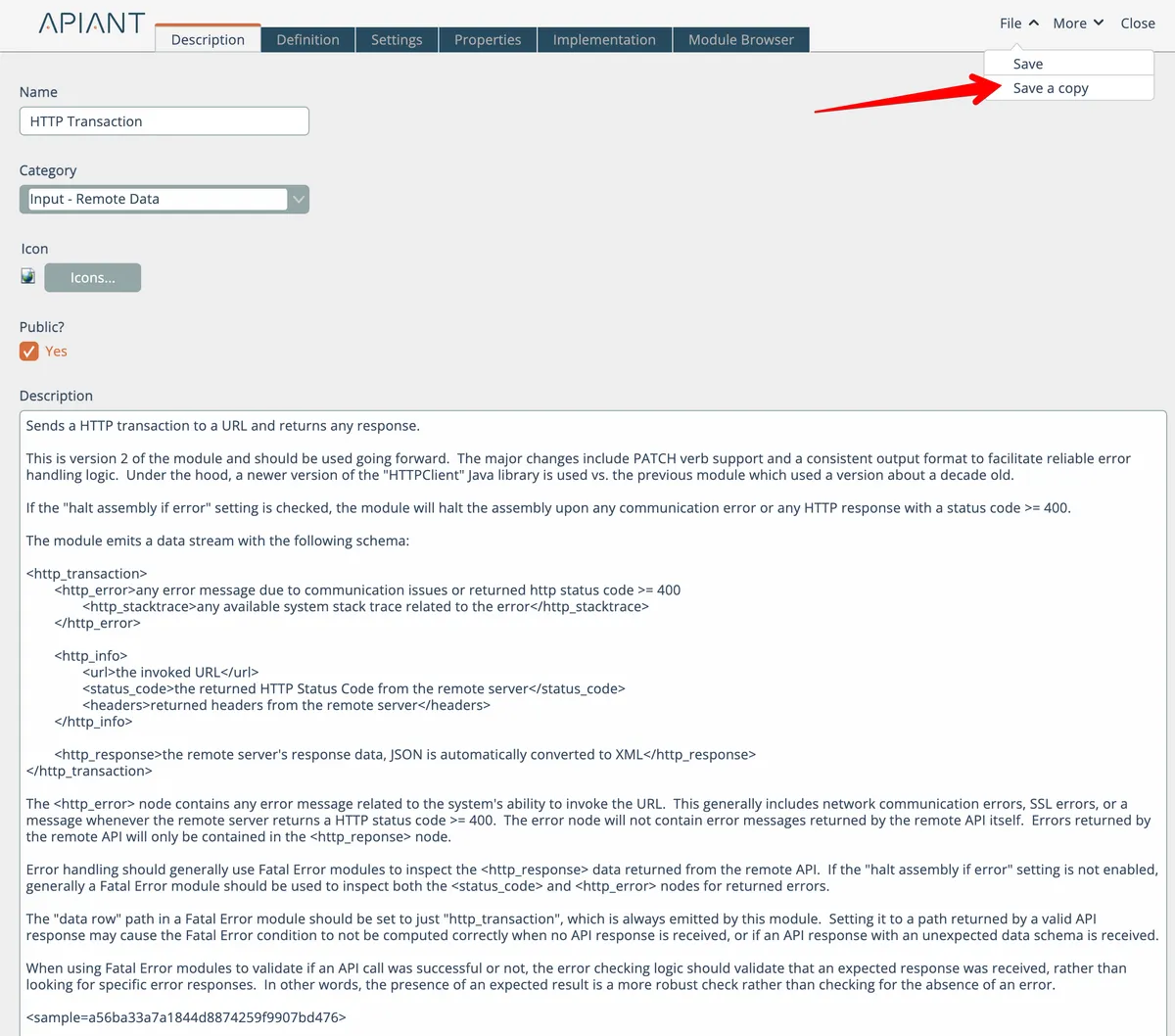
If you want to build a new module, begin by first saving a copy of the module via the File menu at the top right:
Try to find an existing module that closely mimics your new desired module's functionality. With over 250 modules in the system, there is likely to be one that is close to what you need.
The following subsections describe the basics of each Module IDE tab.
In this section
Module Browser
View source code for all system modules and Module API classes, with options to toggle between LZX and Java implementations.
Module Definition
Drag-and-drop interface for designing module inputs and controls that appear in the assembly editor, with preview functionality and named components for implementation access.
Module Description
Write catalog descriptions for modules and link sample assemblies by including sample syntax in the description field to provide users with runnable examples.
Module Implementation
Edit and compile JavaScript and Java implementations for modules using the built-in code editor, with optional debug mode to trace execution and test in the assembly editor.
Module Properties
Configuration options for browser-based visual modules that control their appearance and behavior within the APIANT platform interface.
Module Settings
Design module settings using a drag-drop interface to control behavior without adding complexity to the module's interface or wiring data inputs.