
Building Assemblies
Create solutions using a low-code drag-and-drop assembly editor that connects components visually without writing code.
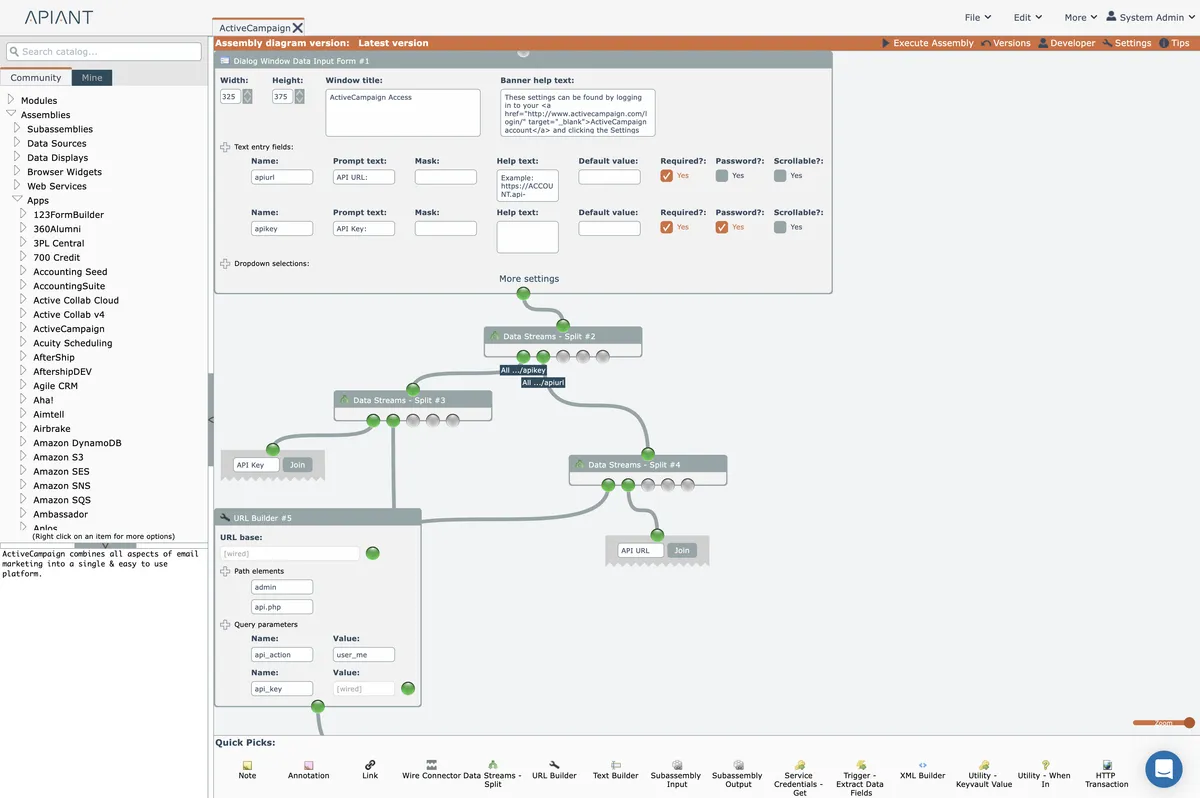
The assembly editor is a low-code drag-drop solution development tool.
Read these subsections to learn how to build assemblies.
In this section
Editor functionality
The assembly editor enables building sophisticated solutions through visual interfaces and drag-and-drop workflows without requiring code.
HTTP, XML, and XPath
Core concepts of HTTP, XML, and XPath required for building assemblies, plus the subset of XPath functionality supported within assembly modules for selecting nodes and attributes.
Subassemblies
Reusable assembly diagrams with defined inputs and outputs that can be nested within other diagrams to reduce complexity and promote functionality reuse.
Your first assembly
Step-by-step walkthrough of building your first assembly by fetching and displaying article titles from an RSS feed using the assembly editor.