
User Roles
Each account in the system has one or more roles. Each role has one or more permissions.
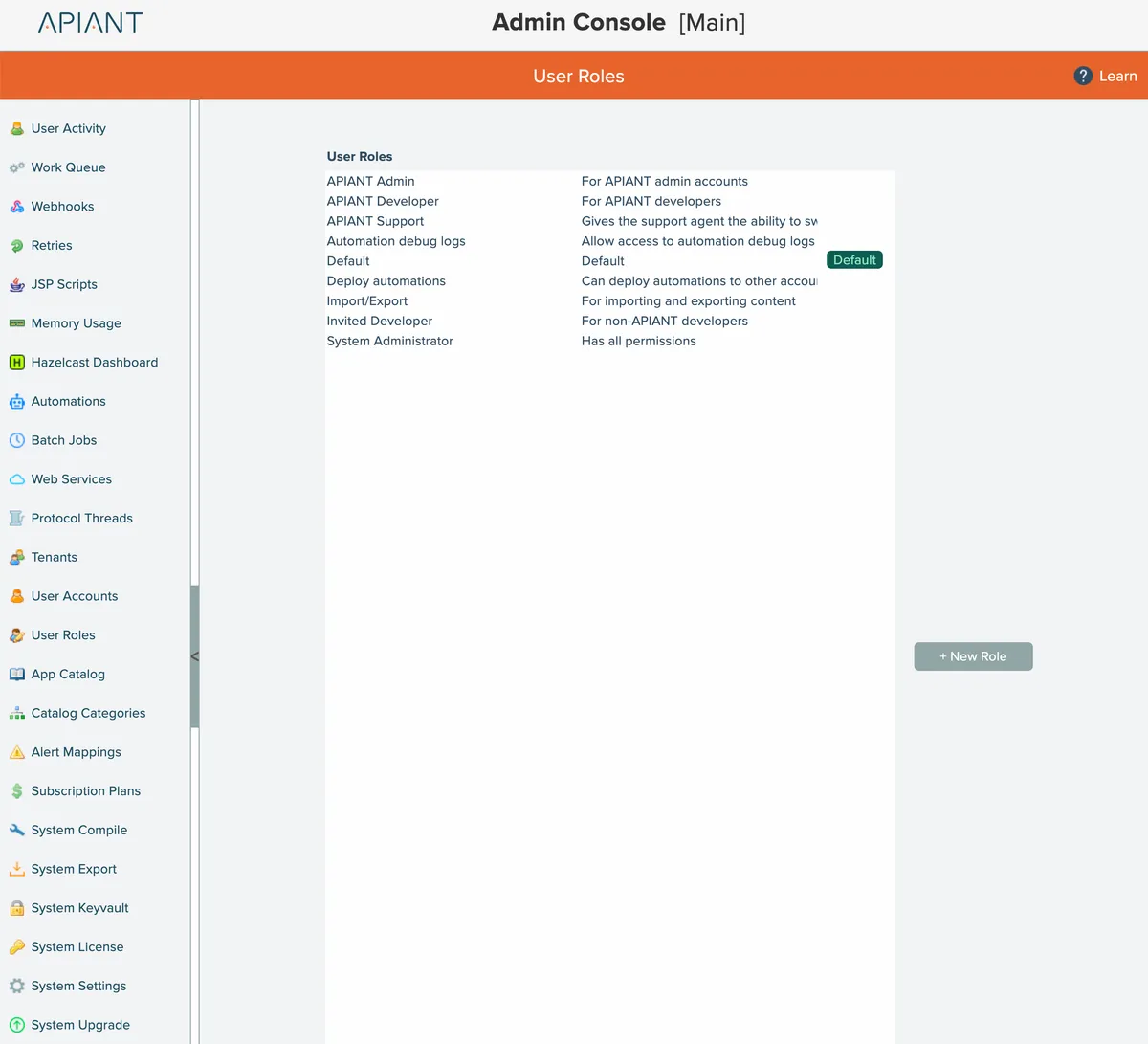
The User Roles screen lists all user roles defined in the system:
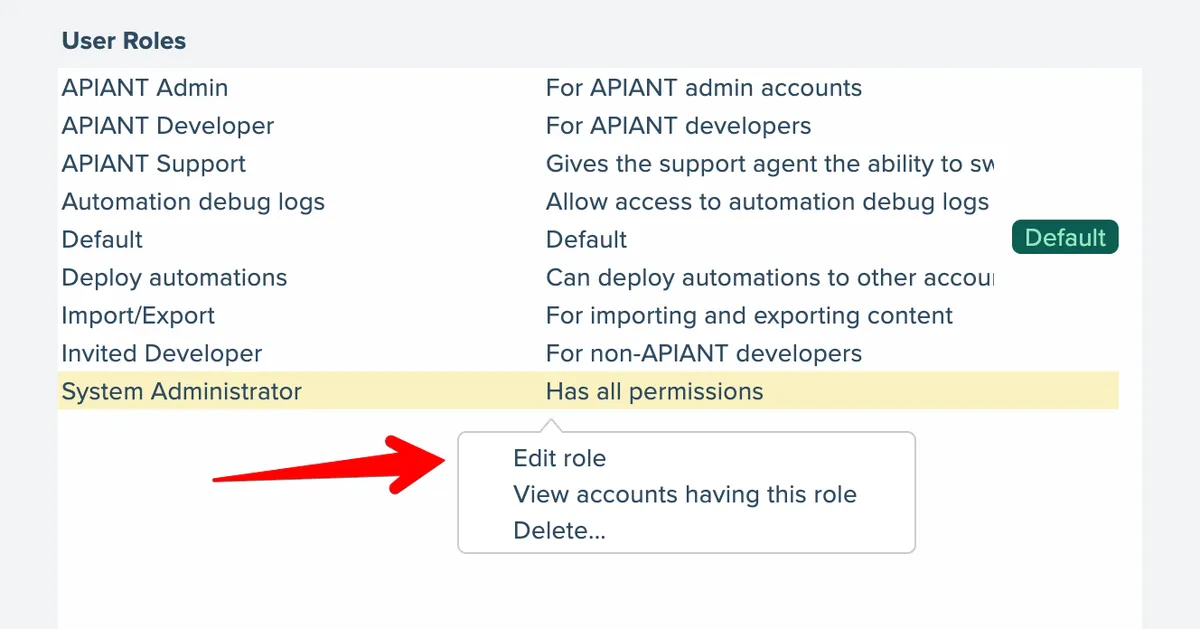
Select a role in the list to manage it:
Add Role
To add a new role, click the New Role button:
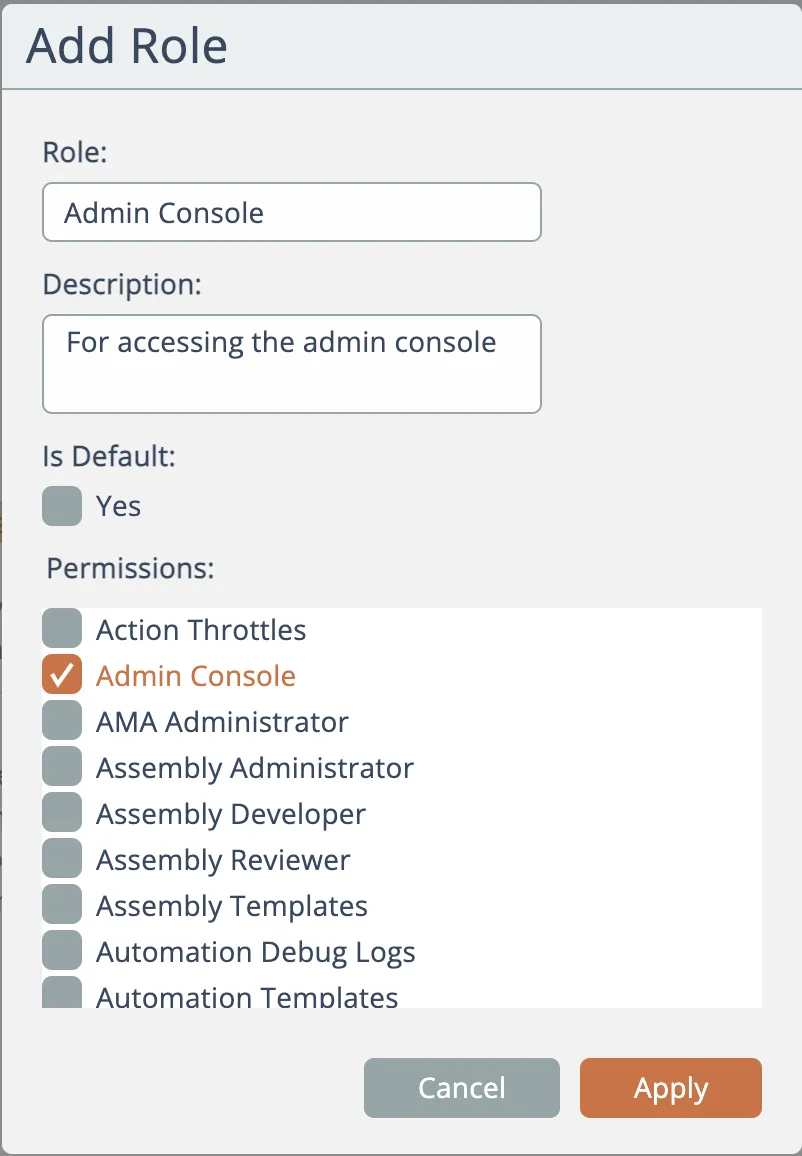
Give the new role a name and description, the check the permissions the role is granted. Click Apply to save.
Edit Role
To update an existing role, either select it from the list and click the Edit Role menu option, or double-click it in the list:
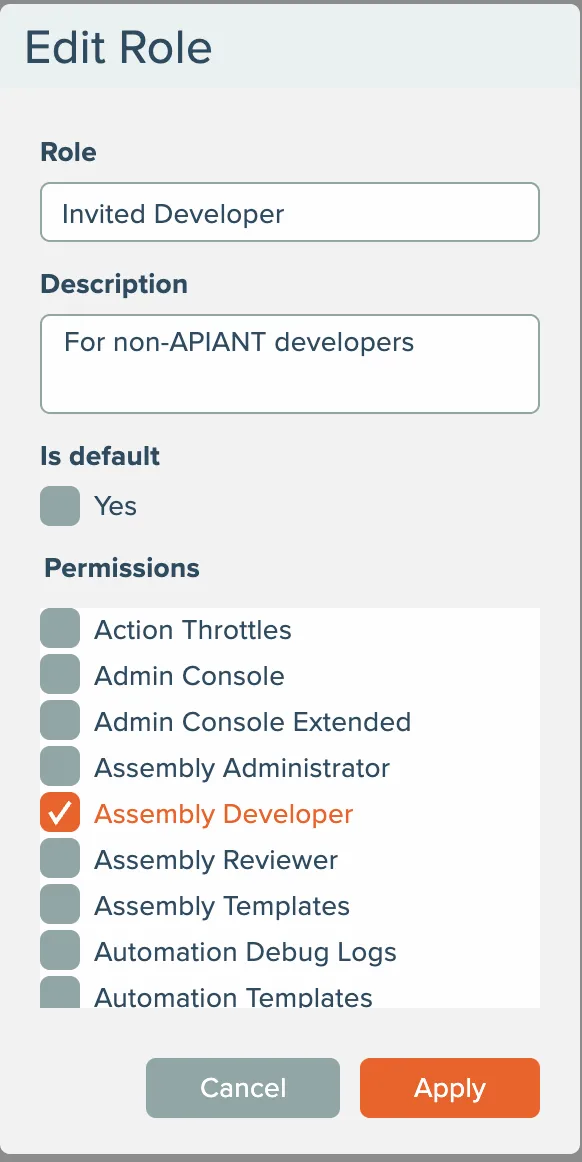
Make any needed changes and click Apply to save.
The system can only have only one default role.
View Accounts Having Role
To view all accounts that are assigned a role, select the role in the list and choose the "view accounts having this role" option.
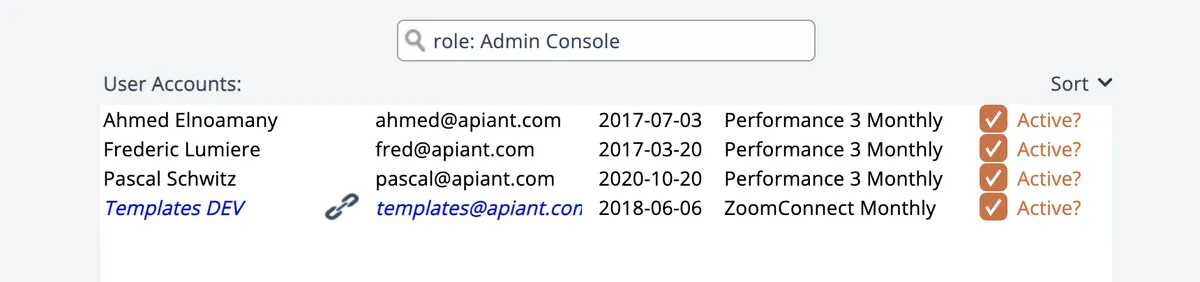
The User Accounts screen will open displaying the search results of all accounts assigned that role:
Delete Role
To delete a role, select it from the list and choose the Delete menu option.
The system must have a default role. The system will not allow the default role to be deleted.