
GuidePlatformv1
Multiple Tenants
If a system has multiple tenants (see Tenants), the header will allow you to either view data for all tenants or for the selected tenant whose name is within the brackets:
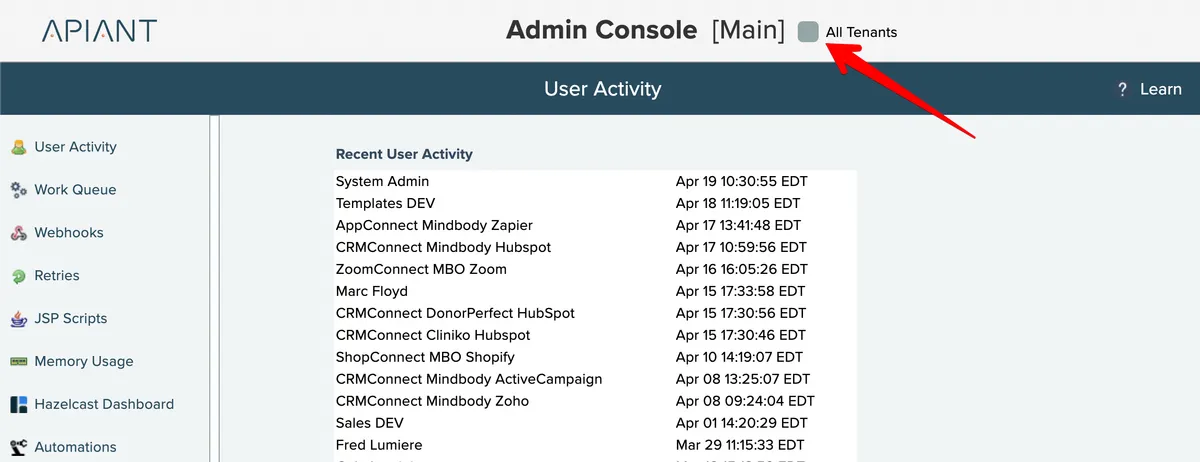
Not all screens will have these options. For example, the Work Queue screen can only show data for all tenants since a single work queue executes items for the entire server.
When the "view all" checkbox is checked, the screen will show data for all tenants in the system. This checkbox is only available when the main system tenant is selected.
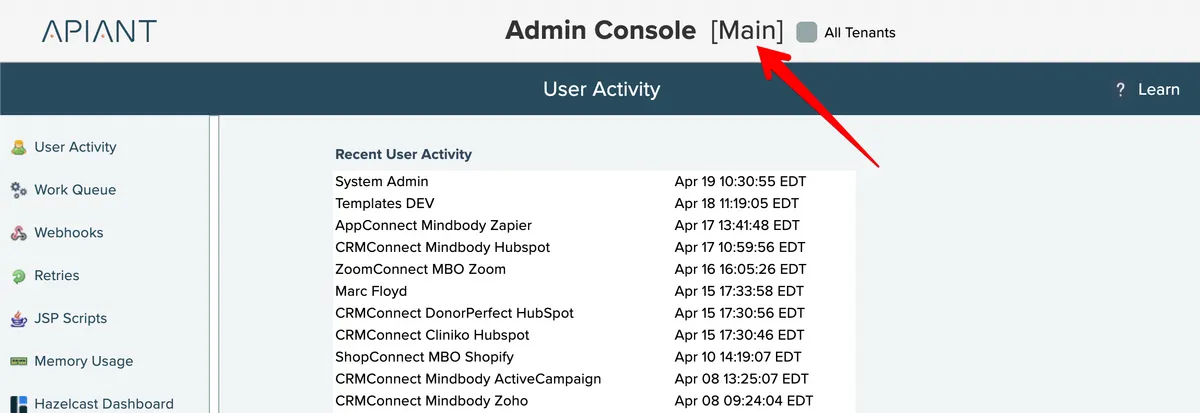
To select a single tenant, click the name in brackets at the top of the screen:
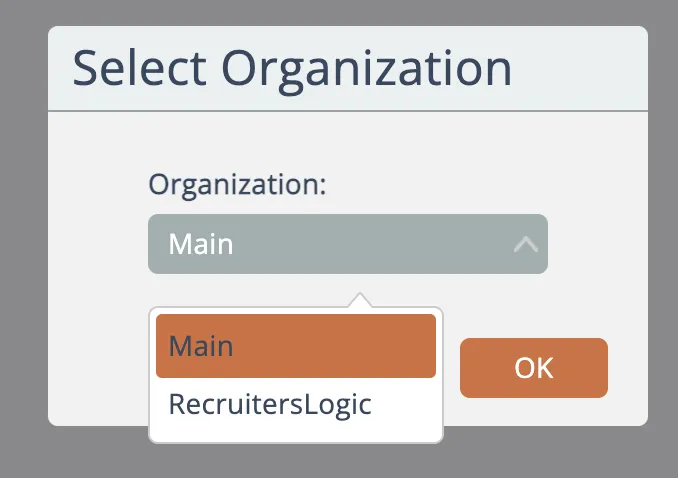
Then choose a tenant organization:
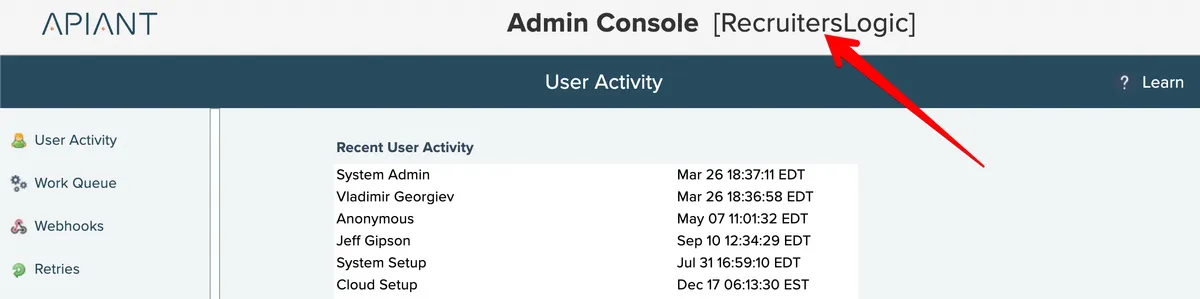
Then as you open screens that are tenant-specific, the displayed data will only be for that tenant:
Related docs
Last updated May 4, 2026