
Tenants
The Tenants screen manages all tenants in the system:
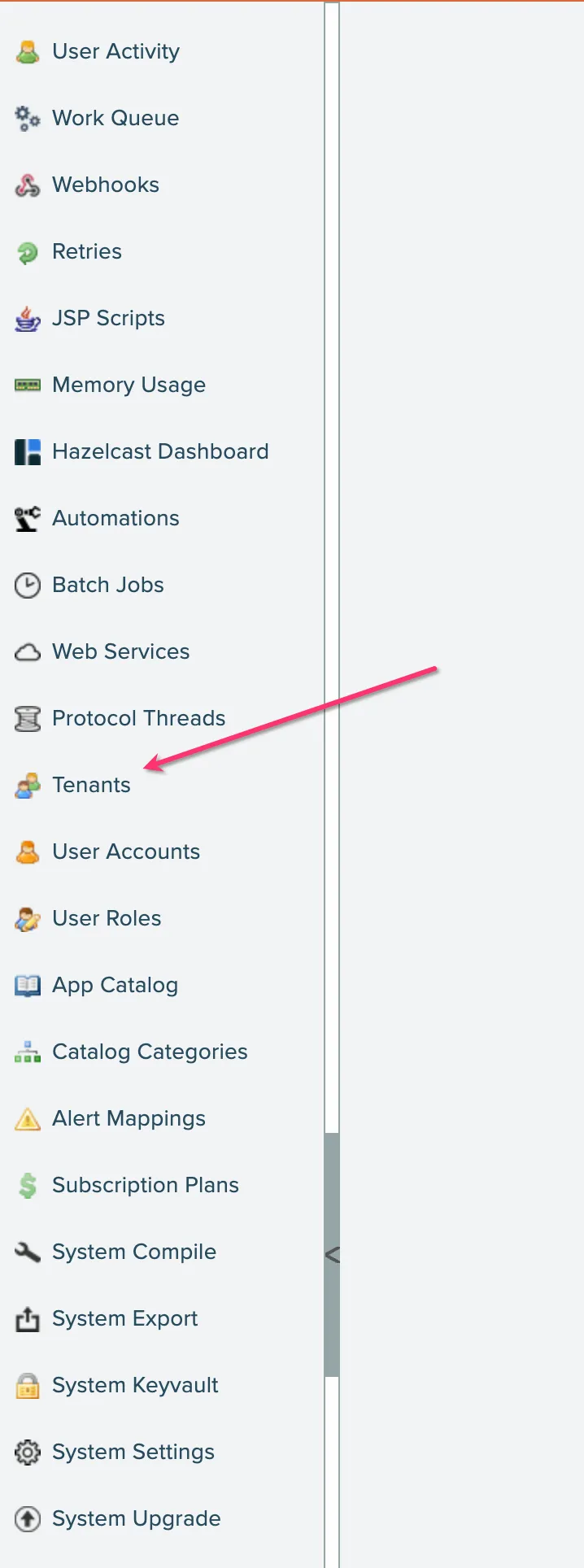
In the admin console, click the Tenants option:
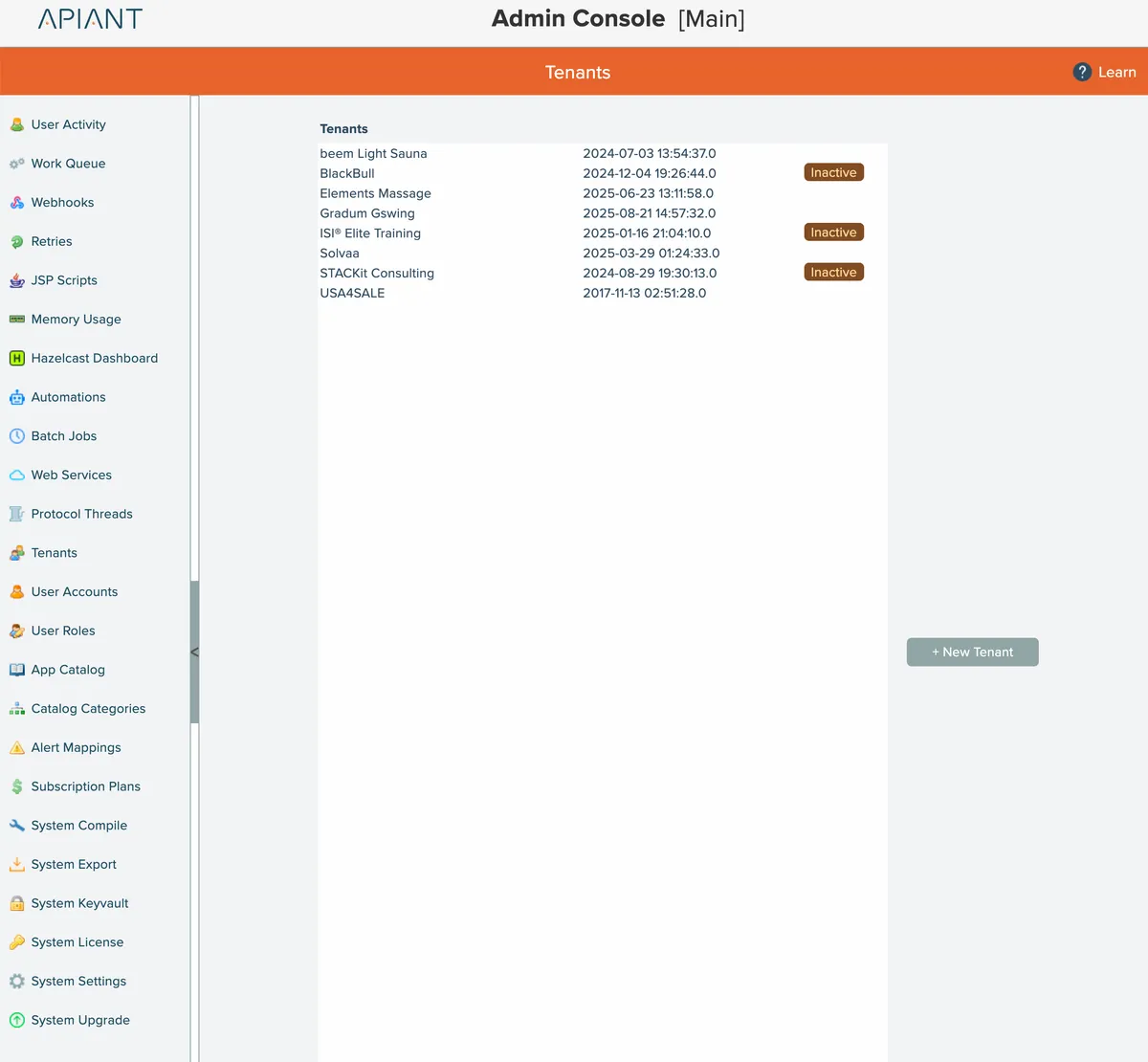
A single physical server can be divided into multiple tenant systems.
Each tenant has its own database and separate directories for filesystem storage.
Tenants have their own collection of individual user accounts and linked accounts.
Create New Tenant
Click the New Tenant button to add a new tenant:
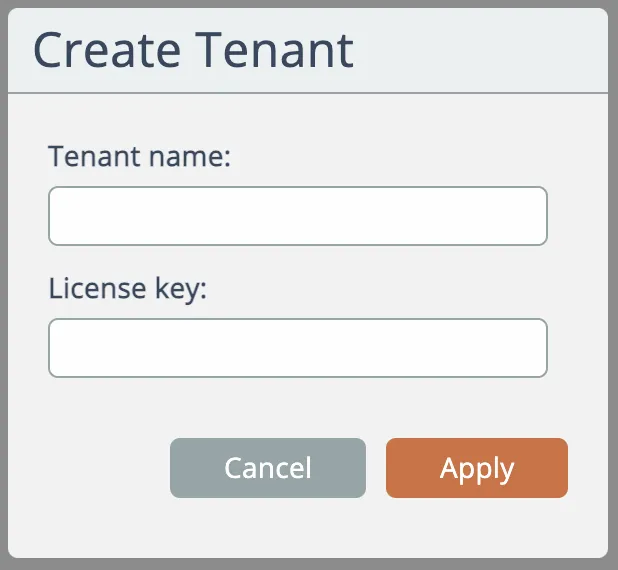
Enter the new tenant's name and optionally its license key provided to you by APIANT.
If no license key is entered, the tenant will inherit the license limits of the root system's license key.
Adding a new tenant can take 30 seconds or longer to complete.
Click on a tenant to access a menu with more options:
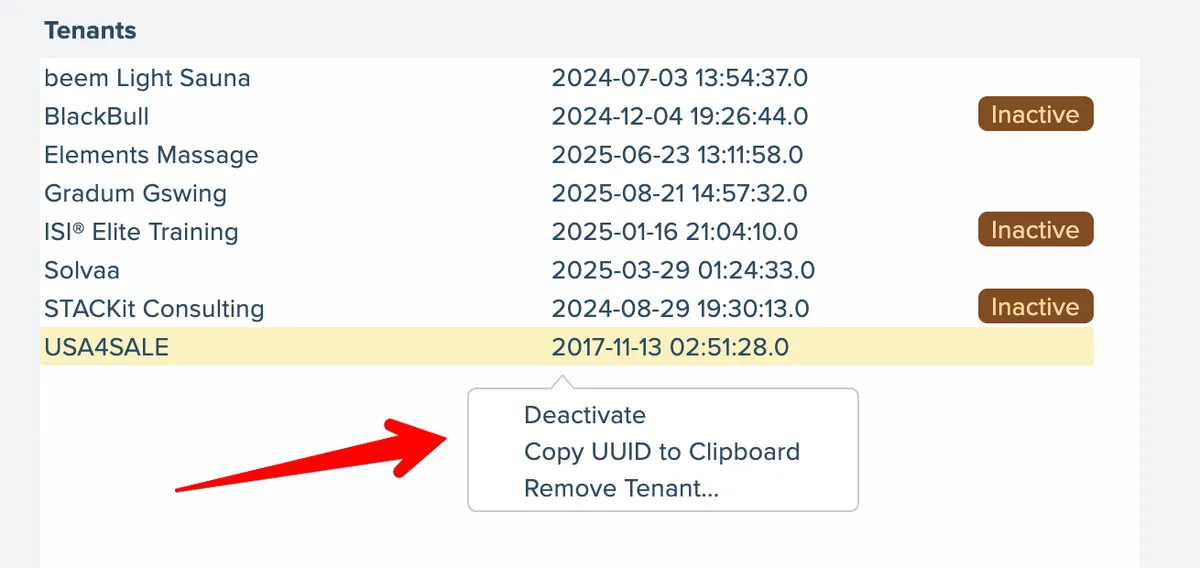
Deactivate/Activate
Click the Deactivate/Activate menu option to toggle the tenant's active status. When inactive, users will not be able to access the tenant.
Copy UUID
Each tenant has their own unique identifier. Click the Copy UUID to Clipboard option to copy that identifier to your system's clipboard.
Remove Tenant
Use the Remove Tenant option to permanently delete a tenant. You must confirm the removal:
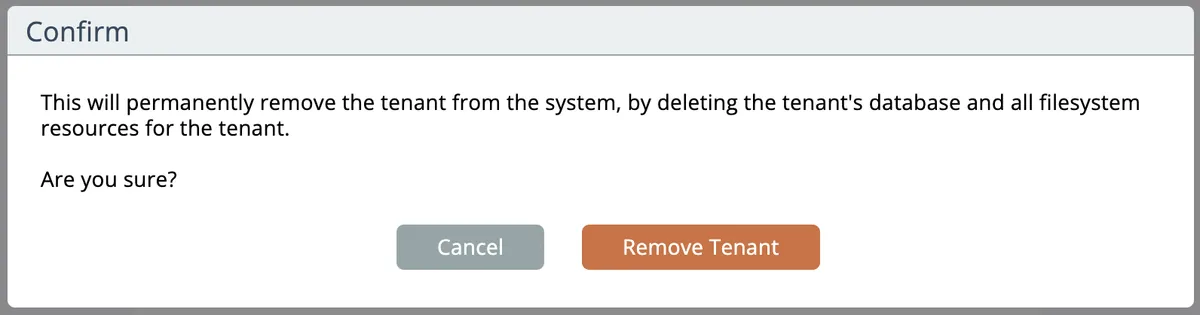
Removing a tenant cannot be undone!