
GuidePlatformv1
Batch Jobs
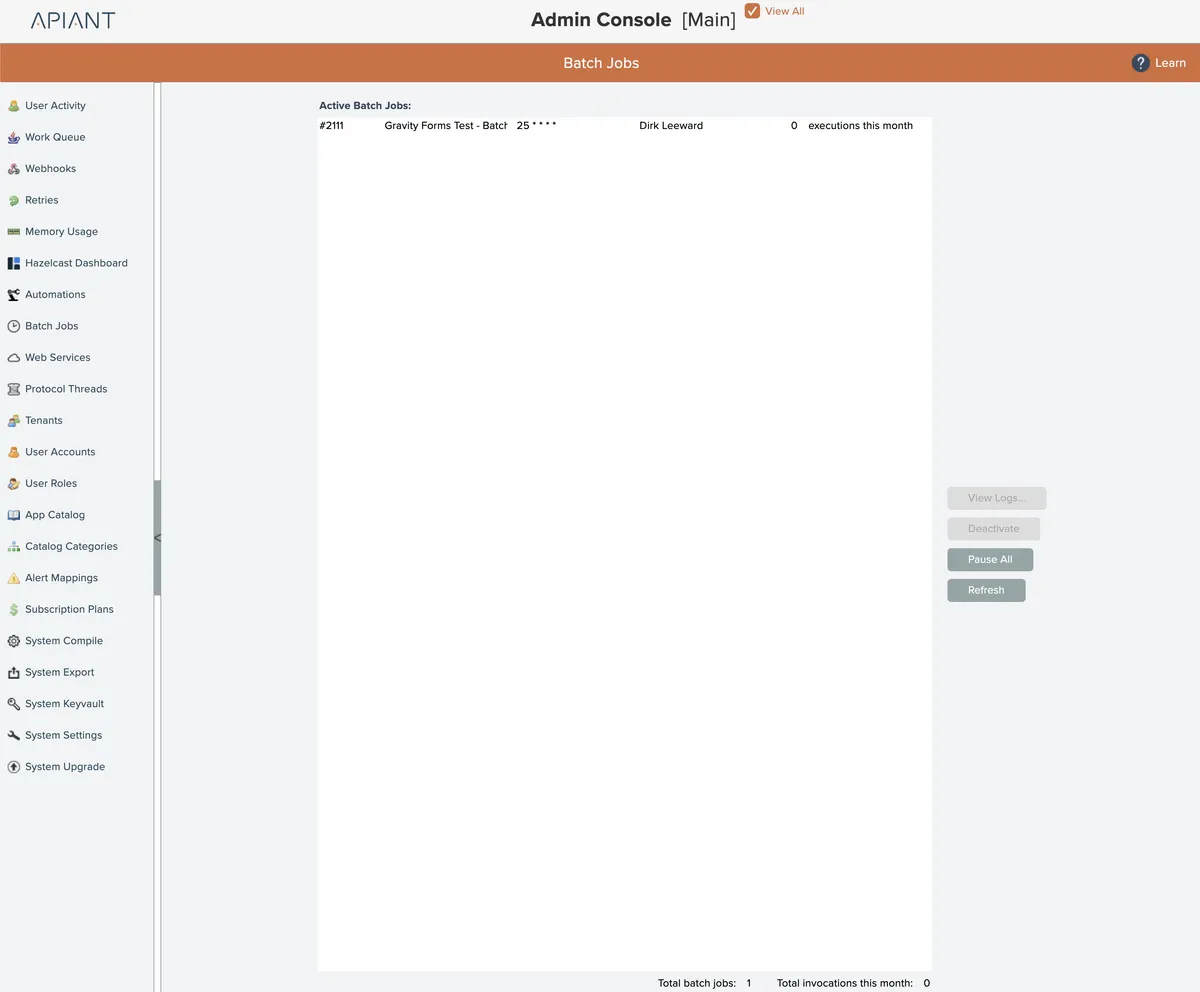
The Batch Jobs screen shows all active batch jobs in the system:
View Logs
A batch job's logs can be viewed by selecting a batch job in the list and clicking the View Logs button.
Deactivate
A batch job can be turned off and deactivated by selecting it in the list and clicking the Deactivate button.
Pause All
All batch jobs can be paused so they won't be executed by clicking the Pause All button.
The button acts as a toggle. To resume all batch job scheduling for their execution, click the button again.
Refresh
To refresh the list of batch jobs, click the Refresh button.
Related docs
Last updated May 4, 2026