
GuidePlatformv1
Catalog Categories
The Catalog Categories screen provides management access to the list of available categories in system catalogs:
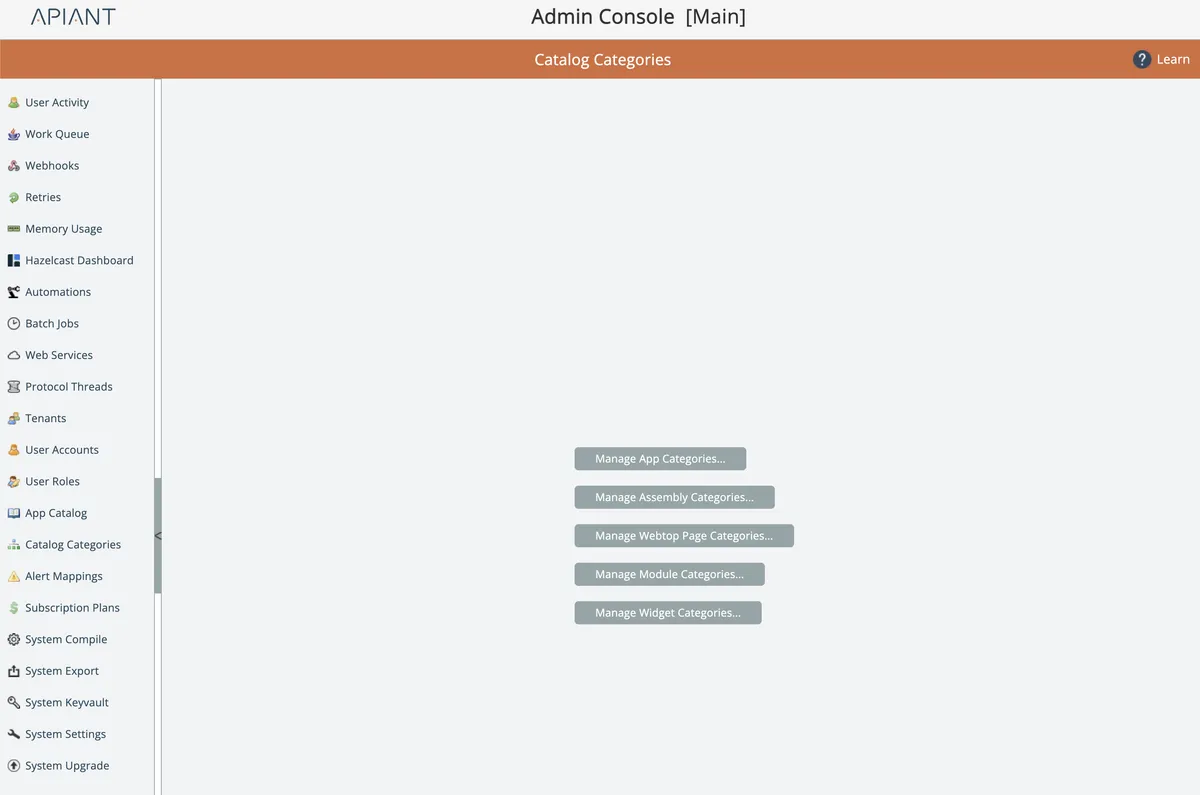
Of these, the most commonly used one is Assembly Categories:
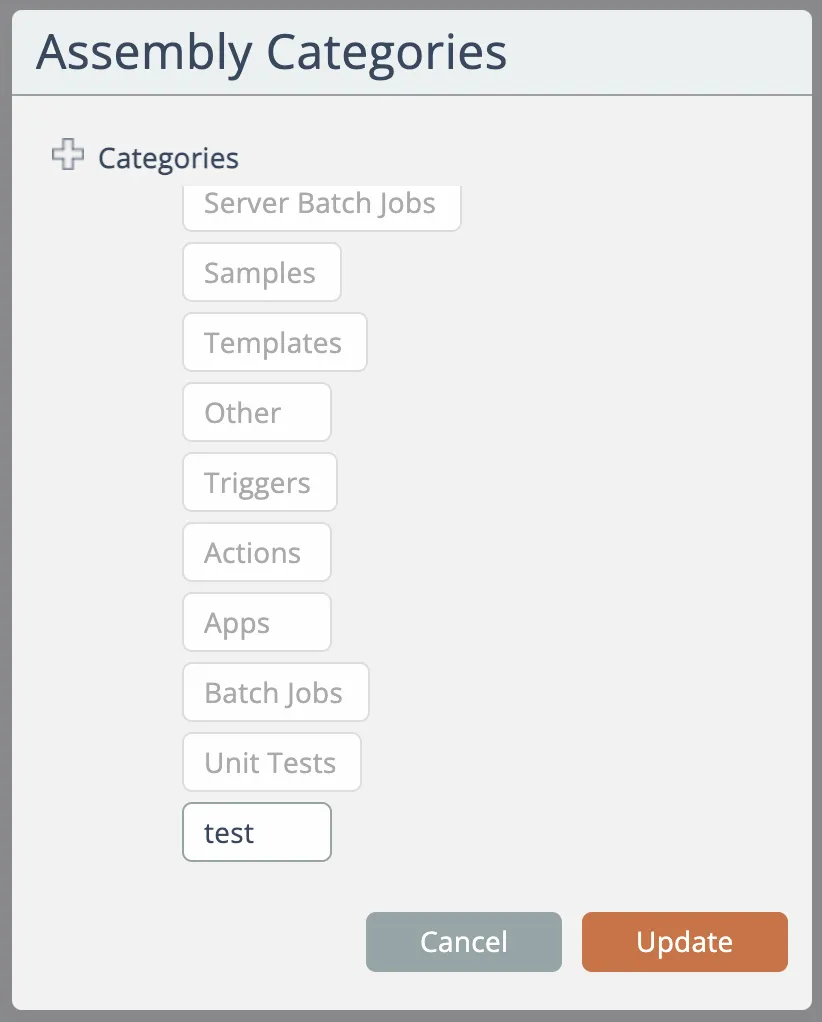
System-defined categories cannot be edited or removed. Custom categories can.
To add a new category, click the plus "+" icon at the top and enter the new category's name:
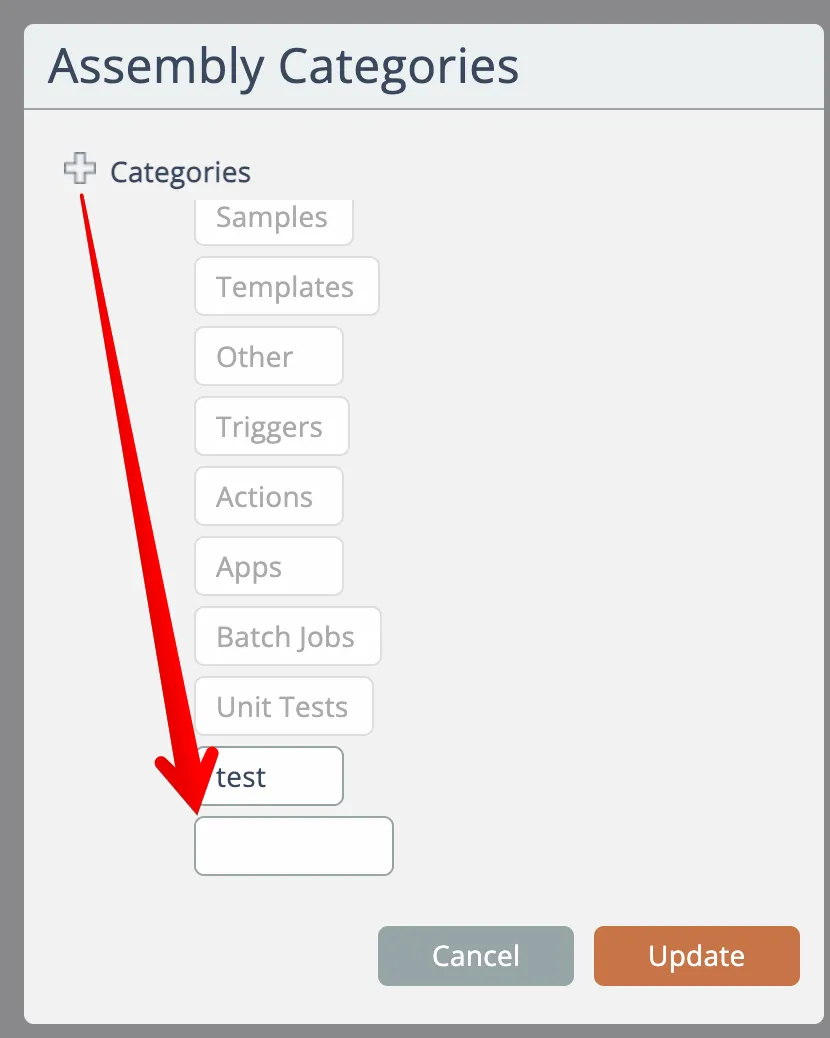
Click the Update button to update the category list.
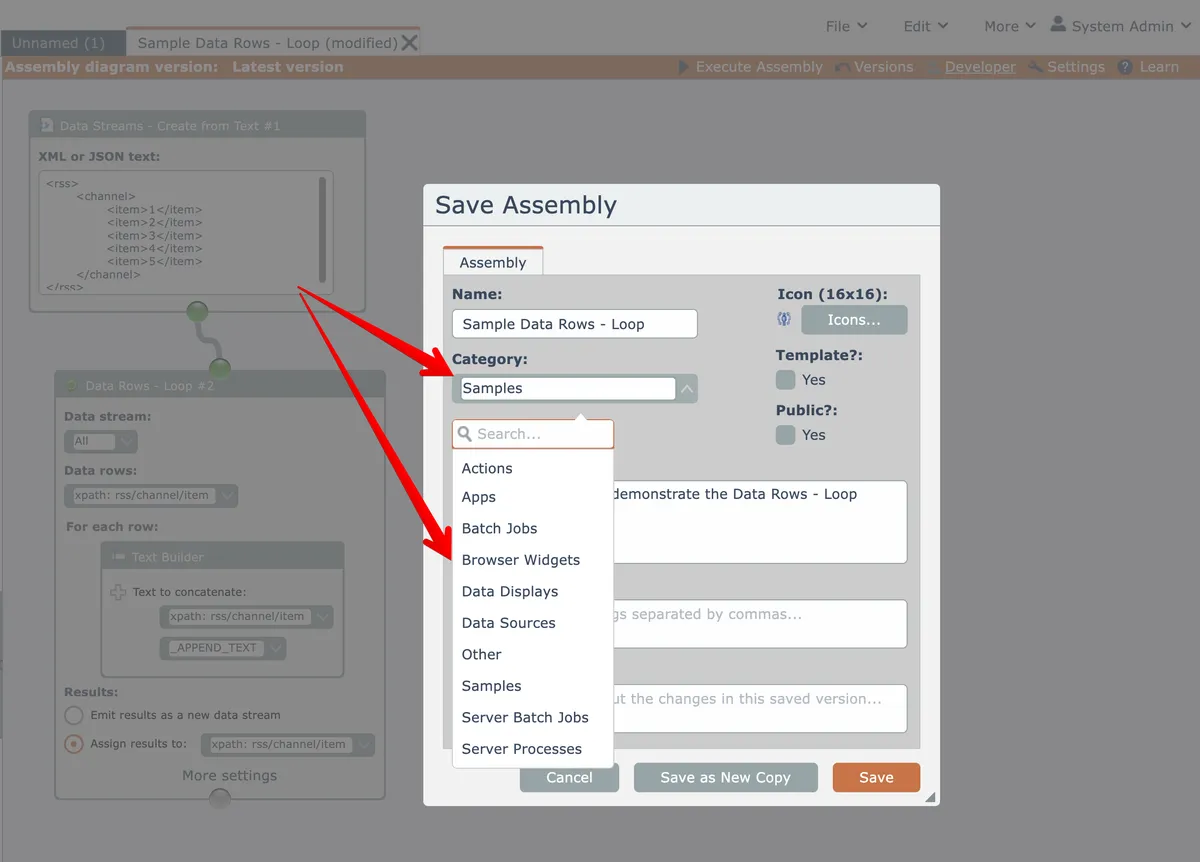
Assembly categories appear here when saving an assembly in the assembly editor:
Last updated May 4, 2026