
Data row history
Drill down into individual data rows processed during an automation execution, with searchable filtering using AND/OR logic to find specific rows.
Clicking processing entries within Execution history drills down into the data rows processed for that execution of the automation:
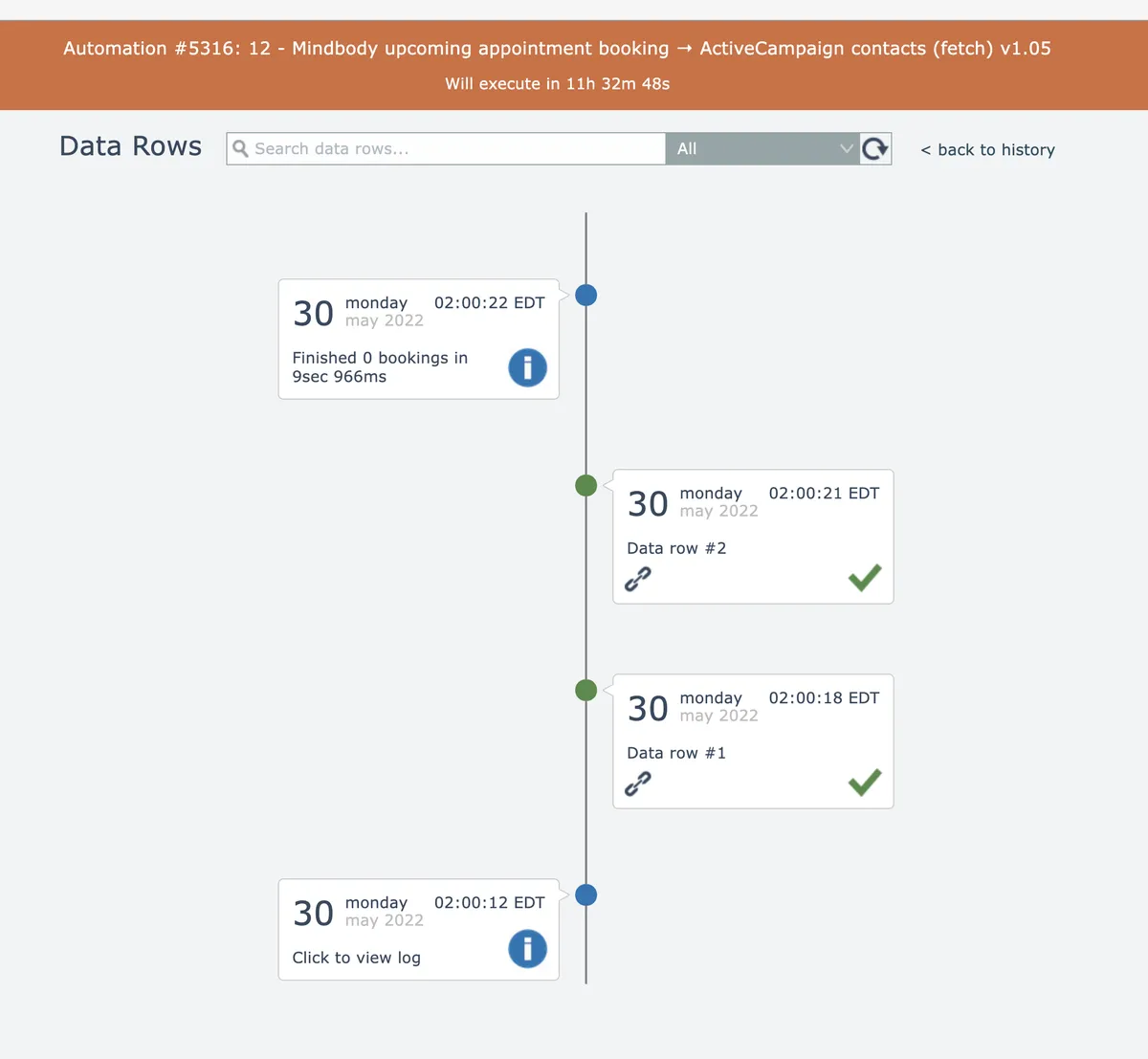
This screen's functionality is similar to the execution history screen. See Searching execution history
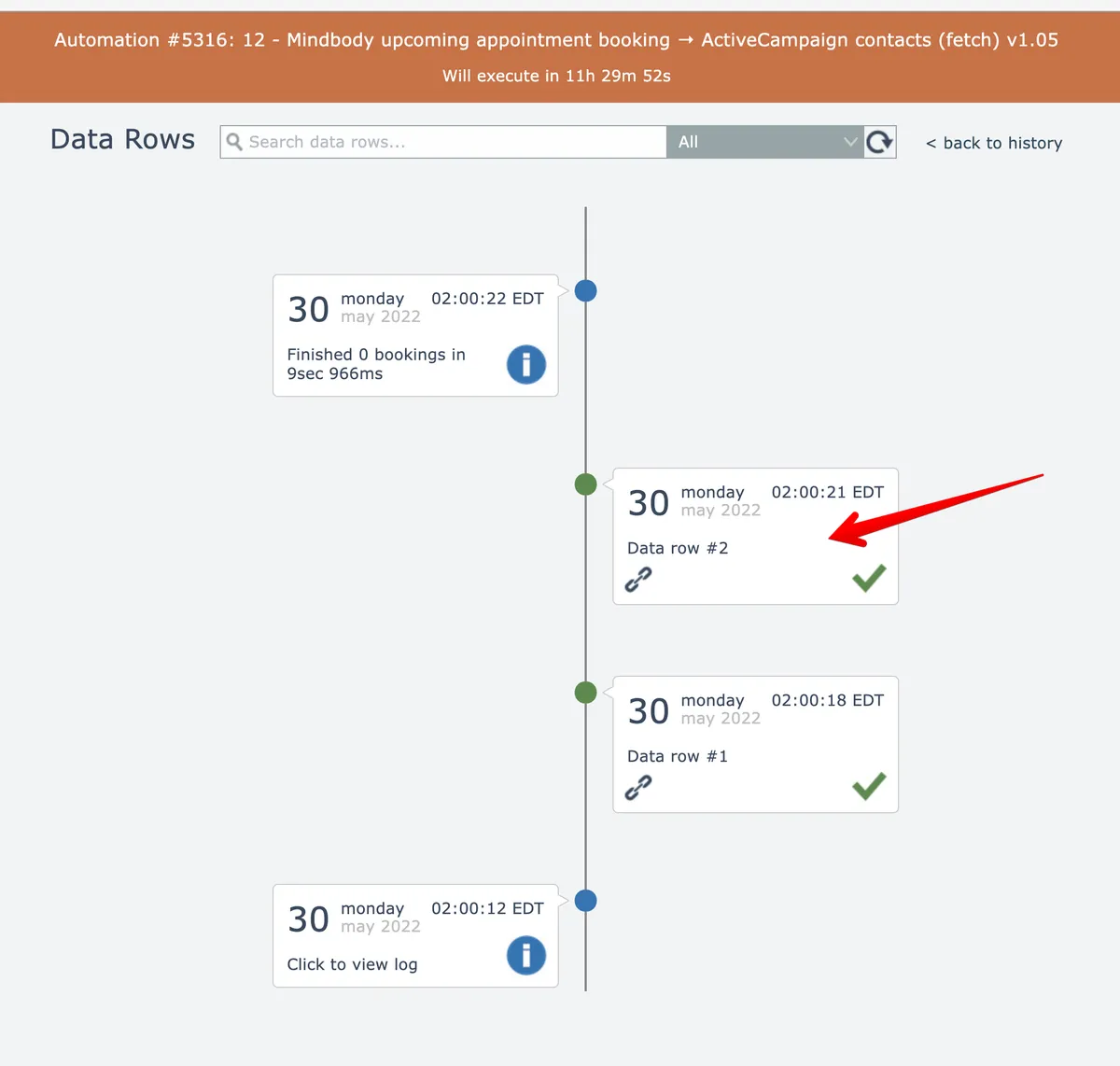
Clicking a data row entry will drill down into the processing history for that individual data row:
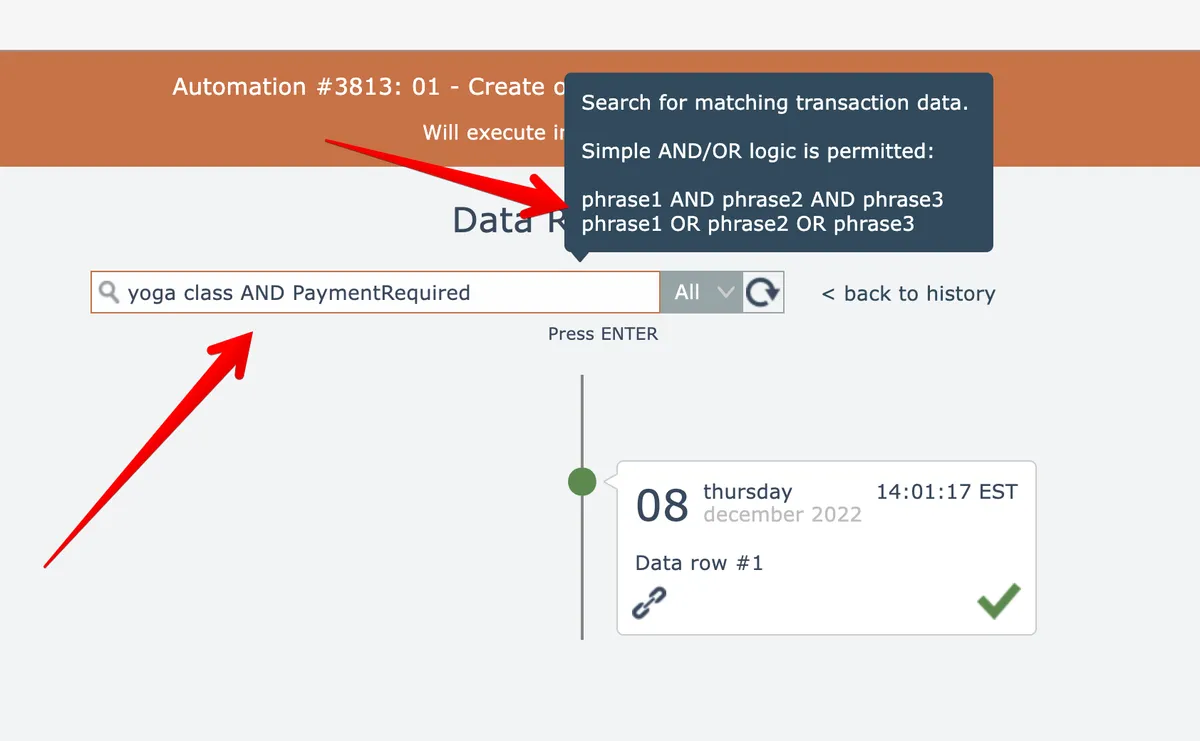
Data rows are searchable. Simple AND/OR logic can be used:
In this section
Obtain a link to a processed data row
Get shareable URLs for processed data rows by clicking the link icon in history entries, which automatically copies the URL to your clipboard.
Retrying a single errored data row
Manually retry individual errored data rows from the data row history screen using stored data, edited data, or fresh data fetching from triggers.
Retrying multiple errored data rows
Bulk retry failed data rows from the data row history screen by selecting errors and choosing whether to reuse stored data or refetch from triggers.