
GuidePlatform UI (Fallback)v1
Drilling into execution history
Inspect individual automation executions and view the specific data rows processed during each run from the execution history screen.
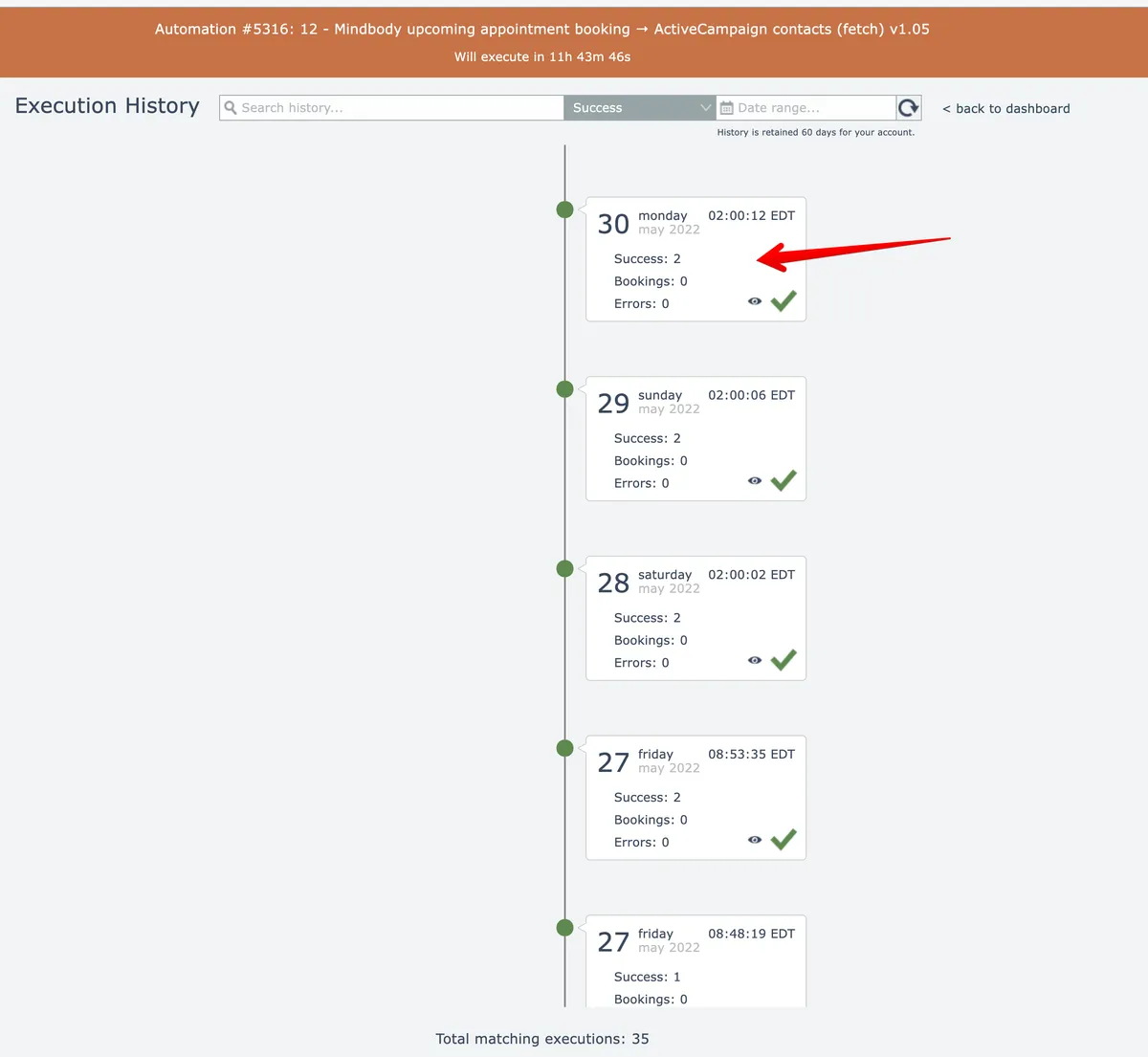
Execution history is the top-level screen. Each entry represents an execution of the automation.
The details for a particular execution of the automation can be inspected by clicking on a tile entry to drill down into the data row(s) processed that execution:
See Data row history
Related docs
Last updated May 4, 2026