
GuidePlatform UI (Fallback)v1
Obtain a link to a processed data row
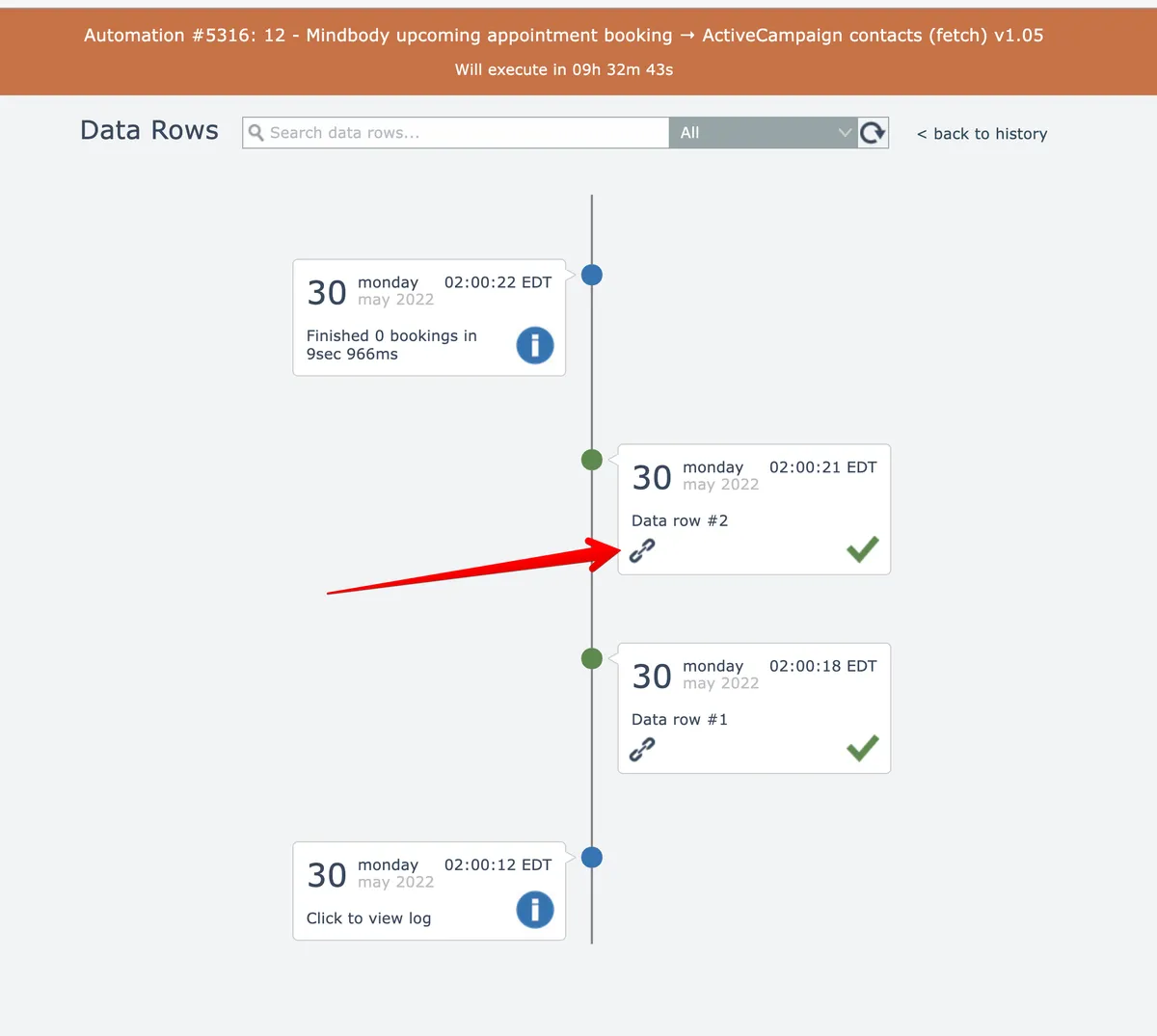
Get shareable URLs for processed data rows by clicking the link icon in history entries, which automatically copies the URL to your clipboard.
Click the link icon in data row history entries to obtain a URL link to them:
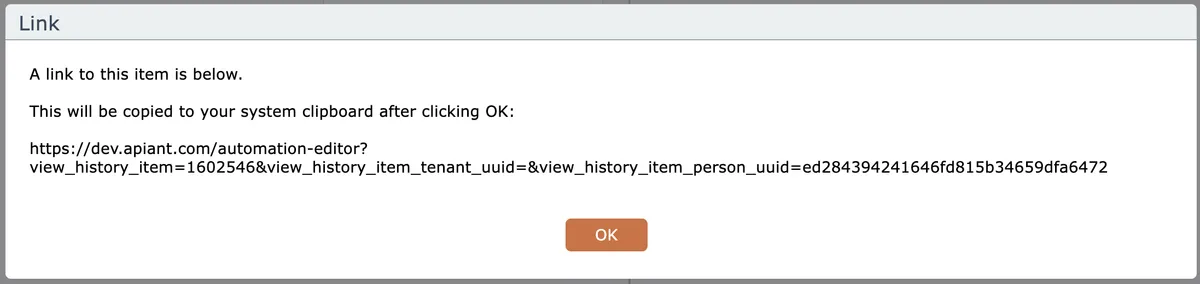
The URL link will be copied to your system clipboard:
Related docs
Last updated May 4, 2026