
GuidePlatform UI (Fallback)v1
Manual execution
Triggering automations manually from the dashboard using the play button icon, selecting execution mode, and monitoring processing results in the history screen.
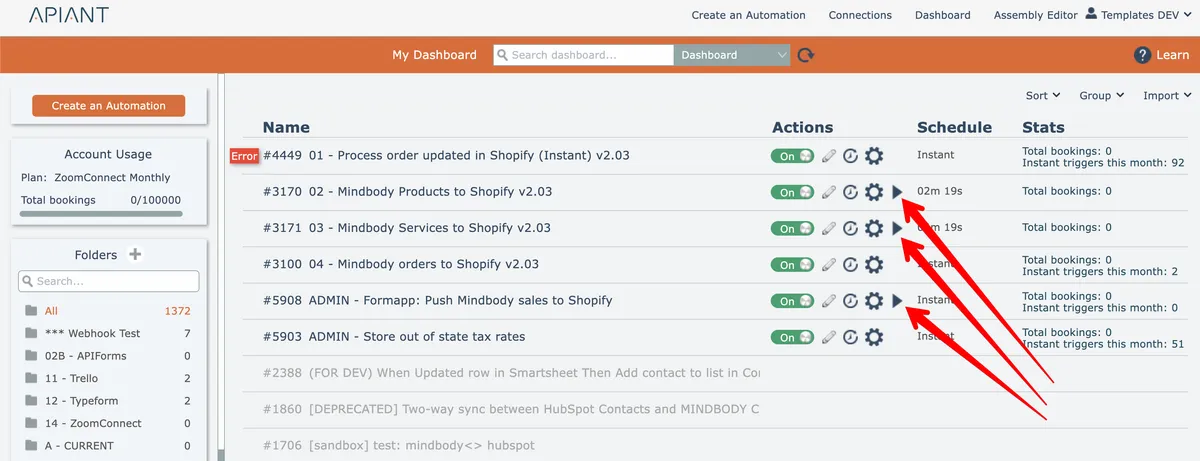
Automations not having an instant trigger can be manually executed from the dashboard via the "play button" icon:
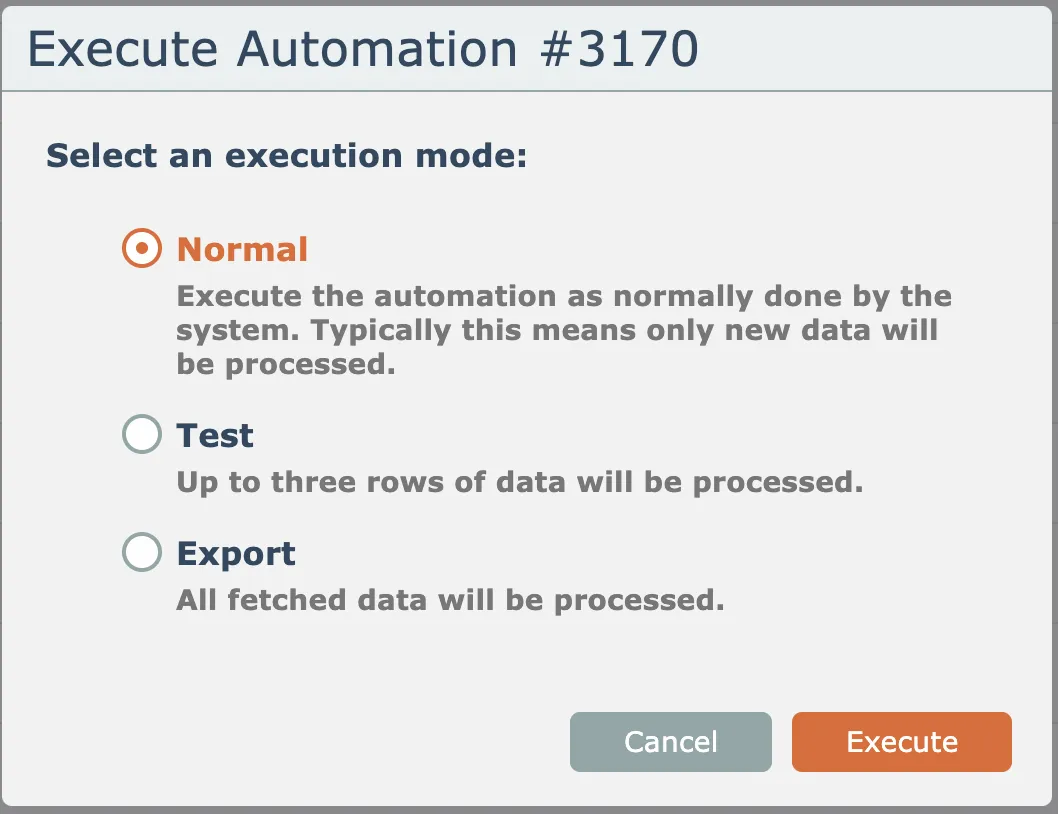
Select the execution mode:
The automation will begin processing as soon as the system can schedule it, which may be delayed depending on the system's load.
The automation's processing is displayed at the top of the processing history screen:
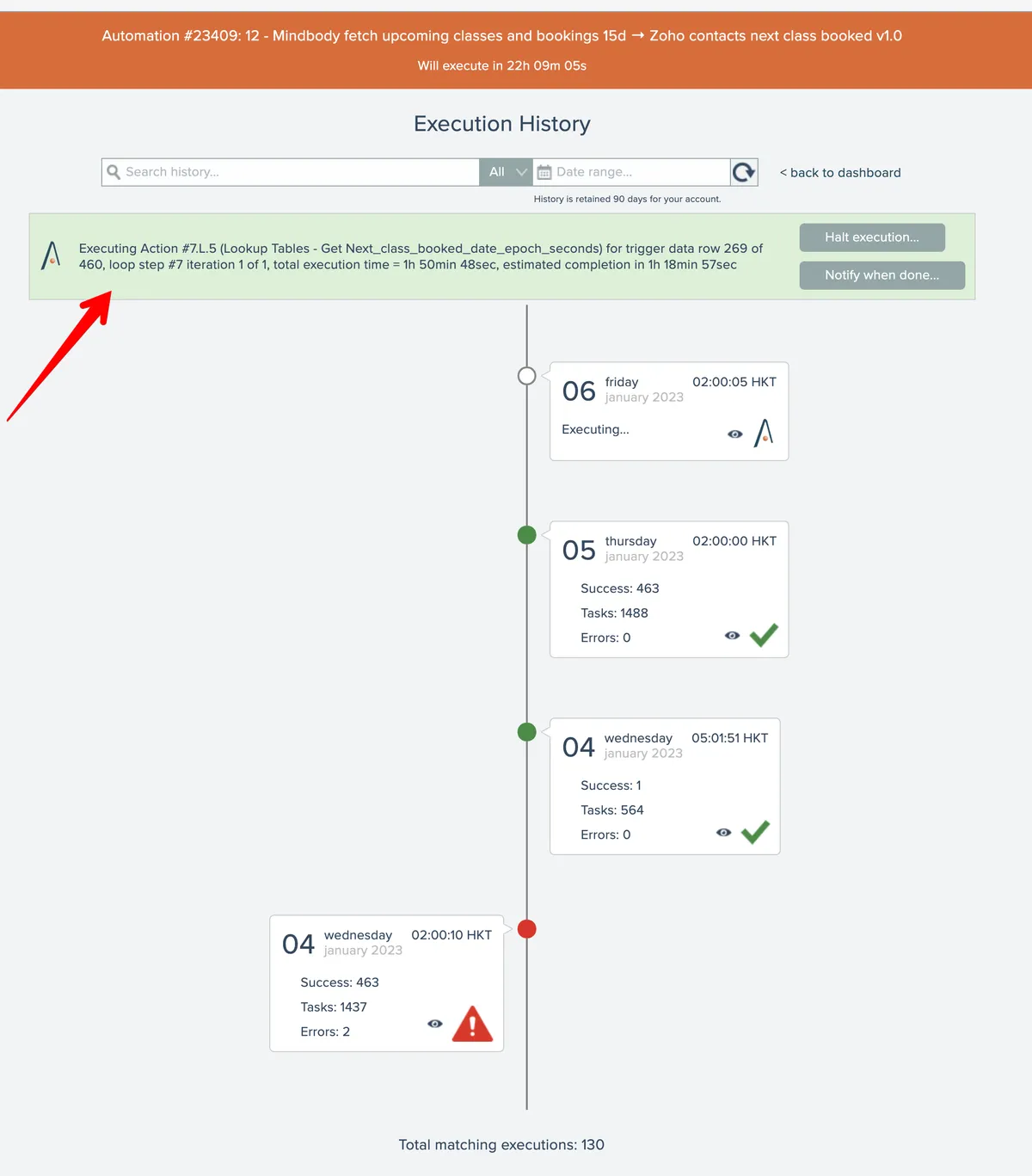
The results of the processing can be examined after processing is complete by clicking on the topmost history entry in the list.
Related docs
Last updated May 4, 2026