
GuidePlatform UI (Fallback)v1
Halting execution
Monitor active automations in the history screen and use the Halt button to stop execution in progress, with confirmation required to complete the action.
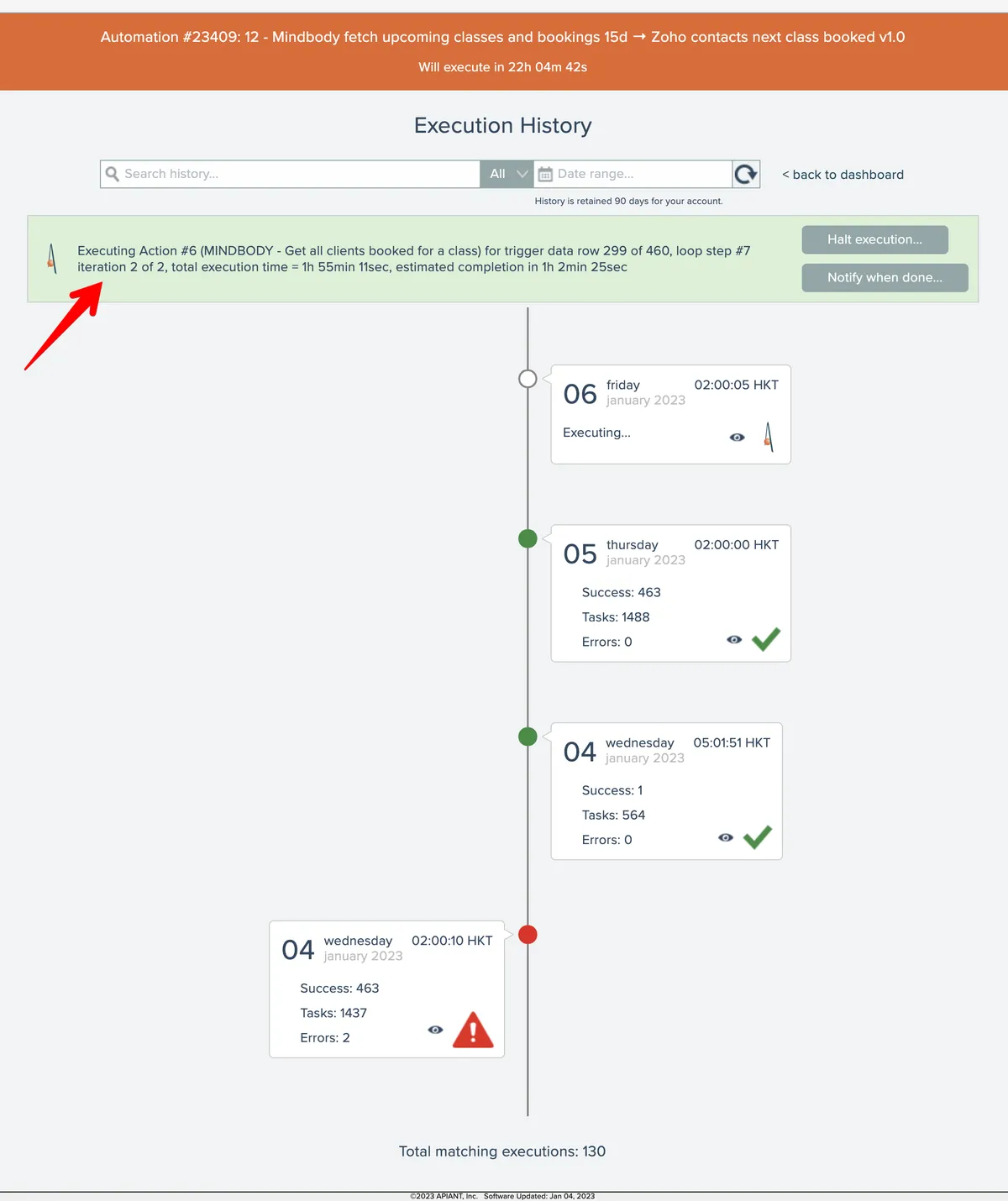
To see if an automation is executing, go to the automation's history screen:

If the automation is processing, progress appears in green at the top of the screen:
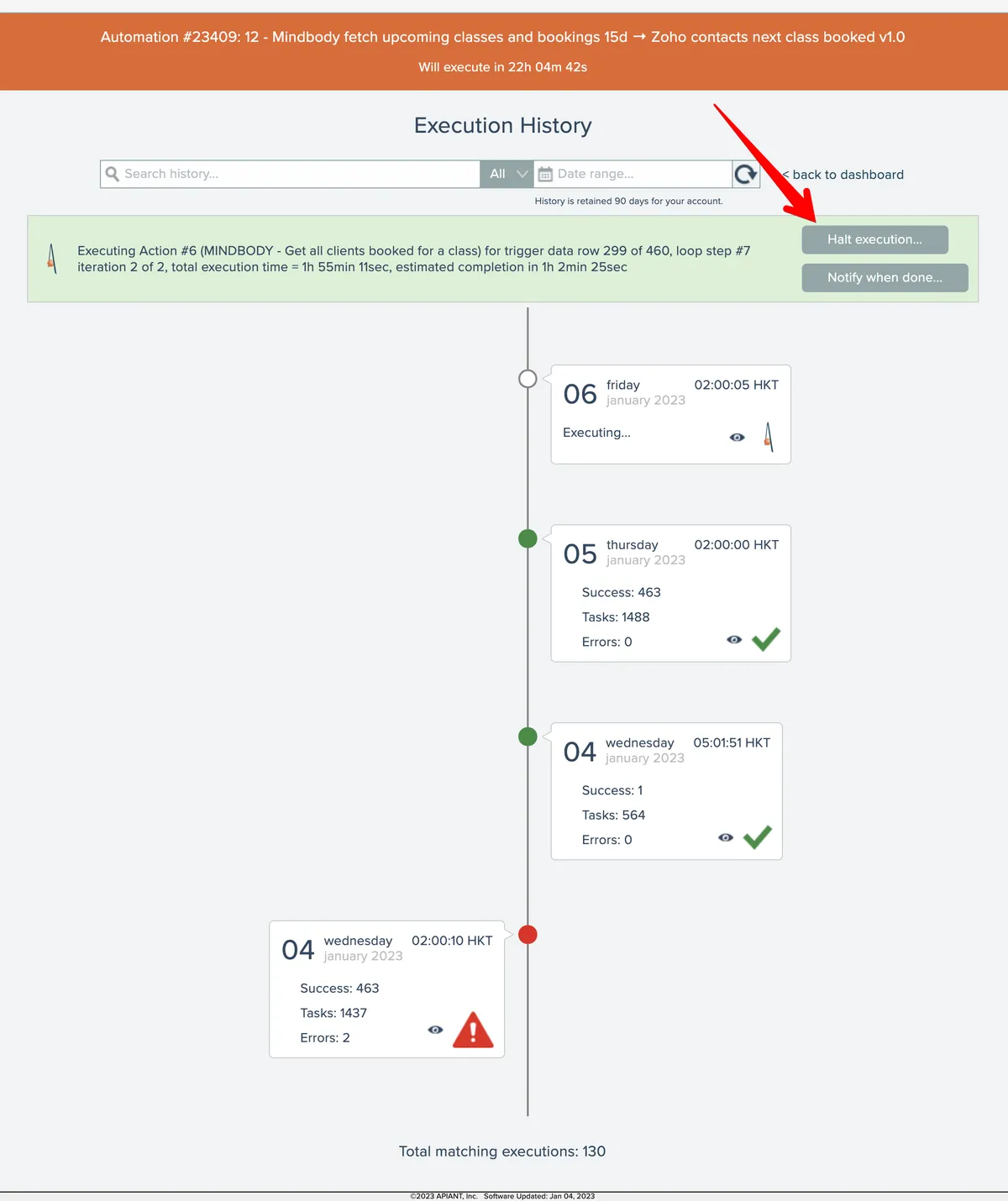
To halt the automation's execution, click the Halt button:
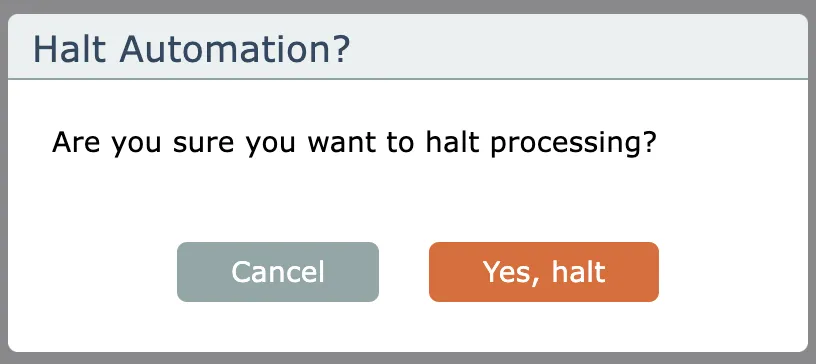
Then confirm the halt:
Related docs
Last updated May 4, 2026