
Export Triggers
Export triggers enable one-time bulk data exports from external systems by fetching all API data via pagination. Export automations run only in manual export mode without recurring schedules.
An export trigger is one that can be used for one-time bulk exports of data from one system, typically so it can be loaded into another system.
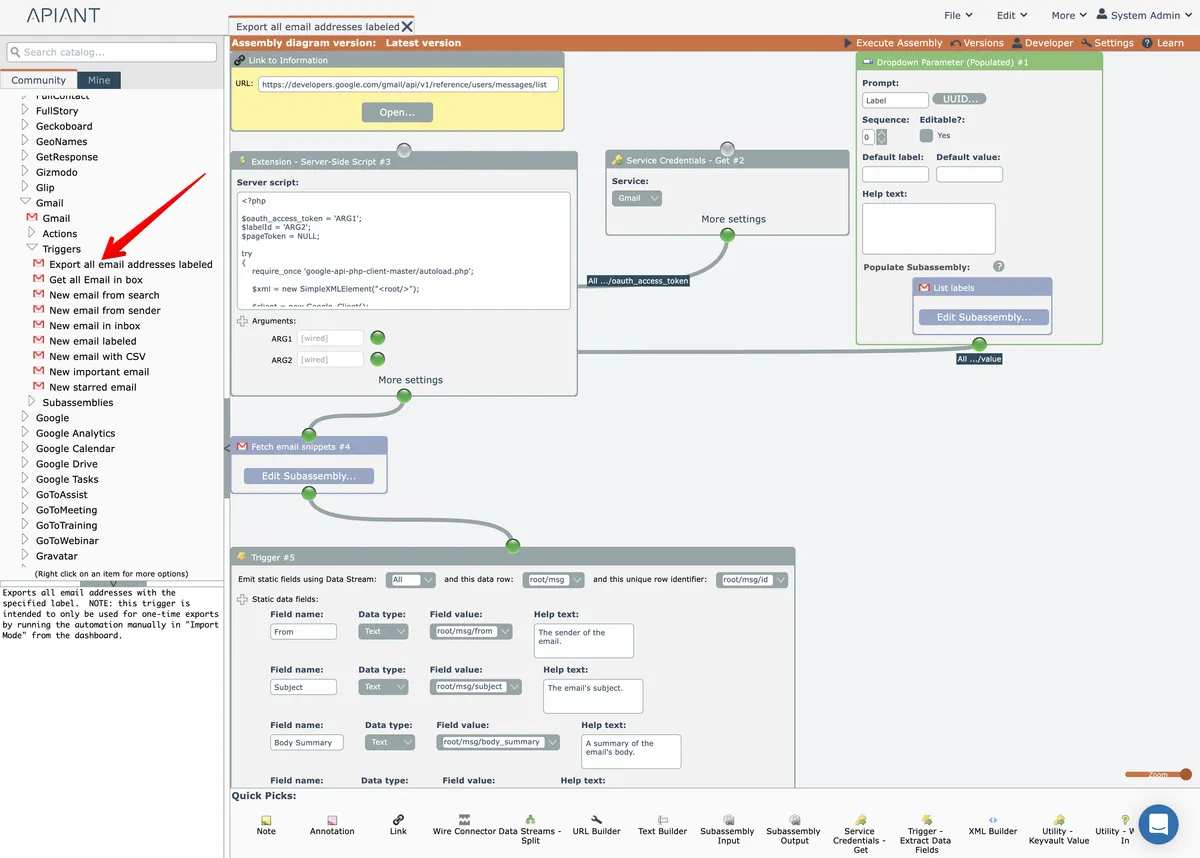
Export triggers are denoted by using “Export” as the first word in the trigger's name.
Export triggers are constructed in a manner where all API data is fetched, typically via pagination.
Export triggers do not use the Trigger – Emit New Items module.
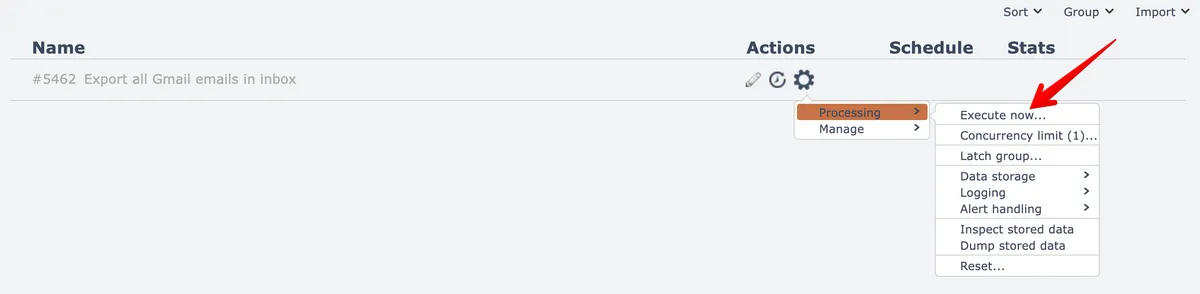
Export automations that have an export trigger appear differently in the automation editor's dashboard. They have no on/off switch and can only be executed manually:
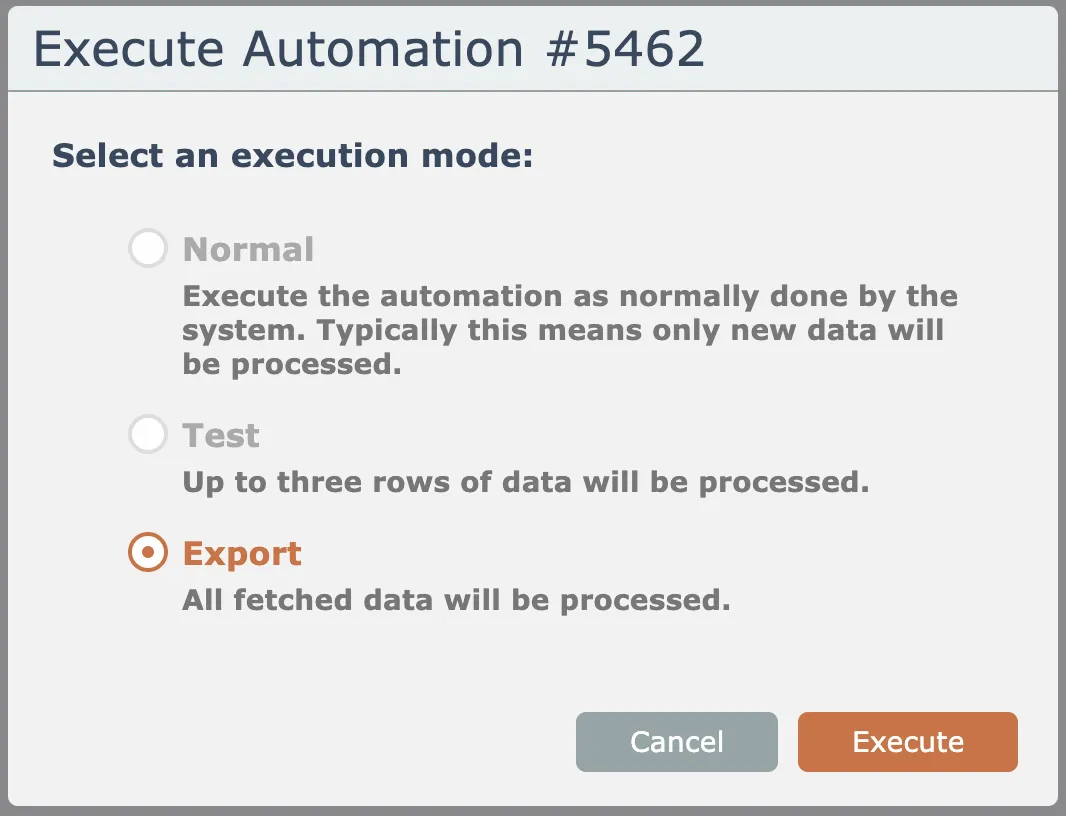
They can only be executed in Export mode, the other options are disabled:
Executing the automation in export mode results in any timeout settings to be ignored.
The automation runs until it processes all data, or until manually halted.
Automations process all data in-memory.
It is possible for an export automation to be halted by the system if it consumes too much memory, depending upon how much data is processed and the system's available memory.