
GuidePlatform UI (Fallback)v1
Removing multiple items
Select a range of consecutive items by right-clicking the first and last items, then remove them all at once from the editor.
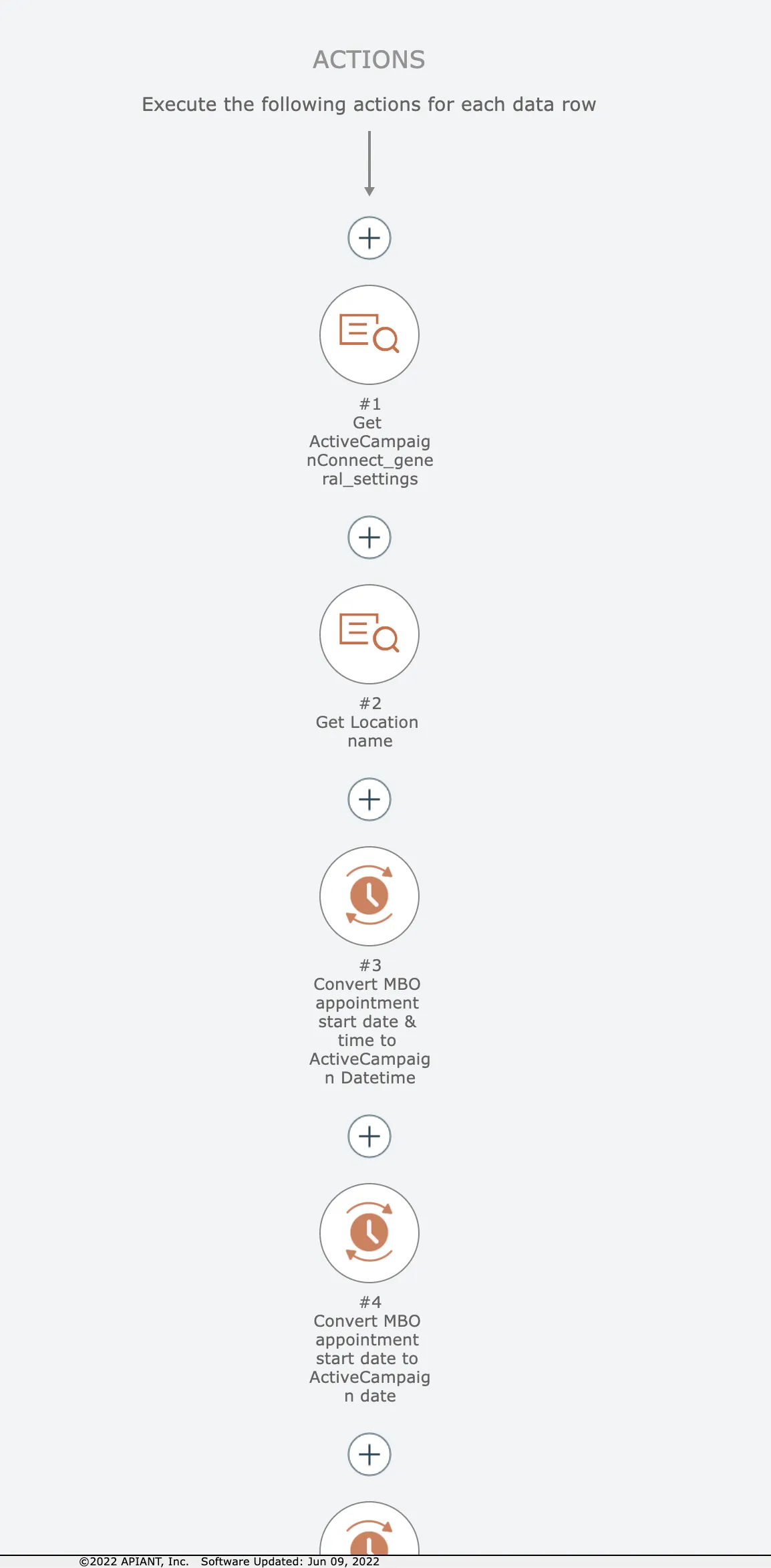
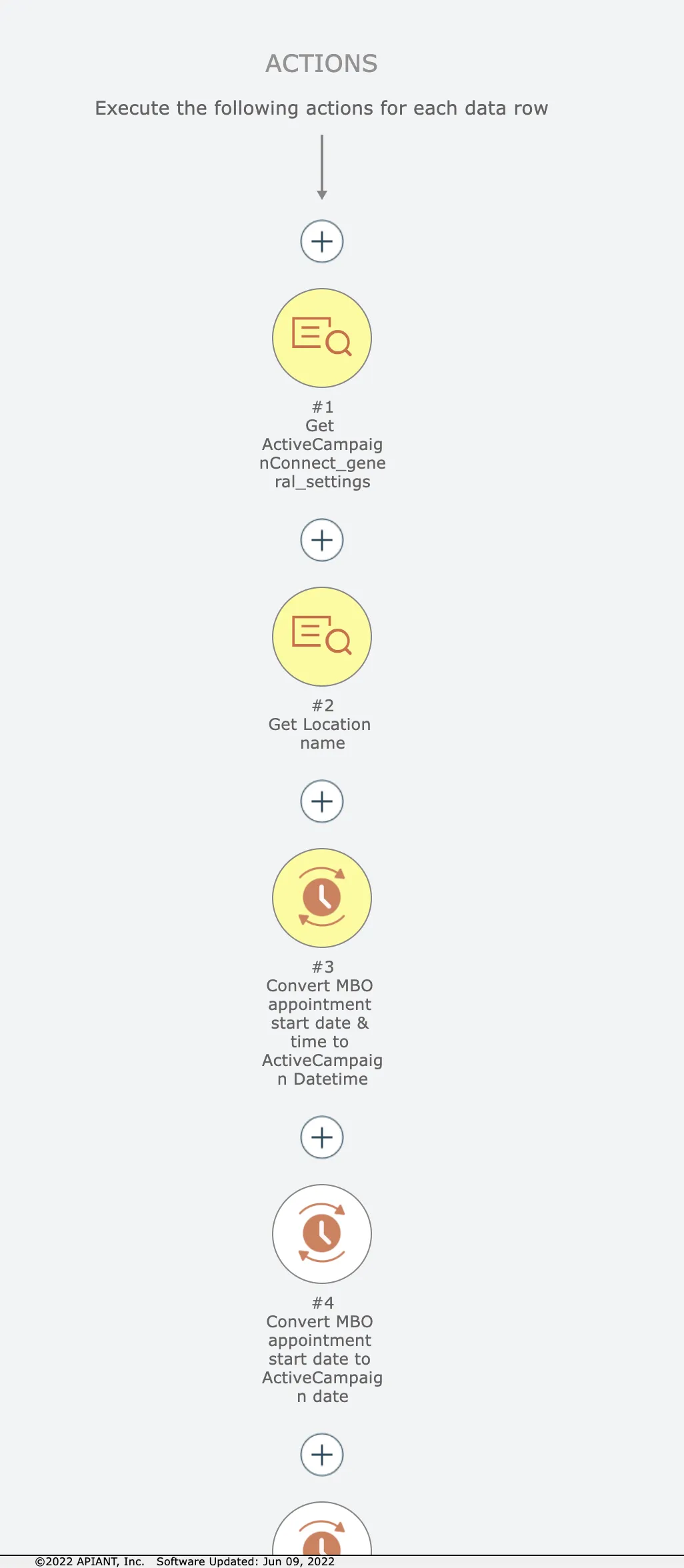
Let's say we want to remove just the first 3 actions here:
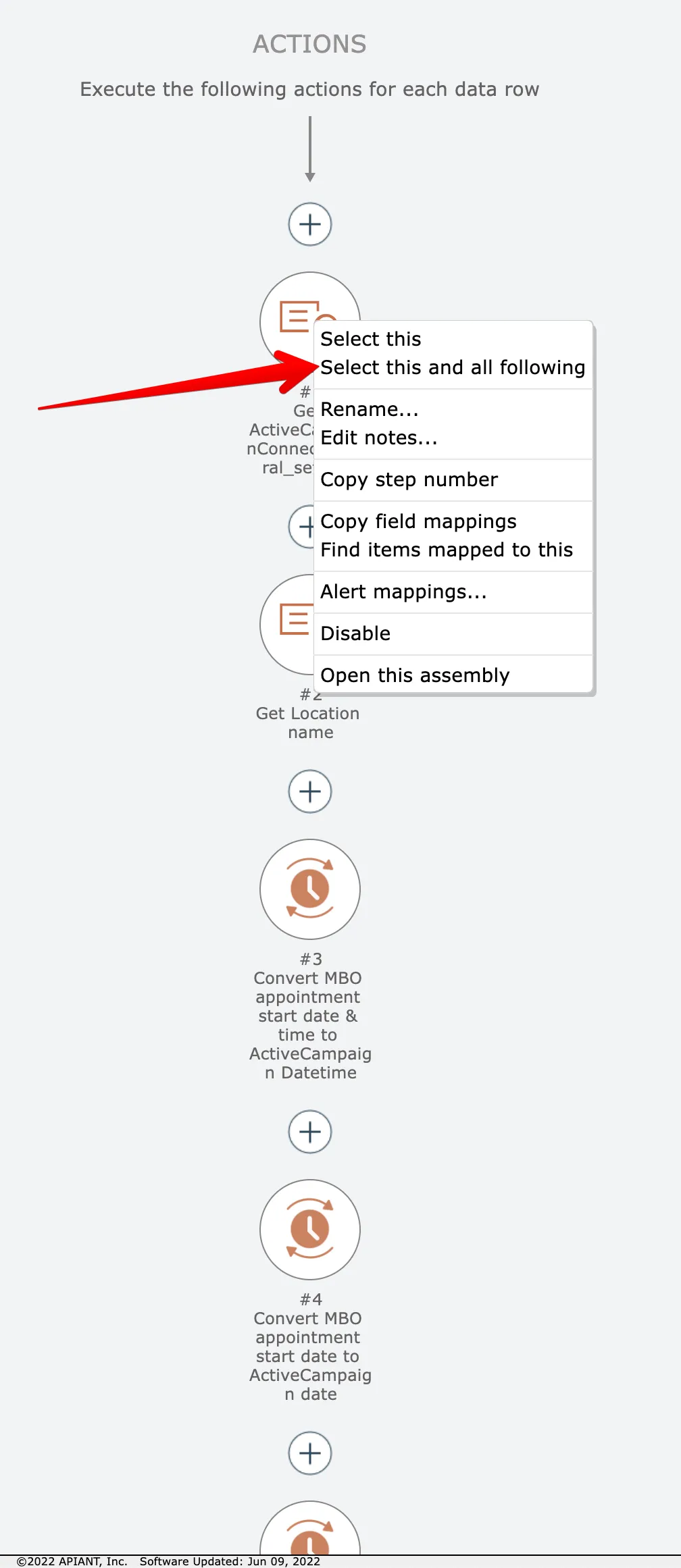
Start by right-clicking on the first item and choose this option:
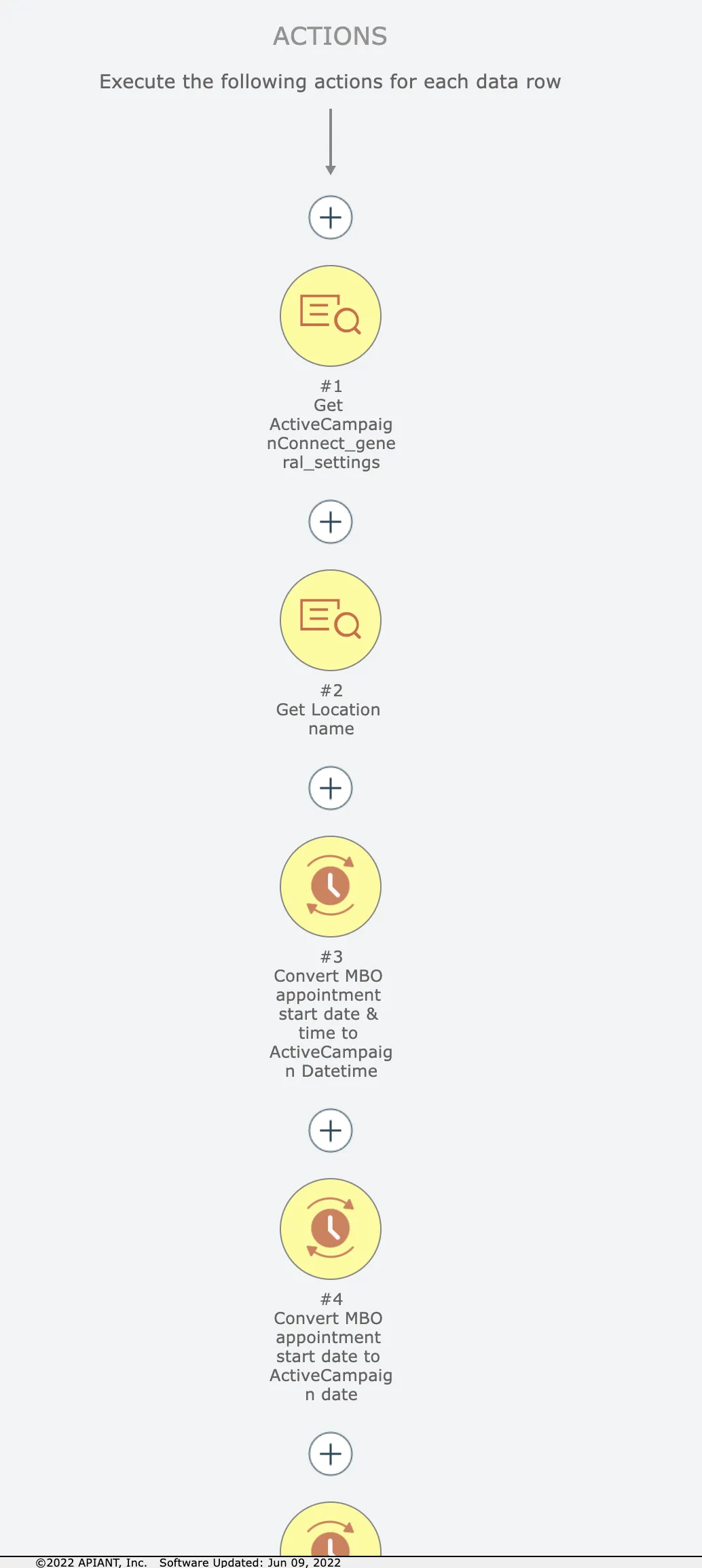
Now the first item and all following items are selected in yellow:
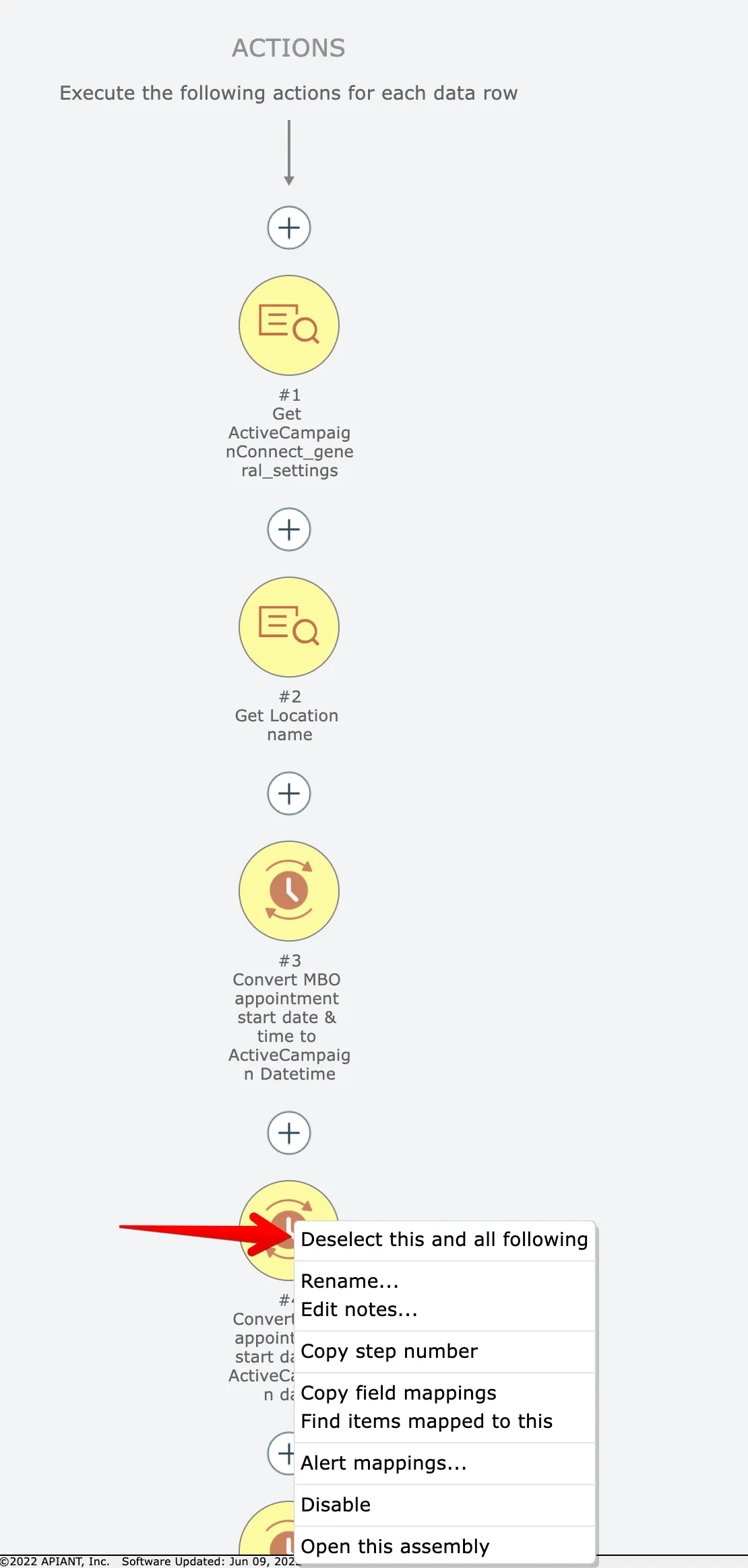
We want just the first 3 actions, however. So right click on the 4th item and choose this option:
Now we have just the first 3 actions selected:
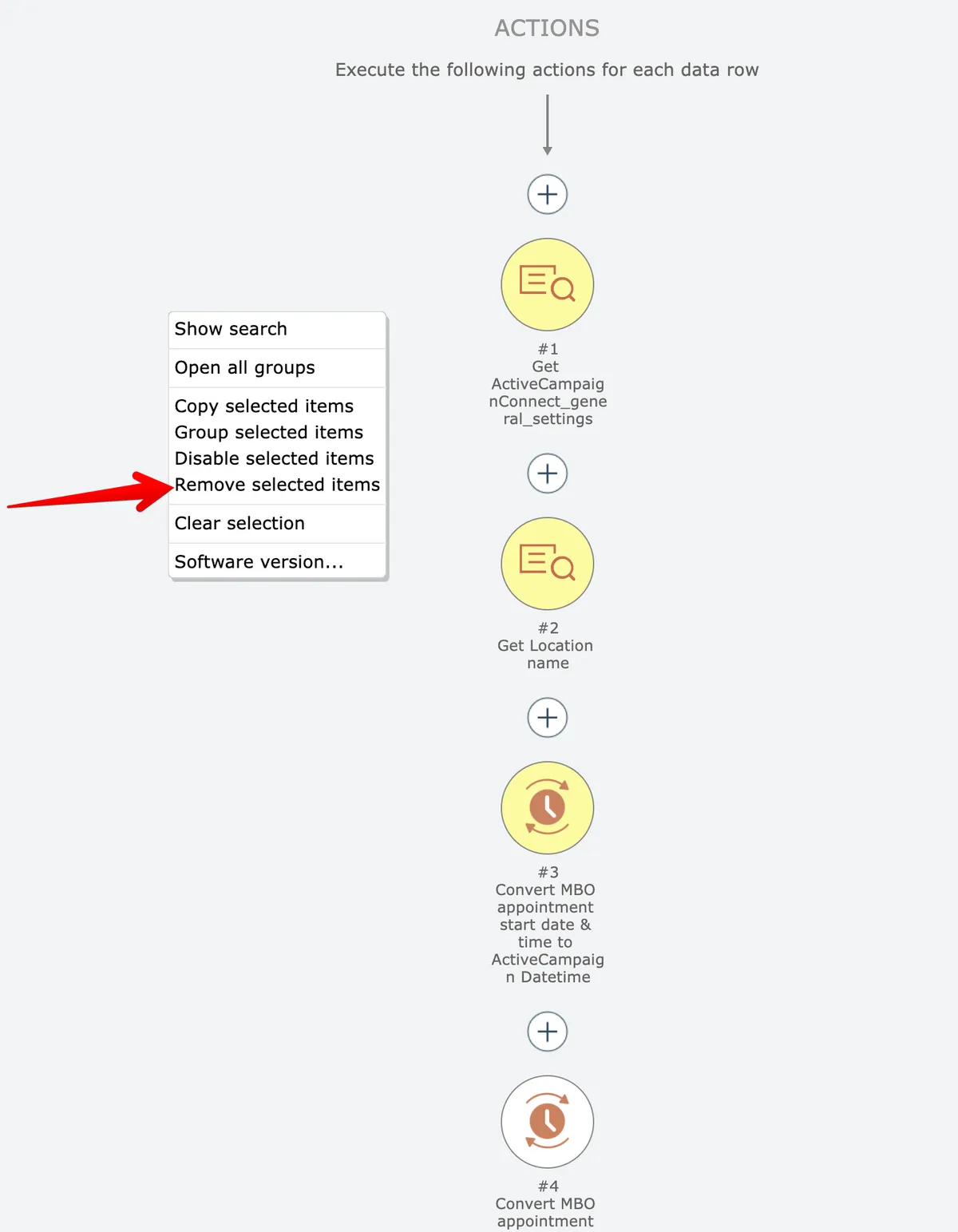
Finally, right click on the editor background and choose the remove option:
Related docs
Last updated May 4, 2026