
GuidePlatform UI (Fallback)v1
Disabling multiple items
Prevent multiple consecutive actions from executing by selecting a range of items and disabling them together during automation runs.
Items can be disabled so they won't be executed when the automation runs.
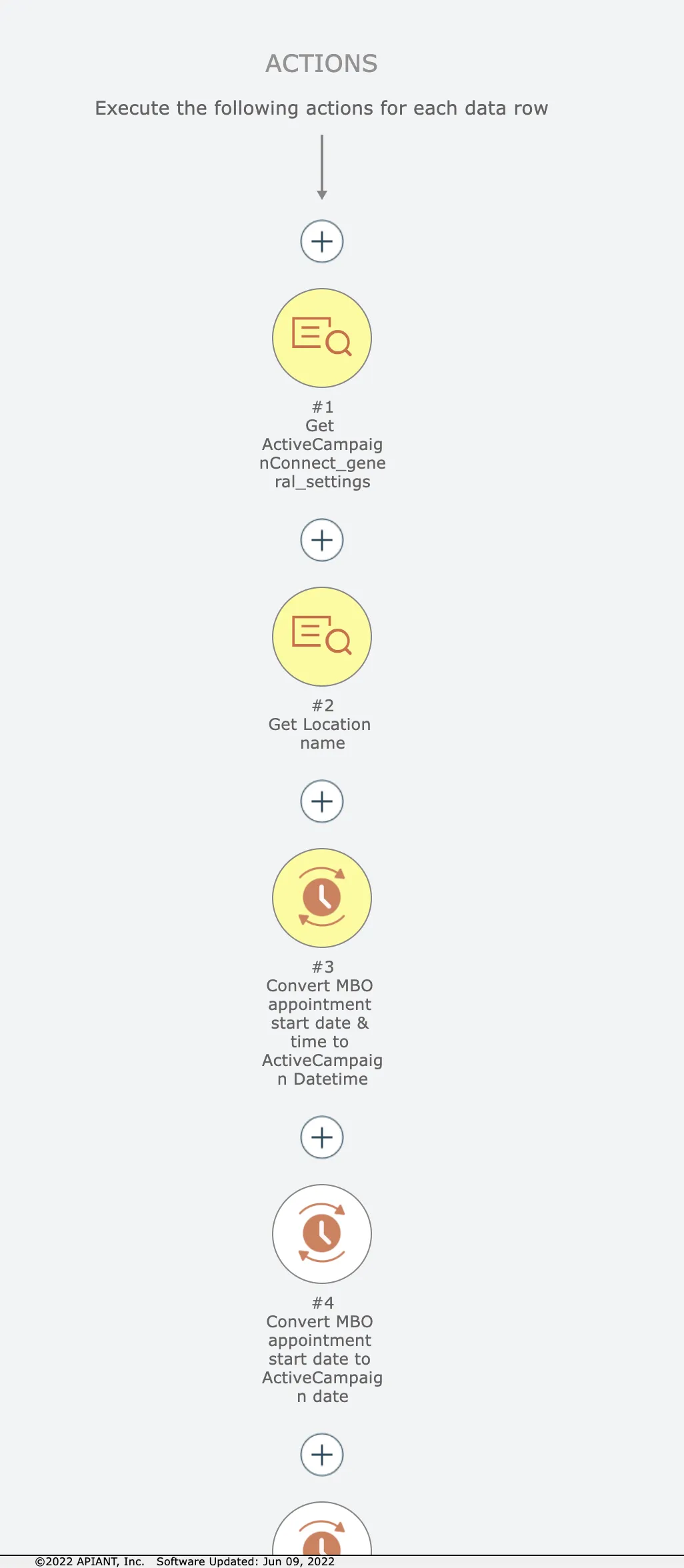
Let's say we want to disable just the first 3 actions here:
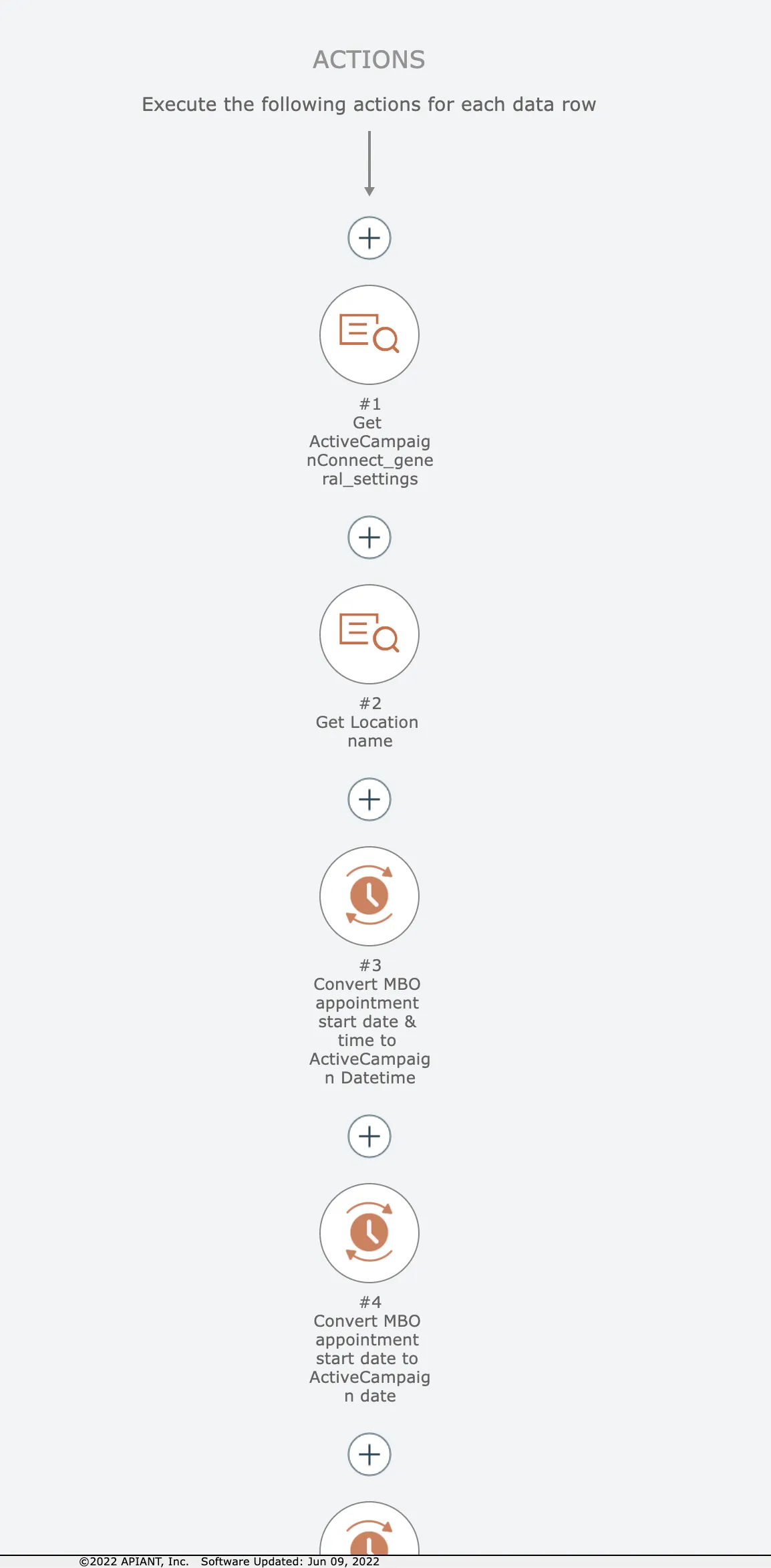
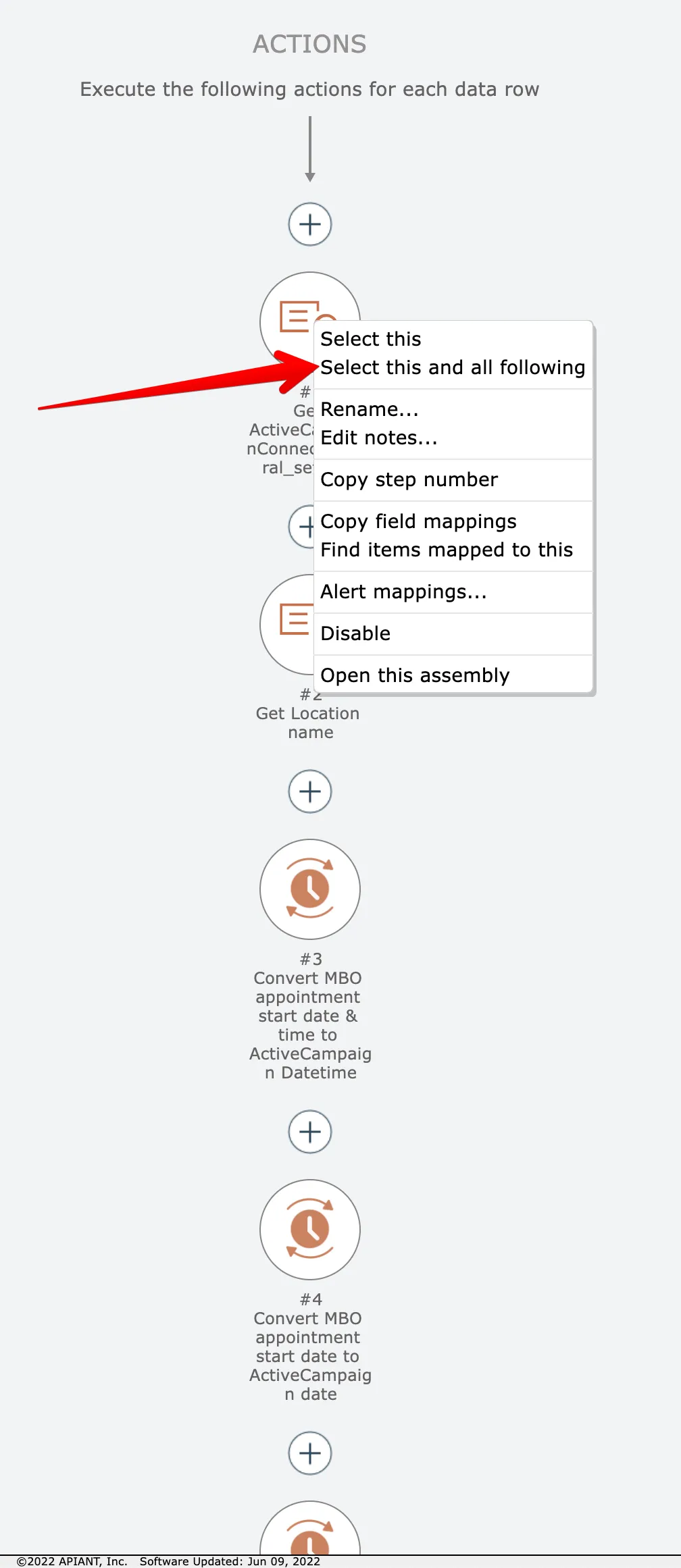
Start by right-clicking on the first item and choose this option:
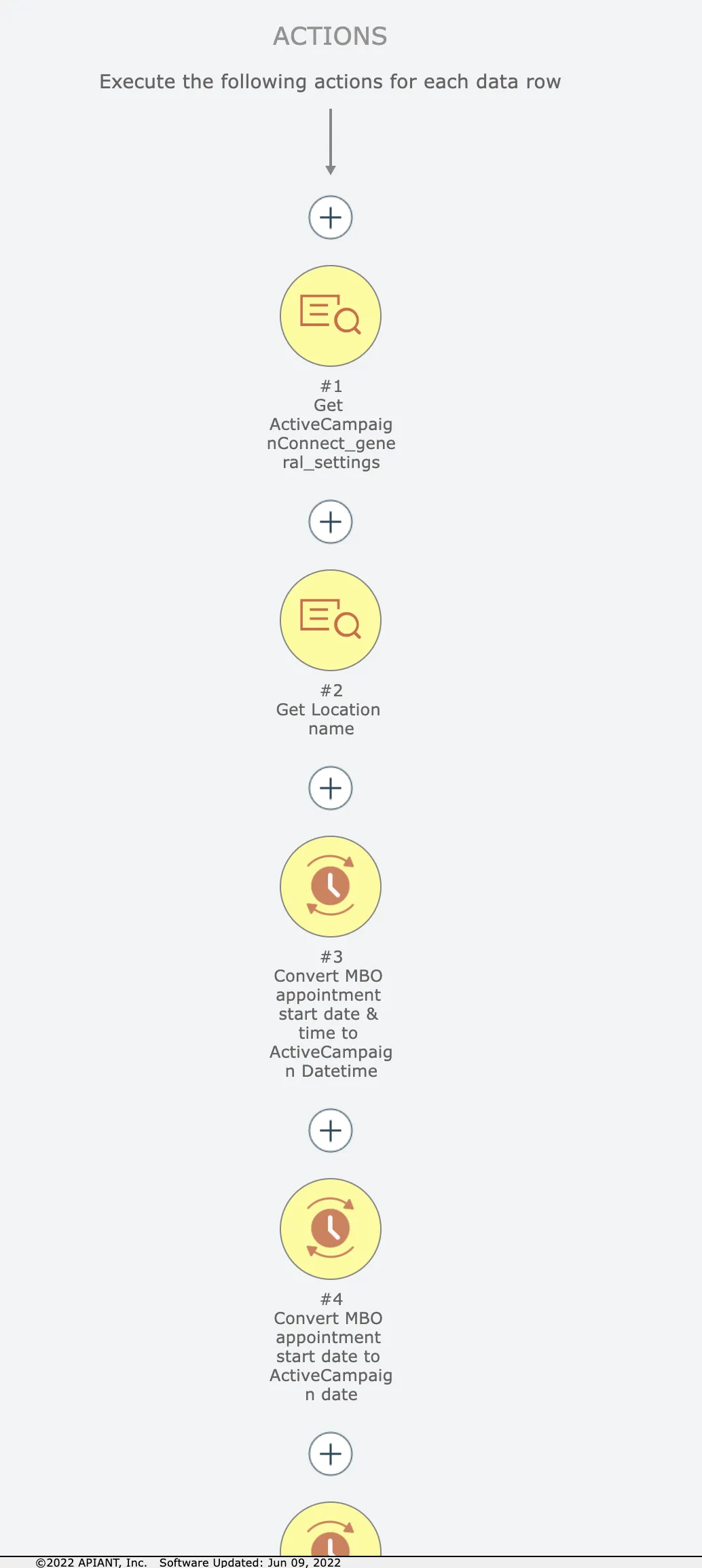
Now the first item and all following items are selected in yellow:
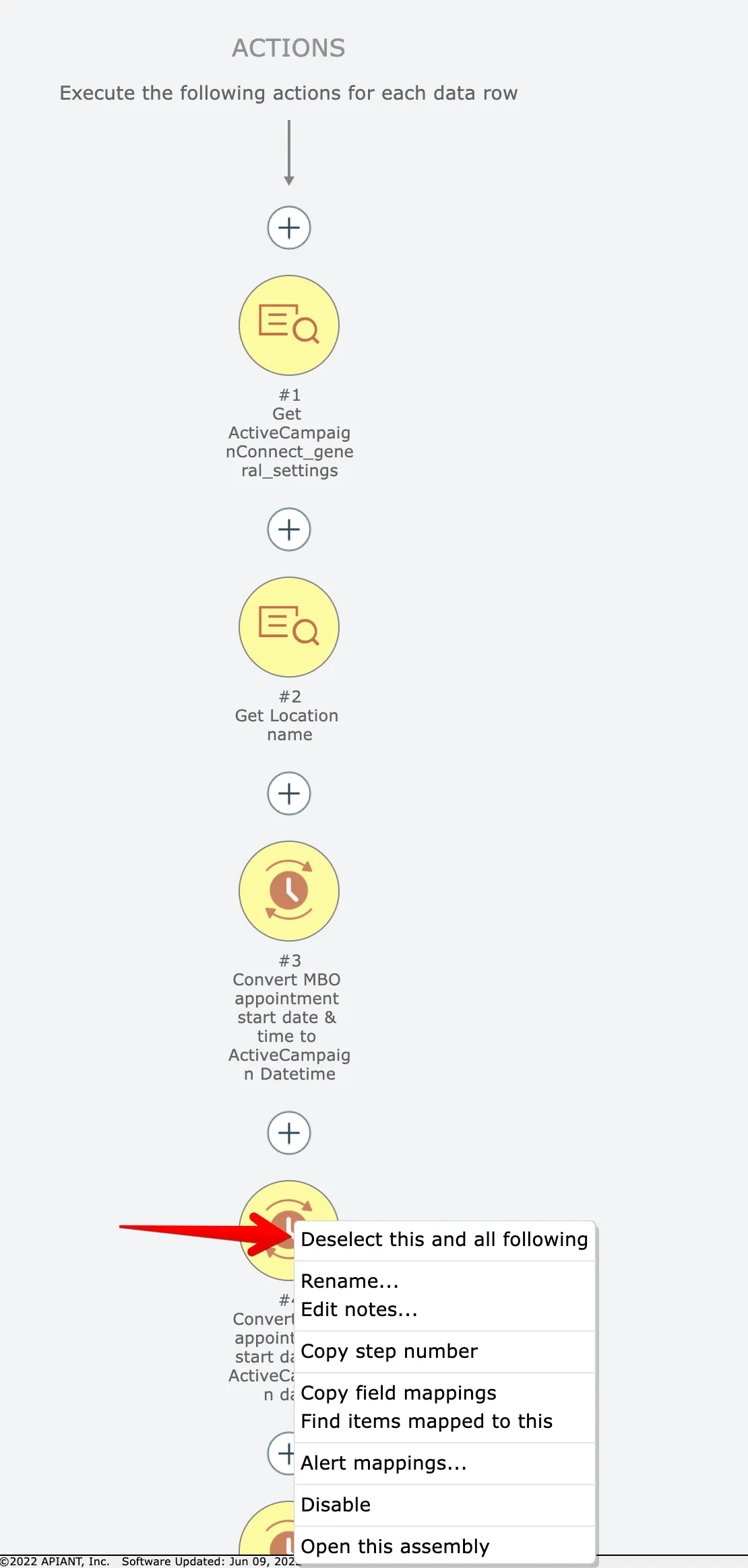
We want just the first 3 actions, however. So right click on the 4th item and choose this option:
Now we have just the first 3 actions selected:
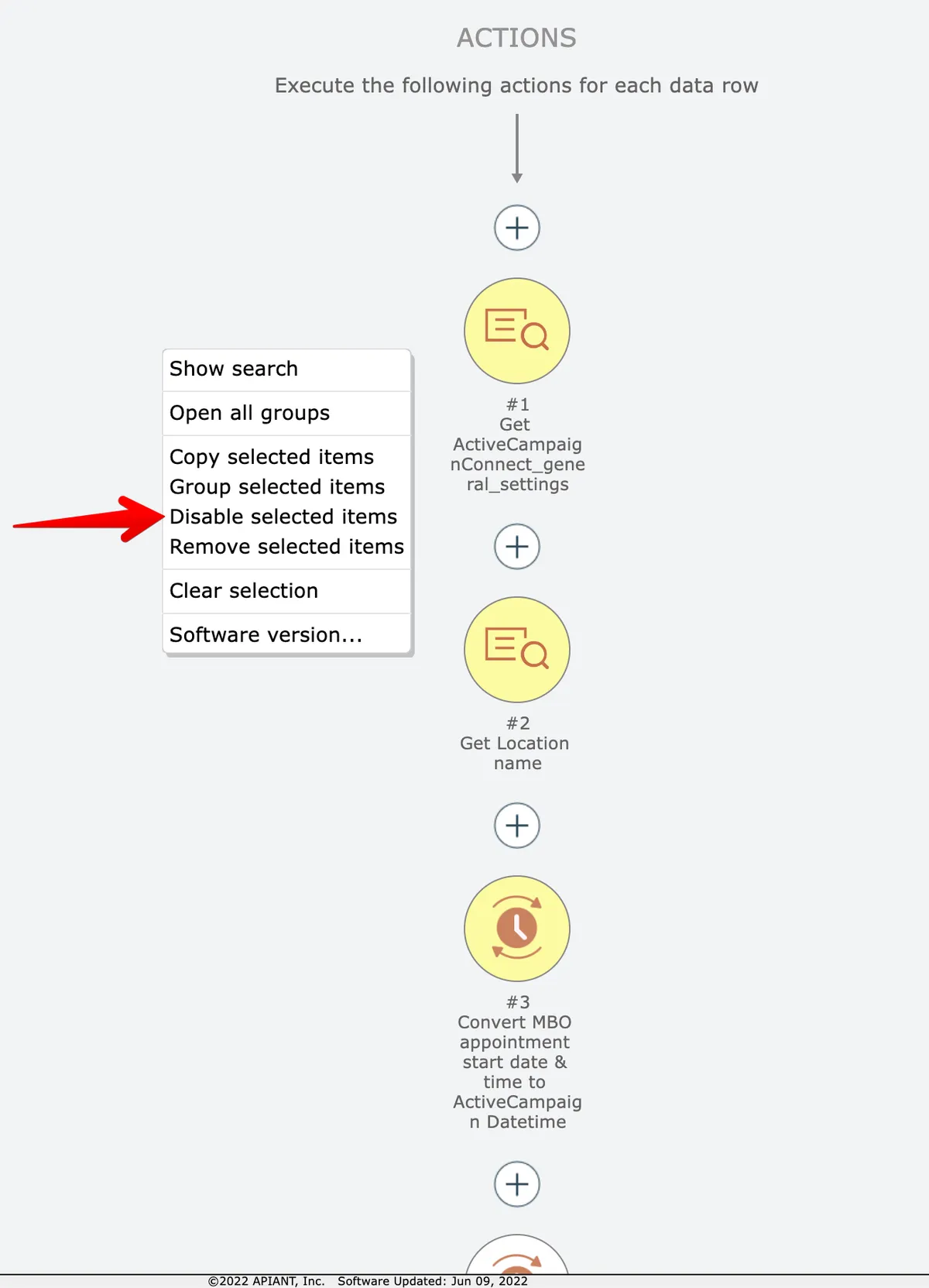
Finally, right click on the editor background and choose the disable option:
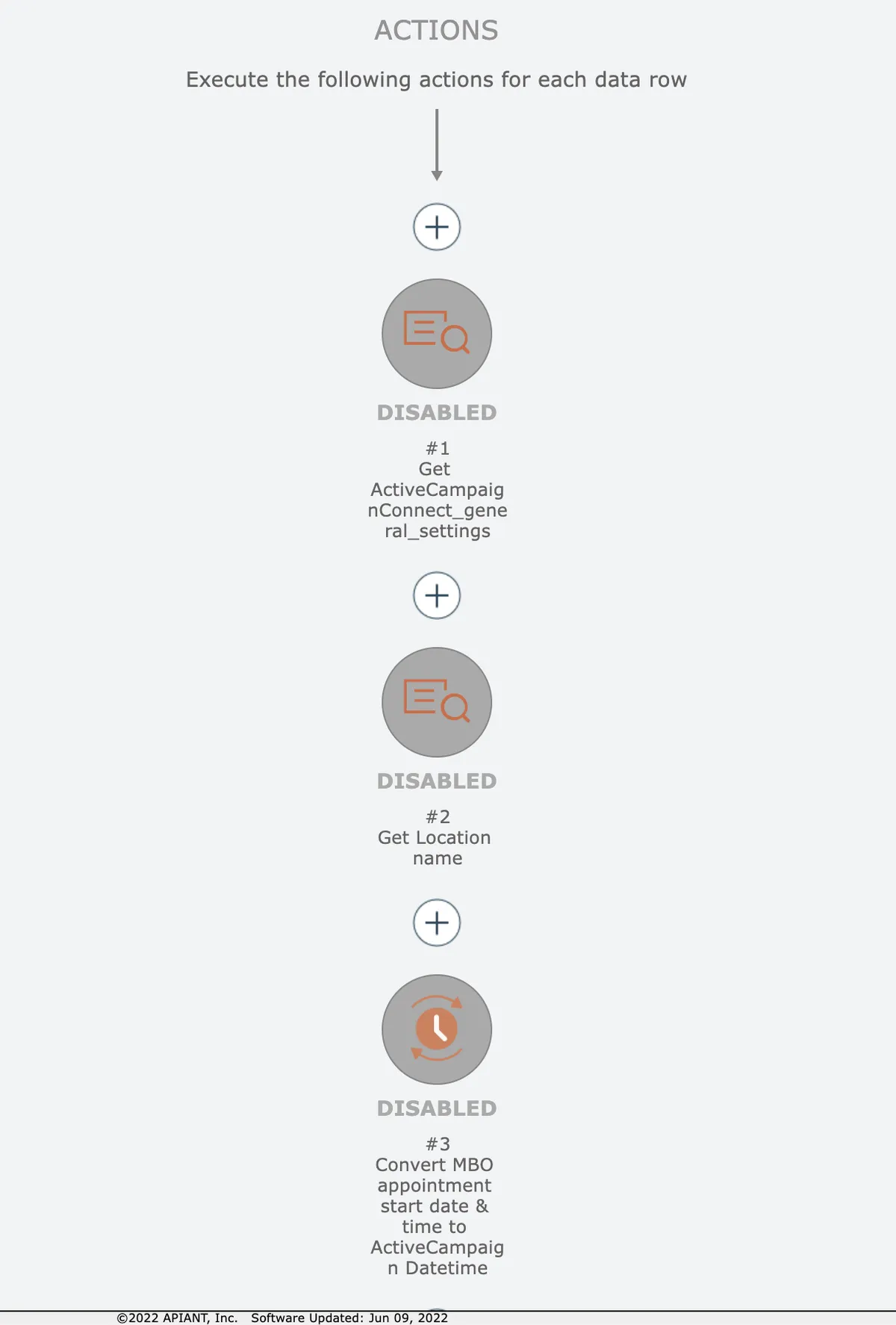
The 3 actions will then be disabled:
Related docs
Last updated May 4, 2026