
GuidePlatform UI (Fallback)v1
Removing a single item
Deletes individual automation items and manages field mapping references when removing triggers or actions from workflows.
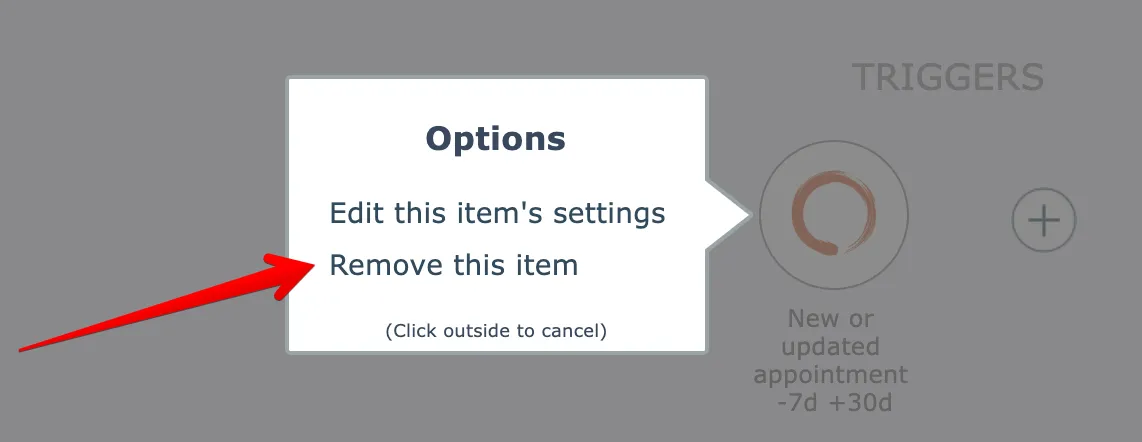
To remove an item from the automation, click it and select the option to remove it:
If the item is referenced in any field mappings the editor will prompt whether to remove those field mappings, or to retain them:
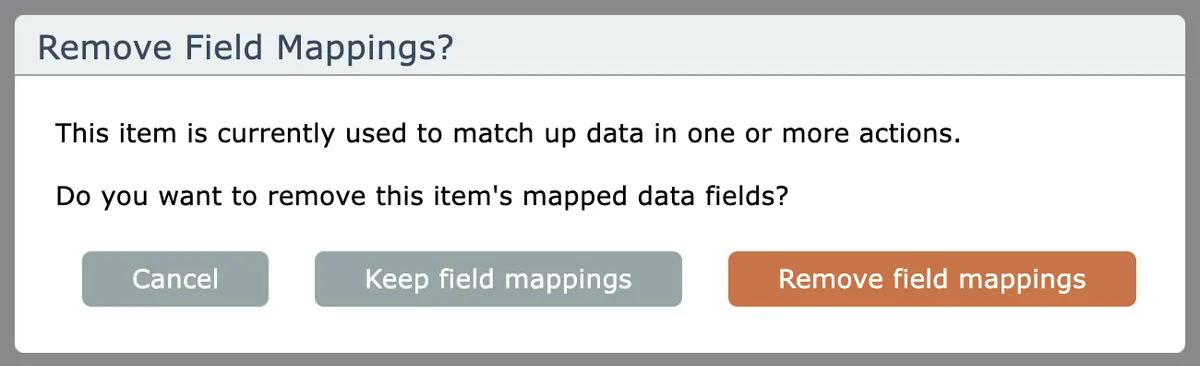
The purpose of keeping the field mappings is to mainly provide a way to replace a trigger or an action. After removing an item and choosing to keep its field mappings, if you add another item and that item has fields with the same names, those fields will then become mapped.
To remove multiple items at once, see Removing multiple items
Related docs
Last updated May 4, 2026