
GuidePlatform UI (Fallback)v1
Create a group
Organize multiple actions into collapsible groups within the editor by selecting actions and using the context menu to create named groups for better workflow structure.
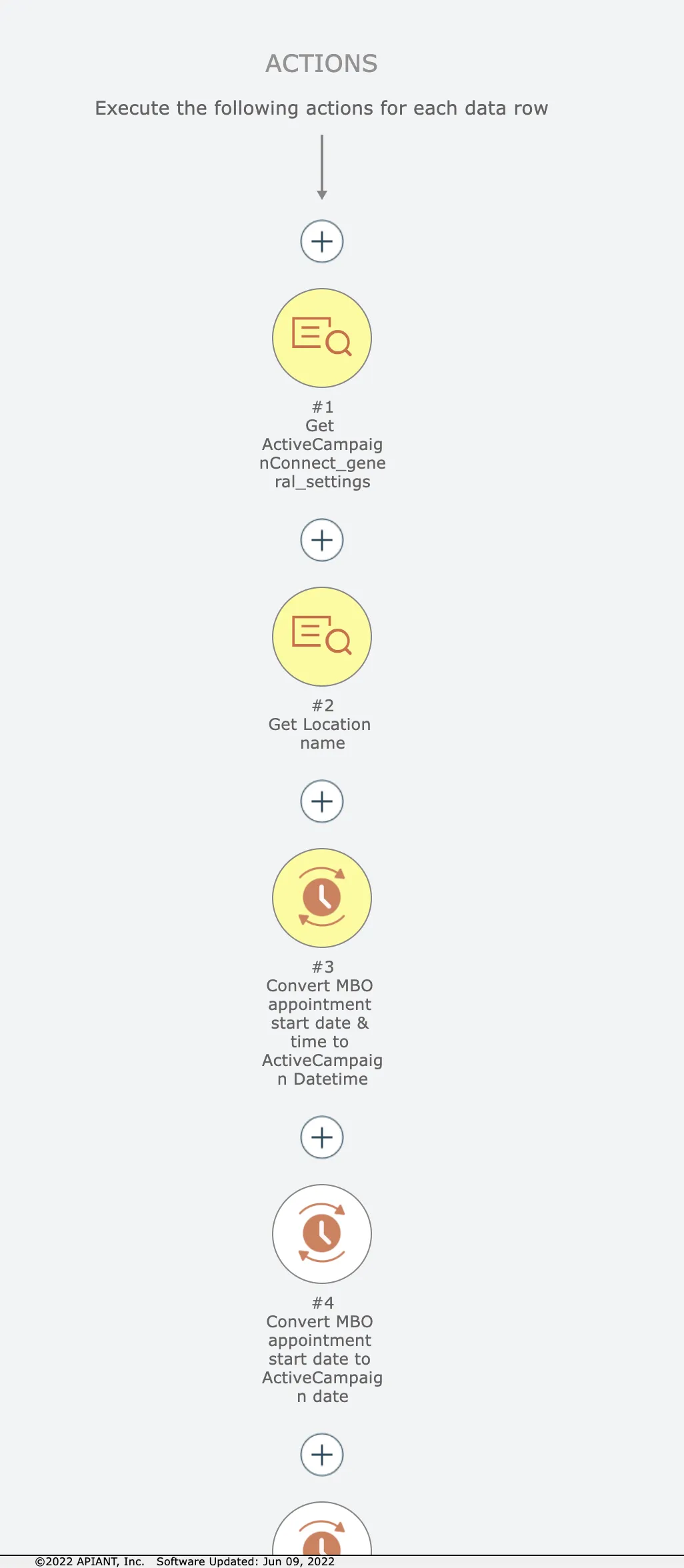
Let's say we want to group just the first 3 actions here:
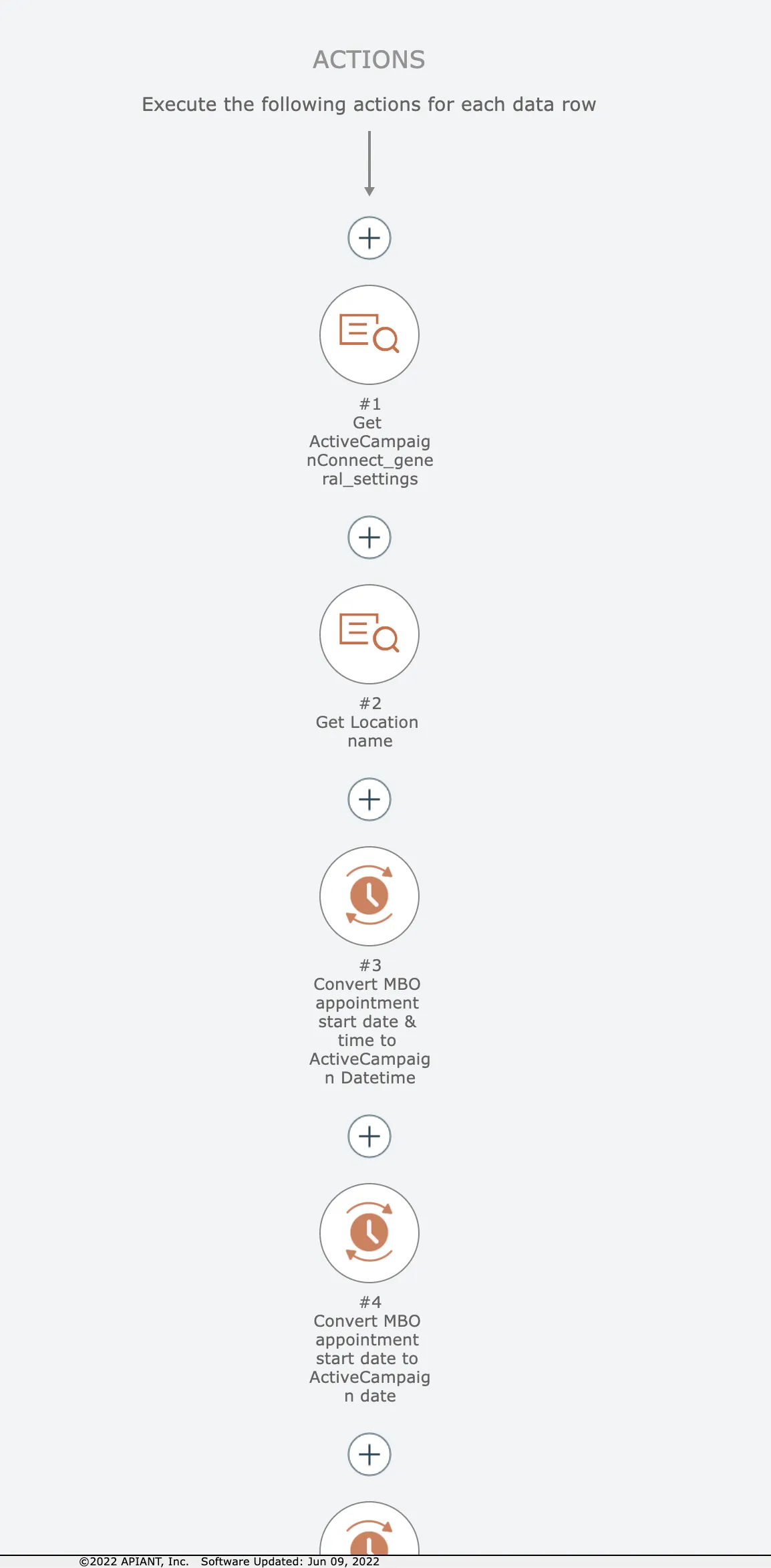
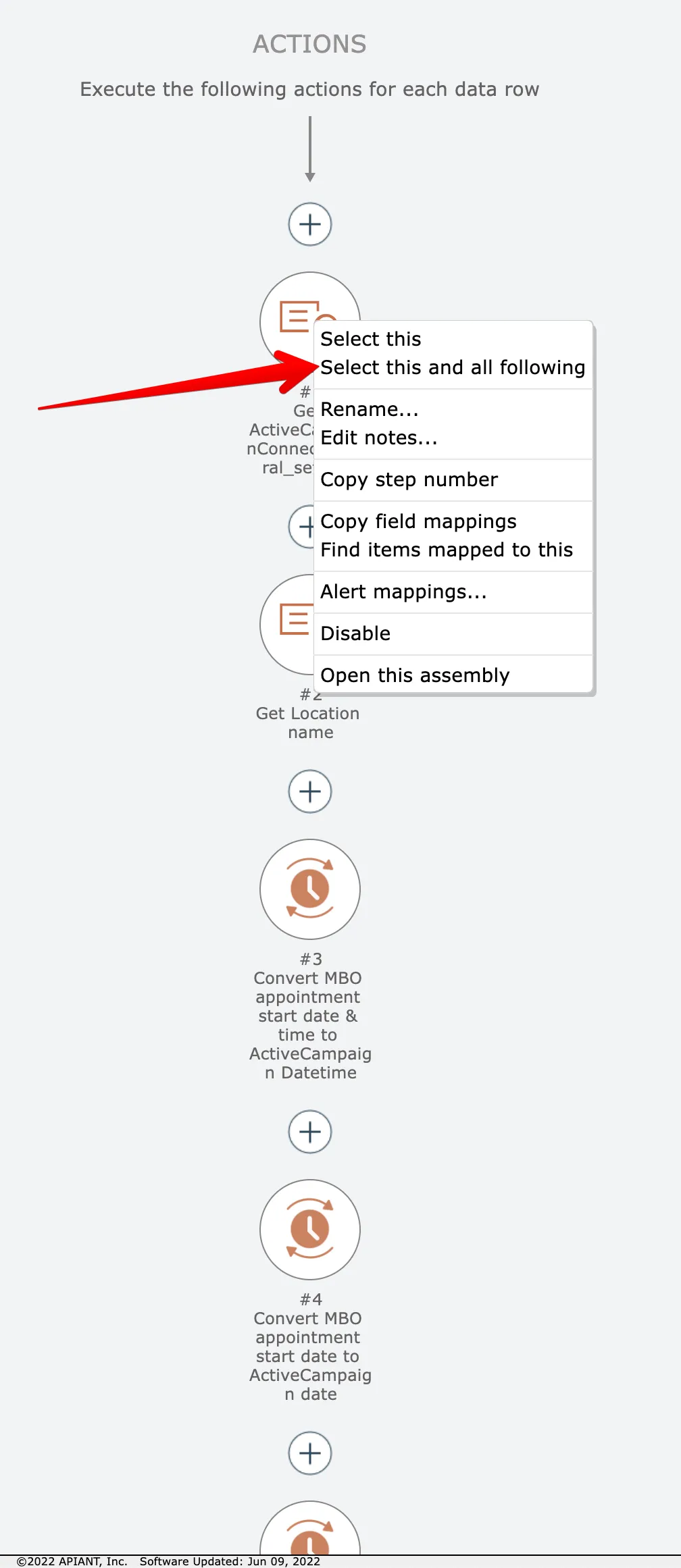
Start by right-clicking on the first item and choose this option:
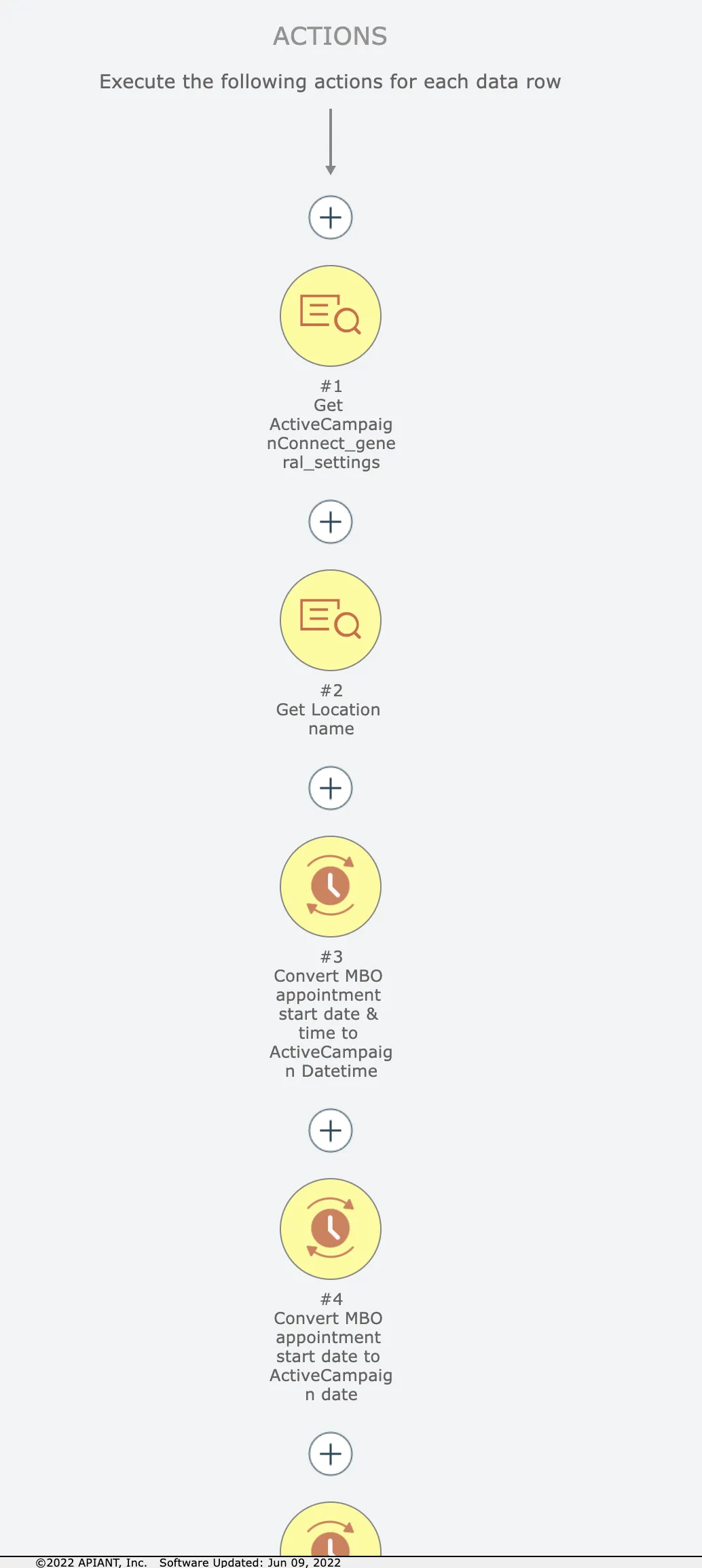
Now the first item and all following items are selected in yellow:
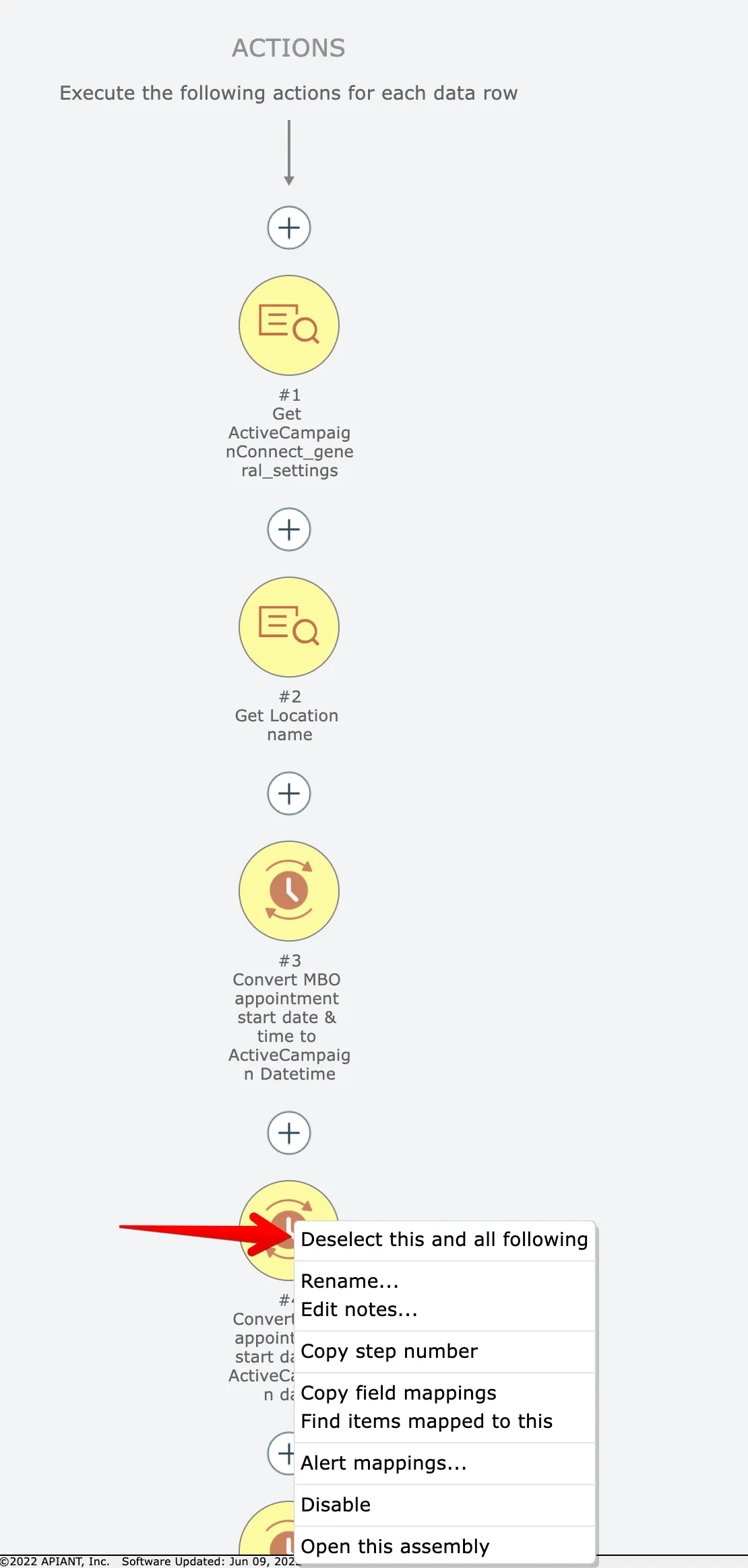
We want just the first 3 actions, however. So right click on the 4th item and choose this option:
Now we have just the first 3 actions selected:
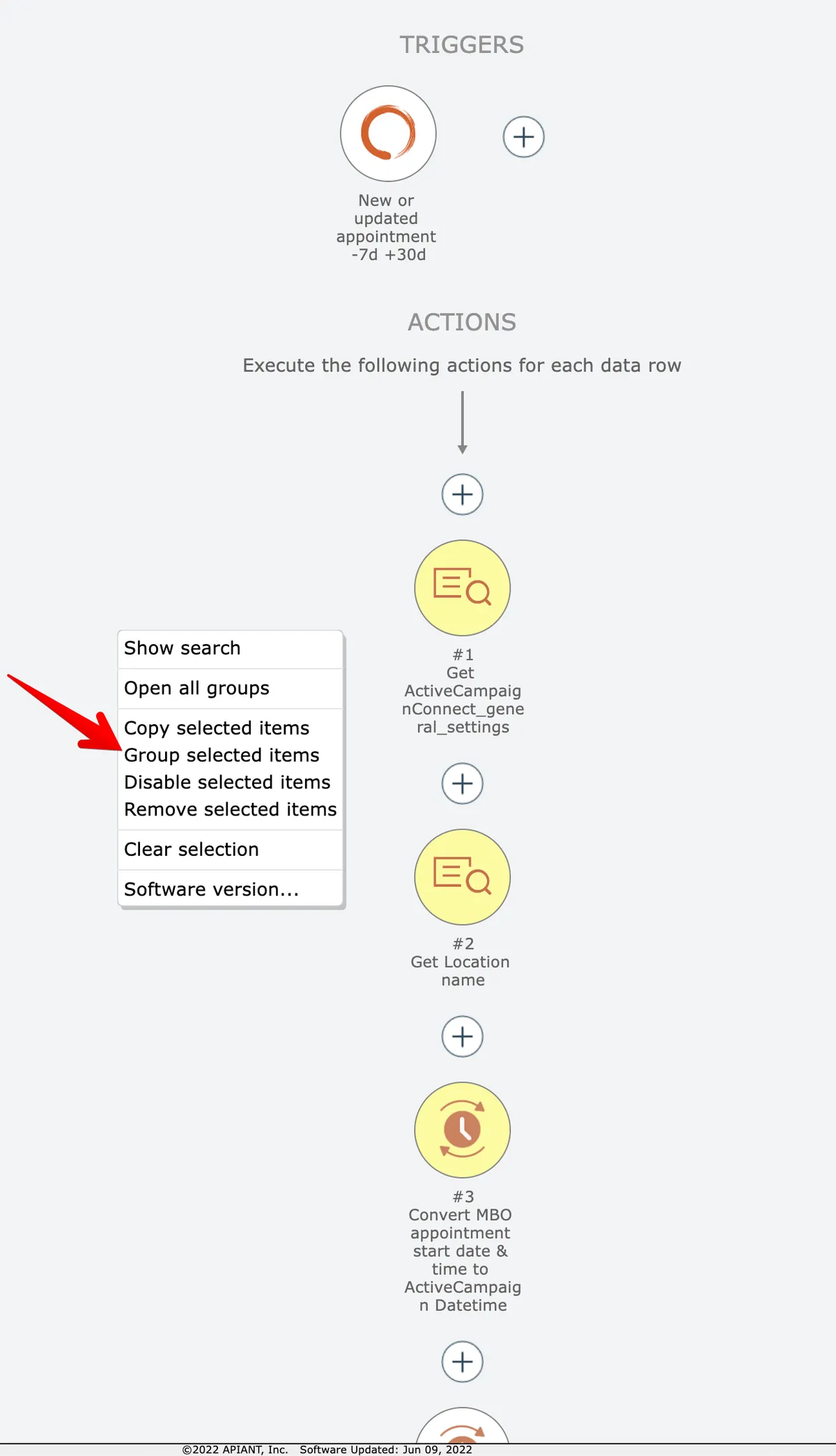
Right-click on the editor's background and select the Group option:
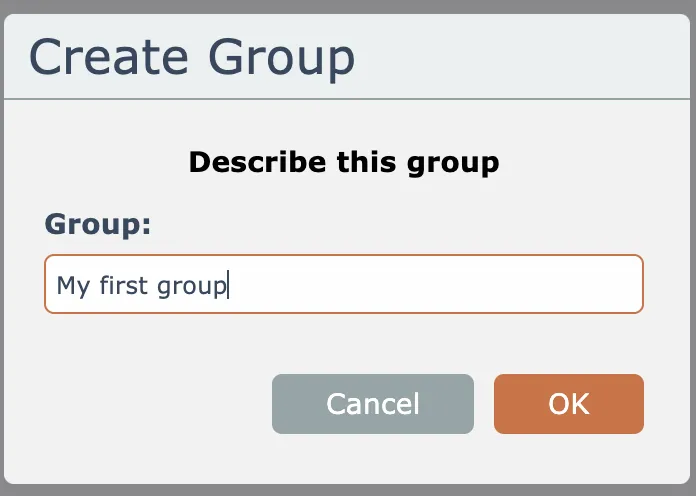
Enter a name for the group and click OK:
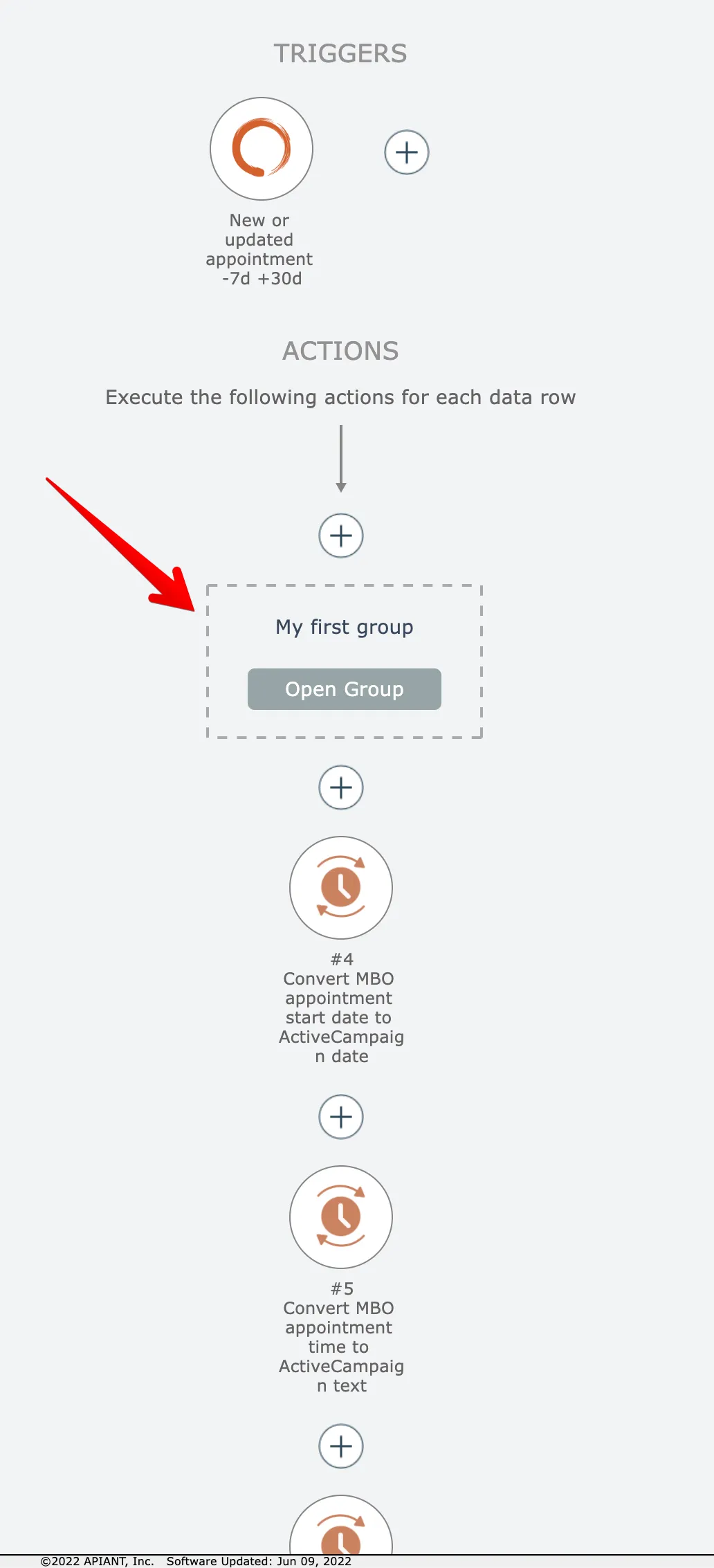
The actions are now grouped together:
You can created nested groups, if desired.
Related docs
Last updated May 4, 2026