
GuidePlatform UI (Fallback)v1
Open a trigger or action assembly
Access the assembly implementation for triggers and actions through right-click context menu if you have Assembly Developer or Switch Account permissions.
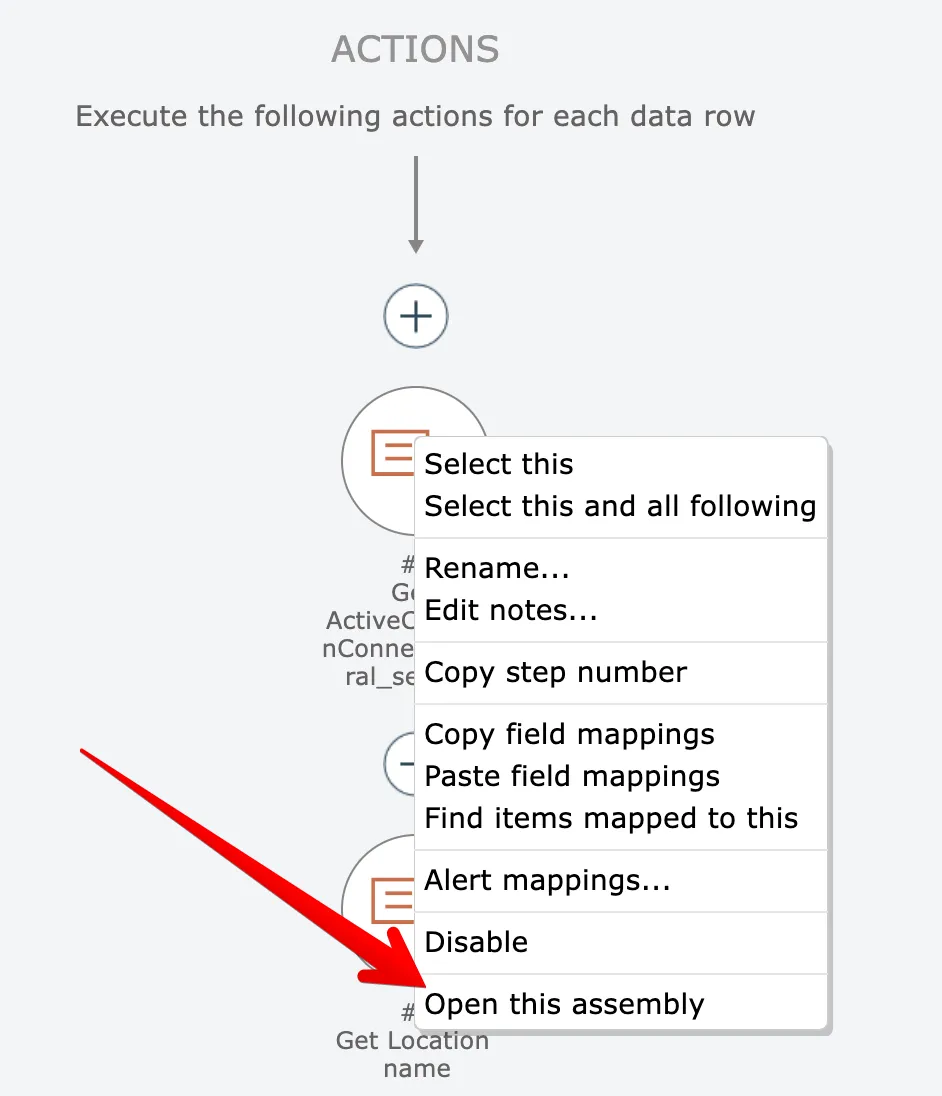
Accounts having the "Assembly Developer" or "Switch Account" permissions can open the assembly implementation for a trigger or action by right clicking on it and choosing the "open assembly" option:
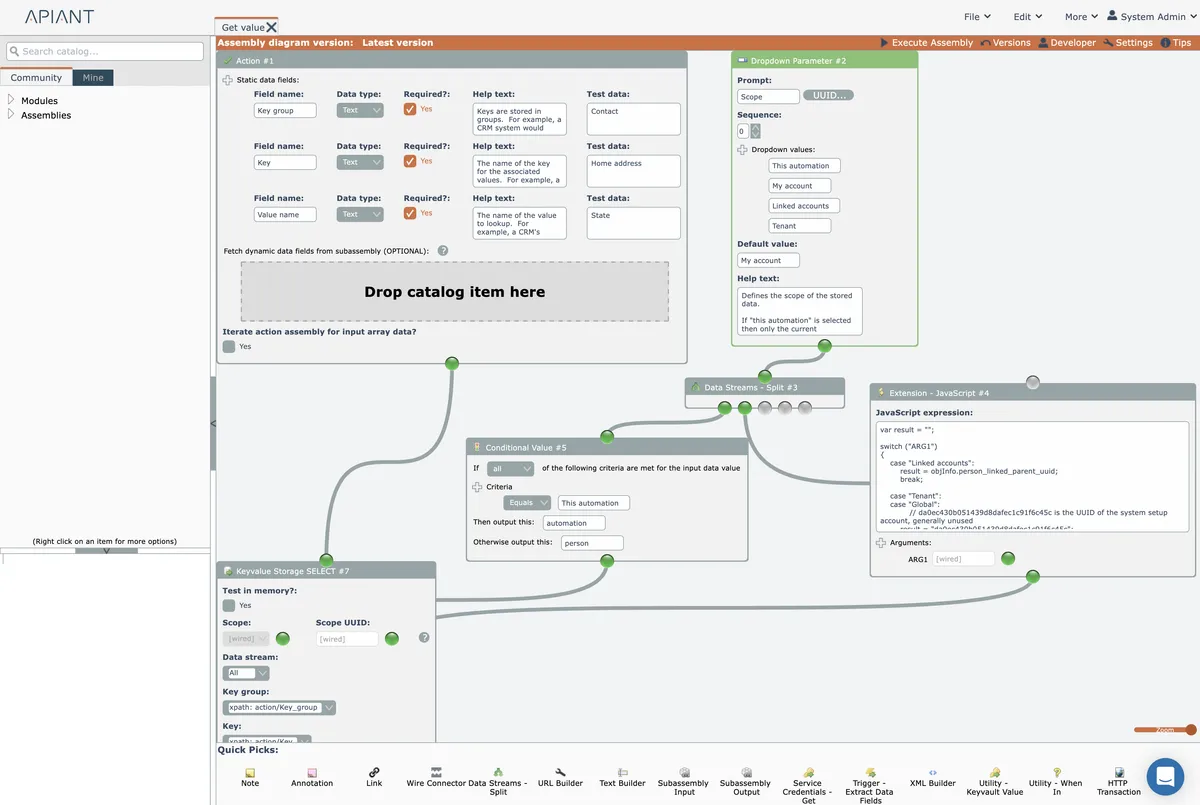
The assembly editor will open and load the item's assembly diagram implementation:
Related docs
Last updated May 4, 2026