
GuidePlatform UI (Fallback)v1
Open all groups
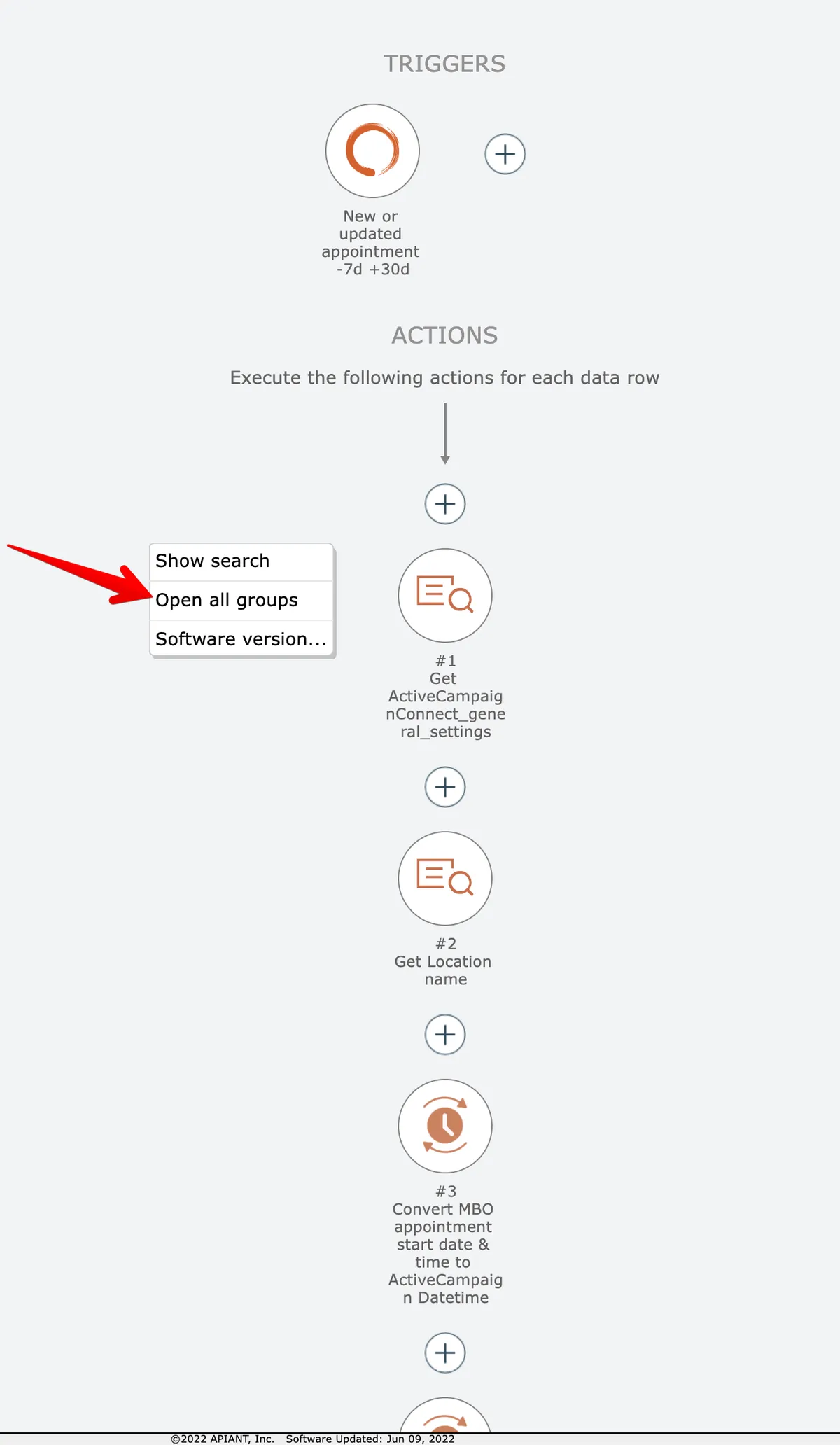
Expand all collapsed groups in the editor simultaneously using the right-click context menu.
To open all collapsed groups at once, right-click on the editor's background and select the "open all groups" option:
Related docs
Last updated May 4, 2026