
GuidePlatform UI (Fallback)v1
Finding mapped items
Locate all mappings from a specific trigger or action throughout your workflow using the find feature to highlight and navigate between connected items.
The output fields from a single trigger or action can be mapped into multiple other action and conditions.
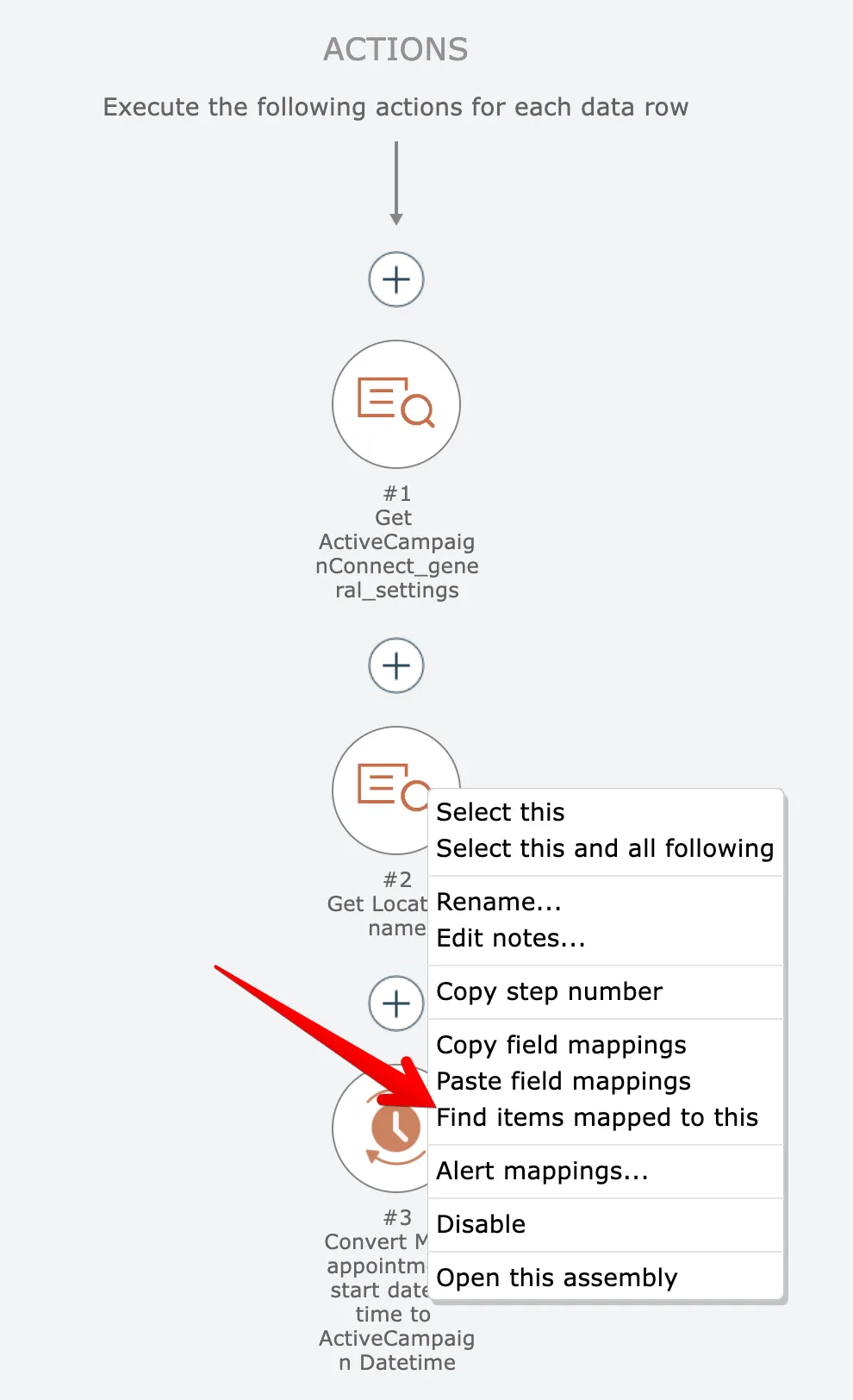
To find all items mapped to a particular trigger or action, right click on the trigger/action and choose the "find items mapped to this" option:
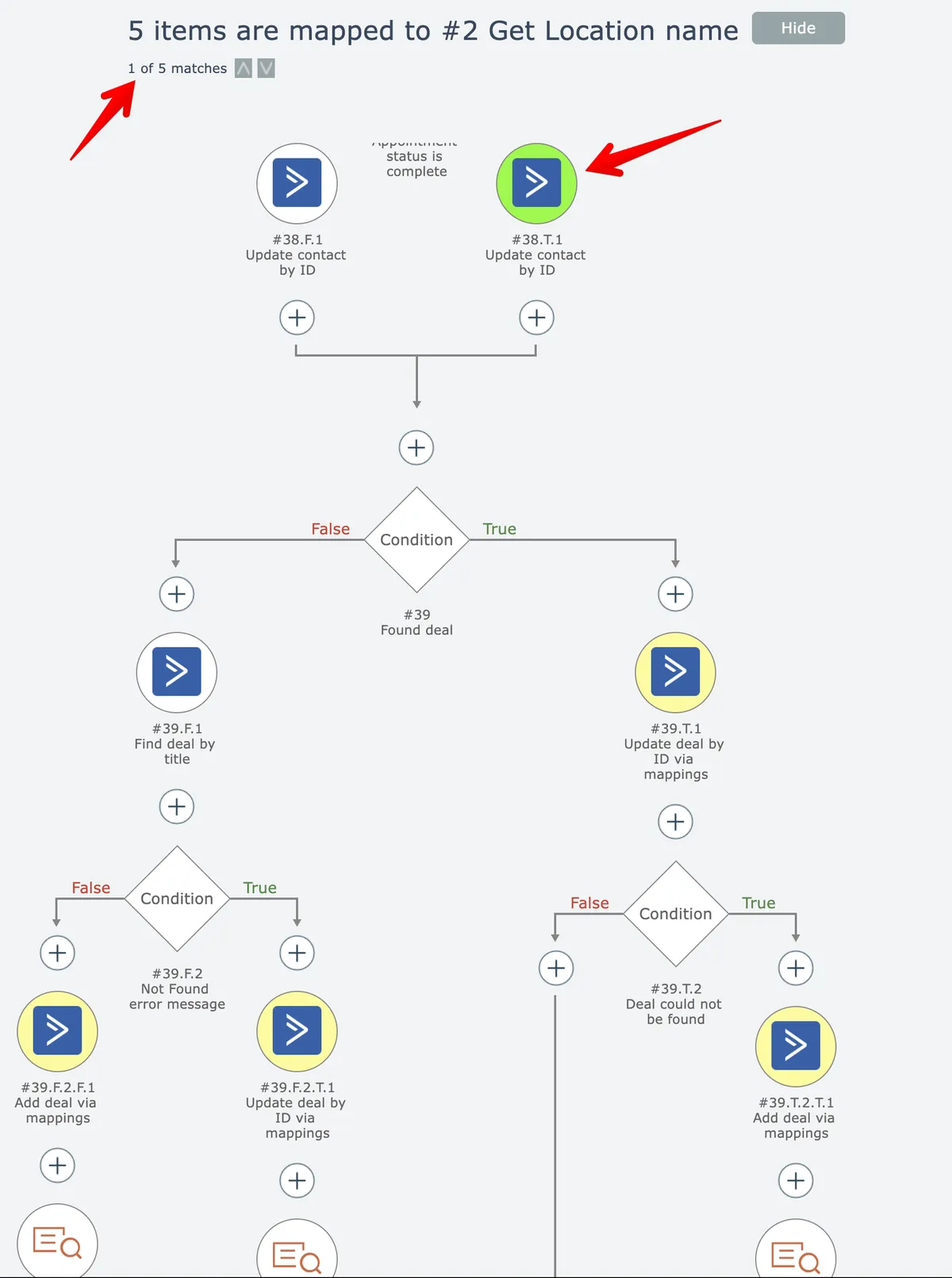
The editor will highlight the first mapped item in green and highlight any remaining items in yellow. The highlighted item is automatically scrolled into view:
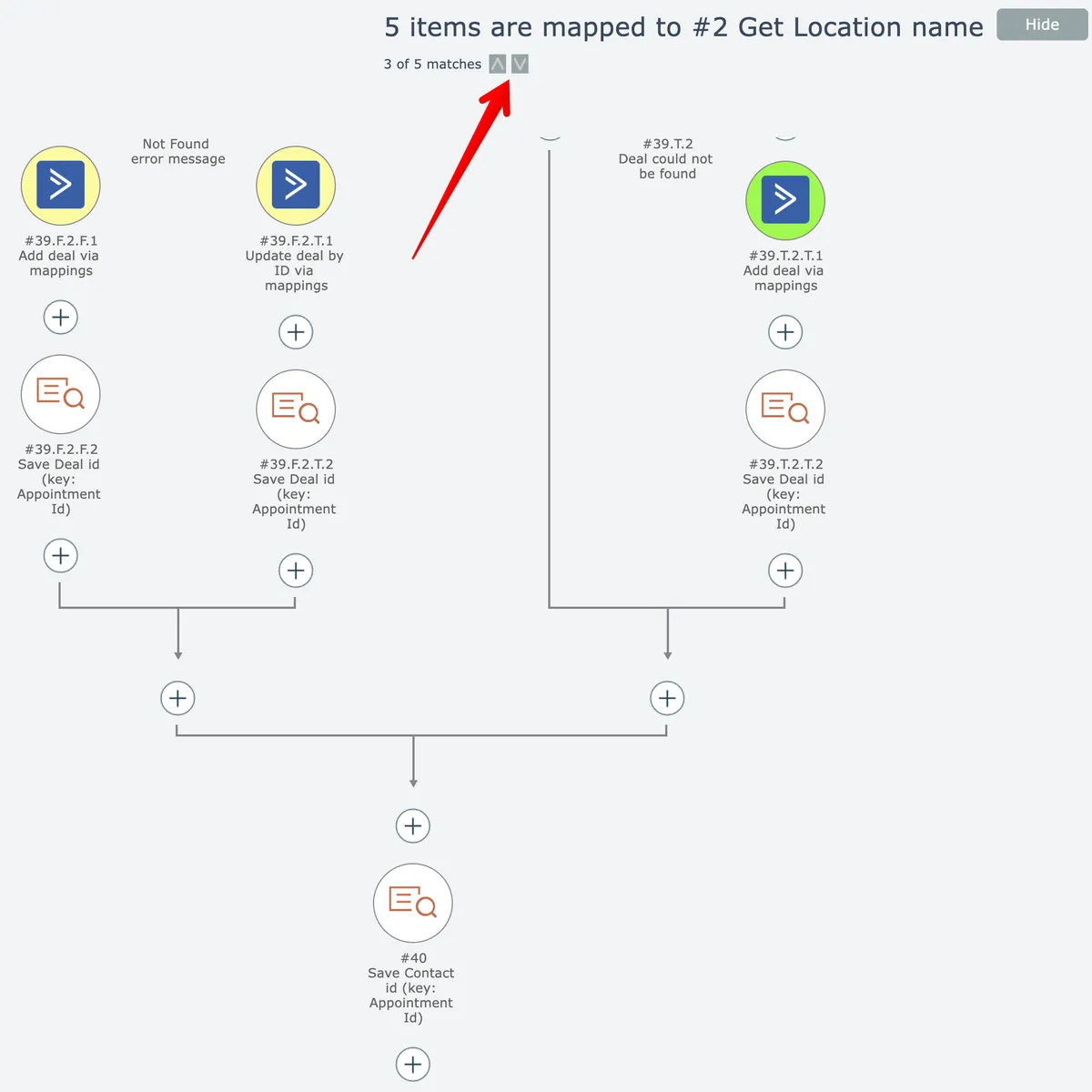
Click the up/down arrows to select the next/previous found item and scroll it into view:
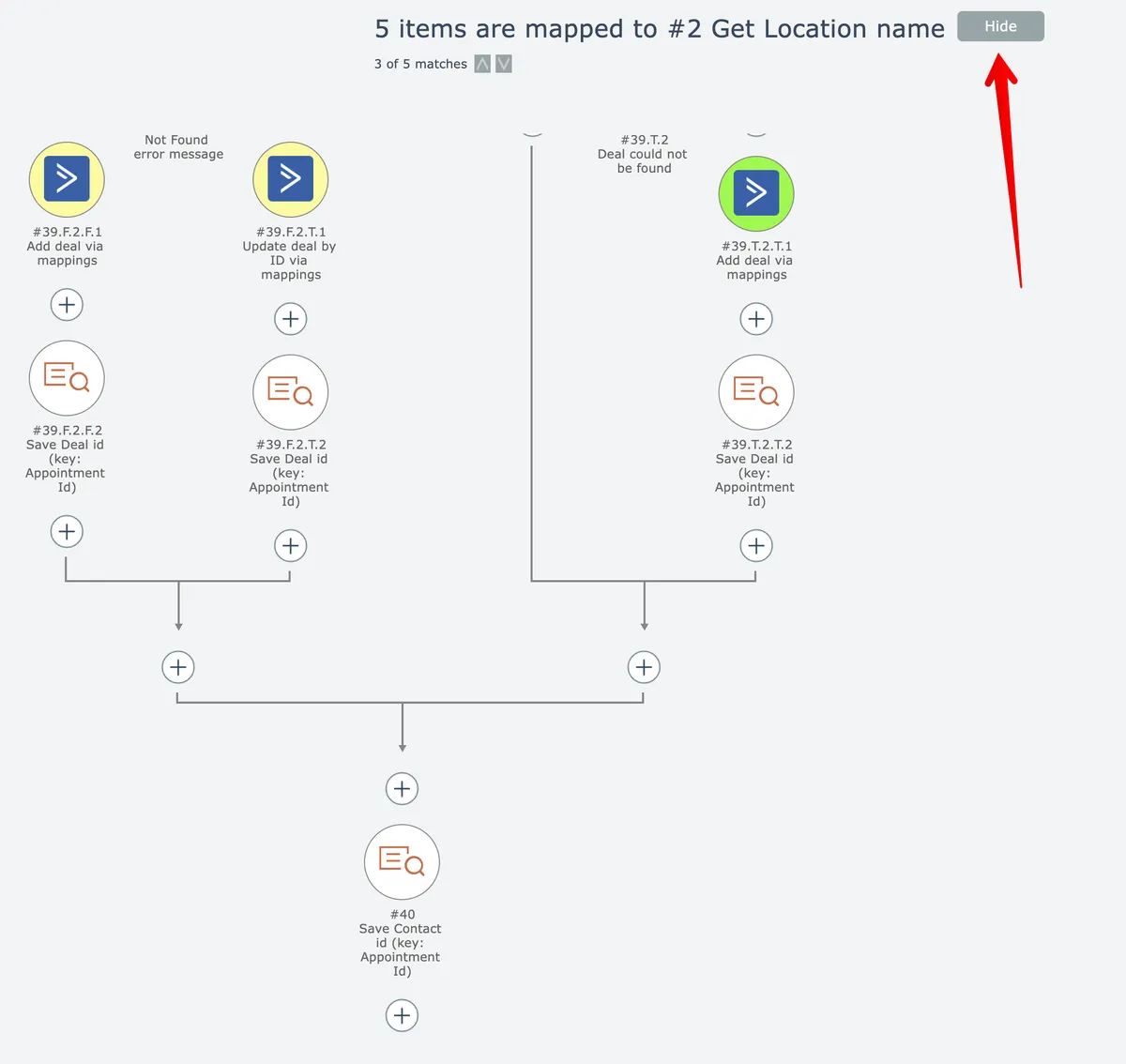
When finished examining the search results, click the Hide button:
Related docs
Last updated May 4, 2026