
GuidePlatform UI (Fallback)v1
Searching for actions in graphical history
Filter and navigate workflow actions in graphical history view by searching output data, names, settings, field mappings, or step numbers with highlighted results.
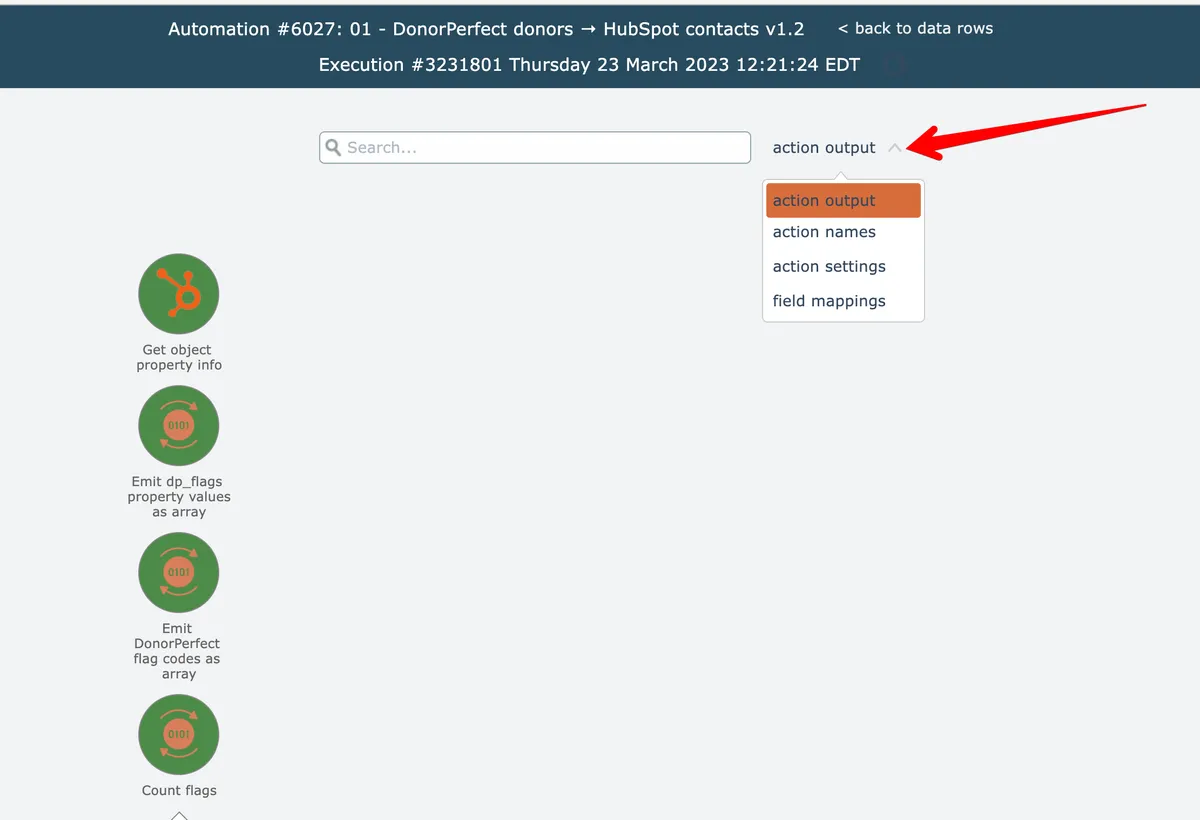
Actions in the graphical history view can be searched by action output data, name, settings, or field mapping content:
Action names include their step number, so searching by step number is also possible:
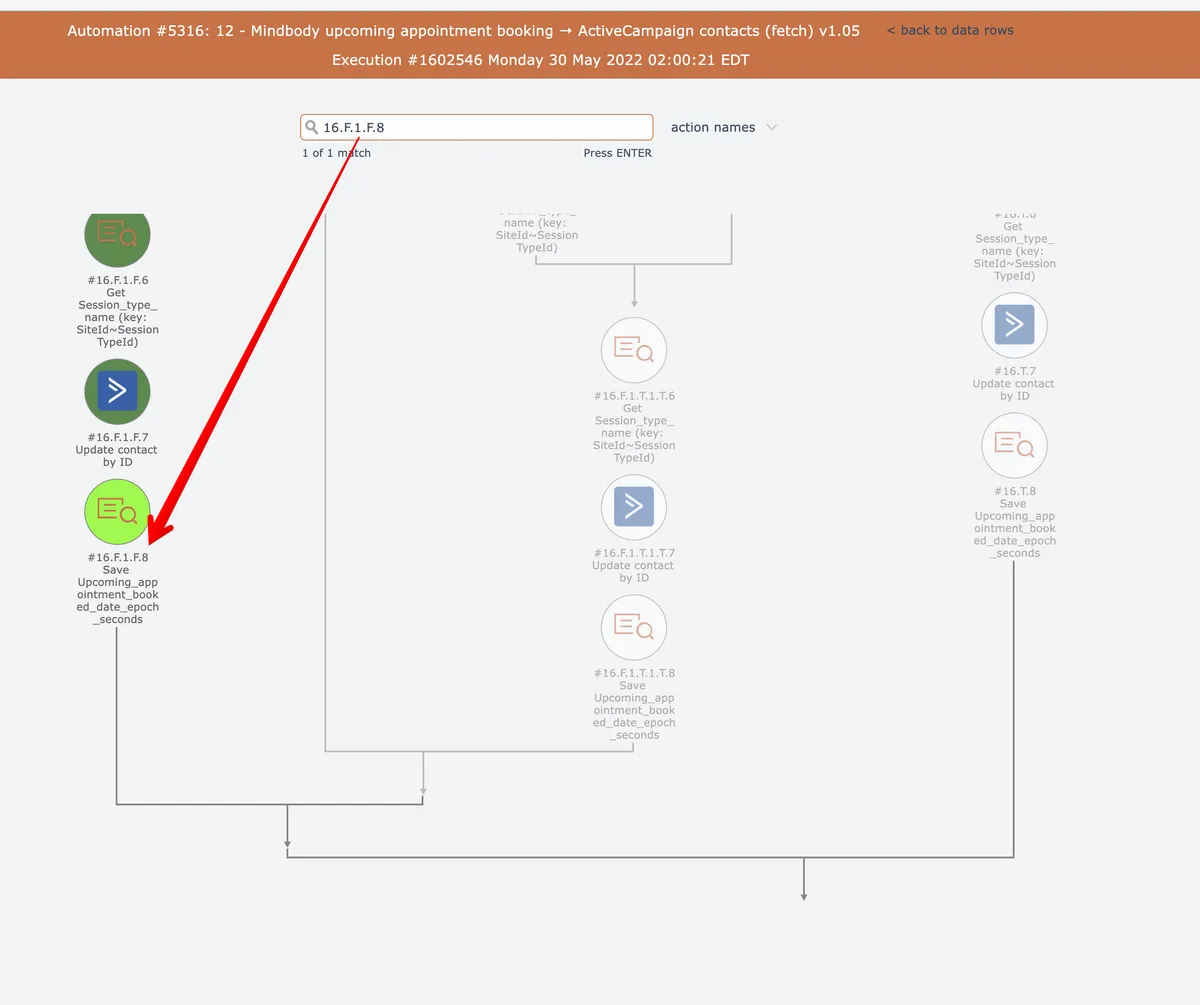
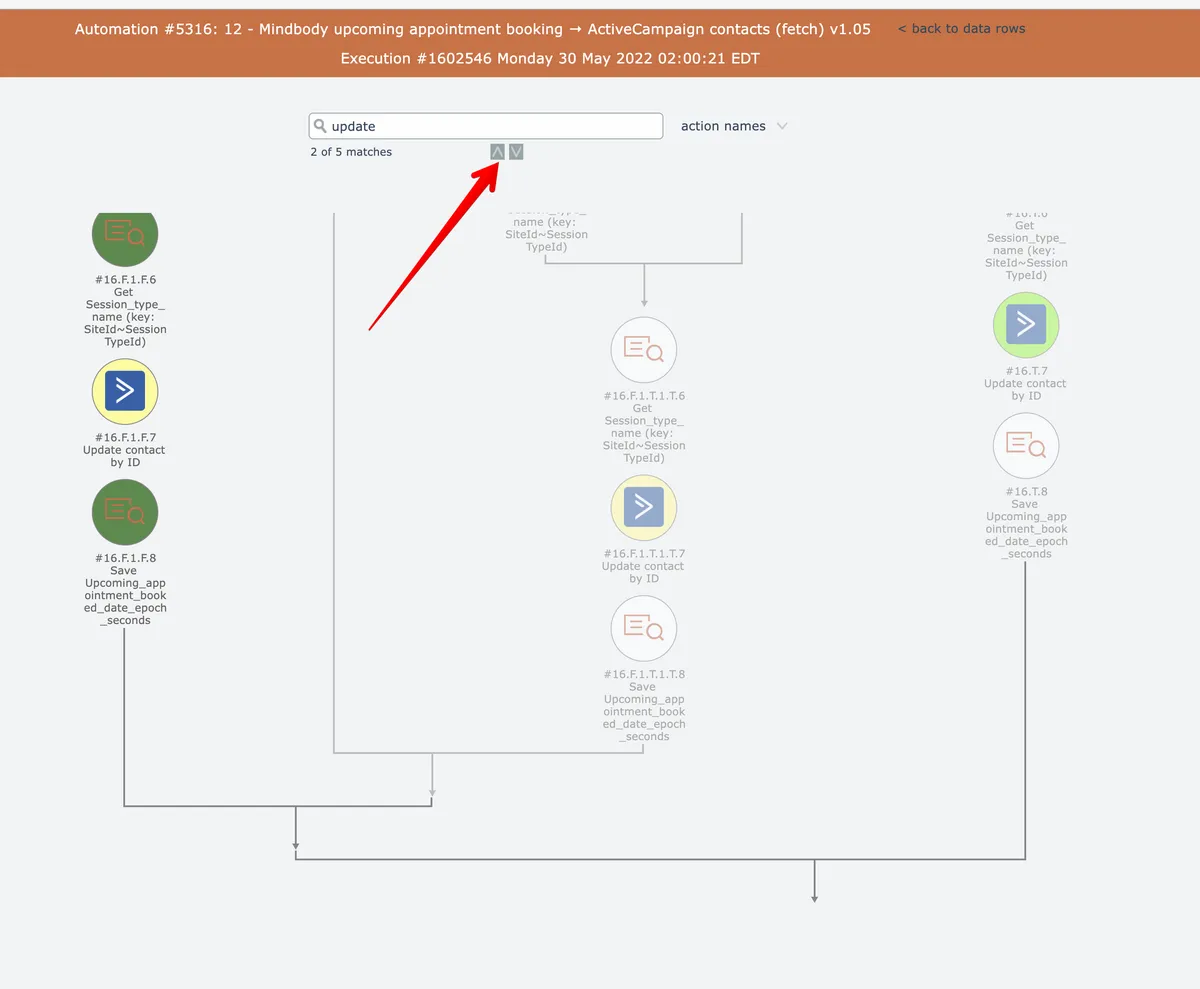
After a search is performed, any matching actions are highlighted in yellow and the editor scrolls the first match into view and highlights it bright green.
When multiple matches are found, the arrow buttons can scroll the next or previous match into view:
Related docs
Last updated May 4, 2026