
GuidePlatform UI (Fallback)v1
Disabling item execution
Prevent modules and subassemblies from running during assembly execution by disabling them individually or in bulk using right-click context menu options.
Modules and subassemblies can be disabled so they won't execute when the assembly runs.
The state of each item's execution flag is saved when the assembly is saved.
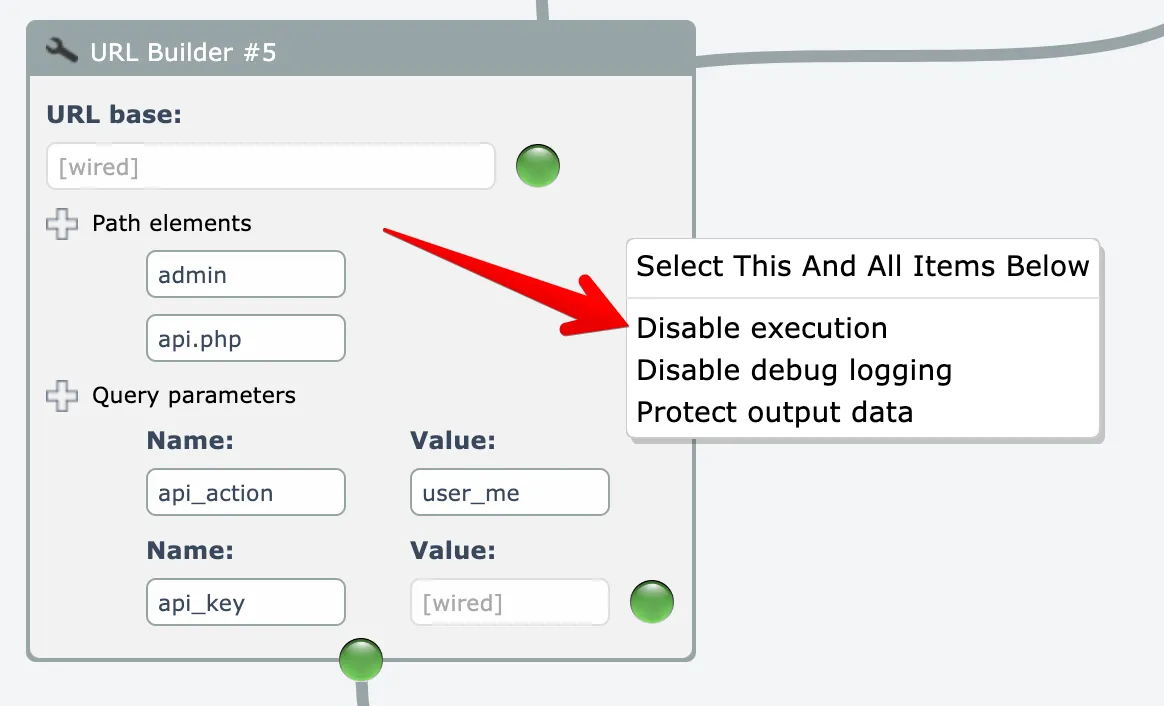
To disable a single module or subassembly, right-click on it and choose the Disable Execution option:
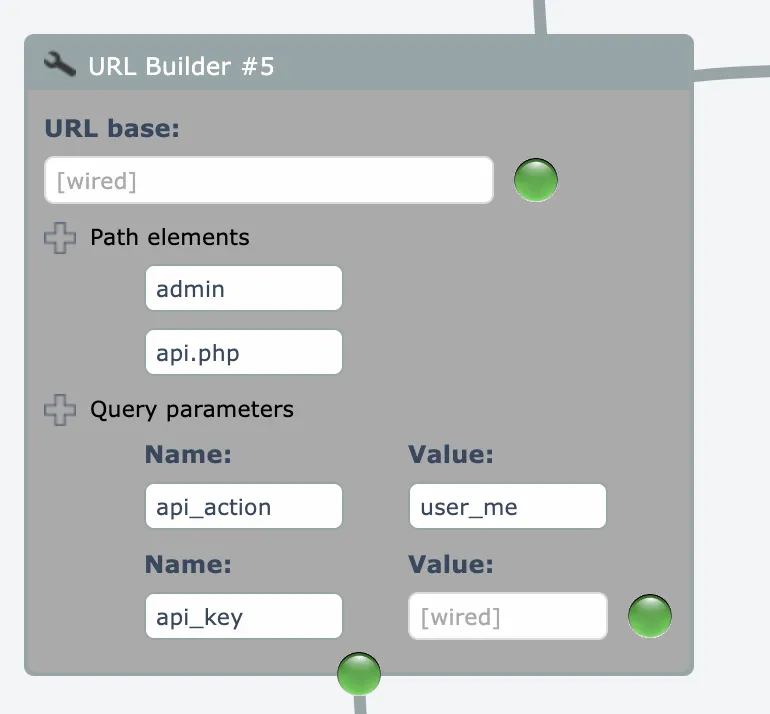
Disabled items are greyed out:
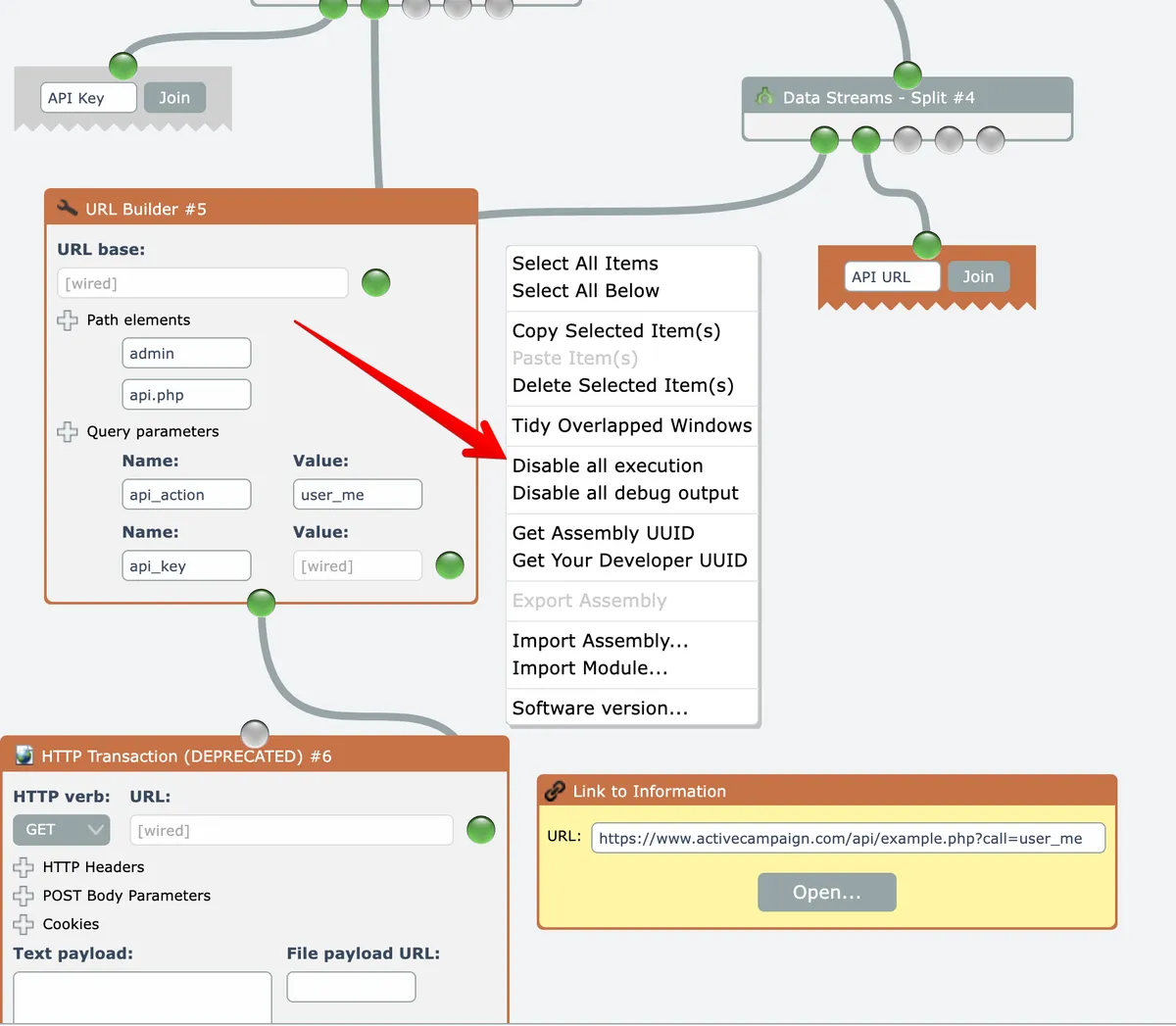
To disable multiple items, begin by Selecting items.
Then right-click on the editor's background and choose the "disable all execution" option:
The menu options act as toggles, so you can re-enable item execution when needed.
Related docs
Last updated May 4, 2026