
GuidePlatform UI (Fallback)v1
Documentation notes
Notes attached to automation actions support rich text formatting with hyperlinks and images to document your workflows.
Automation diagrams can be documented with rich text notes that can contain hyperlinks and images.
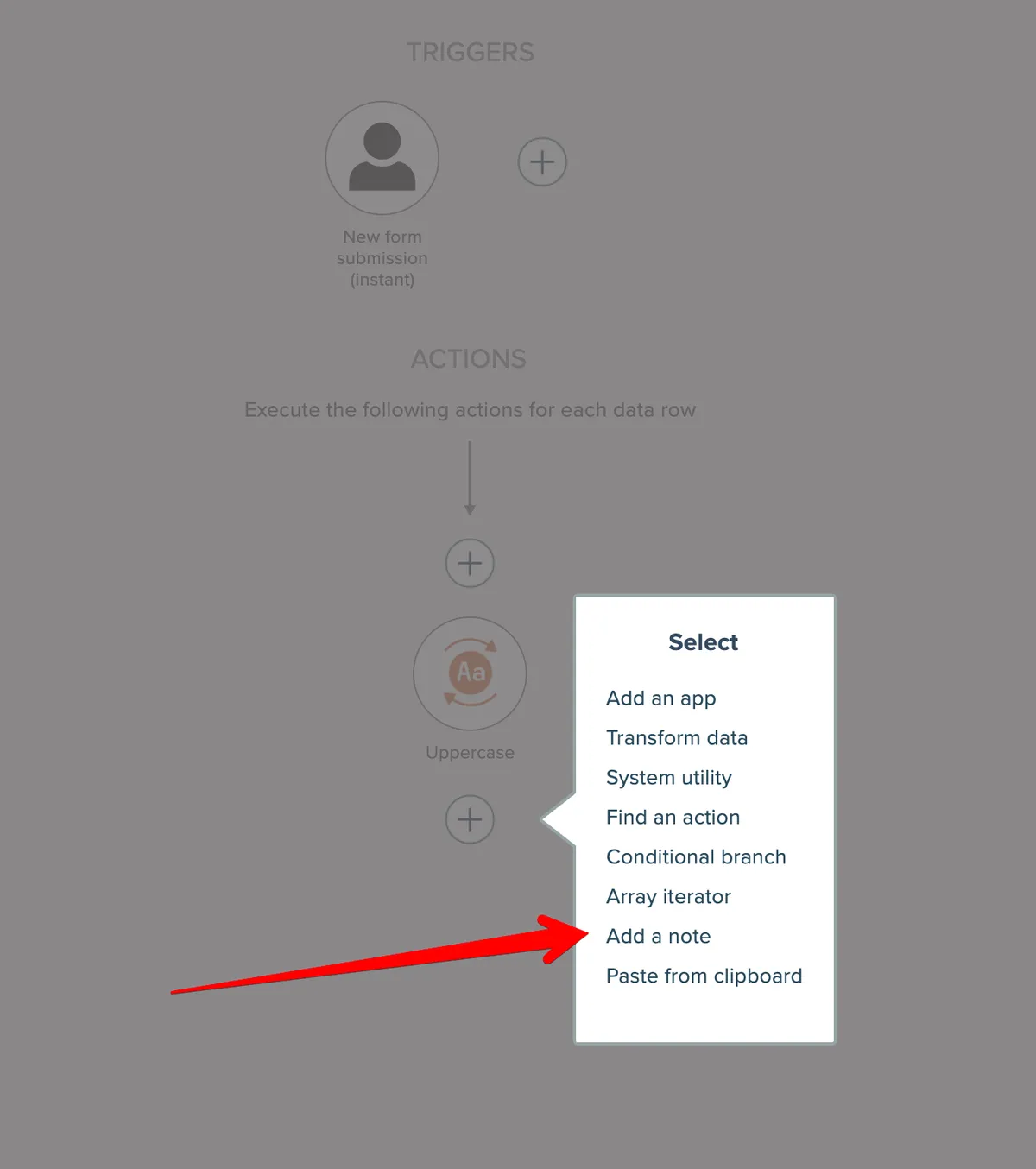
To add a note, click an action "plus" icon and choose the "add a note" option:
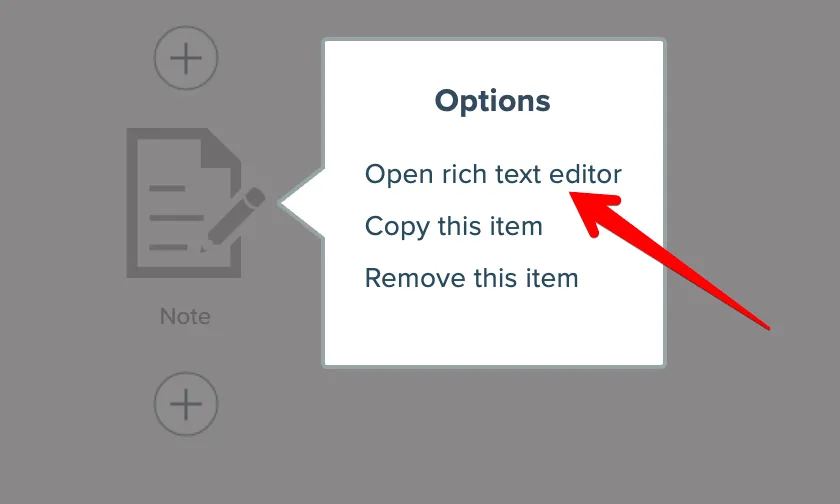
Then, either double-click the note or single click and choose the "open rich text editor" option:
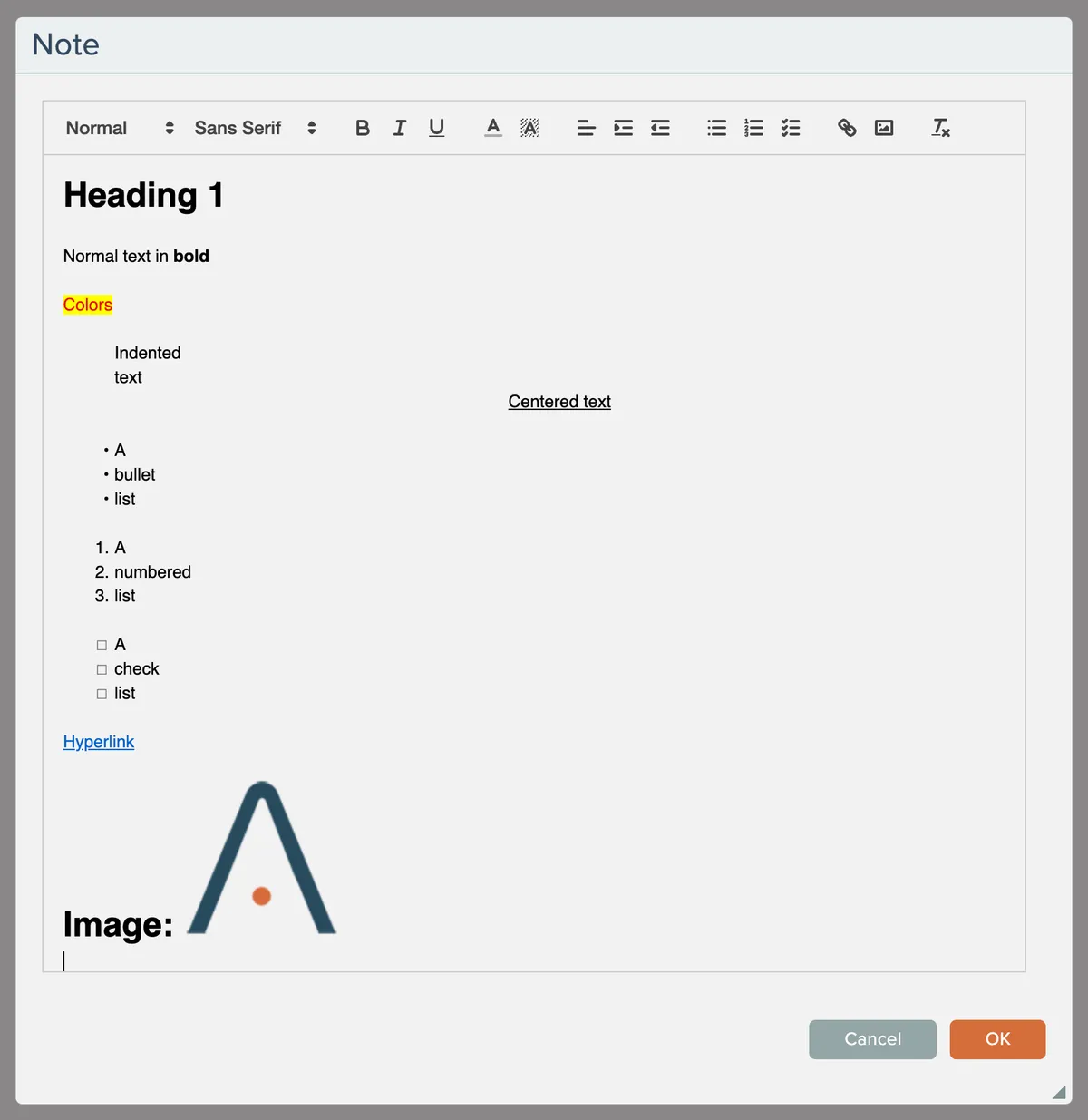
The editor's toolbar lets you add a variety of formatting to the rich text:
Notes can be copied and moved within the diagram, just like other action items.
Related docs
Last updated May 4, 2026