
GuidePlatform UI (Fallback)v1
Enable an item
Re-activate a disabled automation item so it executes when the automation runs using the right-click context menu.
Items can be disabled so they won't be executed when the automation runs. See Disable an item
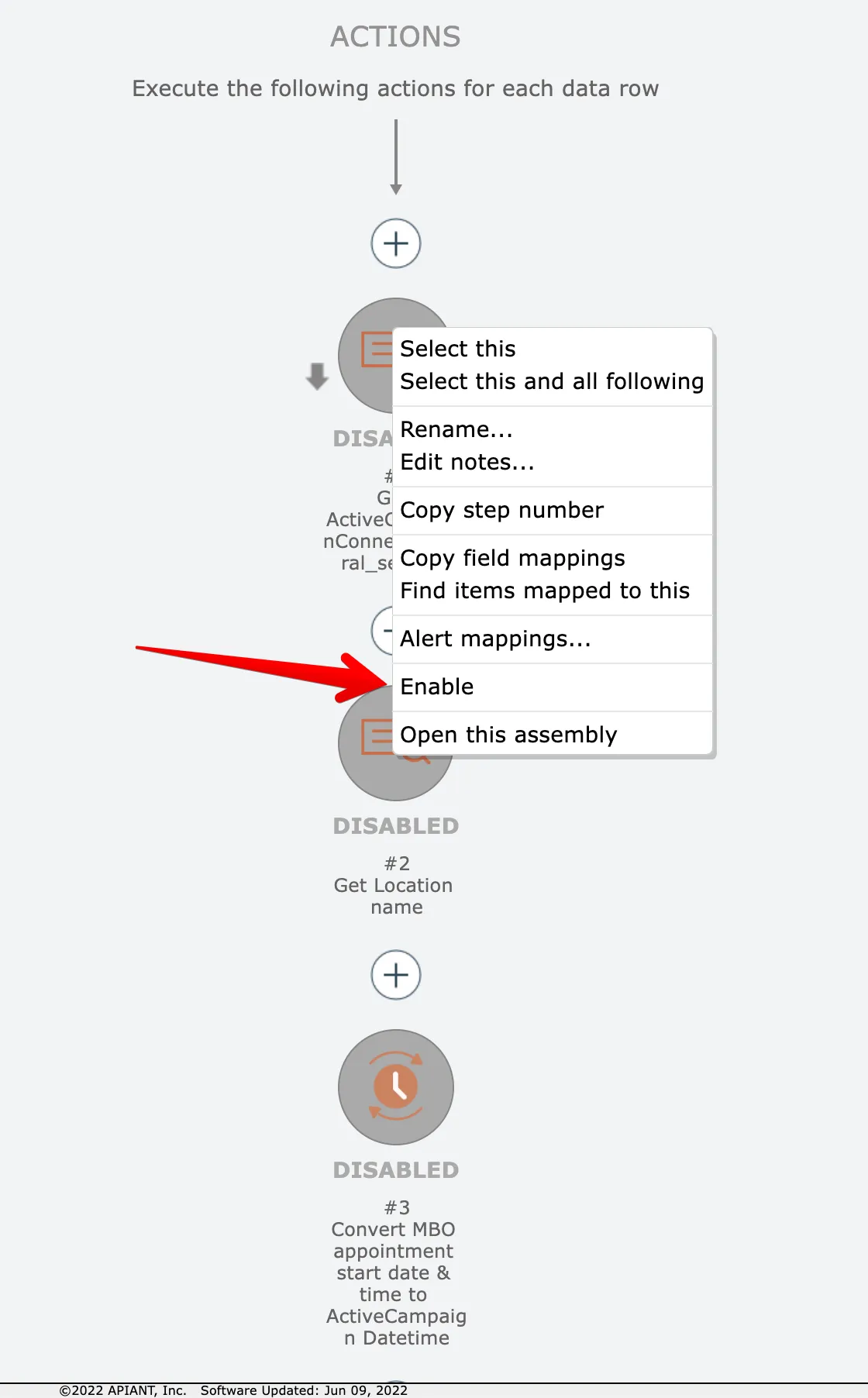
To enable a single item, right click on the item and choose the enable option:
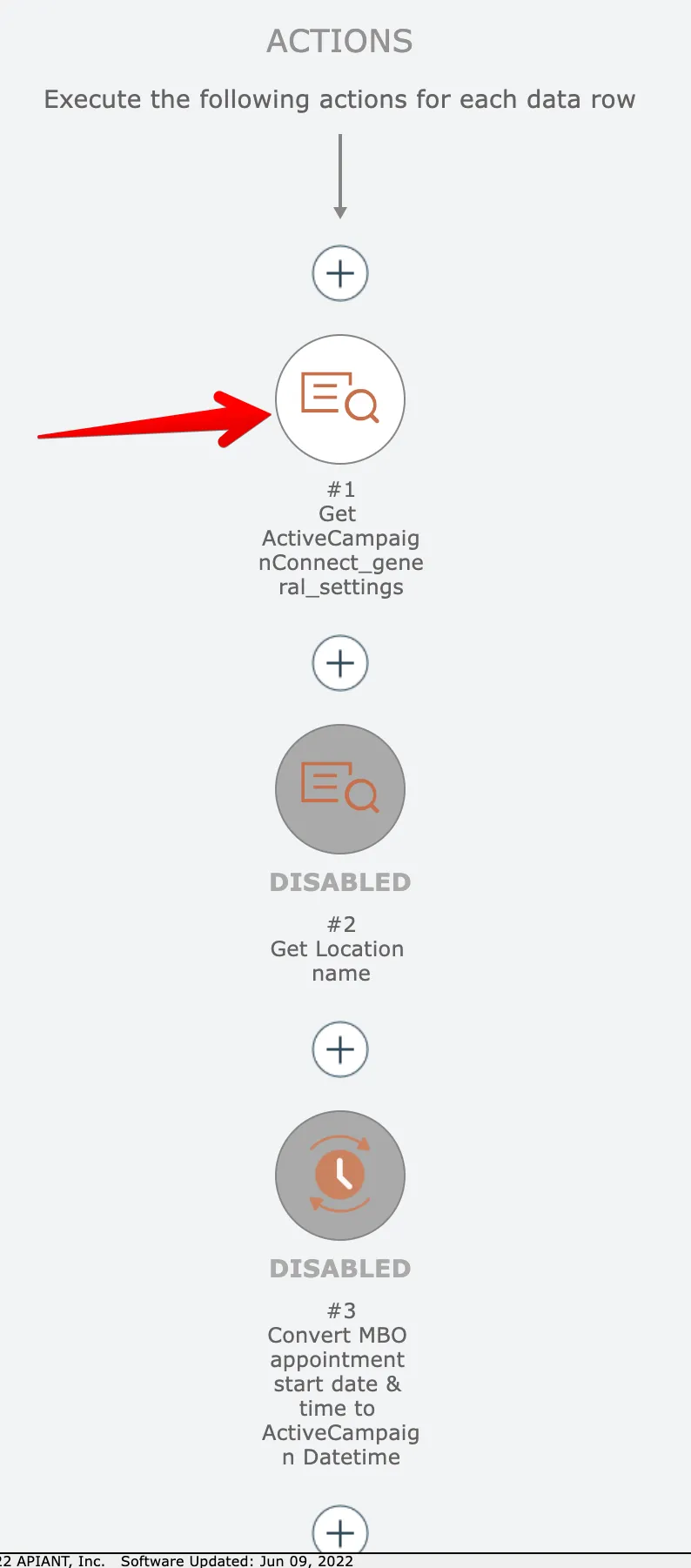
The item will then be enabled:
To enable multiple items at once, see Enable multiple items
Related docs
Last updated May 4, 2026