
Developer options
Access debugging tools, API documentation, and execution options for assembly developers, including trace logs, webhook monitoring, and code references for Java JSP extensions.
The developer menu contains options for people who build assemblies:
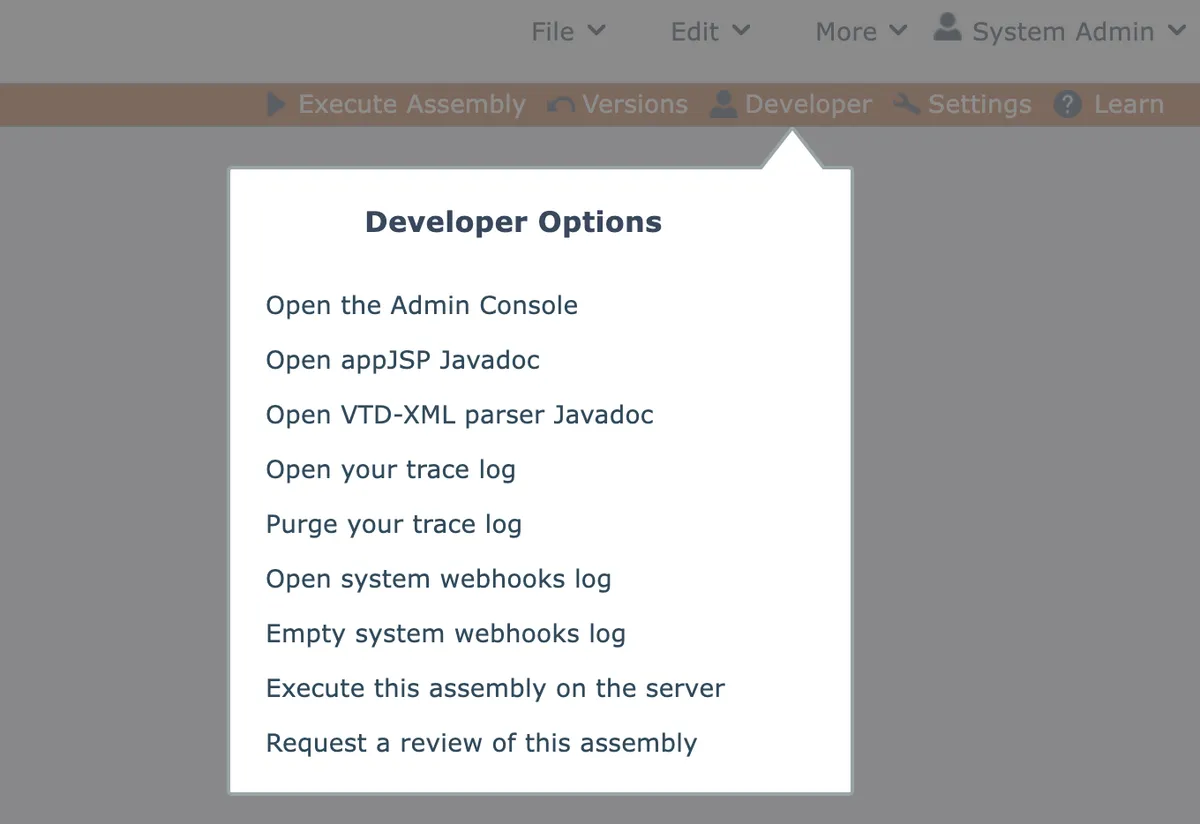
Open Admin Console
Developer account who have the "Admin Console" permission will have this option to open the Admin Console in a new browser tab/window.
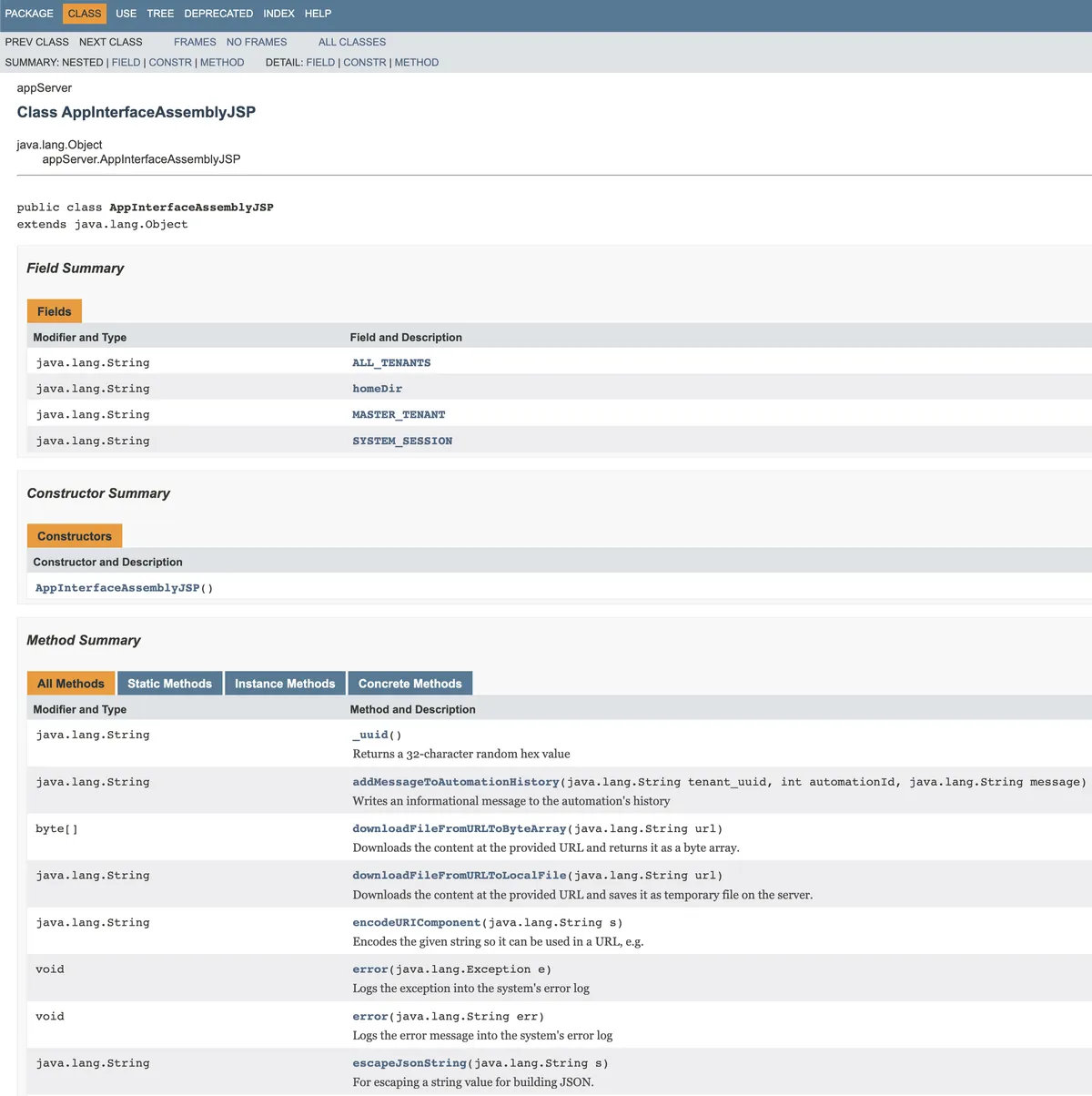
Open appJSP Javadoc
The Extension - Server Side Script module allows Java JSP code to be inlined within assembly diagrams.
Within the inlined Java JSP code, the "appJSP" bean class (defined by default in the module's skeletal Java JSP code) is used to access various functionality.
This option opens a link to Javadoc documentation for the available methods:
Open VTD-XML parser Javadoc
The Extension - Server Side Script module allows Java JSP code to be inlined within assembly diagrams.
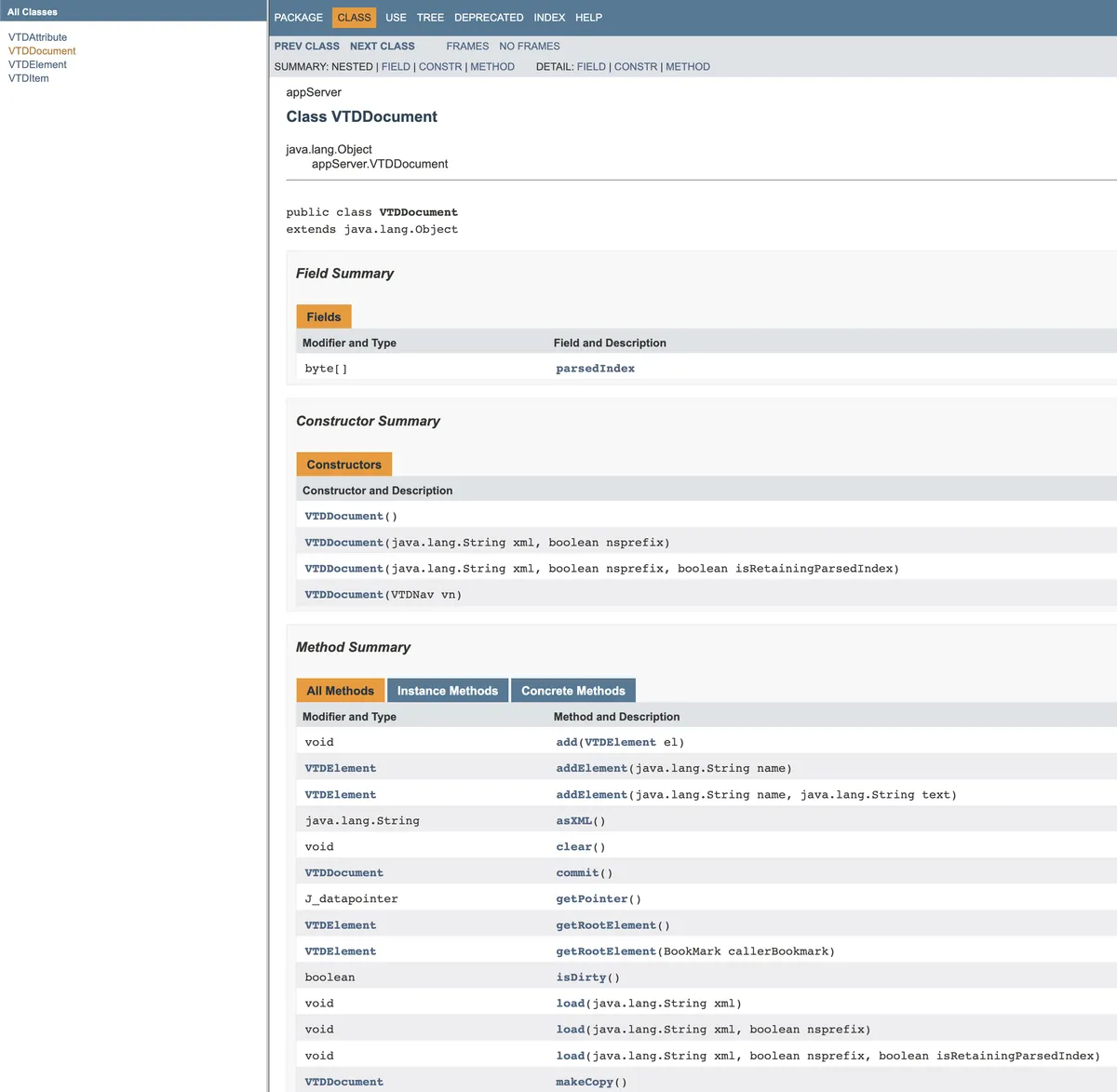
Within the inlined Java JSP code, the 3rd-party VTD-XML (virtual token descriptor) parser is used to work with XML.
This option opens a link to Javadoc documentation for the available methods:
Open your trace log
Each assembly developer account has their own trace log that can be written into via System.out.println() statements in Java JSP code within Extension - Server Side Script modules.
Purge your trace log
Your account's trace log can be cleared with this option.
Open system webhooks log
This option will appear if the system is a development system (see Development System) or if your account has the "Admin Console" permission.
Opens the system's webhooks log, which contains webhooks recently received by the system.
By default, the log rolls over when it reached 10MB in size. So it does not contain all webhooks ever received by the system.
Empty system webhooks log
This option will appear if the system is a development system (see Development System) or if your account has the "Admin Console" permission.
Empties the system's webhook log by performing a log rollover. The logged data is not deleted on the server.
Execute this assembly on the server
Opens a new browser tab/window and executes the current assembly on the server.
The assembly should first be saved. The server executes the most recently saved version of the assembly.
Request a review of this assembly
This option will appear if the current account does not have the "Assembly Reviewer" permission.
The system supports a development cycle for assemblies where assembly developers can submit their work to accounts having the "Assembly Reviewer" permission, then receive feedback from the reviewers.
This link will open a dialog where the developer can first supply any comments to send to the reviewer:
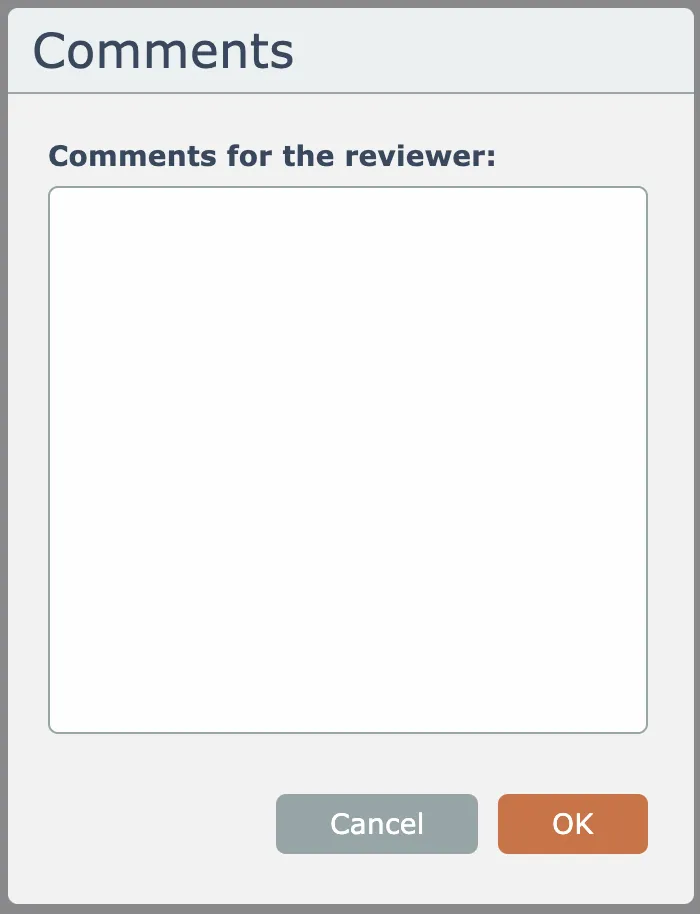
Upon clicking OK, the system will send a review request email to all active accounts having the "Assembly Reviewer" permission.
For more information, see Assembly development cycle.