
GuidePlatform UI (Fallback)v1
Obtaining a step number in graphical history
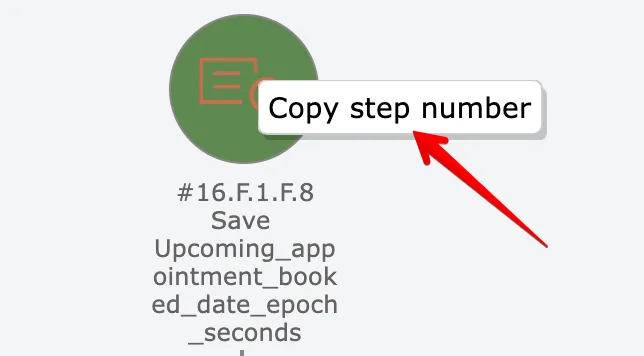
Right-click any action in graphical history to copy its step number to your clipboard for reference or debugging.
Actions can be right-clicked in the graphical history view in order to obtain their step number:
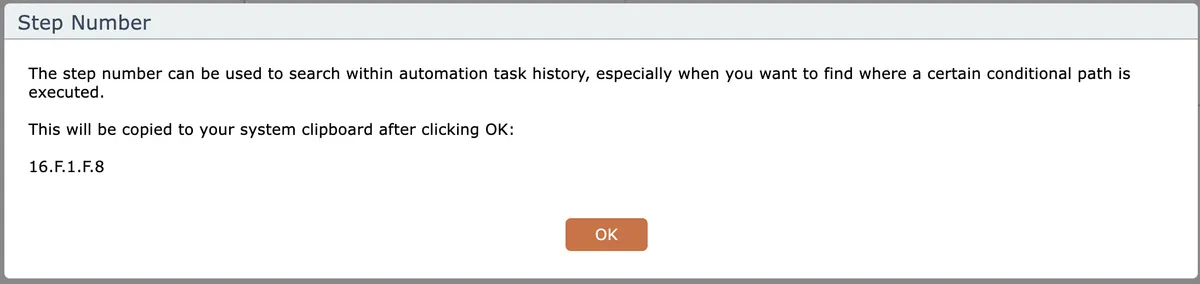
The step number will be copied to your system clipboard:
Last updated May 4, 2026