
GuidePlatform UI (Fallback)v1
Editing an item's settings
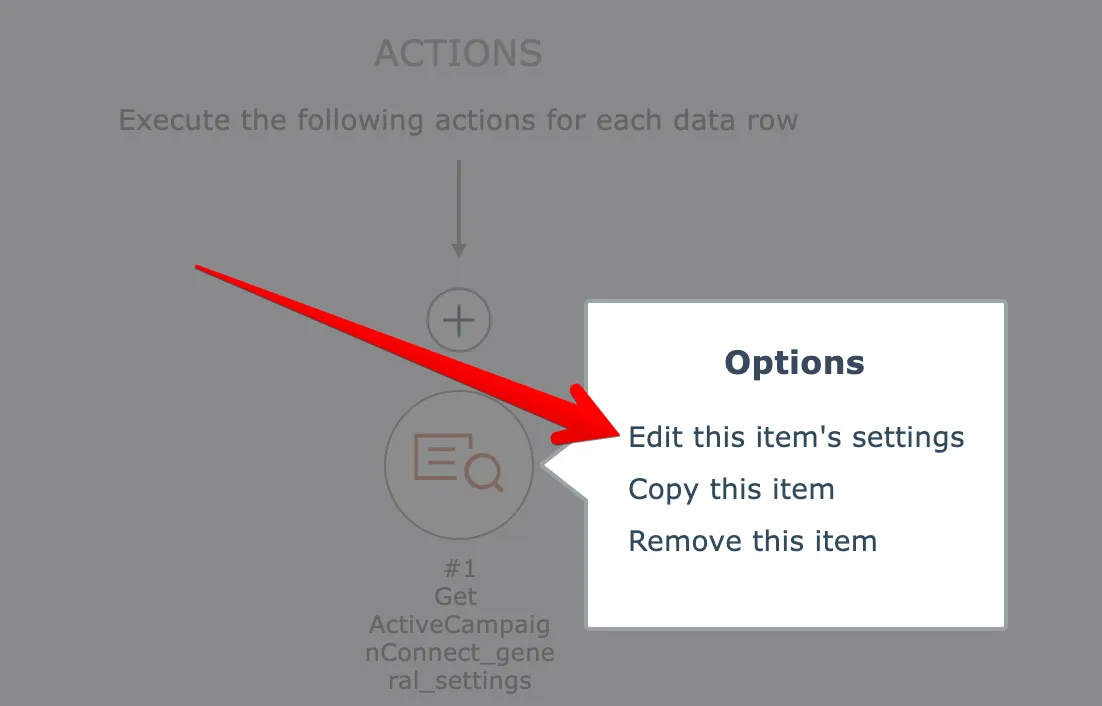
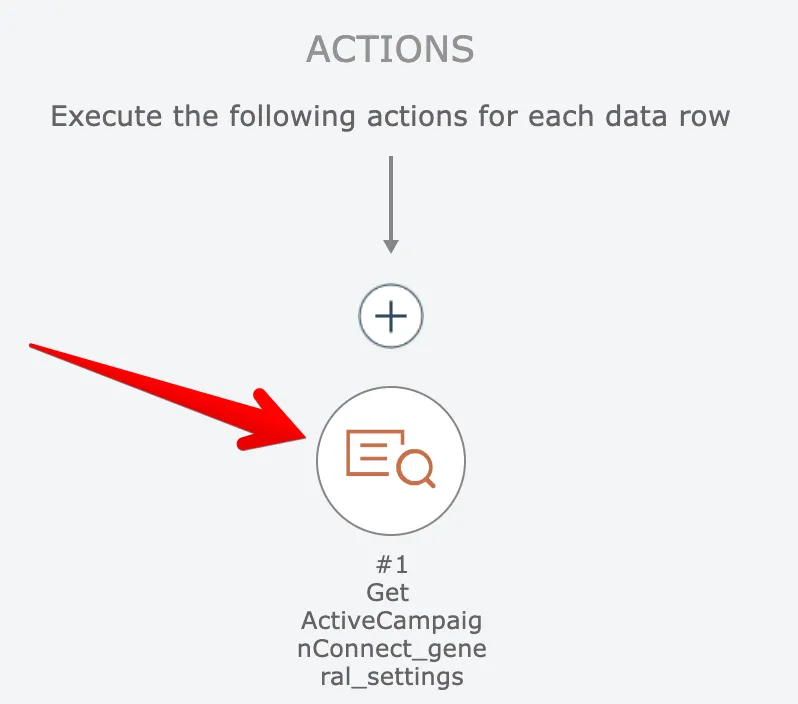
Modify an item's configuration by clicking it and selecting the settings option, or by double-clicking the item to open its settings panel directly.
To edit an item's settings, click the item and select this option:
Alternatively, double-click the item to open its settings:
Related docs
Last updated May 4, 2026