
GuidePlatform UI (Fallback)v1
Making content public/private
Control visibility of your catalog content by toggling between public and private status through context menu options on owned items.
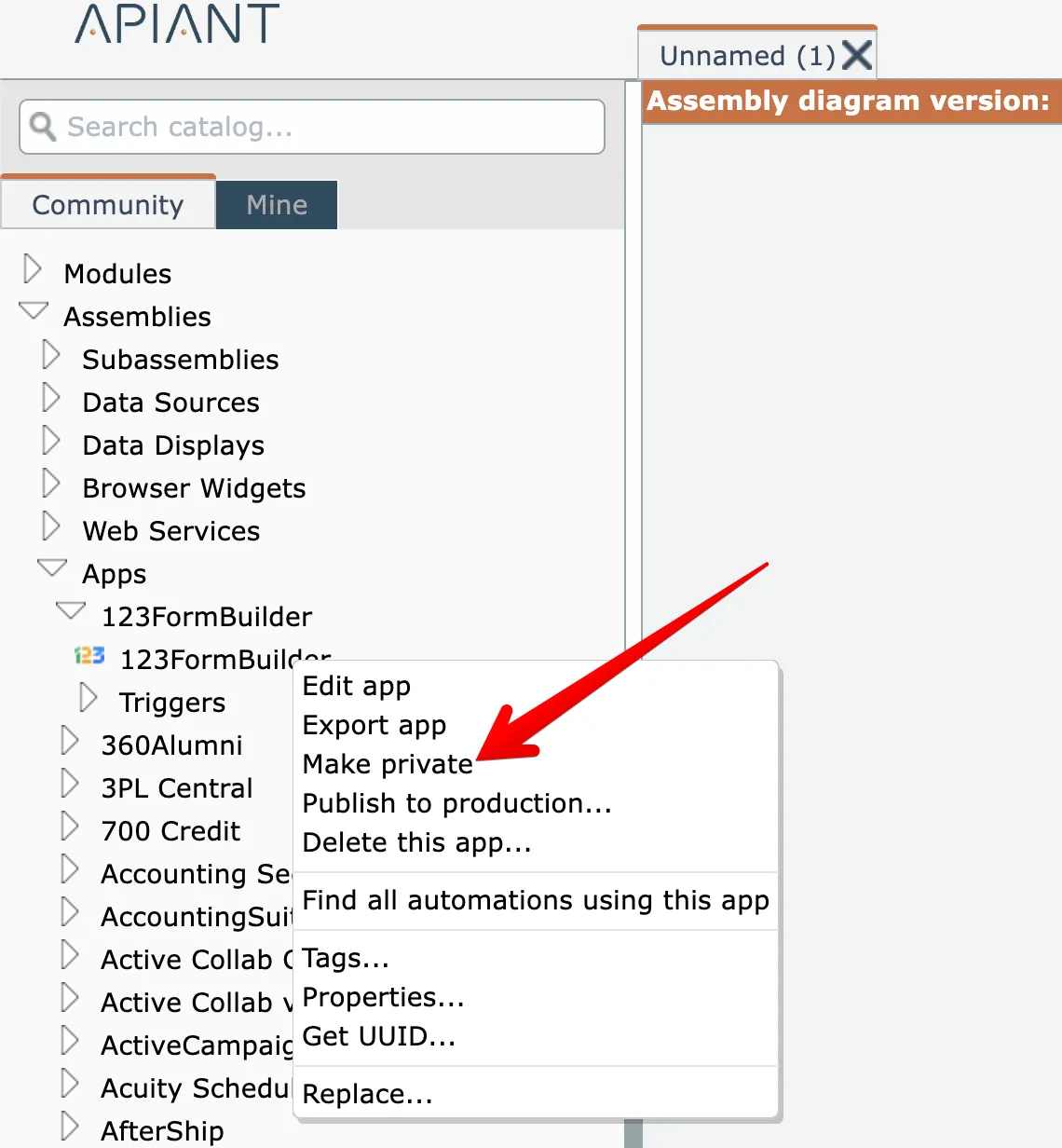
You can change the public/private visibility of content you own by right clicking on it the catalog. Public content can be made private:
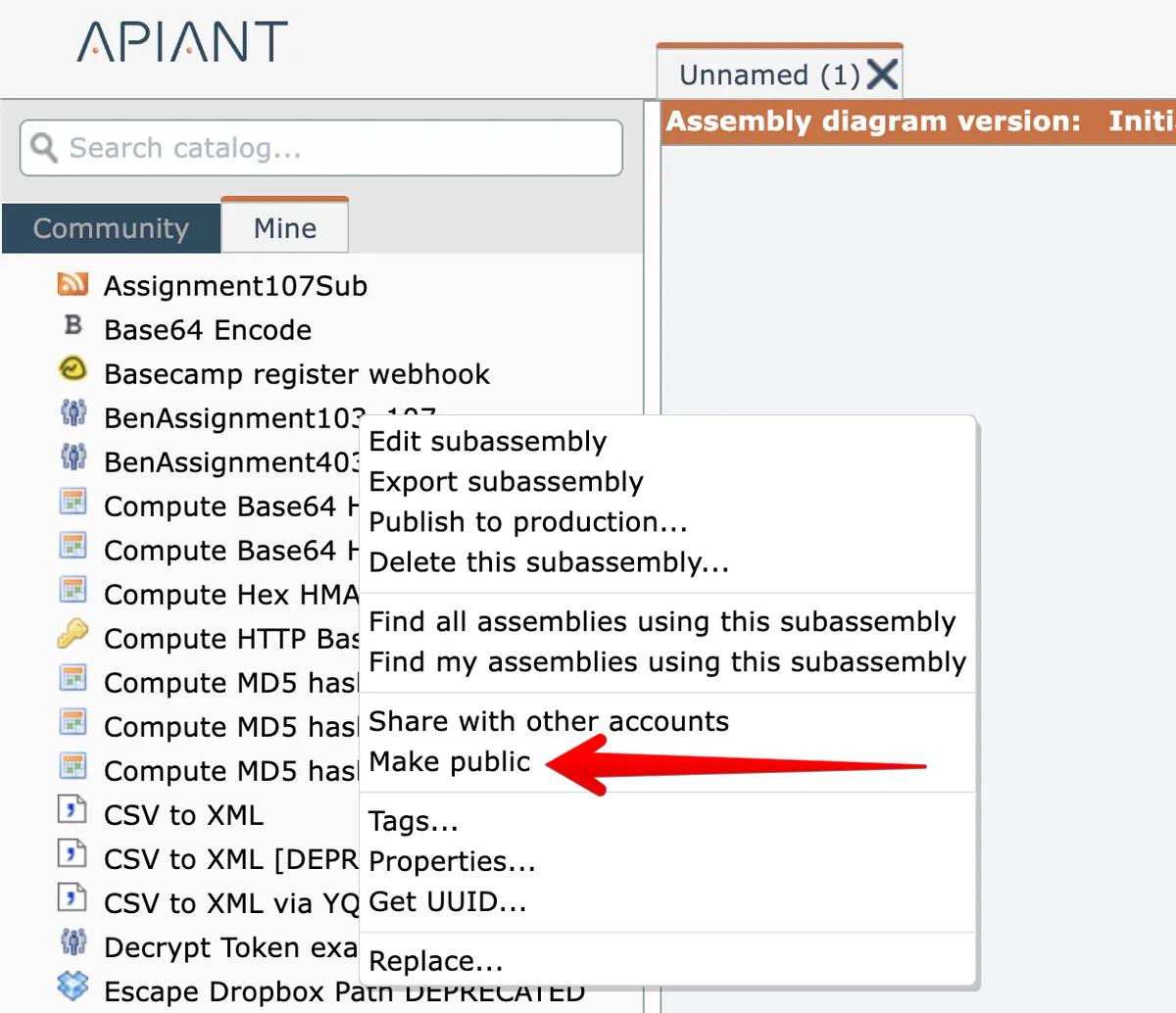
Private content in the "Mine" catalog can be made public:
Related docs
Last updated May 4, 2026