Copy-paste via clipboard
Transfer action items between automations by copying them to your system clipboard and pasting into a different browser session or tab.
Action items can be copied and pasted from one browser session/tab to another.
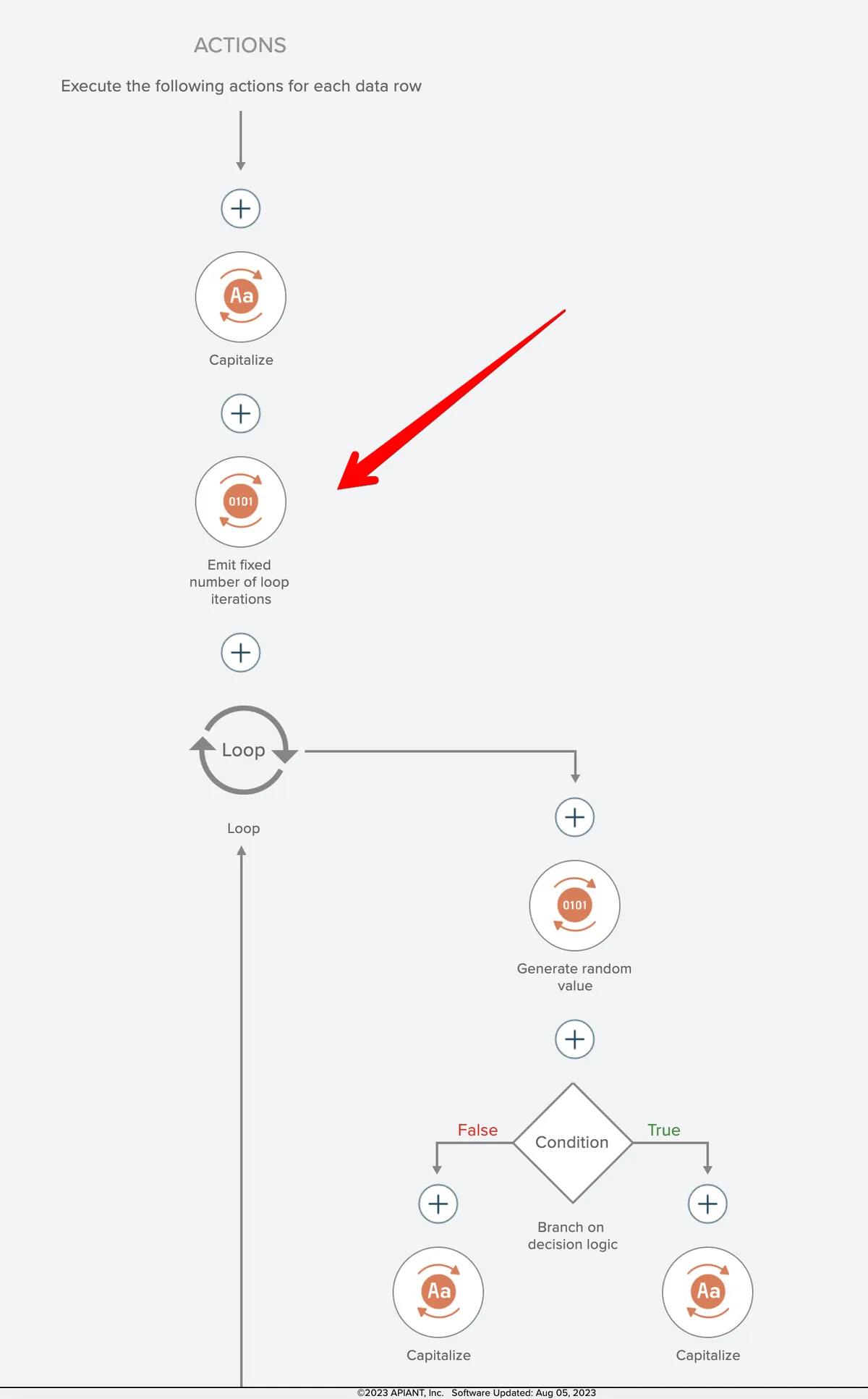
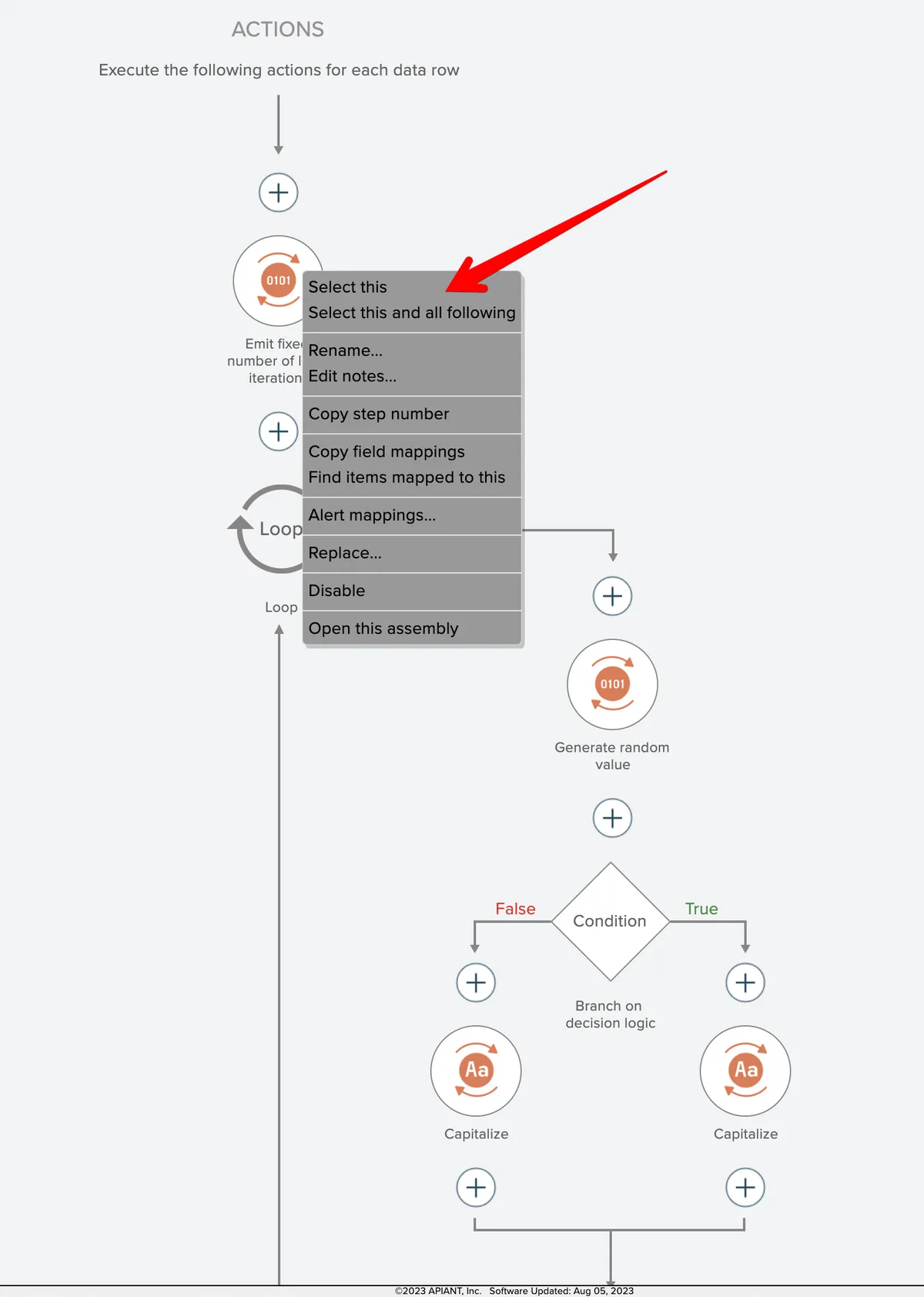
Begin by right-clicking on an action item and select the item(s) to be copied:
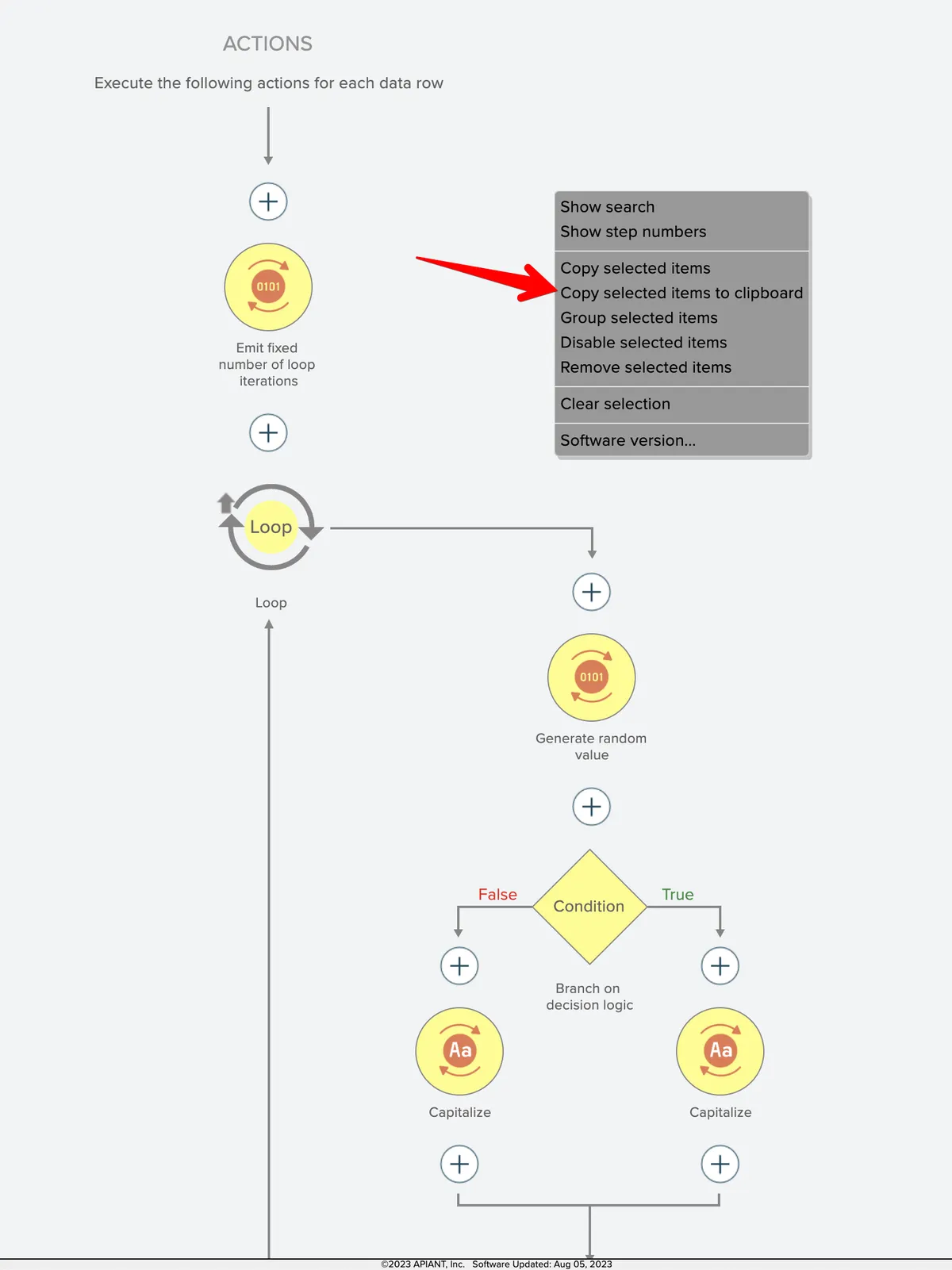
Then right-click on the editor's background and choose the "copy selected items to clipboard" context menu option:
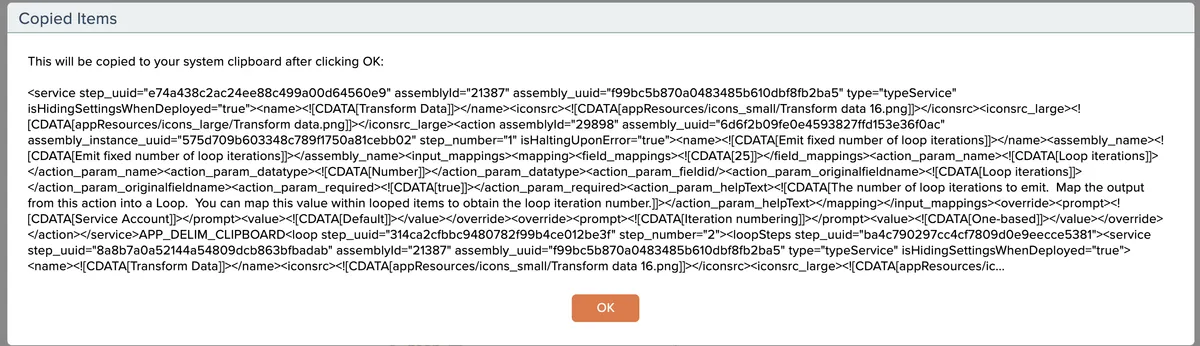
Click OK to complete the copy to your system clipboard:
Then go to the destination automation, which may be in a different browser session/tab, click the "+" destination where you want the items pasted, and choose the "paste from clipboard" option:
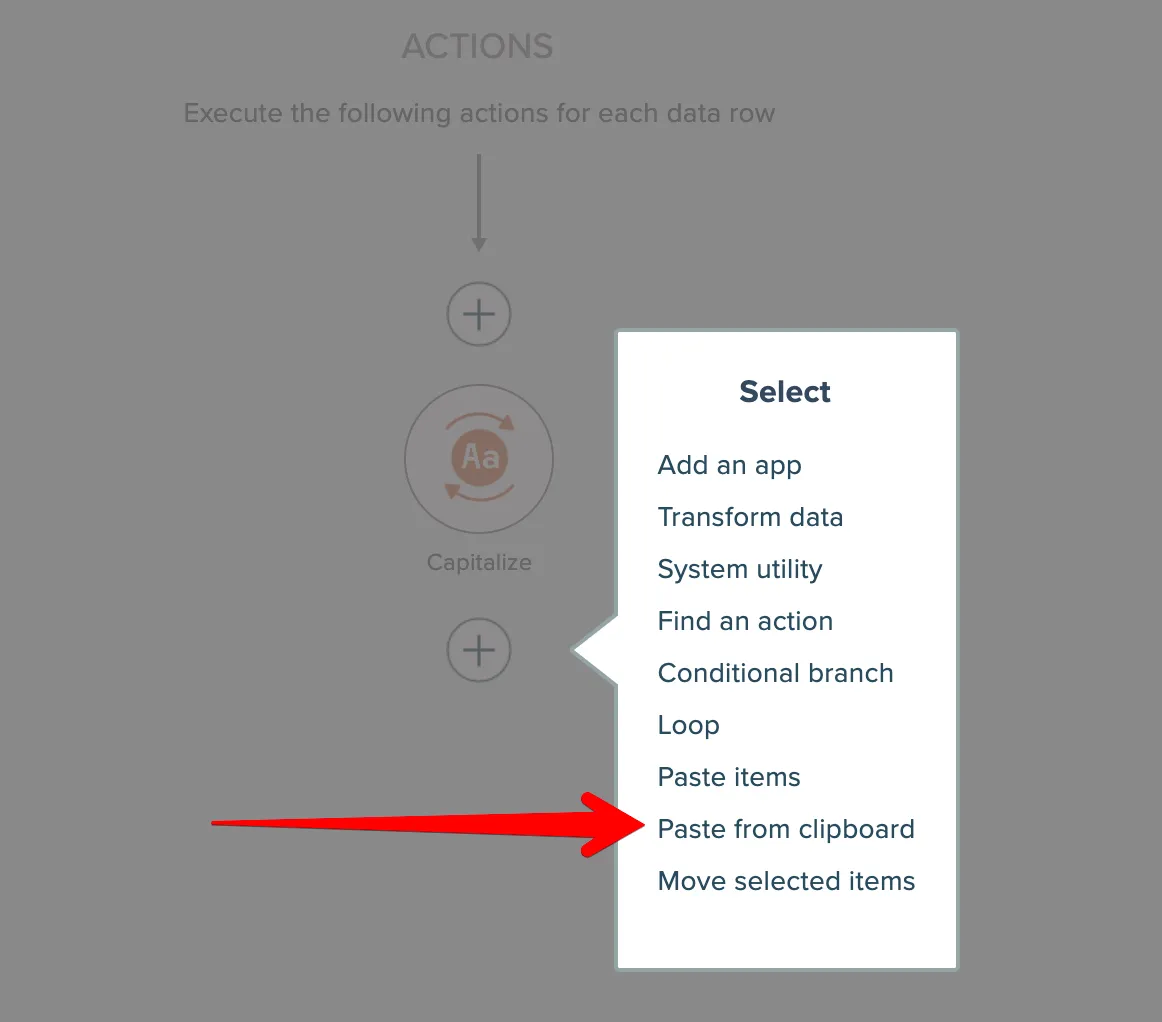
Paste the contents from your system clipboard into the entry field and click OK:
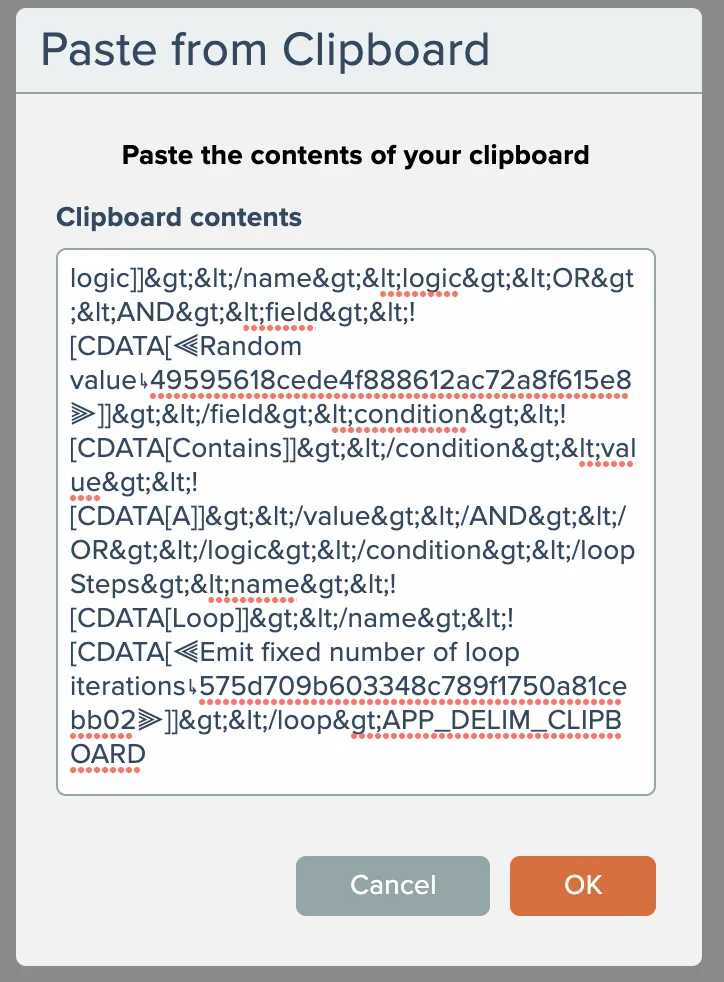
The copied contents will then appear in your automation: