
GuidePlatform UI (Fallback)v1
Copy an automation
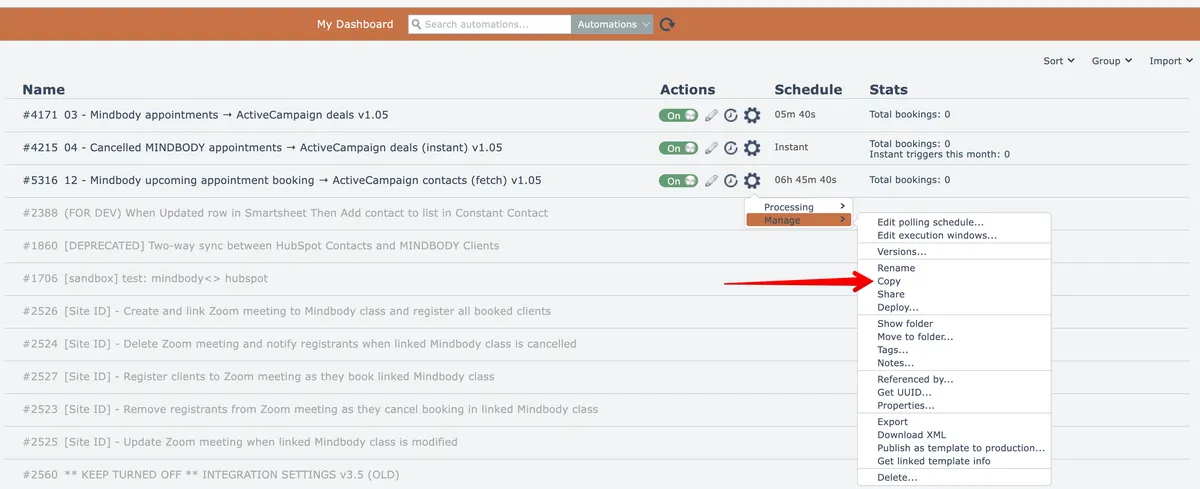
Duplicate an existing automation using the gear menu option, then modify the copy in the editor before saving.
An automation can be copied by selecting this gear menu option:
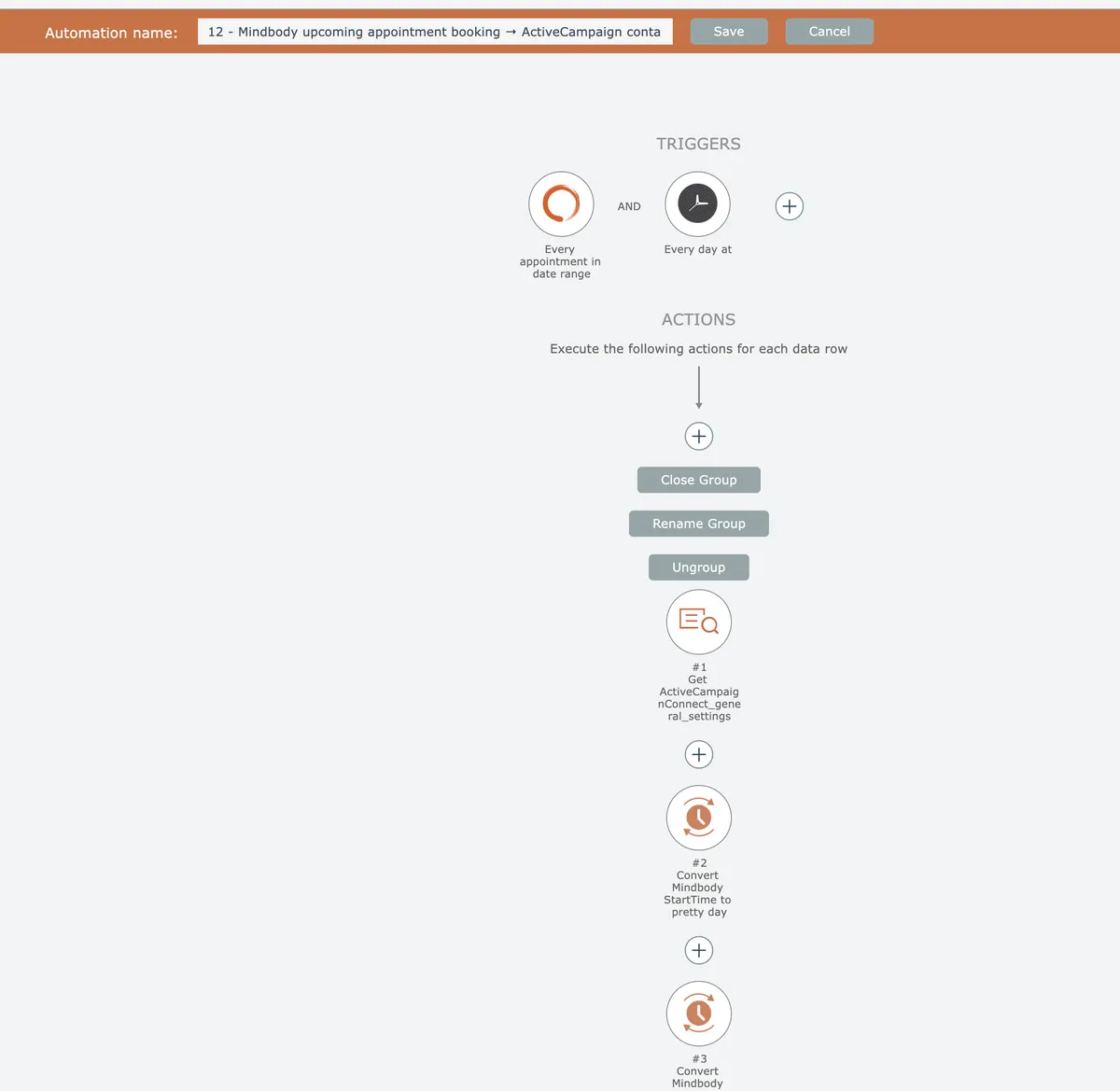
The copied automation will then appear in the automation editor, where any needed changes can be made to the copy before saving:
Related docs
Last updated May 4, 2026