
GuidePlatform UI (Fallback)v1
Disconnecting an app account
Removing connected app accounts and the impact on active automations linked to those accounts.
To disconnect an app account, click the trash icon here:

The system will prompt to confirm the disconnect:
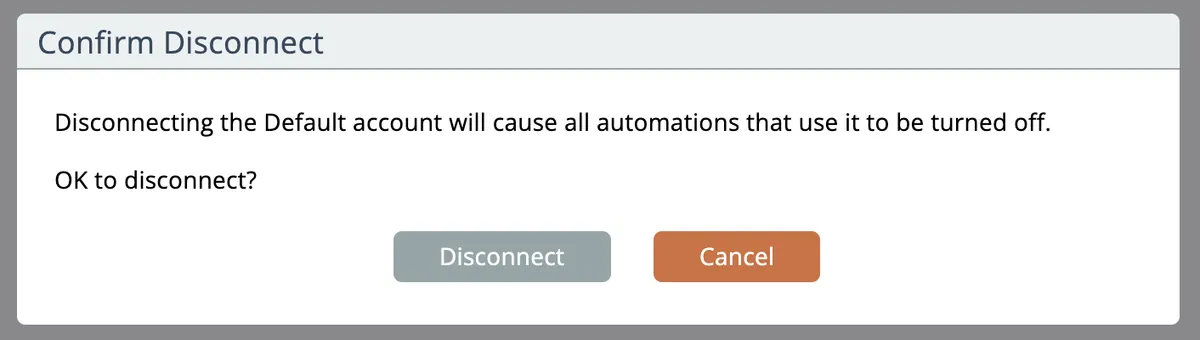
Any active automations using the account will be turned off!
If you later reconnect the same app connection you will have to manually turn the automations back on in order for them to process.
Related docs
Last updated May 4, 2026