
GuidePlatform UI (Fallback)v1
Editing connection notes
Add custom notes to app connections for storing reference information and reminders about how each integration is configured.
If you need to remember something about an app connection, you can edit connection notes here:

You can then enter anything you want to remember about the connection:
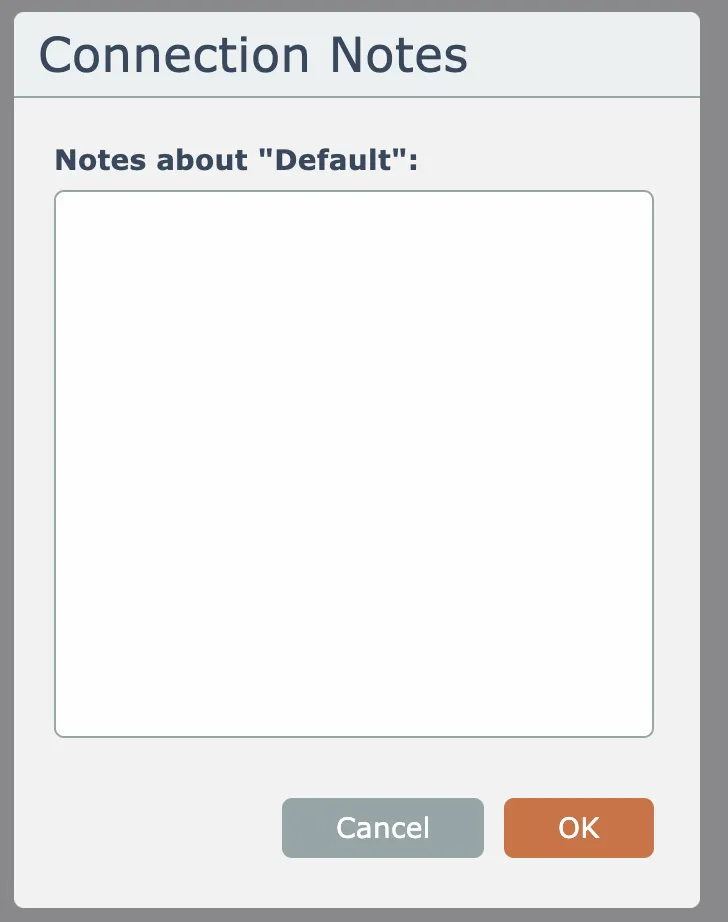
Click the OK button to save edits to the note.
Notes are not encrypted or password protected, so storing any credentials within the notes is not recommended!
Related docs
Last updated May 4, 2026