
Web Services
REST-style API endpoints built as assembly diagrams that accept query parameters or POST payloads and return data in XML, JSON, or CSV format via Web Service Output modules.
Web Services are assemblies that can be invoked via a URL.
It is also possible to build Web Service automations with the automation editor. See Web Service
Web services make it possible to build REST-style API endpoints in the form of assembly diagrams that can be invoked and return data to other systems and programming tools.
All web service assemblies must have a Web Service Output module that emits data:
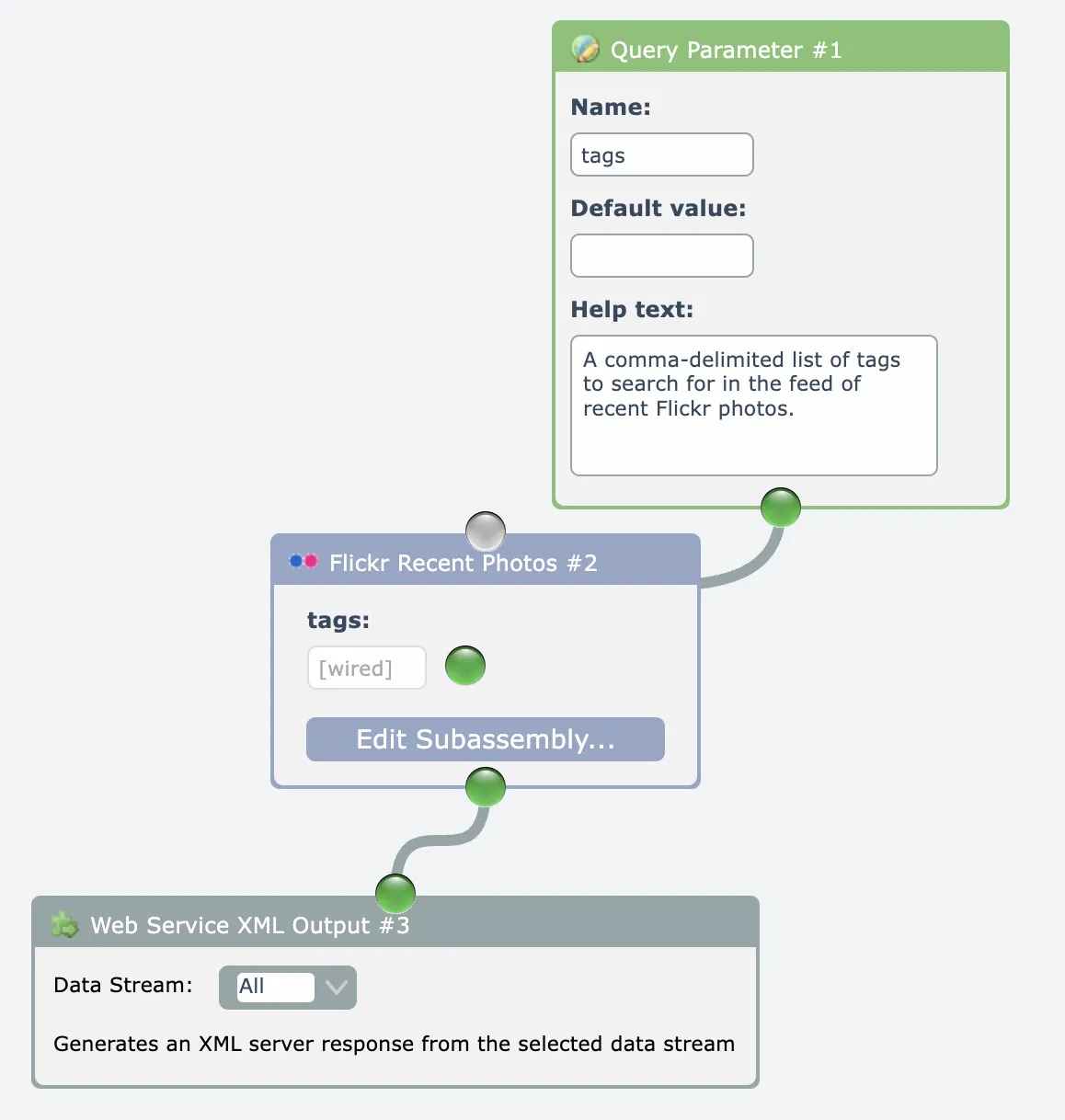
Three versions of the Web Service Output module are currently available: XML, JSON, and CSV.
Input into web services can be received as either one or more query parameters on the URL that are received by Query Parameter modules, and/or as a POST payload received with the Post Body module.
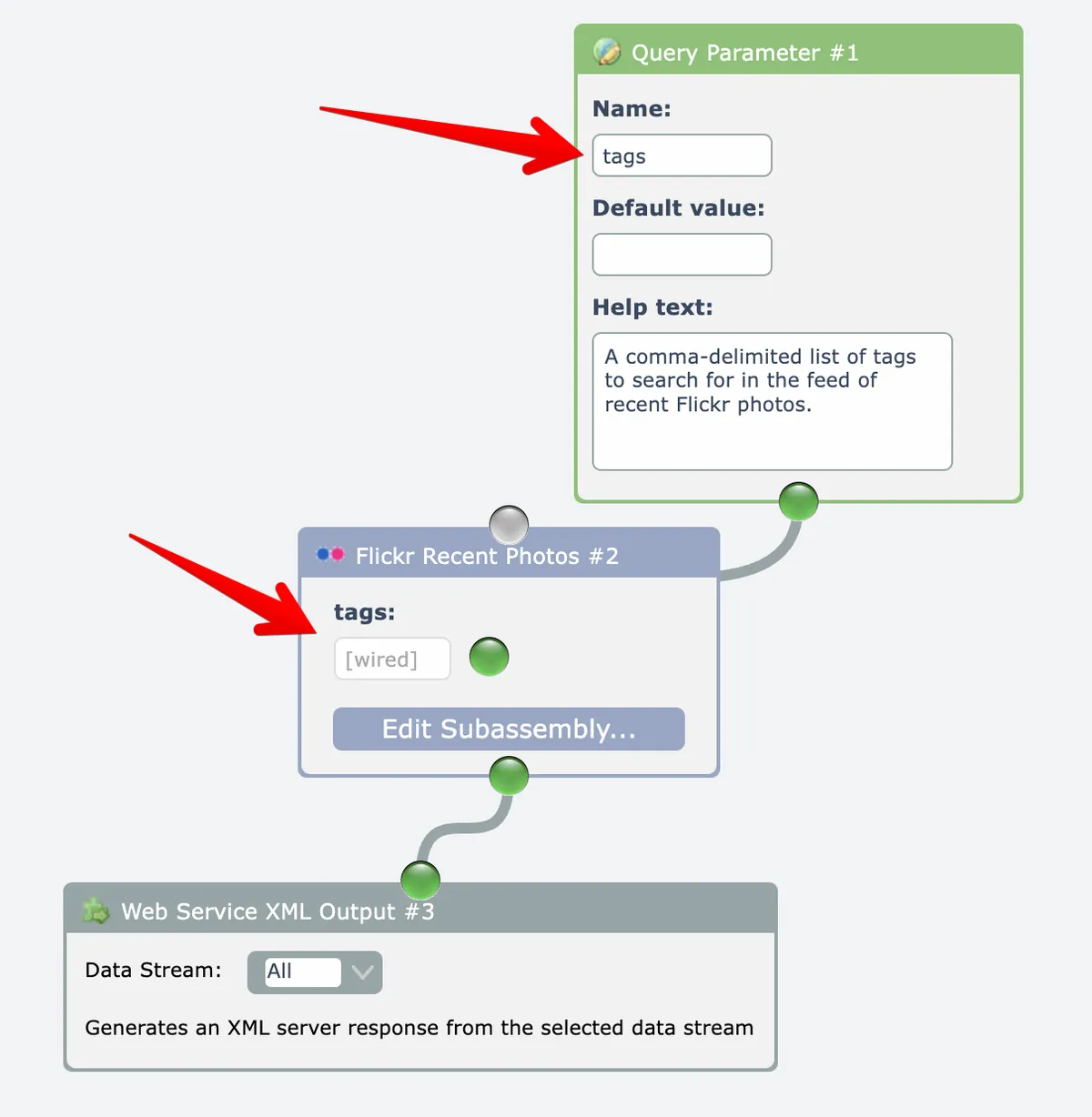
In this example, the web service accepts one query parameter named "tags" that will search Flickr for photos having the matching tags:
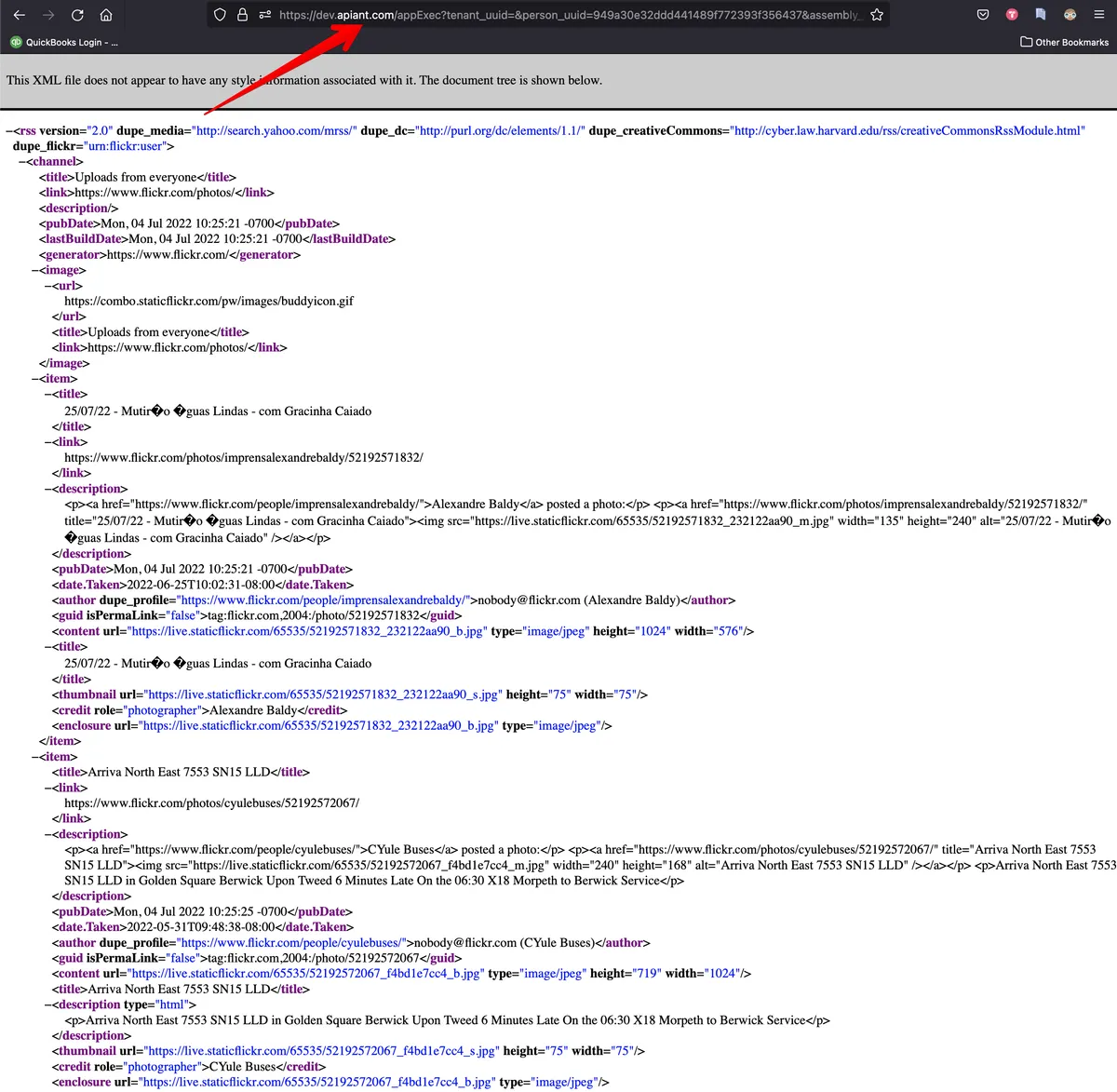
When the Execute Assembly link at the top right of the editor is clicked for web services, an option appears to run the web service in a new browser tab. This can obtain the URL for invoking the web service.
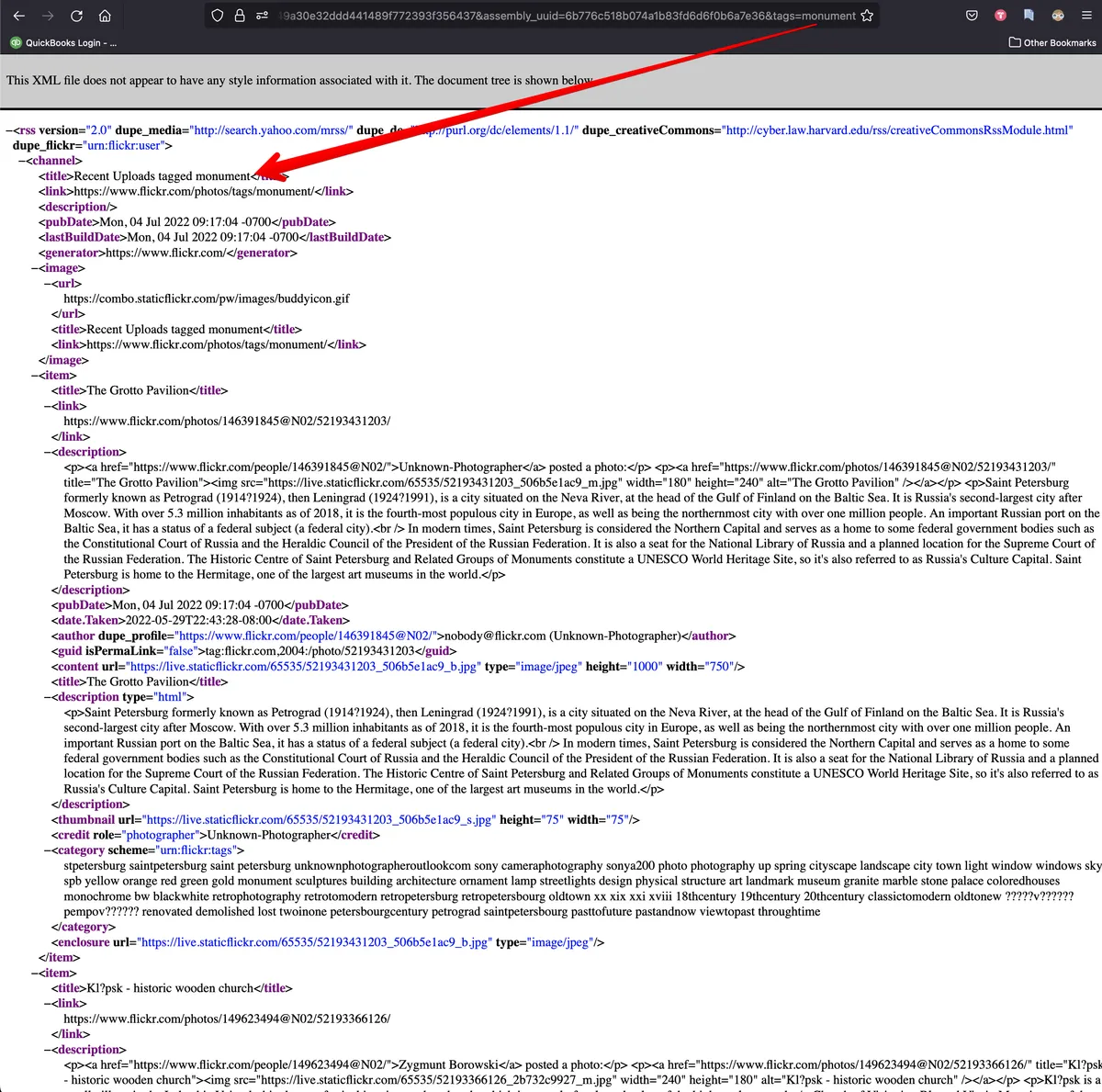
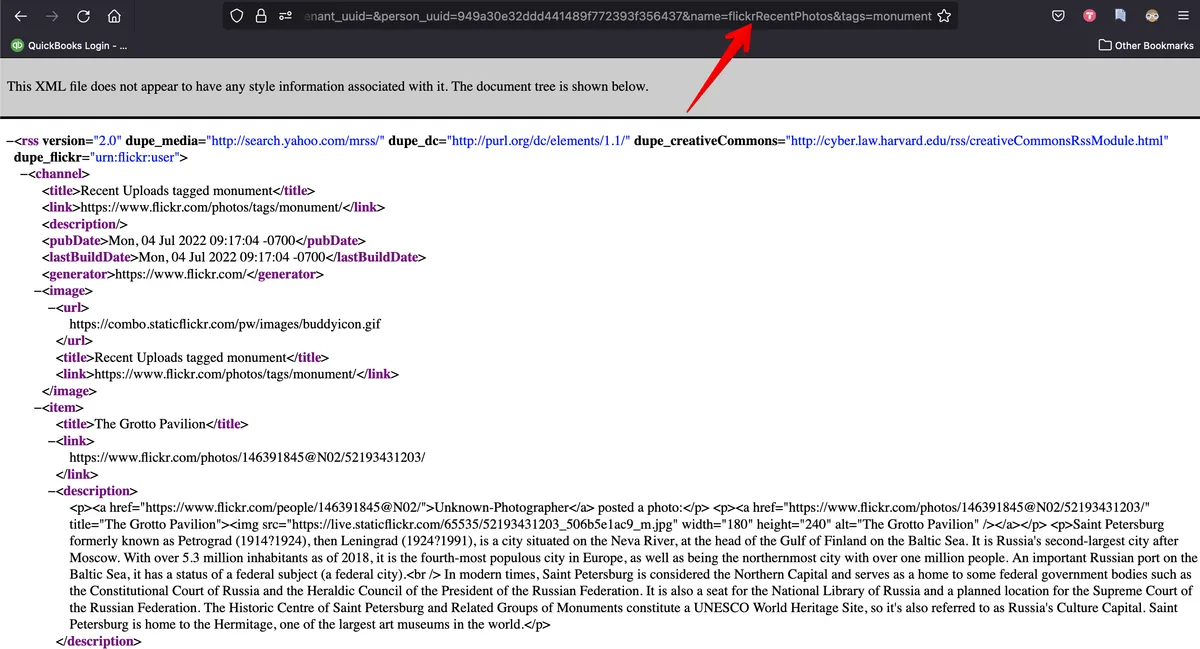
The above example Flickr web service can accept a "tags" query parameter, so let's add that to the URL to filter the results:
When an assembly containing a Web Service Output module is saved, a system-wide unique web service name must be entered. This unique name can invoke the web service instead of using the assembly_uuid query parameter:
Web services are easily consumed within other assemblies in APIANT by dragging web services out of the catalog:
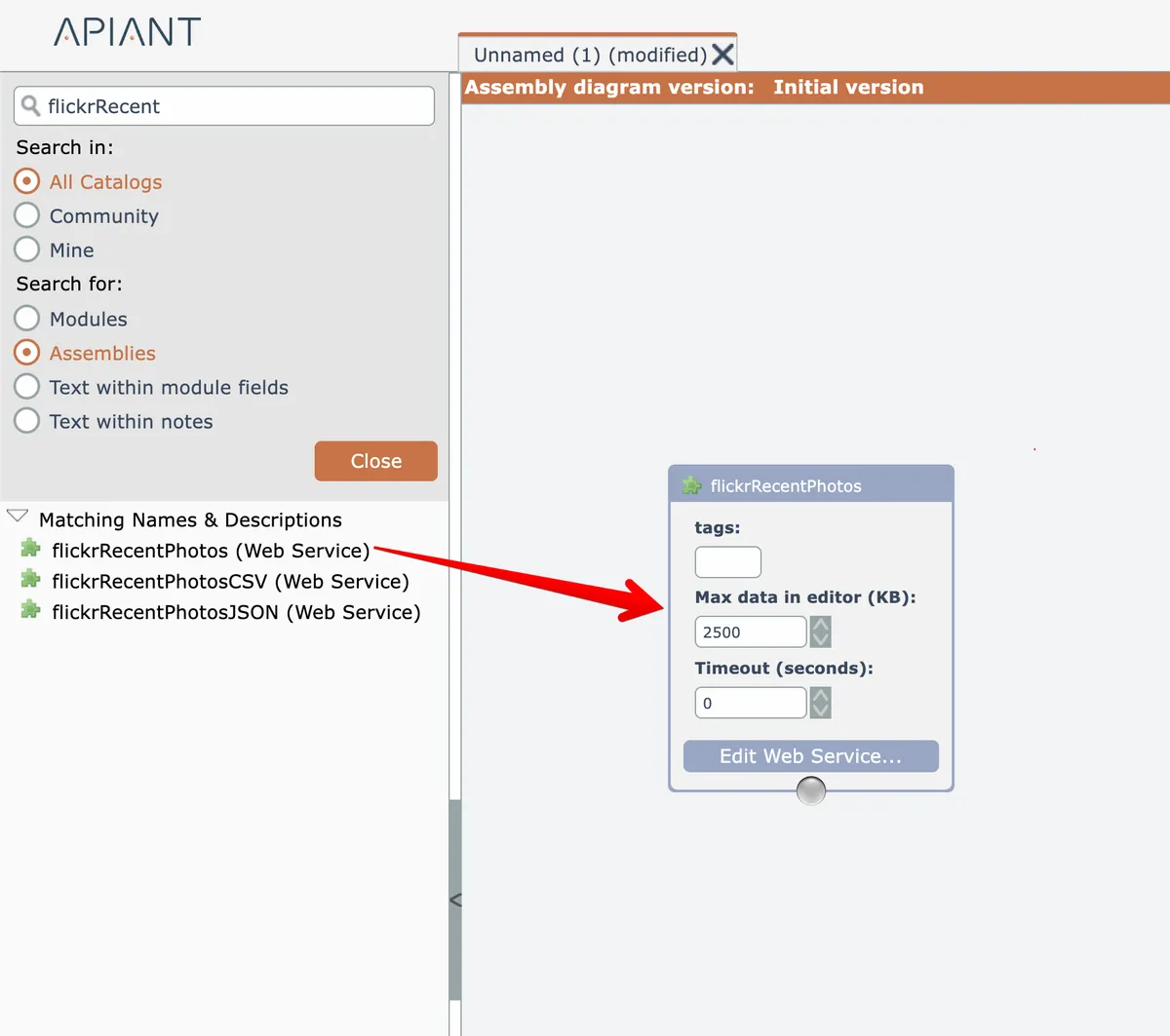
Notice that the "tags" query parameter is an available input value in the web service module.
Query Parameter and POST Body modules can only be placed in the top-level web service assembly, not within subassemblies the web service may use.
Managing Web Services
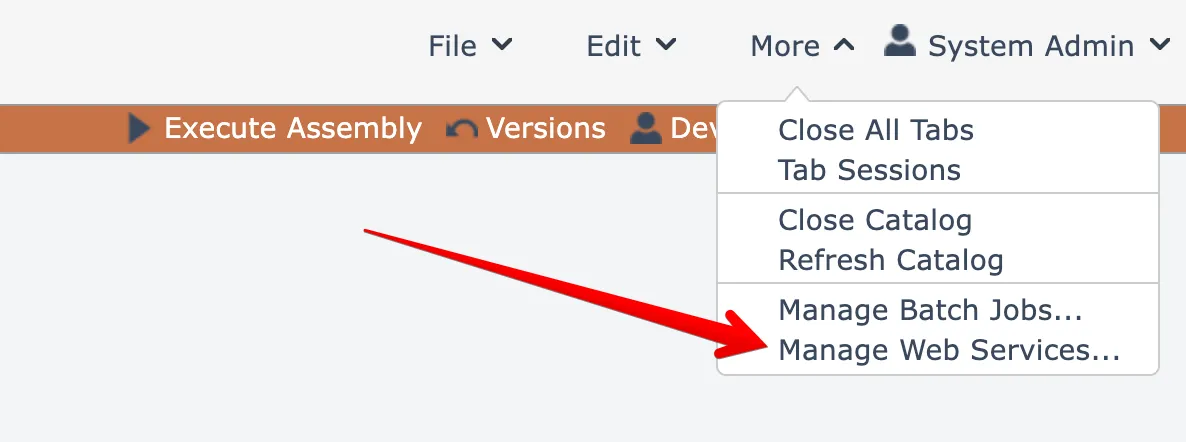
Select this menu option under the More menu at the top right to manage your web services:
A dialog opens listing all your web services:
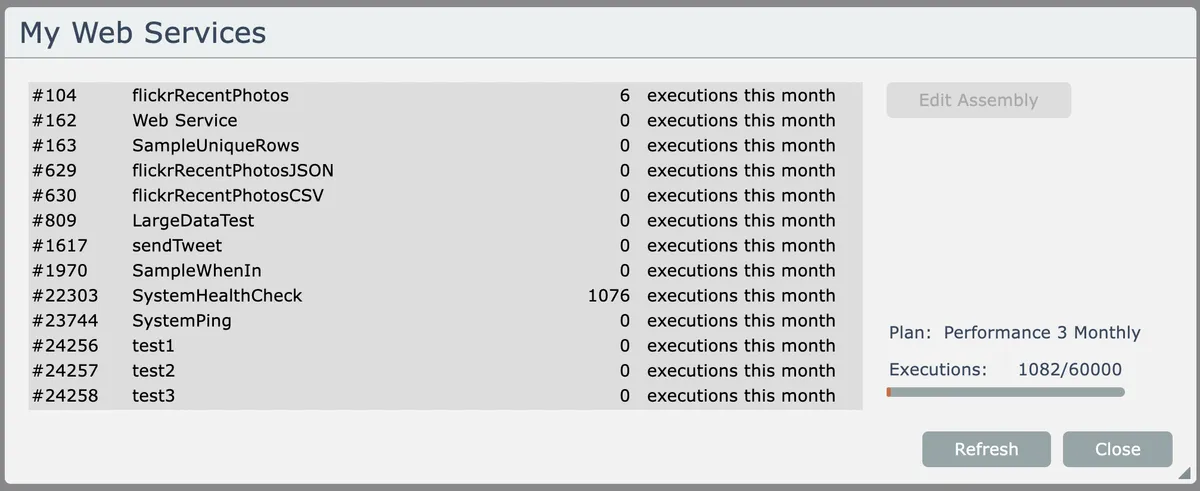
Accounts having a subscription plan will be able to see how many times their web services have been invoked for the current billing period.