
Batch Jobs
Scheduled execution of assemblies at regular intervals using Cron, daily, or hourly scheduling for recurring background tasks like feed refreshes and data synchronization.
Batch Jobs can be created to execute assemblies at a scheduled interval. They can be useful for background tasks that need to occur at a regular interval, like refreshing RSS feeds.
Batch Job modules define a batch job:
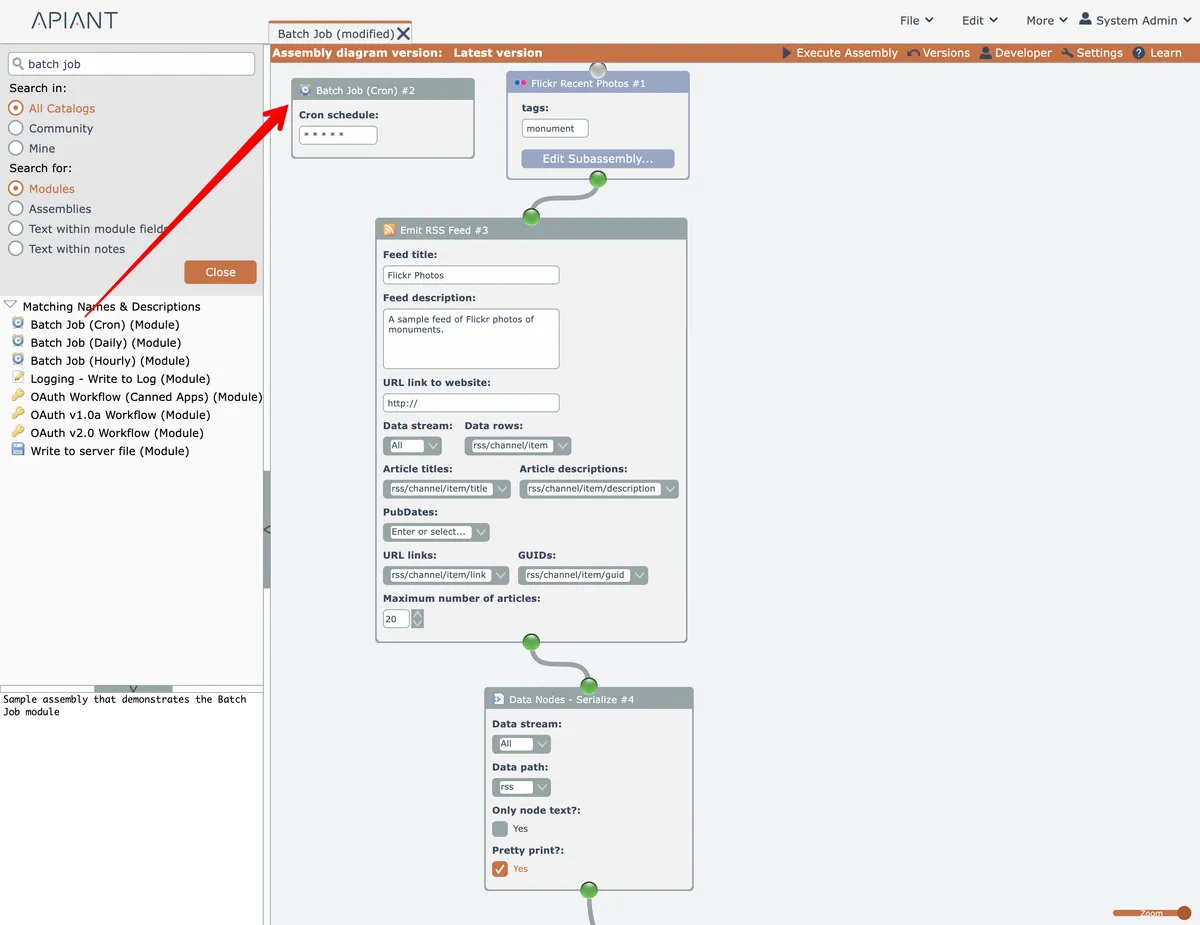
Three variations of Batch Job modules are currently available.
The Cron version lets a raw cron schedule string be configured.
The Daily and Hourly versions are simpler, where the system will randomly choose a schedule that runs at a daily or hourly rate.
Batch Jobs are not executed until they are activated. See the next section Managing Batch Jobs.
Managing Batch Jobs
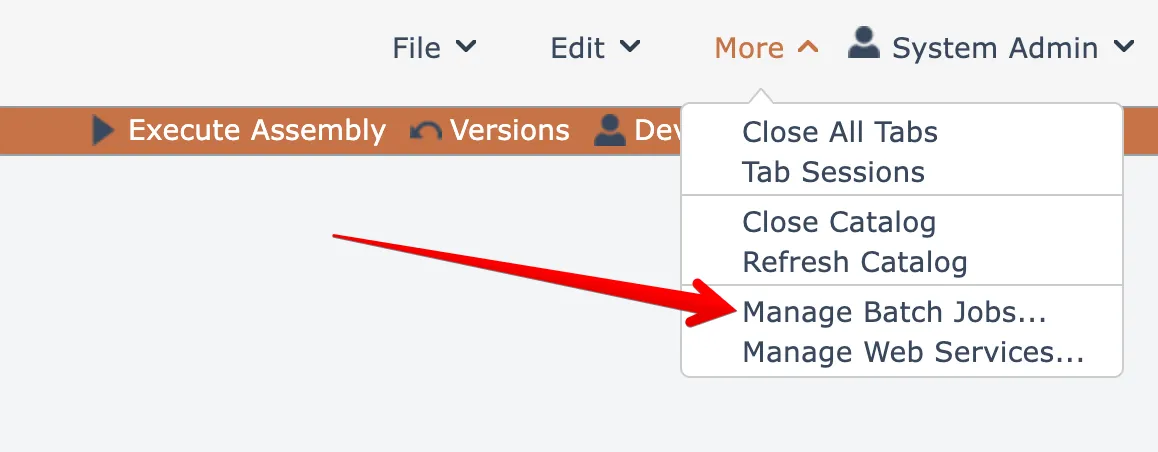
Select this menu option under the More menu at the top right to manage your batch jobs:
A dialog opens listing all your batch jobs:
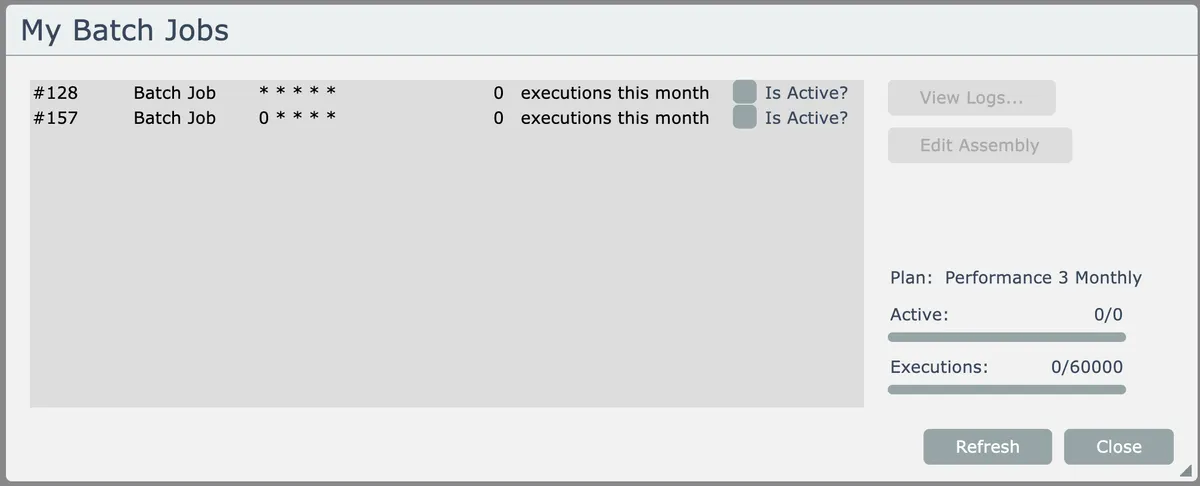
Only batch jobs that are checked as active are scheduled and executed by the system.
Accounts having a subscription plan will be able to see how many times their batch jobs have been invoked for the current billing period.