
API ReferencePlatform UI (Fallback)v1
Determine if an automation is referenced
Find which automations reference another automation through execute automation or turn automation on/off System actions using the gear menu option.
Automations may execute other automations via "execute automation" System actions, or may be turned on or off by "turn automation on or off" System actions.
To determine if an automation is referenced by another automation using one of those actions, use this gear menu option:
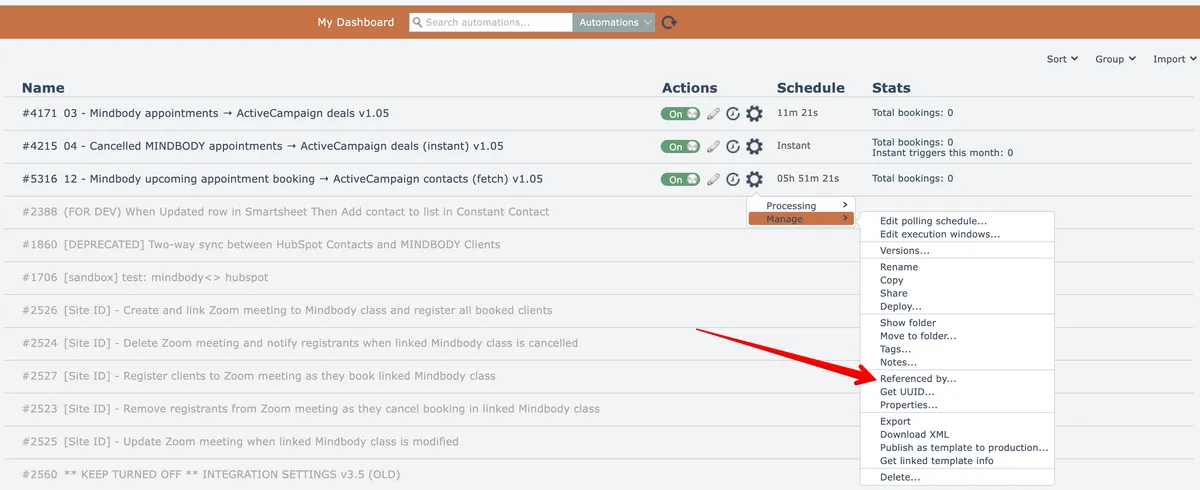
Any references will be displayed:

There are other varieties of actions that can reference automations and execute them in a dynamic manner where the reference to the automation is constructed at runtime. This menu option is not able to determine all possible references, such as those that are dynamic in nature.
Related docs
Last updated May 4, 2026