
Sorting the list
Organize your automations list by name, ID, or runtime references to find specific automations and visualize parent-child relationships between automations and subroutines.
The sort menu at the top right provides options for sorting the list of automations. By default, automations are sorted by name:
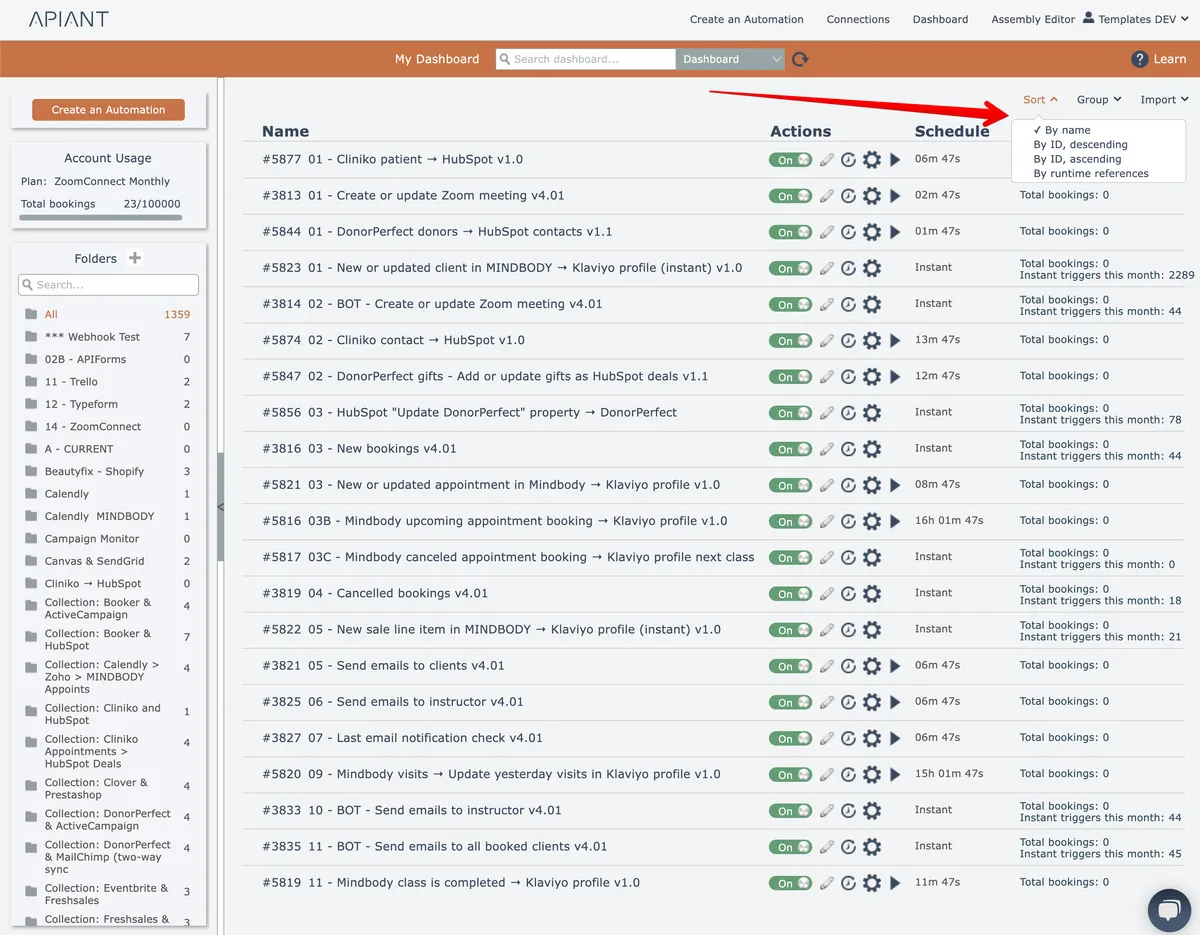
Sort the list by "ID, descending" if you want to find your newest automations.
The list is always first sorted by active automations at the top.
Sort by runtime references
Sorting the list by runtime references helps to visualize automations that invoke other automations and subroutines, either via "execute automation" actions or "execute subroutine" actions.
Child automations and subroutines are indented under their parent that calls them:

As shown above, parent automation #25686 called child subroutine #24635 which in turn called child subroutine #25672.
Parent-child references are determined when automations execute. So the information displayed may be incomplete depending on if parent items have executed all of their possible child items.