URL query parameters
Pre-populate form fields and control element visibility using URL query parameters by matching parameter names to input field names or appending _visible=false to hide elements.
Input values
Forms can be pre-populated with input data via URL query parameters.
For example, this form has an input named "Username":
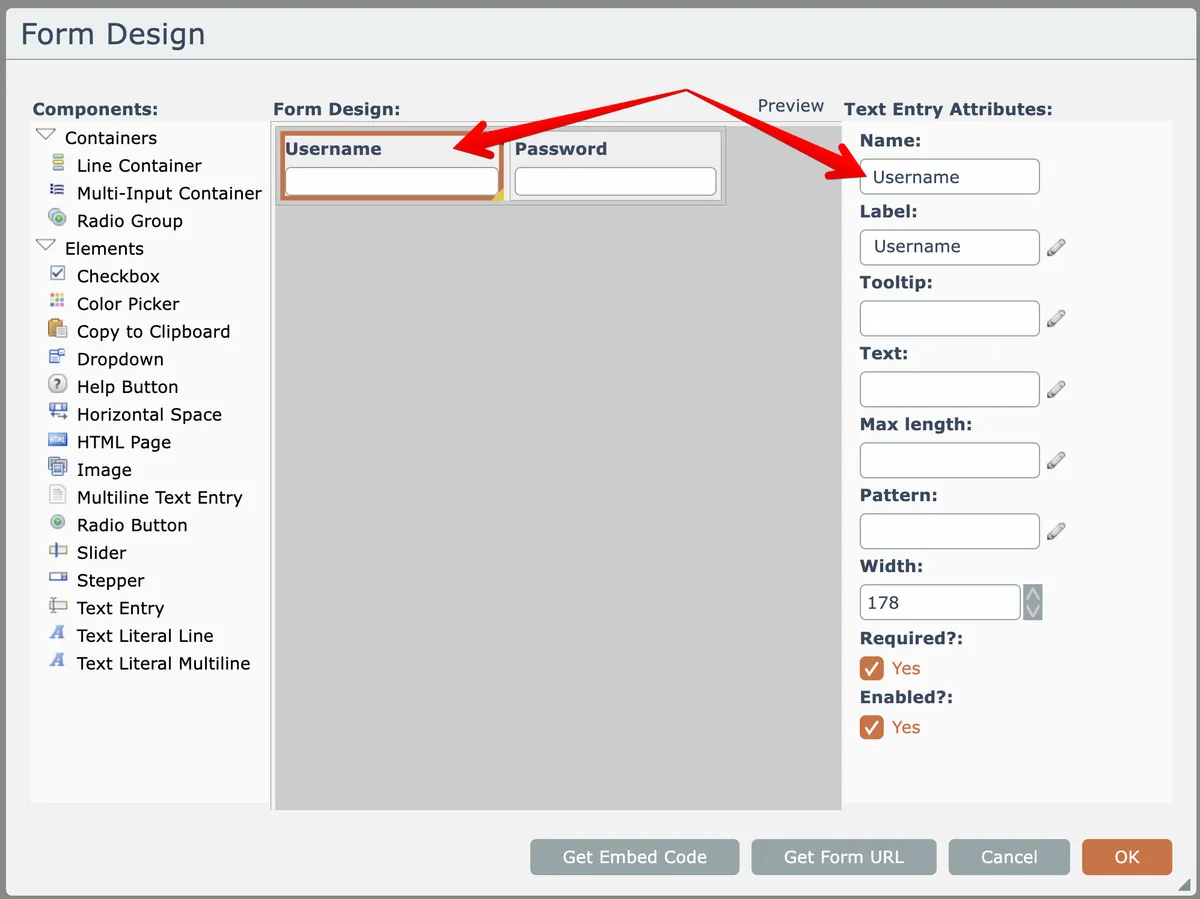
Supplying a query parameter of the same name causes the value to appear when the form loads:
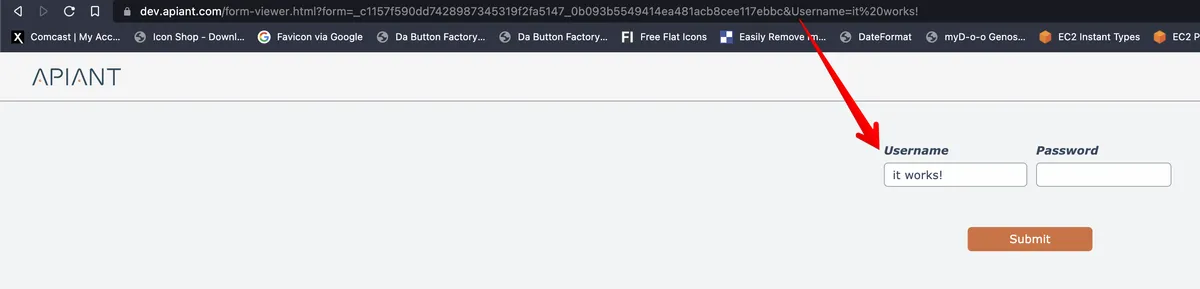
This works for both standalone and embedded forms.
For action forms, supplied URL query parameter element values will override any mapped input data provided in the form's field mappings within the automation.
Hiding form elements
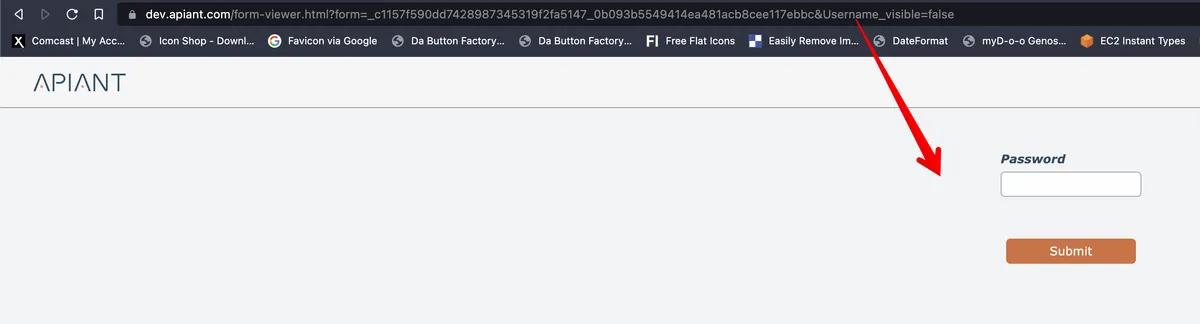
Form UI elements can be hidden by supplying URL query parameters of the form "elementname_visible=false", where 'elementname' is the name of the UI element in the form design: