
Styling a Form
Customize form appearance by adjusting control colors and corner radius, with support for light and dark modes that adapt to browser preferences.
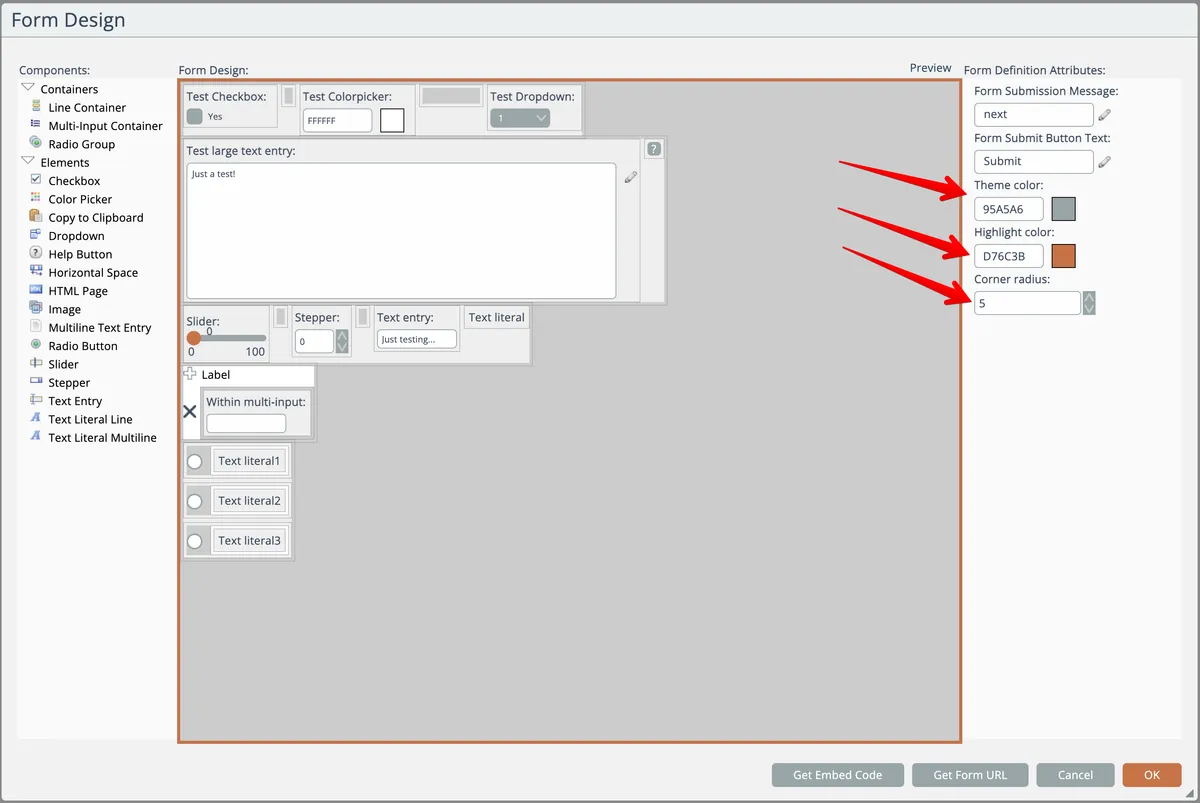
To change the look of the UI controls with a form, first click on the form's design canvas background. Then adjust the colors and corner radius for the UI controls here:
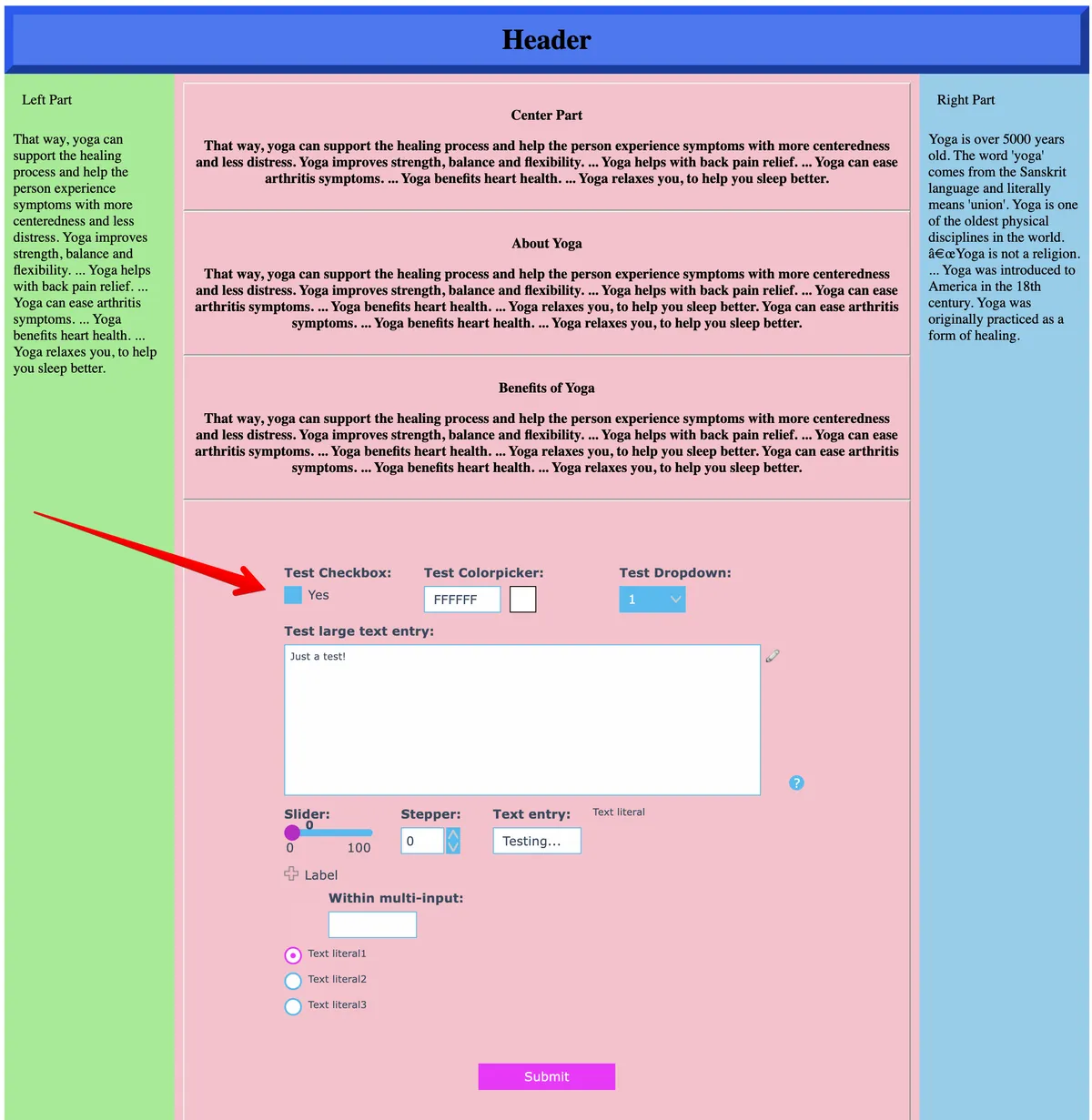
When embedded on a web page, the form will have a transparent background so it integrates with your page's design:
Light/Dark Mode Support
Forms support light and dark modes. When viewed, the form will appear in the mode as determined from the browser's preference.
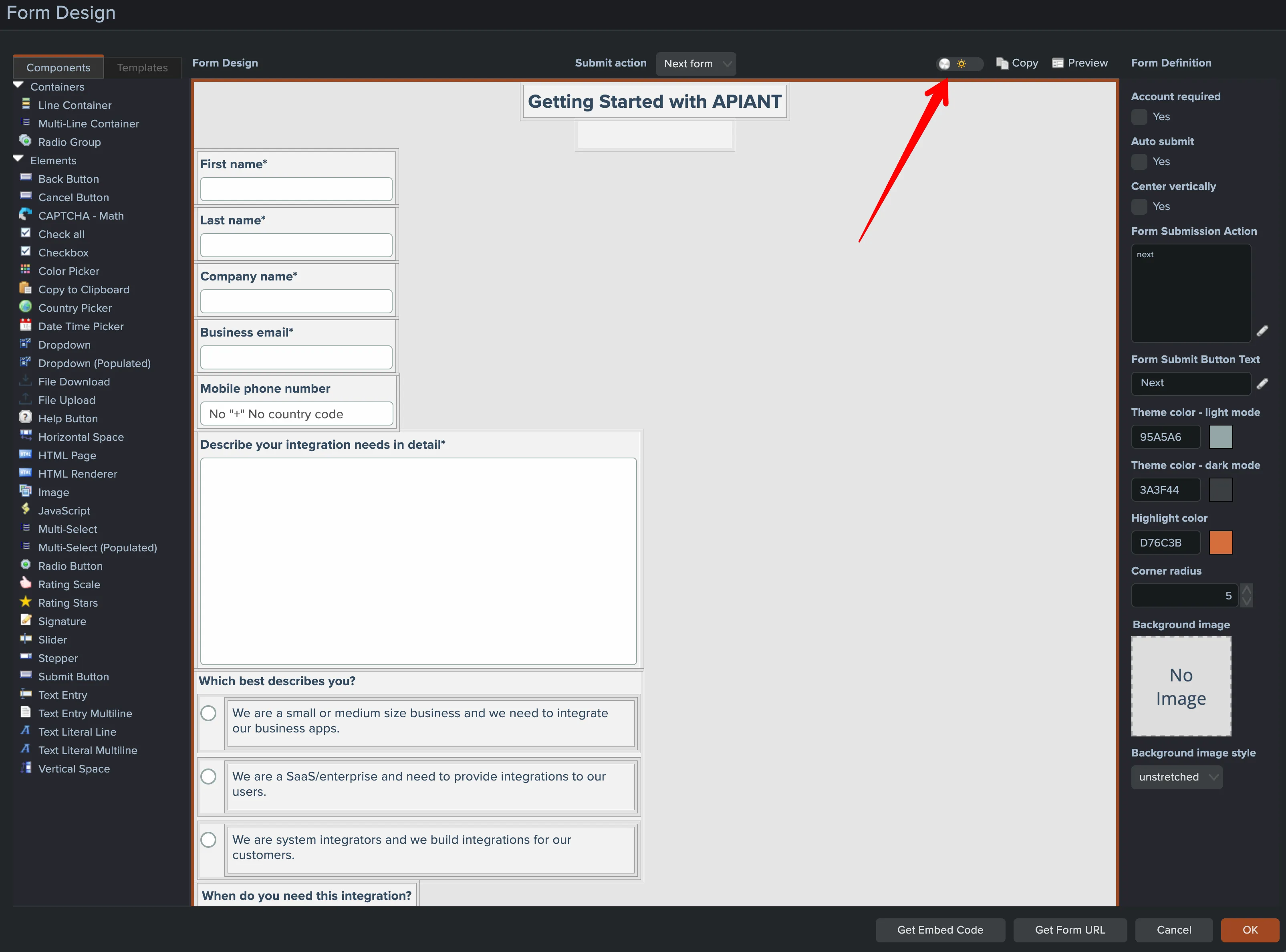
The form designer can be toggled between light and dark modes:
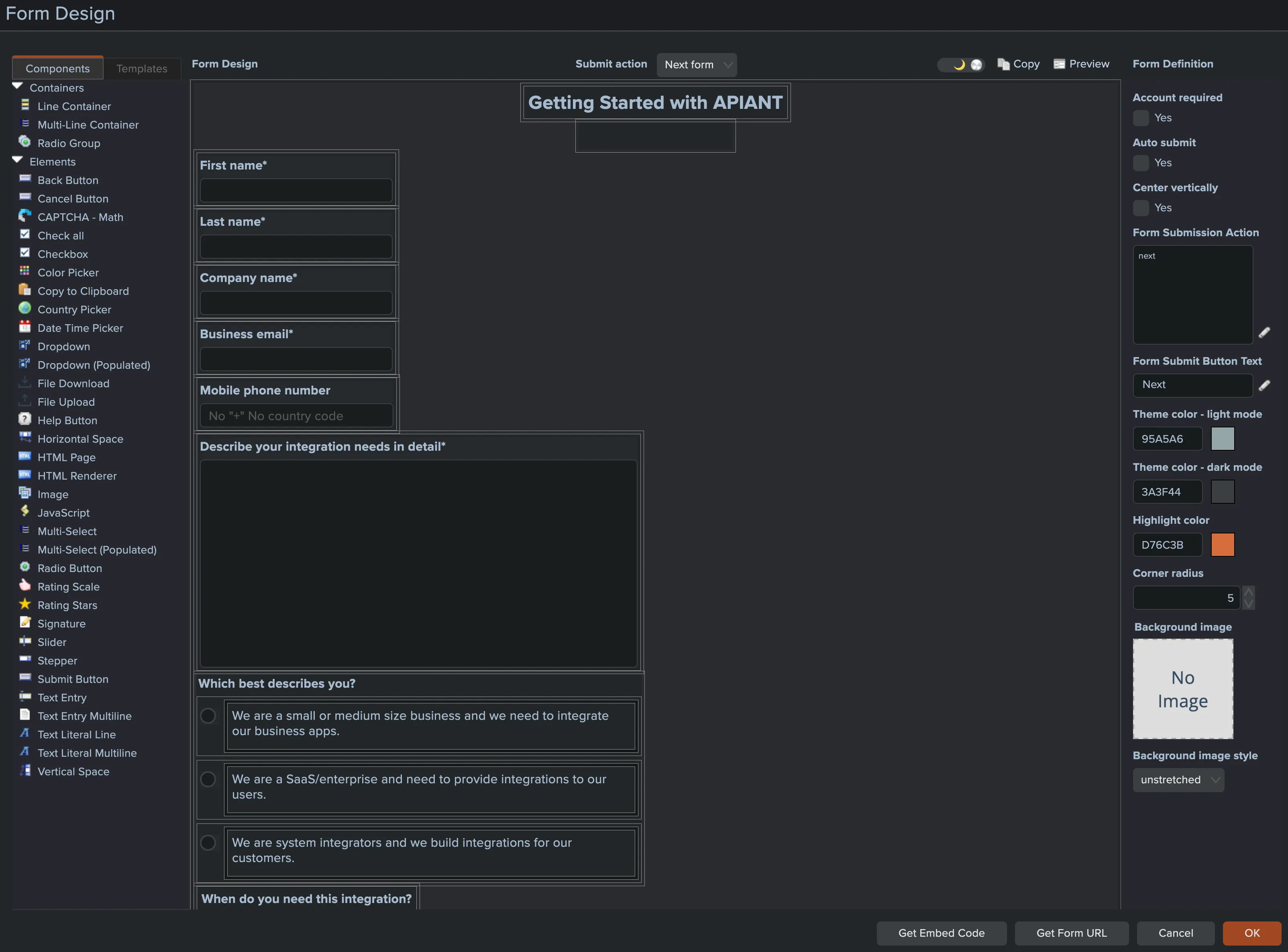
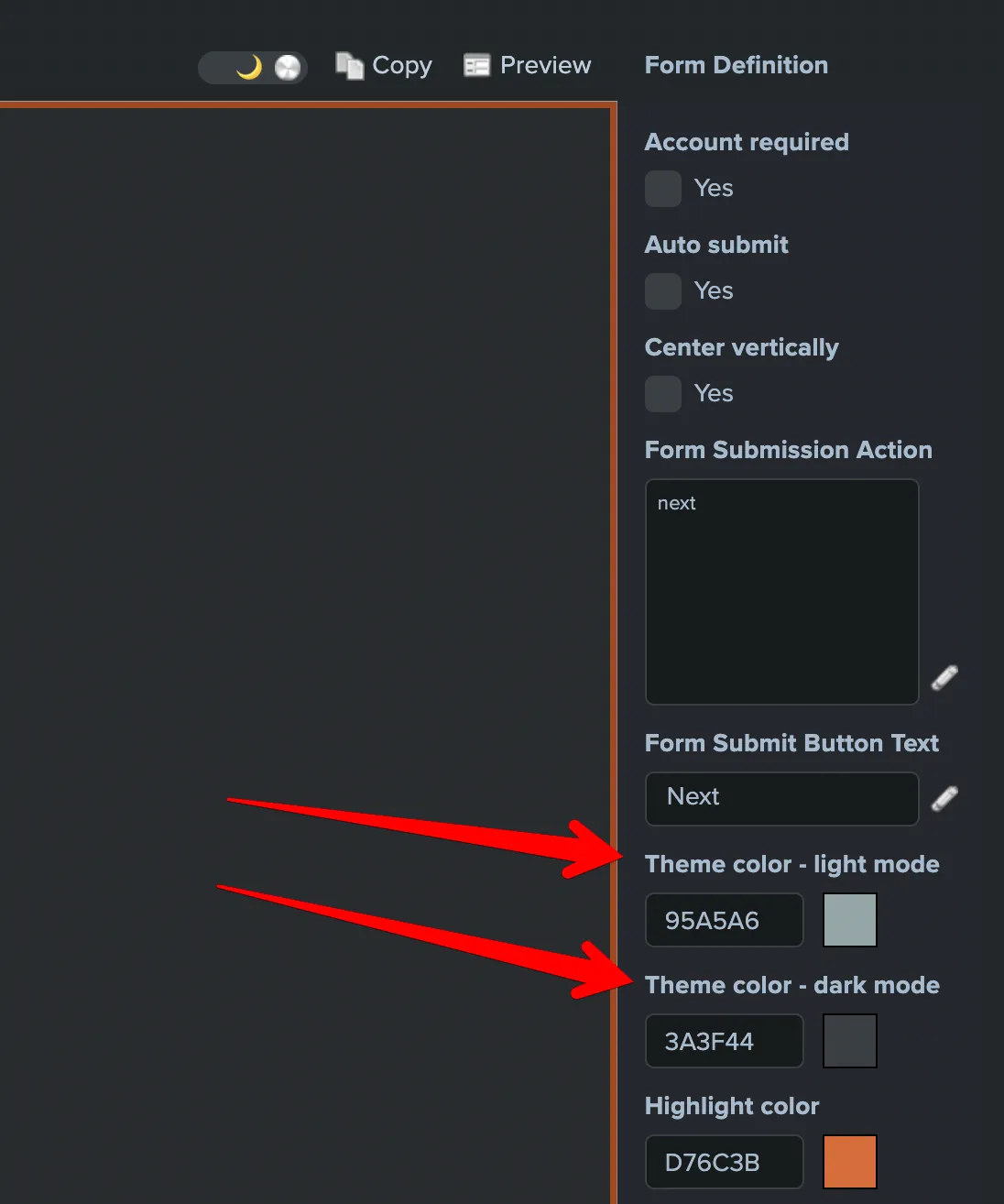
The root form container and certain form elements have settings that are mode-specific:
Otherwise colors are determined from the system's themes for light and dark modes.