
GuidePlatform UI (Fallback)v1
Dynamic Lists
Populate Dropdown and Multi-Select List elements with dynamic values from automation arrays at runtime instead of using static predefined options.
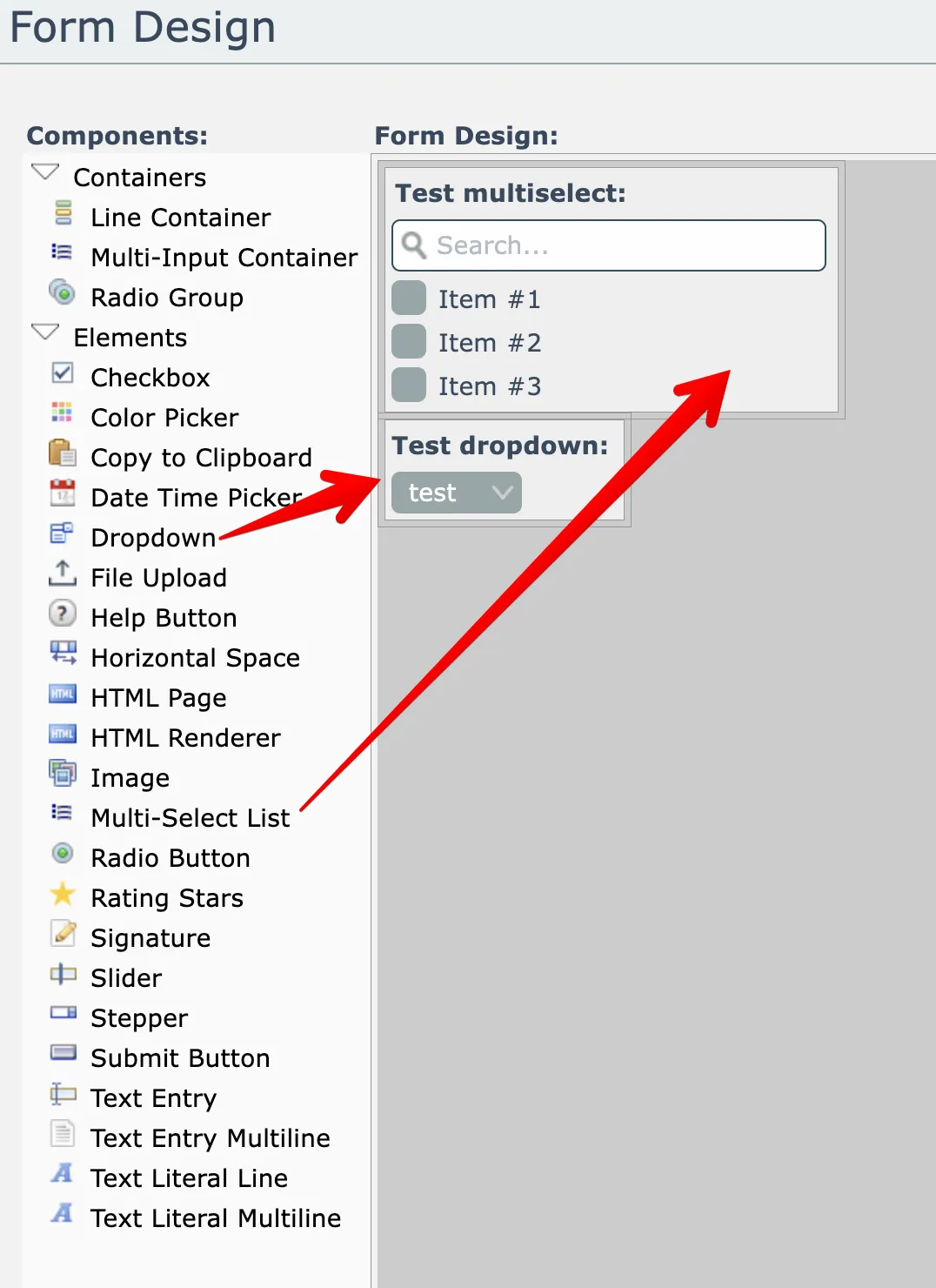
The Dropdown and Multi-Select List elements within forms can have their value lists populated dynamically from automation array data:
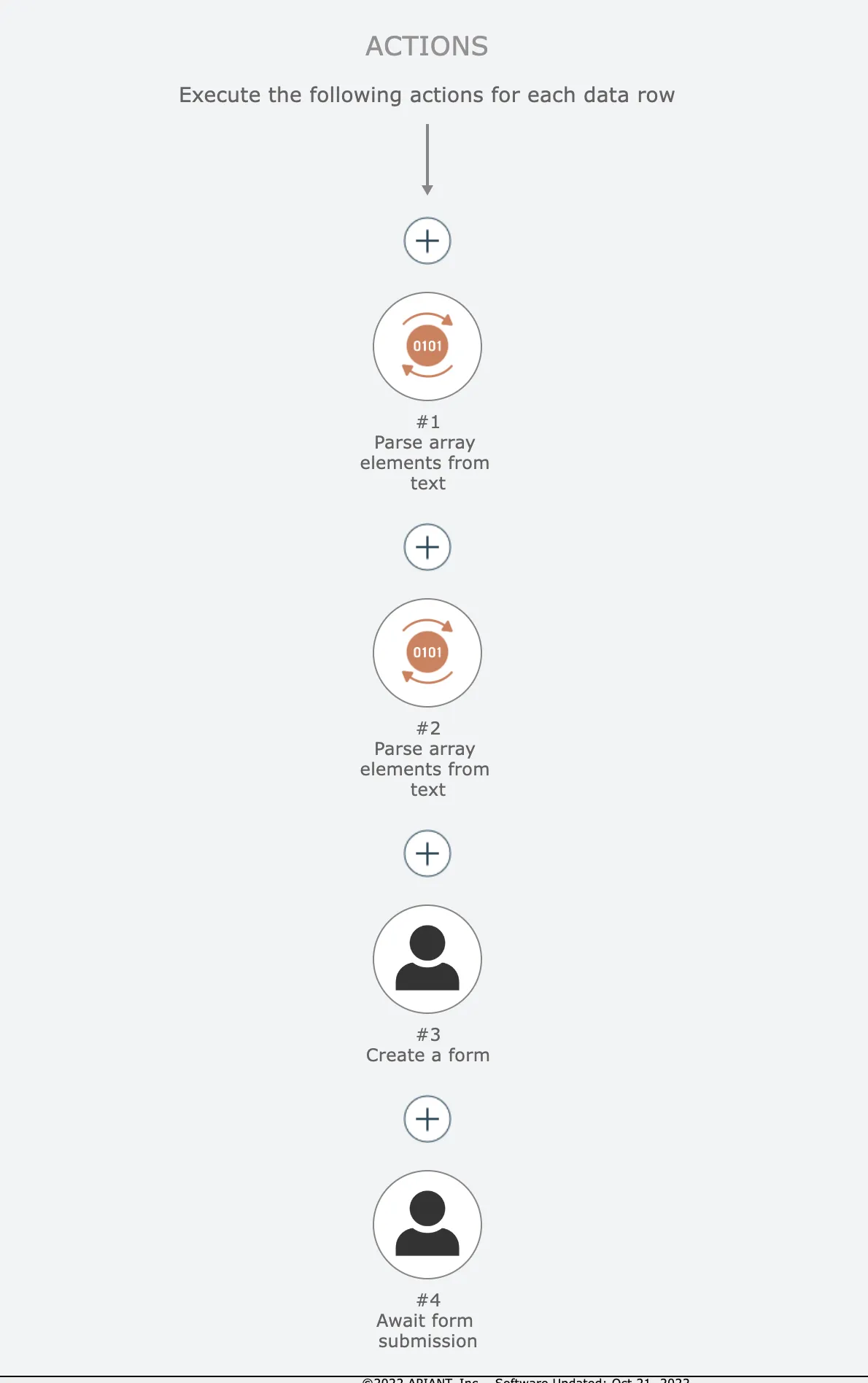
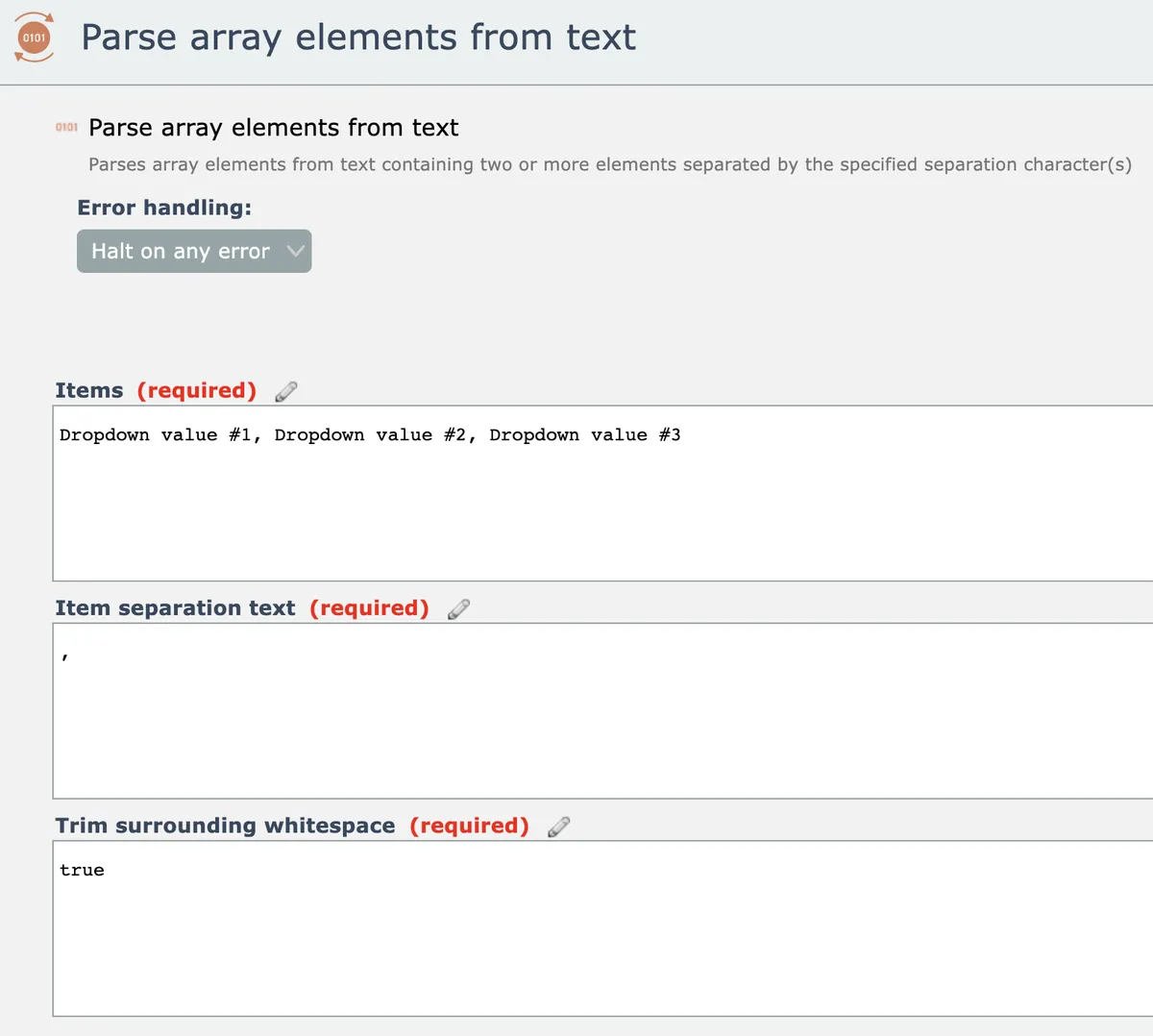
As an example, this automation uses two "parse array elements from text" actions to emit arrays that will be used for the value lists in a dropdown and a multi-select list:
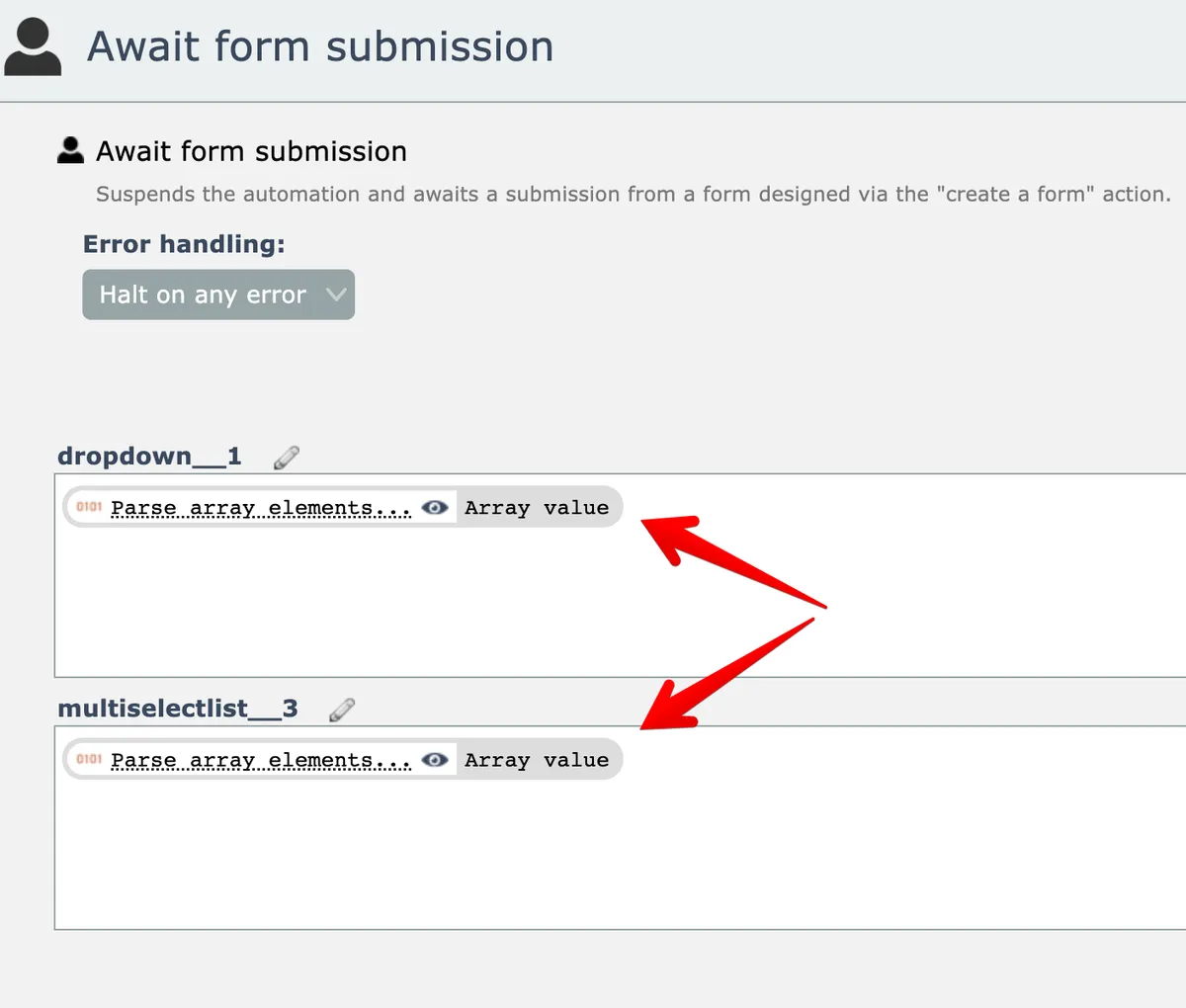
The arrays are mapped as inputs to the dropdown and multi-select list elements in the "await form submission" action:
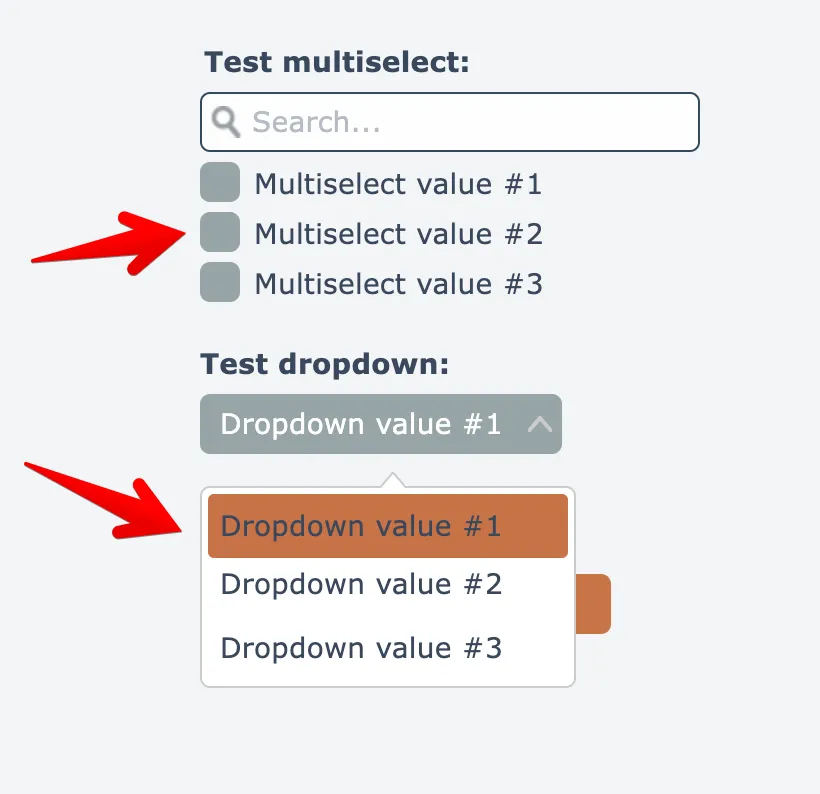
When the form loads, the elements are then dynamically populated with the mapped input array data from the automation:
Related docs
Last updated May 4, 2026